Do a job you repeat once while Incredible watches, then ask for it by name. How it works, and how it differs from a macro recorder or Zapier.
Most office jobs that repeat are too small for anyone to automate. Uploading this week's invoices takes twenty minutes, and so does the Monday report. Nobody is going to commission a project for twenty minutes, so you do it by hand, every week, for years.
You can hand a job like that over without building anything, by showing it to Incredible once.
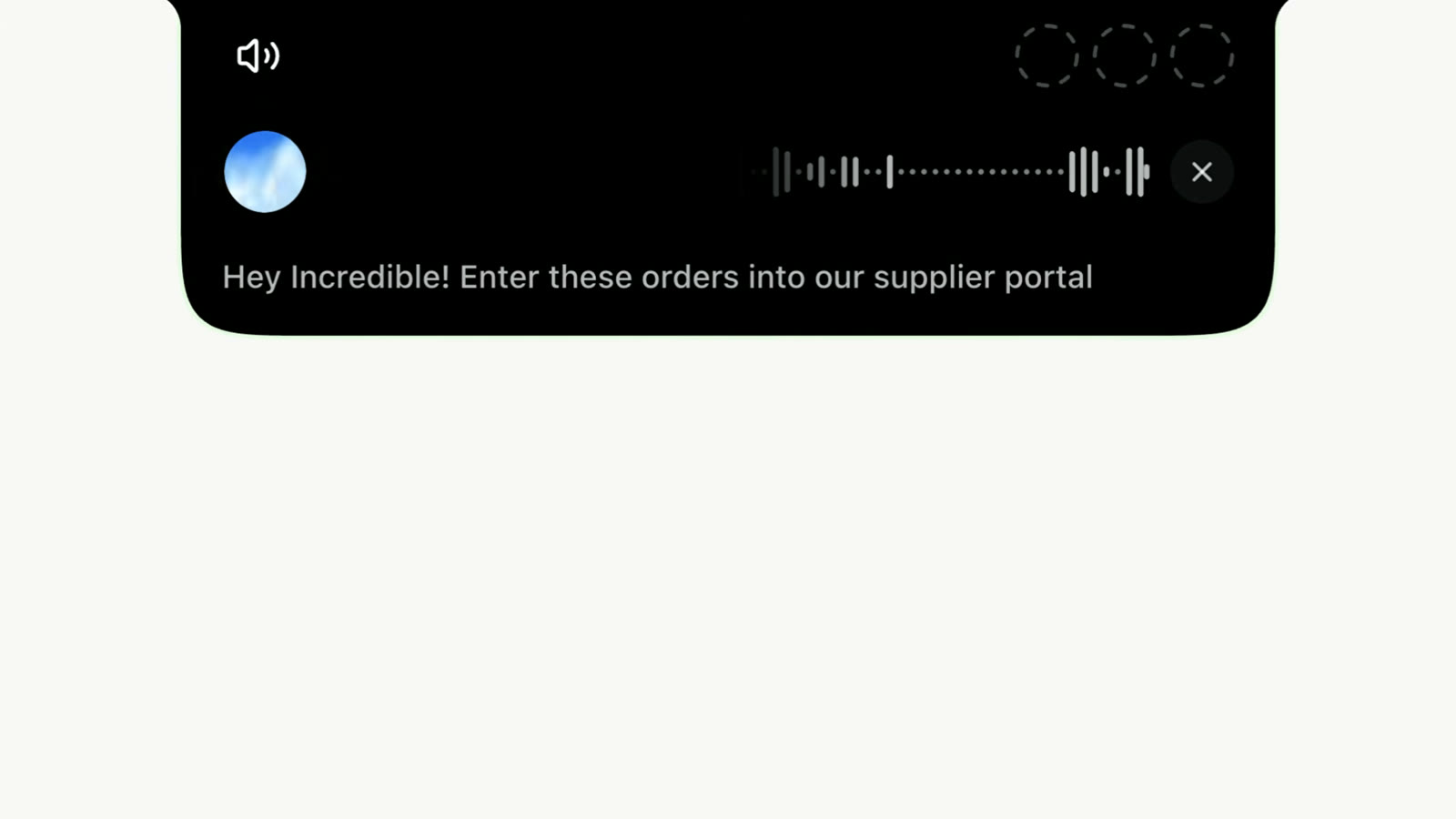
In Incredible you turn on hands-free and say what you are about to show, for example "Let me teach you how I upload my invoices to our ERP". Then you do the job the way you always do, and you talk while you do it. You say what you are opening, what you are looking for and why, as you would for a new colleague on their first day.
Incredible notes each click, everything you type or copy, and each app or tab you switch to, and it matches them to what you said. When you finish, the job is saved as a task. The next time, you ask for it by name: "Upload this week's invoices."
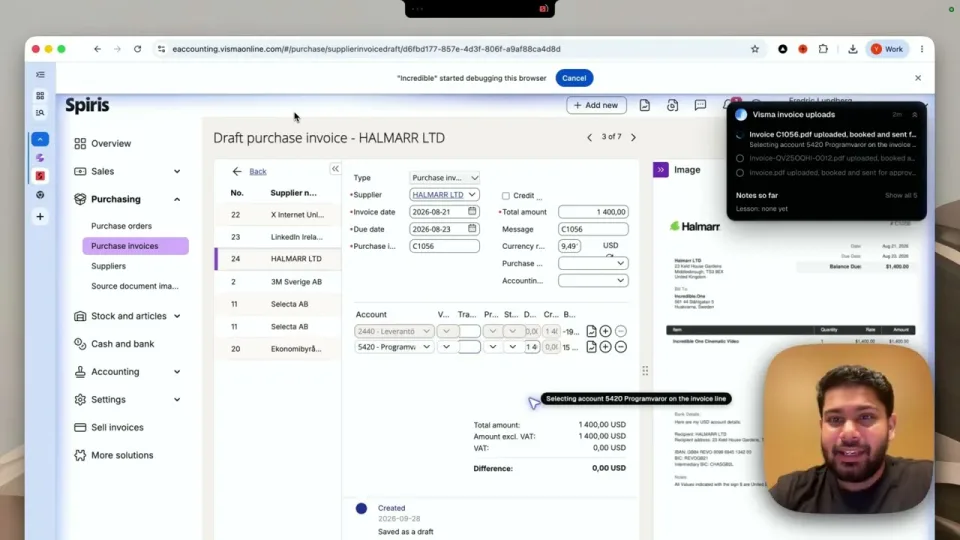
The recording at the top of the Teach a task guide shows a whole job being taught, start to finish.
It works best on a job you do the same way every time, where the details change from week to week and the steps do not.
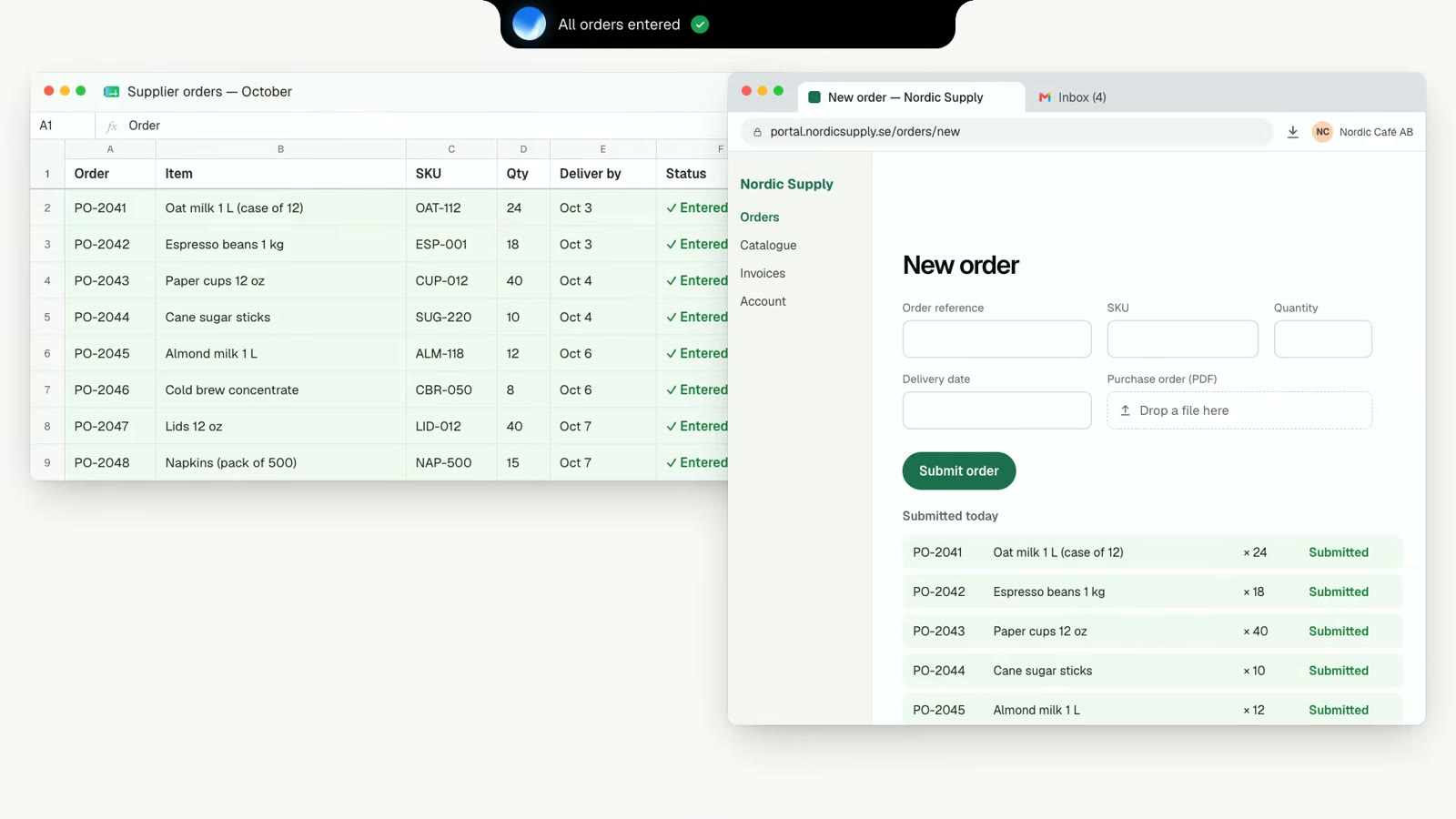
For the most common of these, copying rows from a spreadsheet into a web form, see how to automate data entry into a website with no API.
If you do a job differently every time, there is no fixed way for Incredible to learn it. Ask for those one at a time instead.
A macro recorder also starts with you doing the job once. Microsoft's Power Automate describes its recorder as one that "keeps track of mouse and keyboard activity in relation to UI elements". What it keeps is the sequence of actions. If a field has moved the next time, the flow has to be edited.
When you teach Incredible, your explanation is part of what is saved. "The invoice number is usually at the top right" still helps when the page looks different next week. It can still get a taught job wrong, which is why it stops and asks before a step it cannot undo.
Power Automate's desktop flows also run on Windows only. Incredible runs on macOS 13 or later and Windows 10 or later.
A job you have taught is a saved task, and a saved task does not have to wait for you to ask.
Anything a scheduled task sends to other people still stops for your approval. An autopilot asks first or goes ahead, whichever you told it.
In Zapier you build the automation: pick a trigger, pick the actions, map the fields, and fix it when one of the apps changes. It connects apps through their integrations, so both apps need one. When they have one, and the job runs thousands of times a day in the cloud, Zapier is the right tool.
With Incredible there is nothing to build. You hold a key and say the task. A job it cannot guess, you show it once. A job that should repeat goes on a schedule or on Autopilot.
It also works where there is no integration to connect: an old ERP, a supplier portal, a tool only your company uses. Incredible works in the window you have open, signed in as you, by clicking and typing. See Incredible vs Zapier. The trade-offs are laid out in Zapier vs an AI agent that uses your computer.
Pick one job you did this week that you will do again next week. Open what it needs and close what it does not. Then teach it once, and run it by name to check the result. You can rename a saved task and change its steps afterwards.
Incredible is free to try for 7 days with no card. Download it, or read the step-by-step guide to teaching a task first.
Yes. With Incredible you do the task once yourself while you say out loud what you are doing. It saves the job as a task, and you ask for it by name the next time.
Yes. Incredible works on your screen, in your browser and in your apps, by clicking and typing the way you do. A system does not need an integration or an API for that.
A macro recorder stores the clicks and keystrokes and replays them. Incredible also hears your explanation of each step, so the saved task holds what you were looking for and why, not only where you clicked.
Yes. A saved task can be put on a schedule, such as every Friday at 9, or on Autopilot, where it runs each time something happens in an app you have connected.
A job you do the same way every time, where only the details change: a weekly report from the same sources, uploading invoices, copying order details from one system into another, renaming and filing new files.
It clicks and types in your browser, files and apps, exactly like you do.
Requires macOS 13 or Windows 10, or later.
 Download for Mac
 Download for Windows