Download for Mac
 Download for Windows
AI Agents for Beginners: Real Examples and How to Start (2026)
What an AI agent is, five real examples you can try today, and how to hand your first task to one, with the safety habits worth having from day one.
 Emil WagmanCTO
The short answer
An AI that does the task instead of telling you how. A chatbot answers with steps. An agent takes the steps: it opens the page, clicks, types, fills in the form and comes back when it is done or needs you.
Free for 7 days. Mac and Windows.
Last updated: November 12, 2026
You have probably asked ChatGPT how to do something and got a numbered list back. Then you did the steps yourself. An AI agent is the version that does the steps.
This guide is for people who have used a chatbot and want to know what agents are, what they can do today, and how to try one without breaking anything. We make Incredible, one of the agents below, so it is written from our side. Everything about the other products comes from their own pages, read on November 12, 2026.
What is an AI agent?
An AI agent is an AI that takes actions to finish a task. You say what you want done, and it works out the steps, carries them out, checks what happened and keeps going until the job is done or it needs you.
The difference from a chatbot is easiest to see with one request: "add this supplier invoice to our accounting system."
- A chatbot tells you which menu to open and what to type in each field.
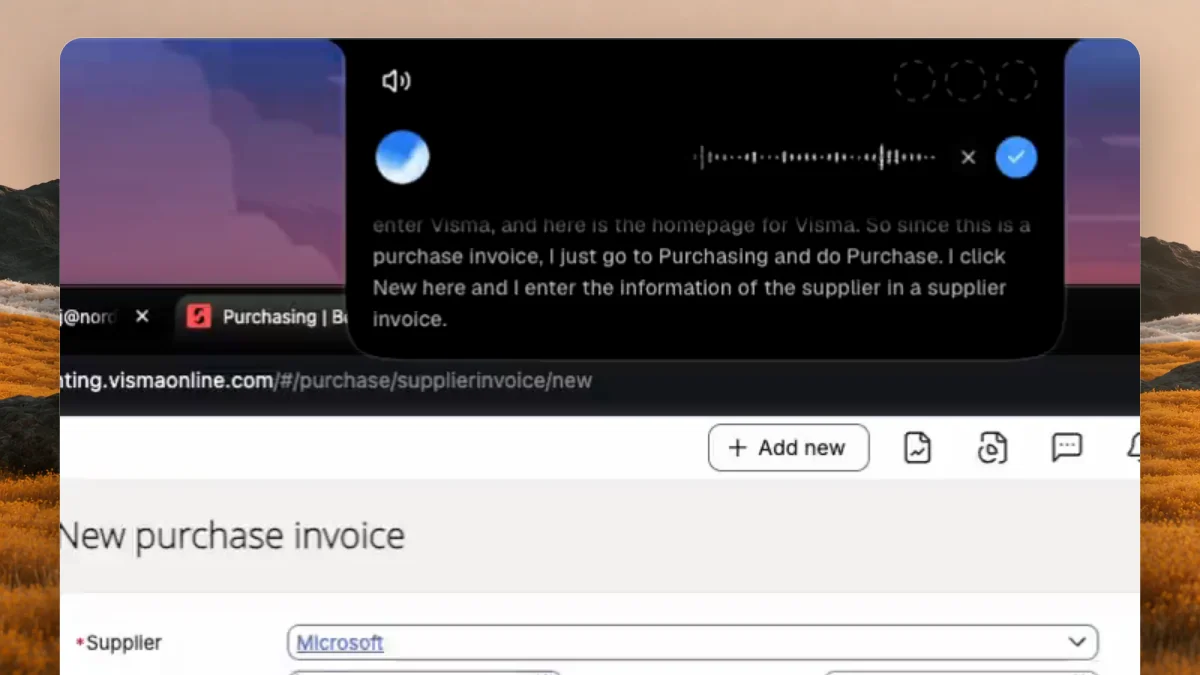
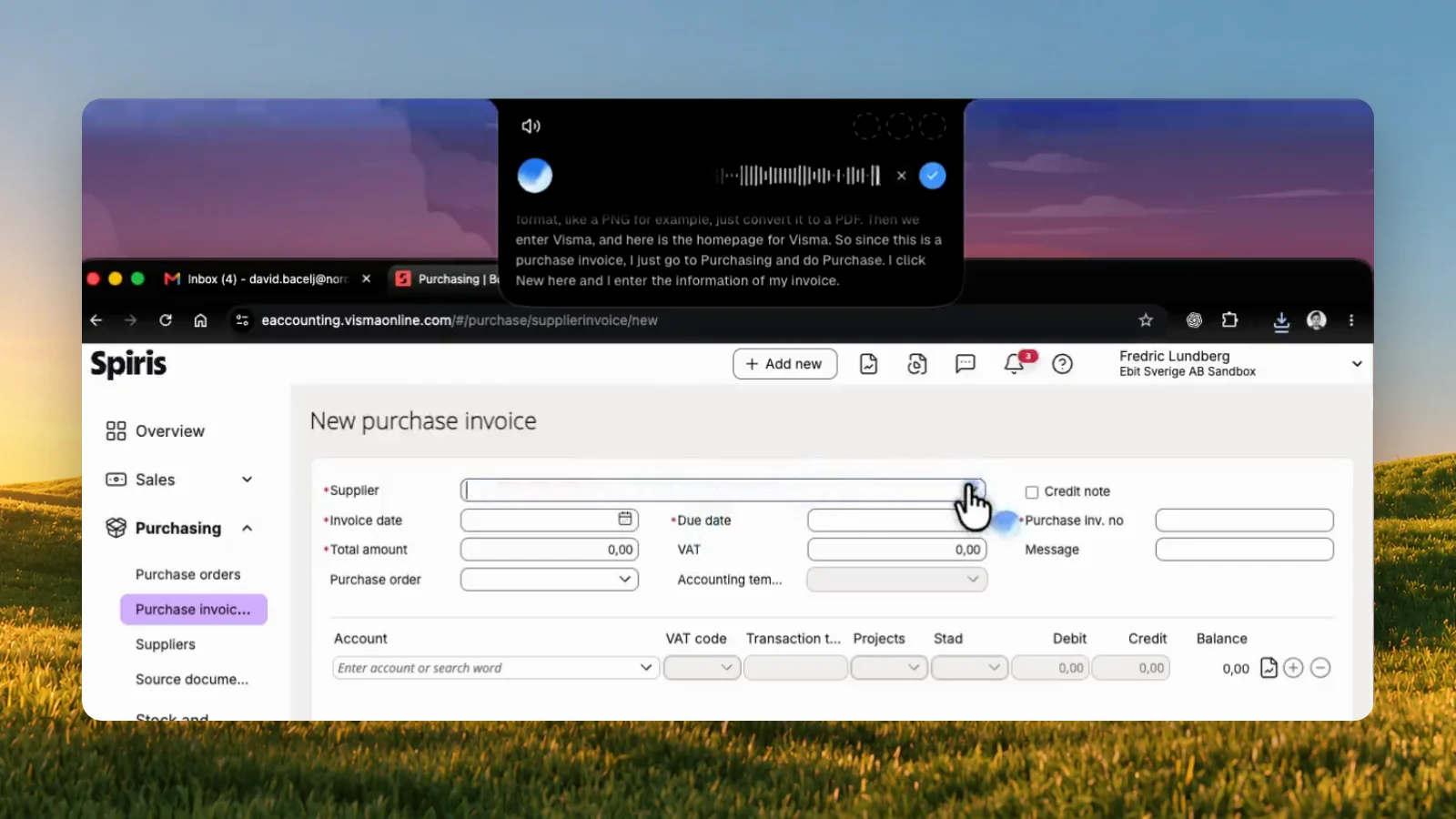
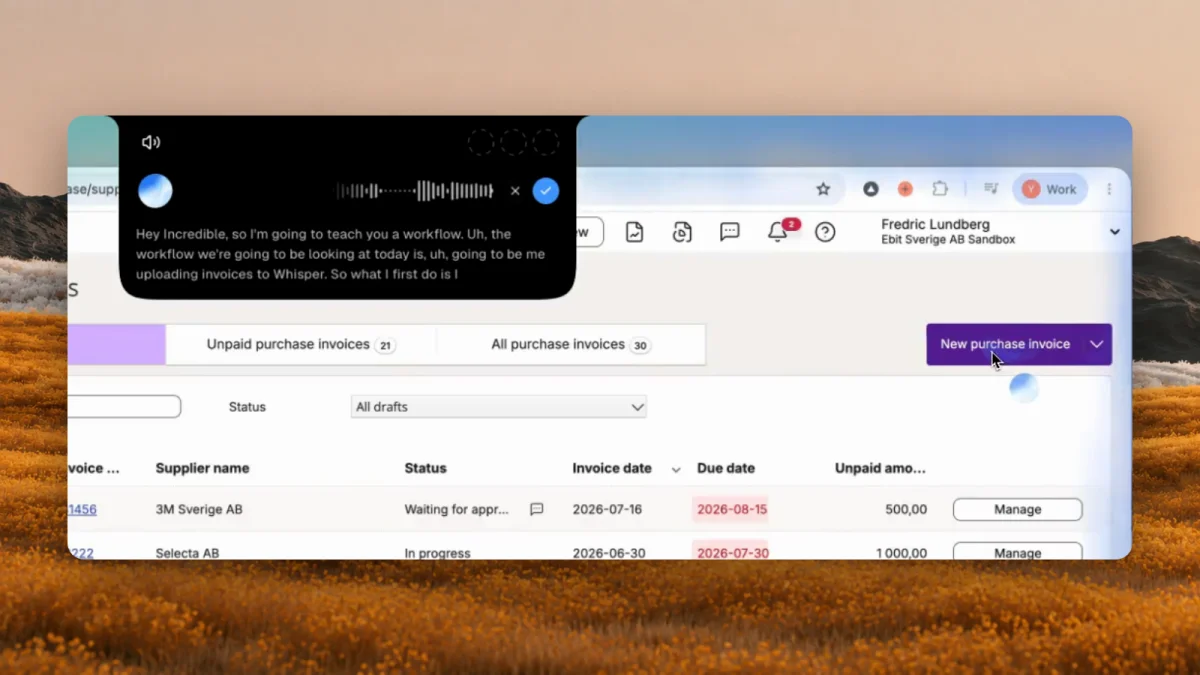
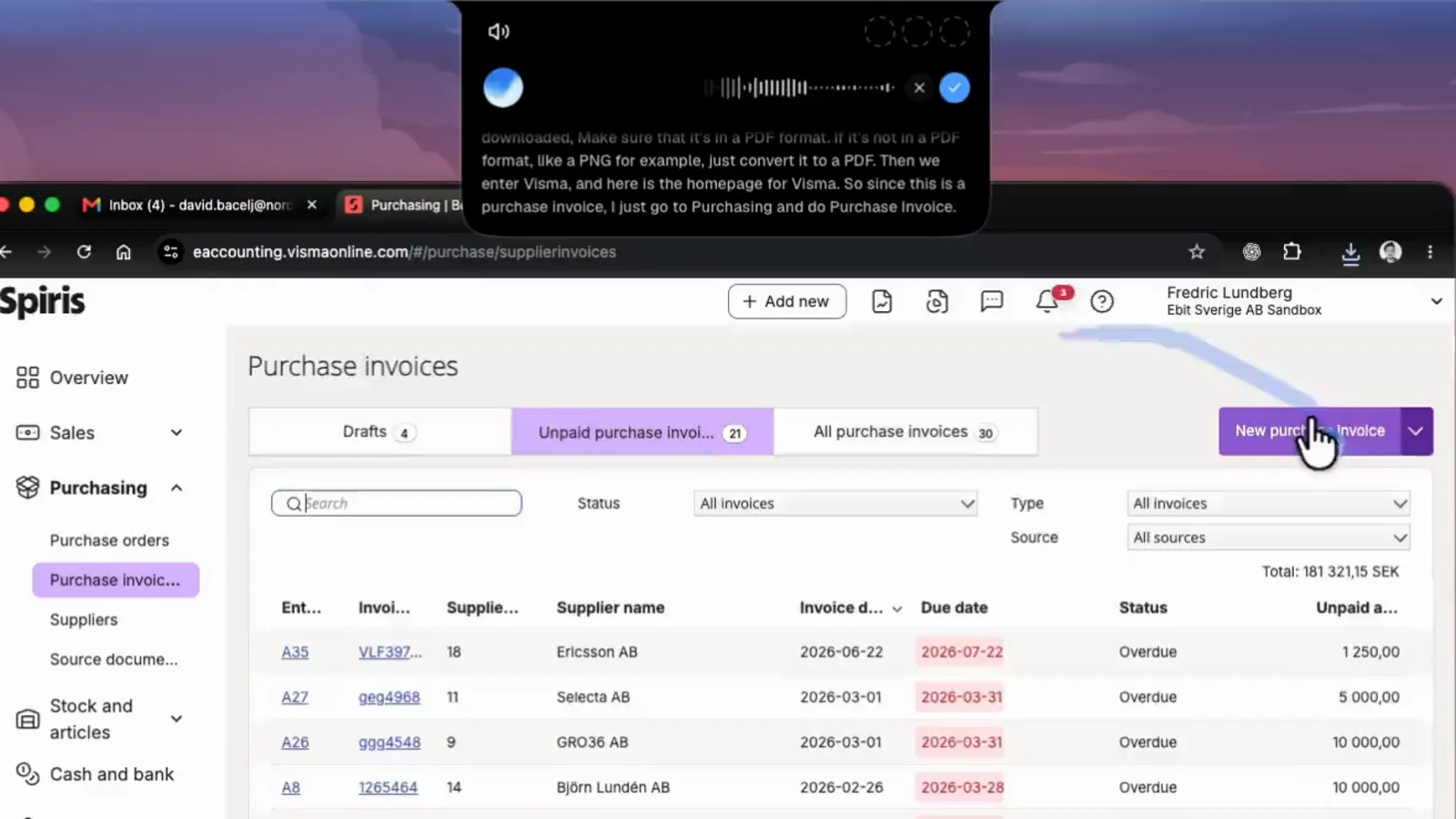
- An agent opens the accounting system, starts a new invoice, types in the supplier, amount and dates from the PDF, attaches the file and asks you before it saves.
Under the hood, most agents today are a language model, the same kind that runs a chatbot, given tools: a browser it can click in, a computer it can see, a calendar it can write to. The model decides which tool to use next, looks at the result and decides again. That loop is what makes it an agent.
Agents differ most in where they do the work. Some work on your own computer, in the browser and apps you are already signed in to. Others work on a computer in the cloud, with the logins you give them, and carry on while your laptop is closed. Neither is better for everything, and the examples below include both.
Examples of AI agents you can try today
Five real agents, each shown doing the kind of task it is built for.
1. Filling in an invoice from a PDF (Incredible)
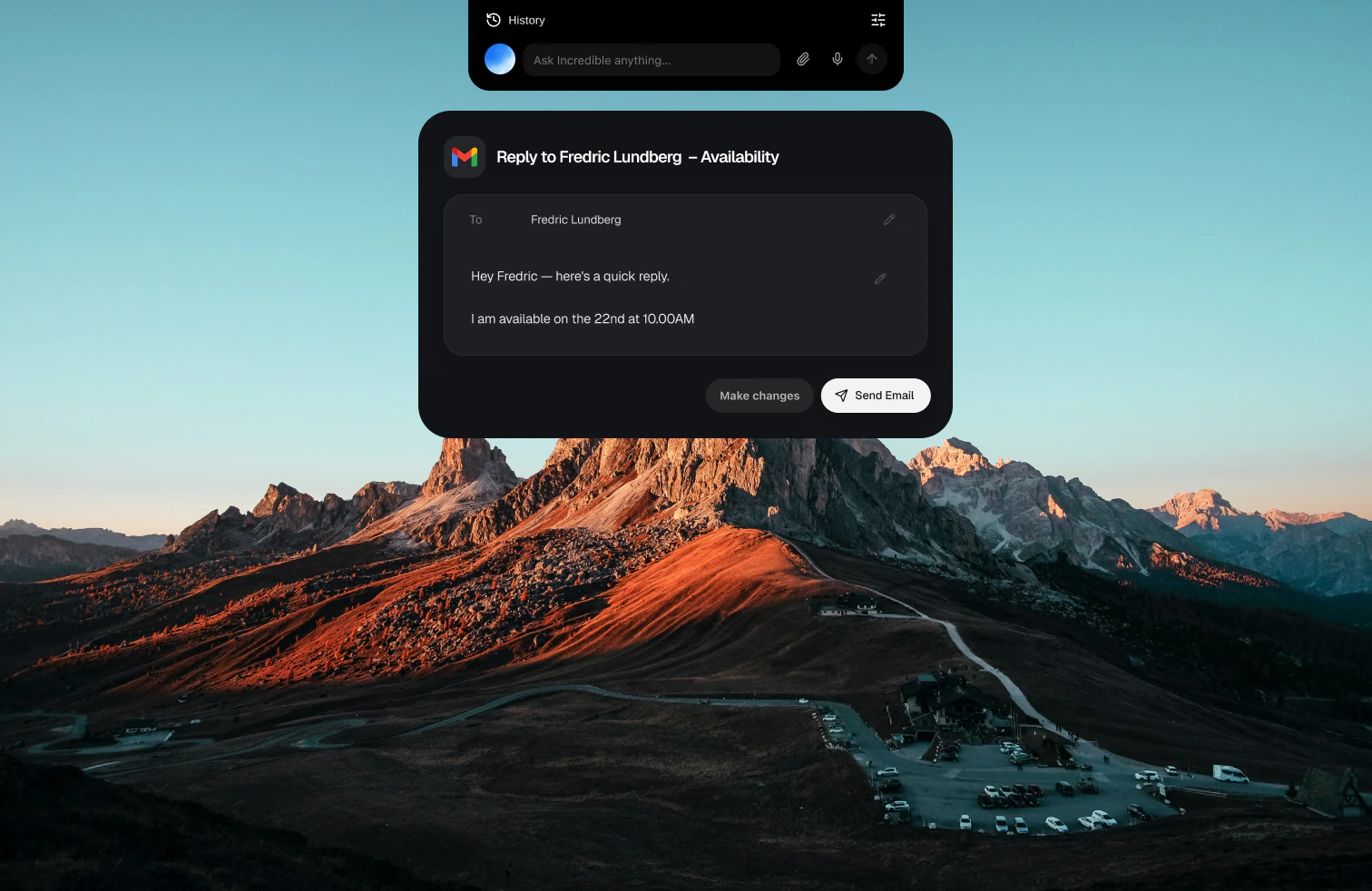
Incredible works on your Mac or Windows PC. You hold a key, fn on a Mac or Ctrl + Space on Windows, and say the task: "book this invoice and file the PDF under Suppliers." It sees the page in front of you, so "this" is enough. Then it clicks and types in your own browser, files and apps, signed in as you, and asks before anything is sent.
This is the kind of work that has no integration: a supplier portal, an admin panel, a PDF on your desktop that has to end up in a web form.
2. Doing a task in a desktop app (ChatGPT Computer Use)
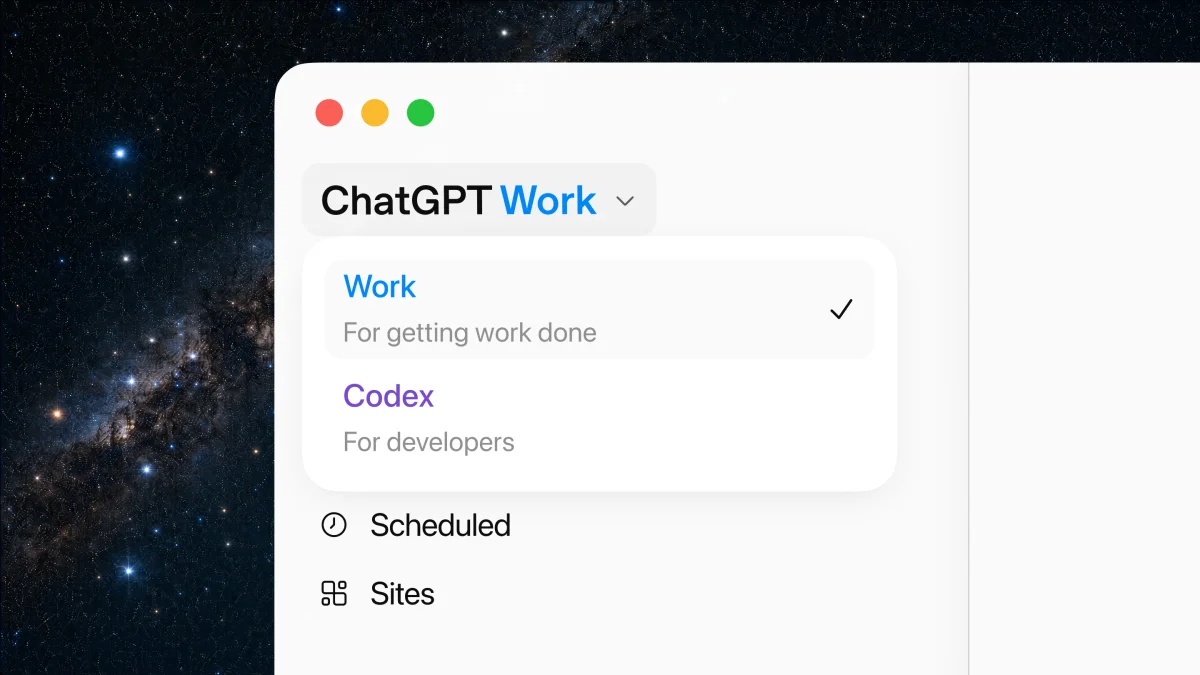
OpenAI's Computer Use lets ChatGPT "see and operate graphical user interfaces on macOS or Windows." It works in Work and Codex in the ChatGPT desktop app, in supported regions. ChatGPT asks your permission before it uses each app, and you can stop it or take over at any time. On Windows it runs on the active desktop, so it moves your pointer and types in the foreground while the task runs.
3. Working in websites you are signed in to (Claude in Chrome)
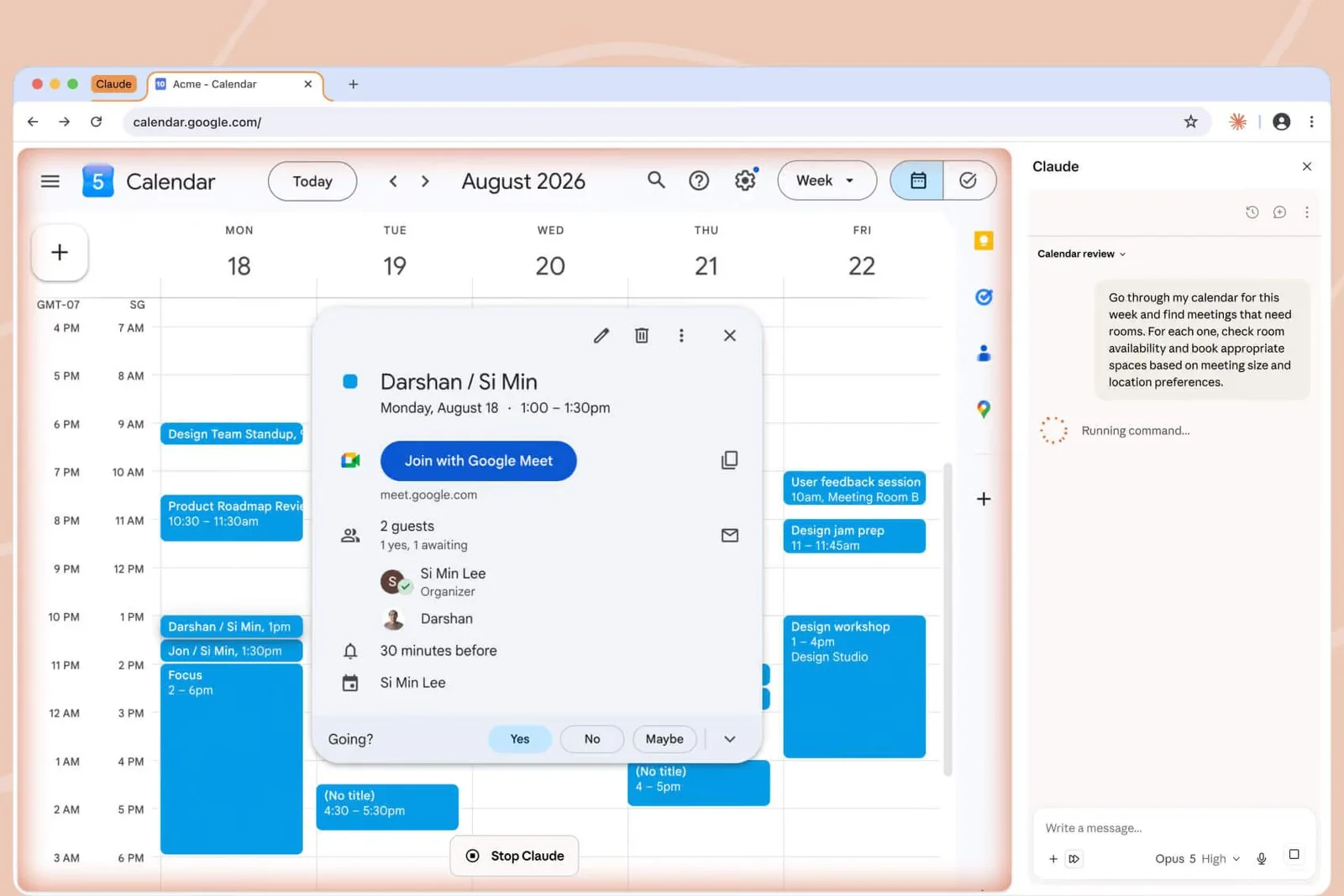
Claude in Chrome is a browser extension that reads the page you are signed in to, then "clicks, types, and fills forms while you decide what happens next." Anthropic's examples include pulling numbers from analytics dashboards, flagging meetings you need to prepare for and booking missing rooms. Anthropic says purchases, financial actions and anything you cannot undo wait for you. It is available on all paid Claude plans.
4. Sorting email on a computer in the cloud (Grok Bot)
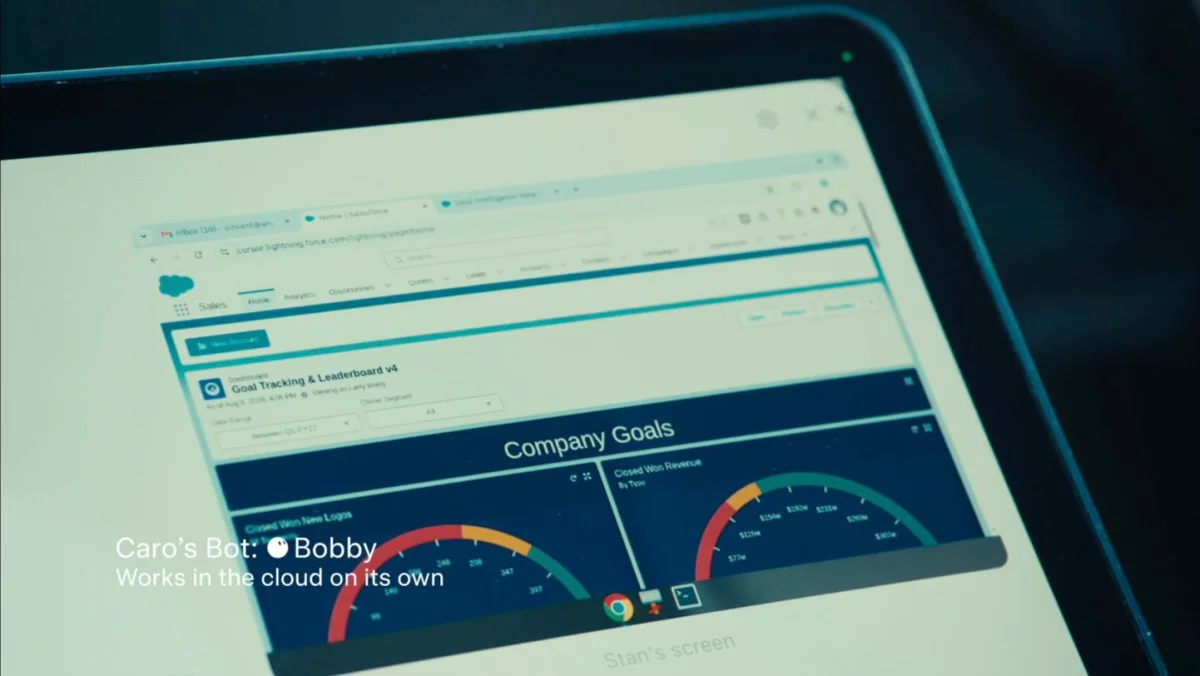
A Grok Bot is "an agent with access to a real computer in the cloud." Your Bots share that computer, with a browser, files and a terminal, so they keep working when your laptop is closed. SpaceXAI's examples: a Bot sorts your overnight email and drafts replies for the threads that need you, leaving each draft for you to send, or reviews your week every Sunday and sends you a plan for Monday.
5. Shopping for you (Meta Muse)
Meta's agent, Muse, shops from a catalogue of partner stores; Meta says it launched "with dozens of partners along with access to the entire Shopify catalogue." On a Mac, "with your permission, Muse can now drive any app" on your computer.
Want the five compared side by side, on where they work and where your logins end up? Read the best computer use agents in 2026.
How to try your first AI agent

The fastest way to understand agents is to give one a small, real task. Here is how to do that with Incredible in about five minutes.
- Pick a task you know well. Something you do every week that happens on your computer and is easy to check: moving numbers from an email into a spreadsheet, finding a file, filling in the same web form. Avoid anything that sends money or messages for your first try.
- Install the agent. Download Incredible for Mac or Windows and sign in. It is free for 7 days.
- Ask what it sees. Open the email or page the task starts from, hold
fnon a Mac orCtrl+Spaceon Windows, and say "what's on my screen right now?" If the answer is right, the agent is looking at the same thing you are. - Give it the task in plain words. Say it the way you would to a colleague sitting next to you: "copy the totals from this email into the June sheet." No special phrasing is needed.
- Watch the first run. See which page it opens and what it types. When it asks before sending or saving something, read it, then approve, change it or stop.
- Repeat the ones that work. If you do the same job every week, do it once while you talk it through, and Incredible learns it. The Teach a task guide shows how.
What beginners should know before letting an agent act
Agents are new, and they make mistakes. A few habits keep those mistakes small.
- Start with tasks you can undo. A wrong cell in a spreadsheet is easy to fix. A sent email is not.
- Pick an agent that asks first. Every agent in this guide pauses before at least some actions. Incredible asks before anything is sent. Claude in Chrome waits for you on purchases and anything you cannot undo. Grok Bot leaves email drafts for you to send.
- Keep passwords and banking out of it at first. OpenAI advises avoiding tasks that need secrets unless you are there to approve each step, and Anthropic says to skip banking, health records and anything involving credentials.
- Know where your logins go. An agent on your own computer uses the logins already in your browser. An agent on a cloud computer needs you to sign in to your accounts on that computer.
- Watch before you walk away. Let an agent run on its own only after you have seen it do the same task right a few times.
Where to go next
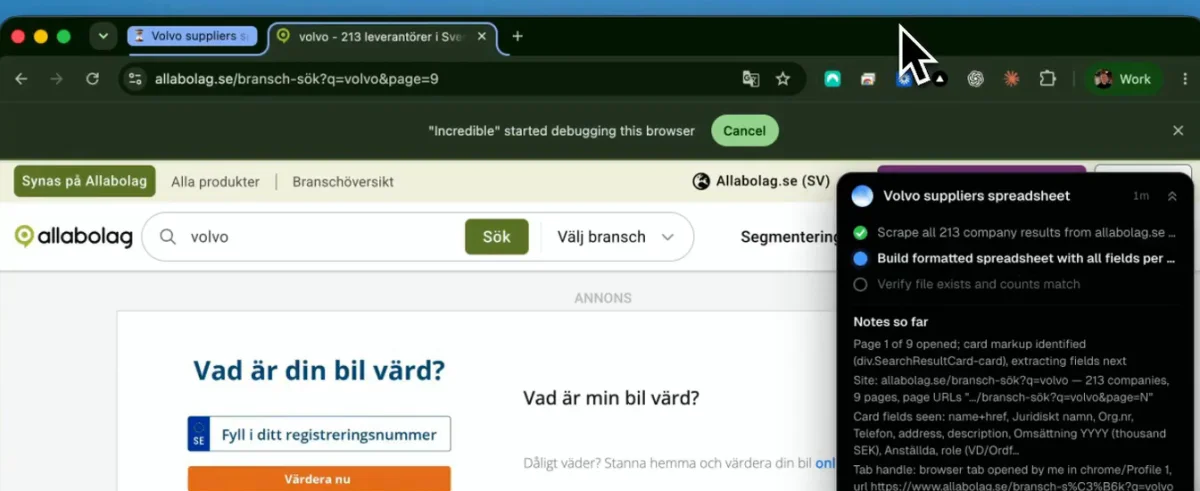
Once a small task works, try one that takes you an hour by hand, like the research above: collecting a list of companies from a website into a spreadsheet. That is where agents start saving real time.
To see more of what people hand to Incredible, browse the use cases, or try it on your computer. It is free for 7 days, then from $25 a month.
Frequently asked questions
What is an AI agent, in simple terms?
An AI that does the task instead of telling you how. A chatbot answers with steps. An agent takes the steps: it opens the page, clicks, types, fills in the form and comes back when it is done or needs you.
What are some examples of AI agents?
Incredible fills in an invoice in your accounting system from a PDF on your desktop. ChatGPT Computer Use operates apps on your Mac or Windows PC. Claude in Chrome works in the websites you are signed in to. Grok Bot sorts your email and drafts replies on a computer in the cloud. Meta Muse shops for you from its catalogue of partner stores.
How do I get started with AI agents as a beginner?
Pick one task you do every week that happens on your own computer, such as moving numbers from an email into a spreadsheet. Install an agent that works on your computer, give it that task in plain words, and watch the first run. Approve anything that gets sent, and only let it run alone once you trust the result.
Do I need to know how to code to use an AI agent?
No. The agents in this guide take plain requests, typed or spoken. With Incredible you hold a key and say the task the way you would to a colleague.
Are AI agents safe to use?
Safe enough for everyday tasks if you keep a few habits: start with tasks that are easy to undo, watch the first runs, and pick an agent that asks before anything is sent or bought. OpenAI and Anthropic both advise keeping agents away from passwords and banking unless you are there to approve each step.
How much does Incredible cost?
Incredible is free for 7 days, then from $25 a month. Every plan is the full assistant, with no features locked behind a higher tier.