The best AI agents that can use your computer in 2026: Incredible, ChatGPT, Claude, Meta Muse and Grok Bot, ranked on whose computer does the work.
Last updated: October 4, 2026
The supplier portal has no integration, the invoice is a PDF on your desktop, and the AI you asked for help says "here are the steps." You wanted it to take the steps.
The best AI agent that can use your computer in 2026 is the one that works where your work already is: your own browser, your own logins, the apps on your desk. On that measure Incredible comes first. ChatGPT and Claude have added computer use to their desktop apps, and Meta Muse and Grok Bot hand the job to a computer in the cloud.
| # | Agent | Where it does the work | Your logins | Platform |
|---|---|---|---|---|
| 1 |  Incredible Incredible |
Your own computer: your browser, files and apps | Stay on your computer |  .svg) |
| 2 |  ChatGPT ChatGPT |
Your computer, from Work in the desktop app | Stay on your computer | |
| 3 |  Claude Claude |
Your computer, in beta on Pro and Max; your Chrome | Stay on your computer | |
| 4 |  Meta Muse Meta Muse |
Mostly a cloud computer at Meta; your Mac with permission | Handed to Muse’s cloud computer |  |
| 5 |  Grok Bot Grok Bot |
A shared cloud computer in Cursor’s cloud | Shared by your Bots on that computer | |
Every agent here can click and type for you somewhere. The question is where. One on your own computer works in the browser you are already signed in to and the spreadsheet on your screen. One on a cloud computer starts from nothing: you give it your logins, and it works in a browser you are not using. So the order follows how much of a real task each finishes in your own apps, and how little you hand over first. Everything about the others comes from each company's own pages, read on October 4, 2026.
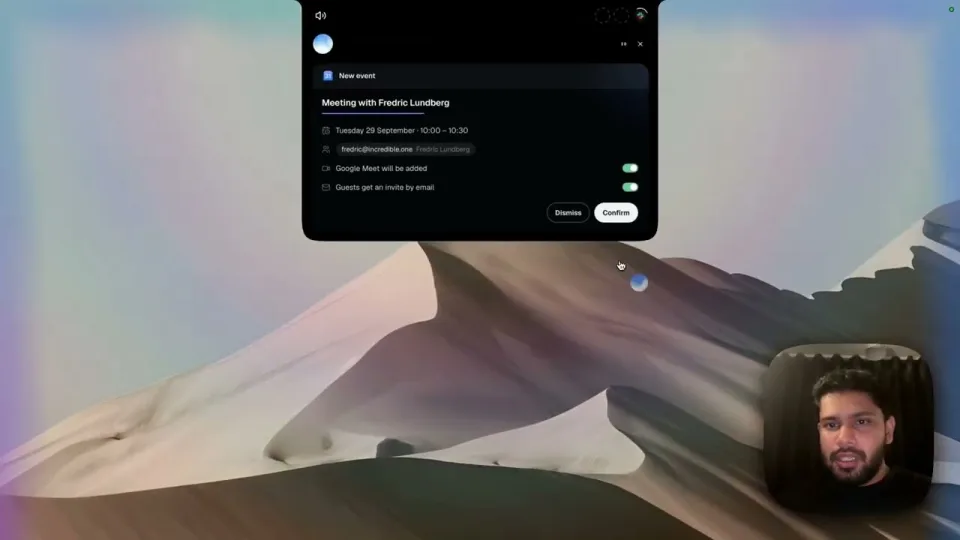
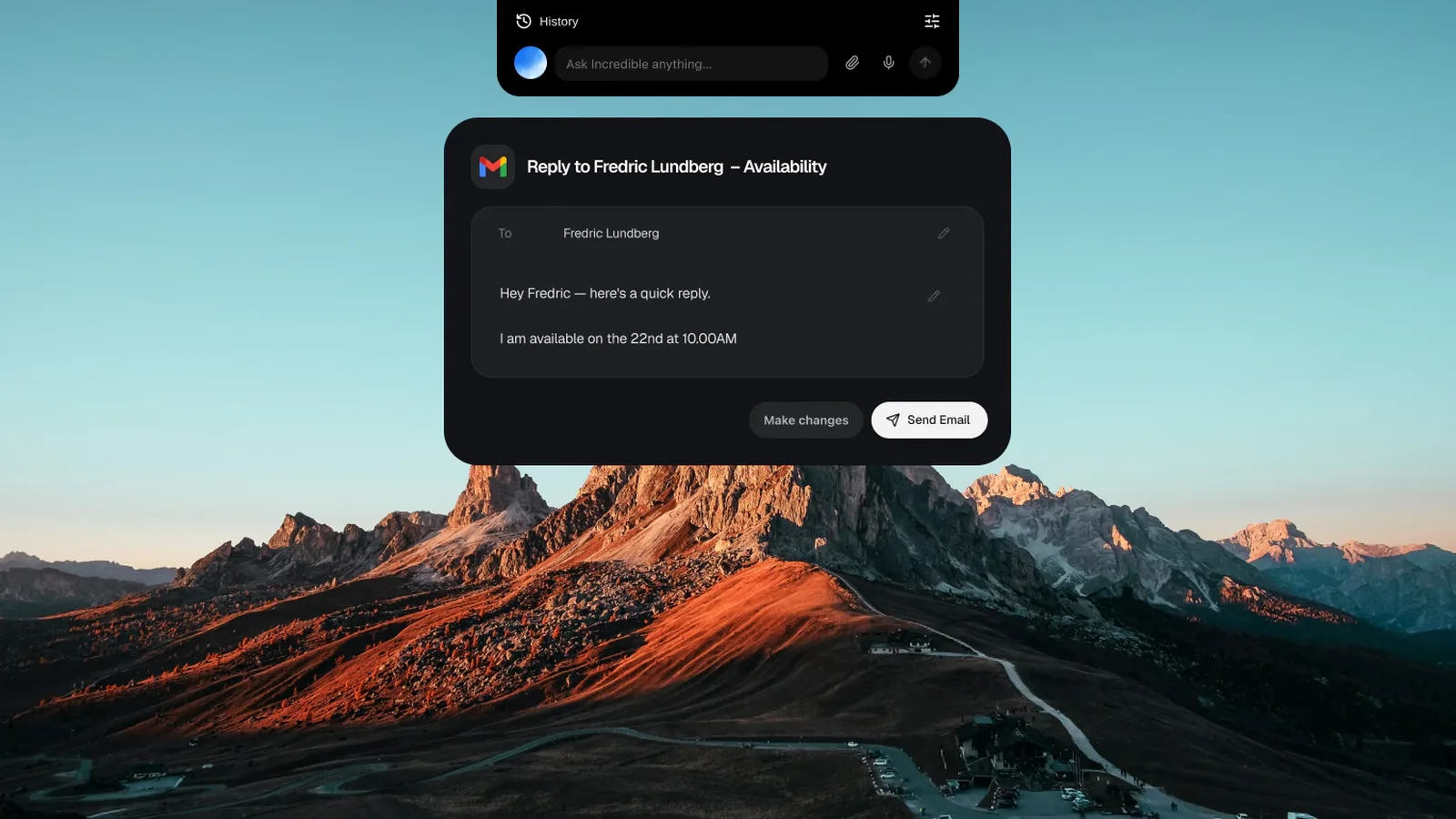
1. Incredible: best AI agent that uses your own computerHold the talk key and say it the way you would to a colleague: "book this invoice and file the PDF under Suppliers." Incredible sees the page in front of you, so "this" is enough. Then it clicks and types in your browser, files and apps, exactly like you do, and asks before anything is sent.
It works in your own browser, signed in as you, on any website. Your logins stay on your computer and nothing has to be connected first. That covers the portals and admin panels no integration reaches, and it uploads the file into the form for you.
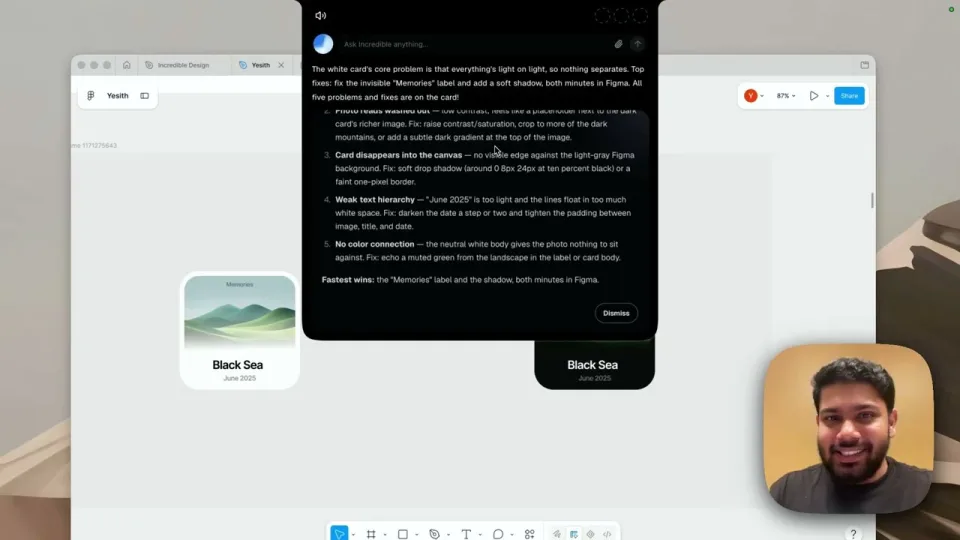
With an Excel file or a deck open, point at what you want changed and say it. For a job that has to be done your way, do it once while you talk it through. Incredible learns it, runs it on a schedule or on Autopilot, and your team can run it at the press of a button.
“It’s Copilot on steroids.”
Kyle Rademacher, Office Manager, ProGuard Security Services
Runs on macOS 13 Ventura or later and Windows 10 or later. Best for: anyone who wants the task done in their own browser and apps, by voice, without handing their logins to someone else's computer.
2. ChatGPT: computer use inside the desktop appOpenAI's Computer Use lets ChatGPT operate apps on macOS or Windows, in Work and Codex in the desktop app, in supported regions. You install the plugin, allow Screen Recording and Accessibility, and approve each app. On Windows it takes over the active desktop, so OpenAI suggests a virtual machine. Atlas, OpenAI's browser, closed on August 9, 2026.
Best for: ChatGPT users who need a desktop app clicked now and then. How Incredible compares with ChatGPT
3. Claude: computer use in beta, plus Claude in ChromeAnthropic's computer use is a beta on Pro and Max, in the desktop app on macOS and Windows. It works from screenshots and asks for each app; Anthropic advises against giving it banking, healthcare or government apps. Claude in Chrome works with your logins on the tab in front of you, on paid plans. Since September 16, 2026 Cowork and chat are one Claude.
Best for: Claude users who mostly research and write. How Incredible compares with Claude
4. Meta Muse: errands on Meta's cloud computerMeta's personal agent, launched in September 2026, does most of its work on Muse Secure VM, a computer in Meta's cloud, with the logins you give it. The Mac app works with your files and Apple's apps, and since Connect on September 24 it can drive apps on your Mac with your permission. Free with a usage limit, or $20 and $100 a month. Limited testing, US first, no Windows app.
Best for: personal errands from your phone. How Incredible compares with Meta Muse
5. Grok Bot: a team of Bots on a cloud computerSpaceXAI launched Grok Bot in beta on August 11, 2026. Your Bots share one persistent cloud computer, including its browser sessions and app logins, which SpaceXAI says runs in Cursor's cloud. Work carries on while your laptop is closed. Included with SuperGrok ($30 a month) and higher, and with paid Cursor plans.
Best for: teams running agents in the cloud around the clock, especially for code. How Incredible compares with Grok Bot
Prompt injection, where hidden instructions on a page hijack the agent, is the number-one risk for LLM applications according to OWASP. Pick an agent that stops before anything it can't undo, and know where your logins end up. Incredible asks before anything is sent and uses the accounts you are already signed in to on your own computer. More in AI that can control your Mac and AI that can browse the web for you.
Try this now. Open the web app your team uses, hold the key and say: "Upload this PDF here and fill in the form." Incredible is free for 7 days with no card. Download it, or read the Quickstart first.
Incredible. You hold a key, say the task, and it clicks and types in your own browser, files and apps on Mac or Windows, signed in as you, and asks before anything is sent. ChatGPT and Claude both have a computer use feature in their desktop apps, and Meta Muse and Grok Bot do most of their work on a computer in the cloud.
Yes, in the desktop app. OpenAI’s documentation says Computer Use works with ChatGPT Work and Codex on macOS and Windows, in supported regions, after you install the Computer Use plugin and allow Screen Recording and Accessibility on a Mac. On Windows it takes over the active desktop while it works.
Yes, as a beta on the Pro and Max plans. Anthropic says computer use works in the Claude desktop app on macOS and Windows, takes screenshots to find its way, and has no sandbox between Claude and your apps. Claude in Chrome, on all paid plans, works in your browser with the logins you already have.
Where the work and your logins live. Incredible works in the browser and apps on your own computer, signed in as you, so your logins stay there. Grok Bots share a cloud computer, including its browser sessions and app logins, which SpaceXAI says runs in Cursor’s cloud. Muse does most of its work on a cloud computer at Meta, with the logins you give it.
Pick one that stops before anything it cannot undo, and watch the first few runs. Incredible asks before anything is sent, and you can approve the step, change it first, or stop. Anthropic and OpenAI both tell you to keep computer use away from sensitive apps and to review what it asks for.
It clicks and types in your browser, files and apps, exactly like you do.
Requires macOS 13 or Windows 10, or later.
 Download for Mac
 Download for Windows