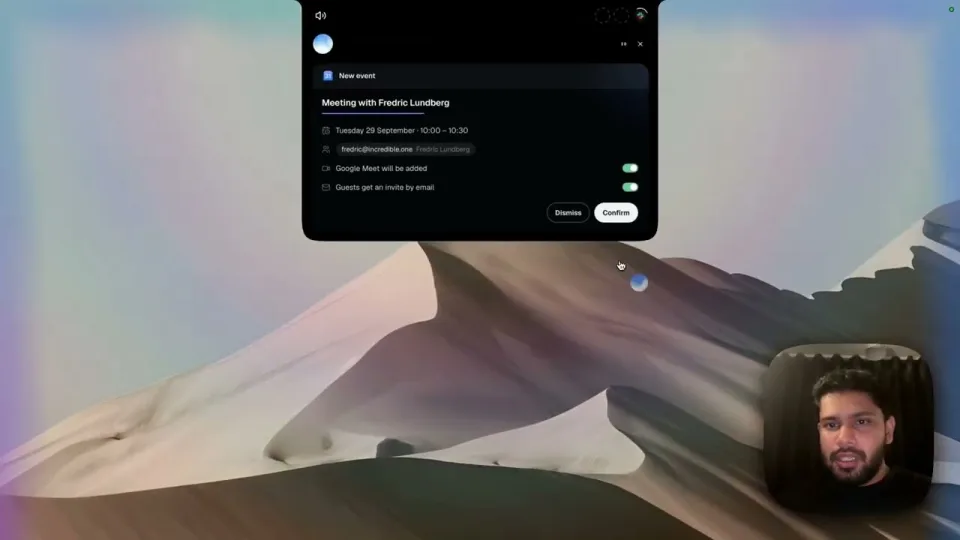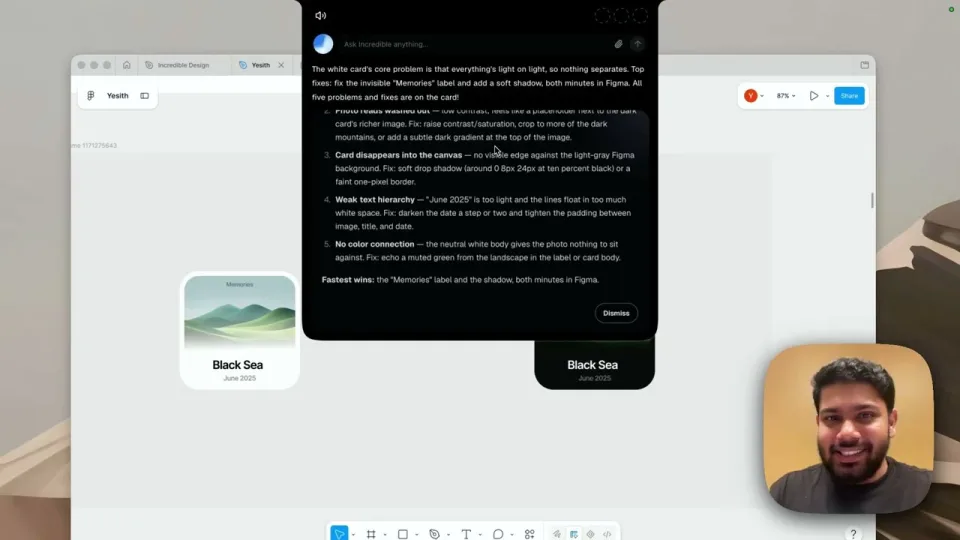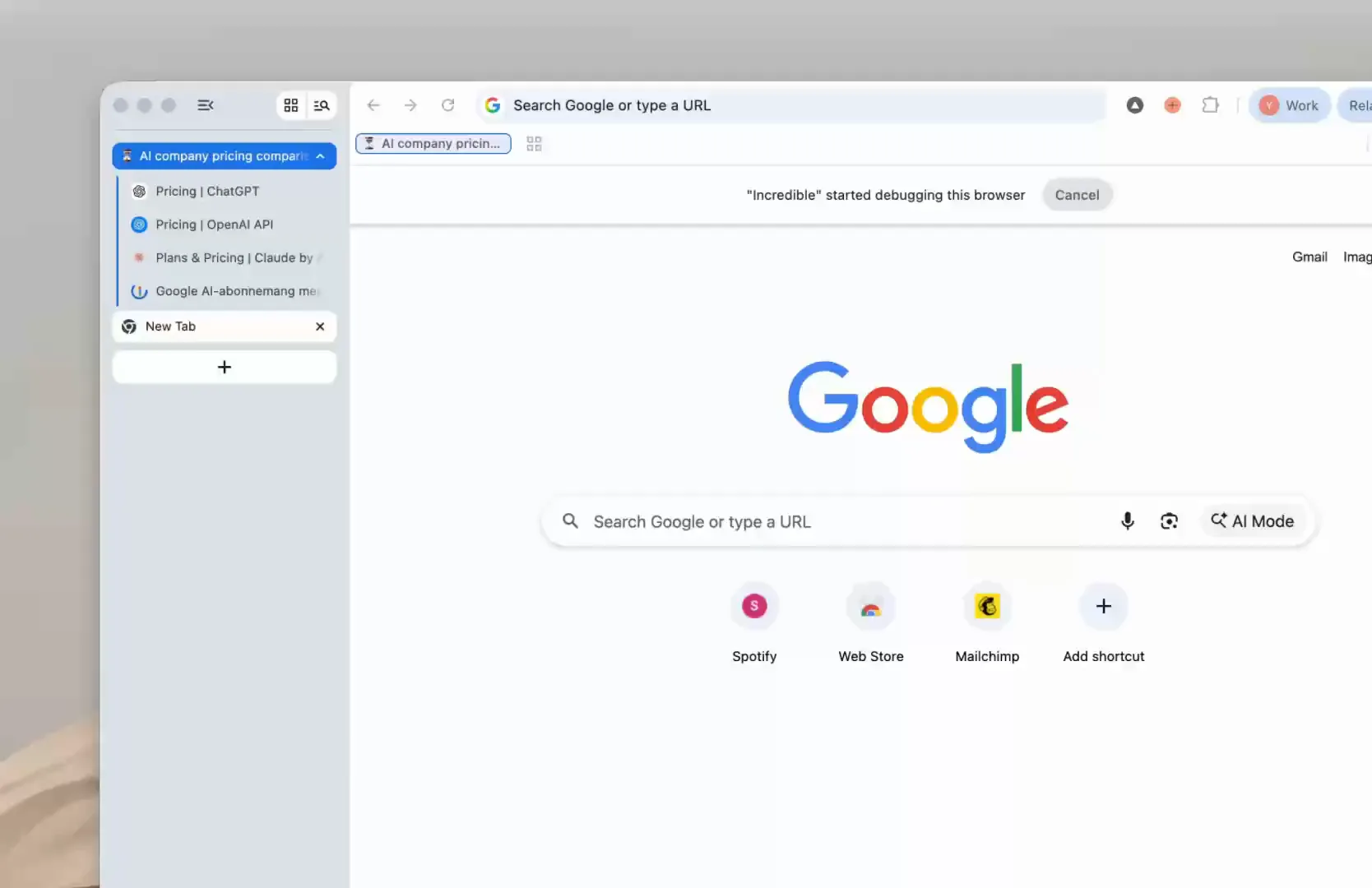
An AI can now open pages, click and fill in forms for you. Incredible does it in your own browser and carries on into your files and apps.
Twenty tabs open, comparing prices, copying each tier into a sheet by hand. An AI can now do that browsing for you: open the pages, click, type and fill in forms.
Incredible does it in your own browser, signed in as you, and keeps going past the browser into your files and apps. You hold a key and say the task, and it opens its own tabs, grouped under Incredible, while you keep working.
The Browser guide shows this one:
"Open the websites of the 20 biggest AI companies, pull every pricing tier from each one, and put the comparison in a table."
It works in Chrome or another Chromium browser such as Edge, Brave or Arc. The same request can end as an Excel file in your folder or an email to a colleague. It works in the niche web apps your team runs on and uploads files into them for you. A browser task you repeat can be saved and put on a schedule, such as every Monday at 9, and it asks before anything is sent.
“It’s Copilot on steroids.”
Kyle Rademacher, Office Manager, ProGuard Security Services
 Claude in Chrome is Anthropic's extension for Google Chrome. In Anthropic's words it "reads the page you're signed in to, then clicks, types, and fills forms while you decide what happens next", and it is on all paid Claude plans. How Incredible compares with Claude.
 ChatGPT closed its Atlas browser: OpenAI's help page says it was "scheduled to stop working on August 9, 2026", with browser agent work moving into the ChatGPT desktop app and a Chrome extension where available. How Incredible compares with ChatGPT.
| Incredible | Claude in Chrome | ChatGPT | |
|---|---|---|---|
| How you ask | Hold a key and say it | In the Chrome side panel | In the ChatGPT app |
| After the browser | Into your files and apps | Stays in Chrome | In ChatGPT |
Try this now. Hold the key and say: "Open the pricing pages of three tools I use and put their plans in a table." Incredible is free for 7 days with no card. Download it, or read the Quickstart first.
For AI across the whole Mac, see AI that can control your Mac.
Yes. Incredible, Claude in Chrome and the ChatGPT desktop app can all open pages, click, type and fill in forms for you. They differ in which browser they use and in what else they can do.
Some can. Claude in Chrome reads the page you are signed in to in your own Chrome. Incredible works in your own Chrome or another Chromium browser, signed in as you.
No. OpenAI says Atlas was scheduled to stop working on August 9, 2026, and that browser-based agent work moves into the ChatGPT desktop app and, for help in Chrome, a ChatGPT Chrome extension or sidebar where available.
The ones covered here do by default. Incredible asks before anything is sent, and Anthropic says Claude stops before purchases and financial actions.
It clicks and types in your browser, files and apps, exactly like you do.
Requires macOS 13 or Windows 10, or later.
 Download for Mac
 Download for Windows