The short answer
Incredible. Since 6 October 2026, new Claude Cowork tasks on Pro and Max run on Anthropic’s servers, with no setting to run them on your computer. Incredible does the task on your own Mac or Windows PC, in your files, apps and the browser you are signed in to: hold a key, say it, and it clicks and types until it is done.
Free for 7 days, no card needed. Mac and Windows.
Since 6 October, Claude Cowork tasks on Pro and Max run on Anthropic’s servers. Incredible is an alternative that does the work on your own computer.
You start a task in Claude Cowork, close the laptop, and it keeps going. That is the upside of the change Anthropic made on 6 October 2026. The other side is where the work now happens: on Pro and Max, Cowork tasks run on Anthropic's servers, and Anthropic's support page says "there's no setting to choose where a task runs."
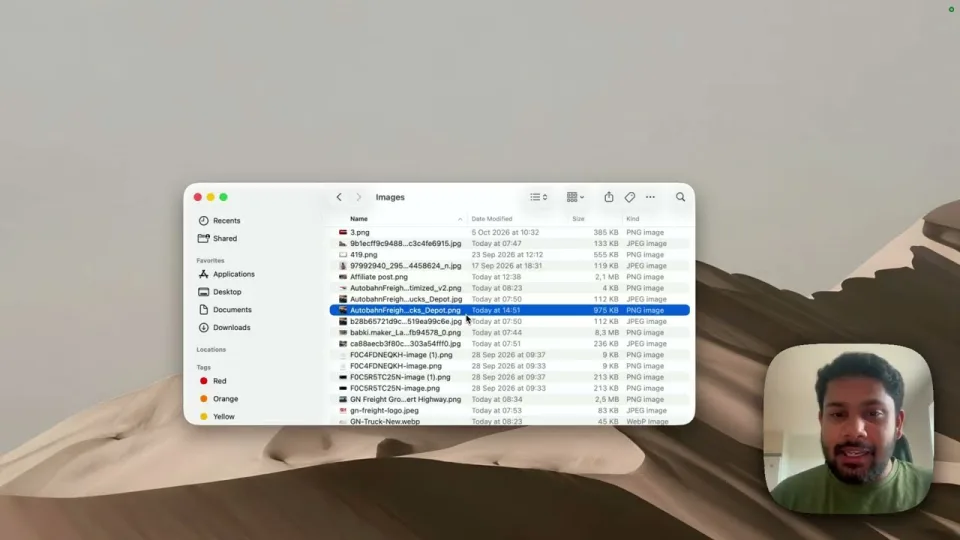
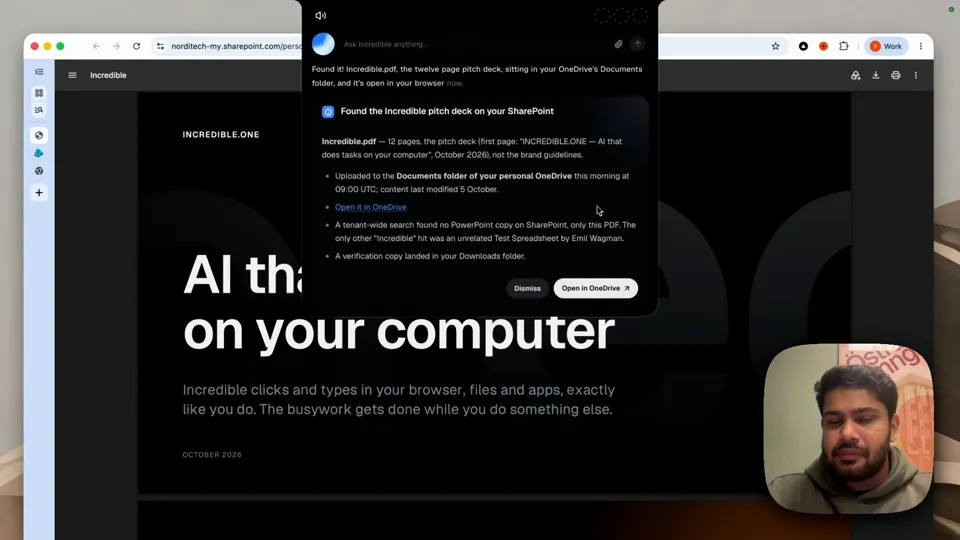
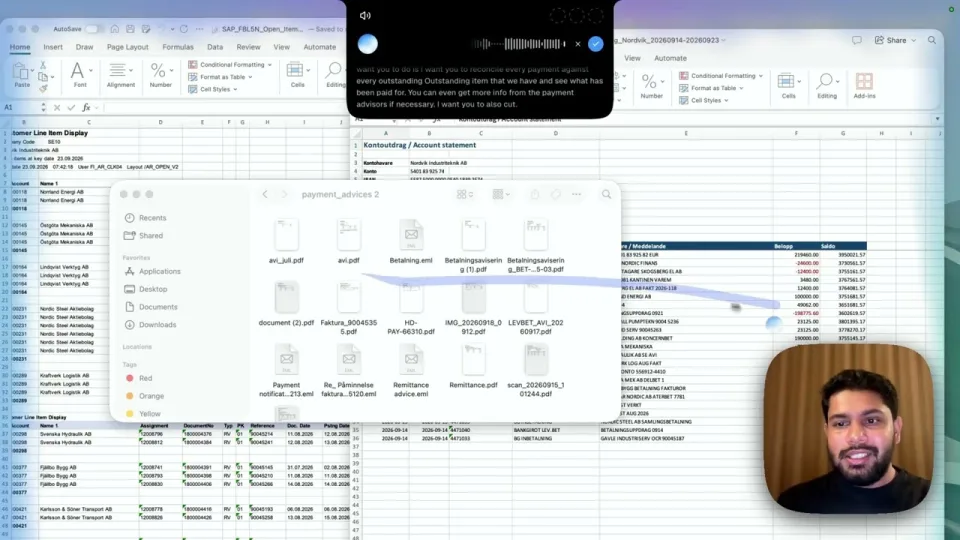
If you wanted an assistant that works on your own computer, in your files and the apps you are signed in to, Incredible does exactly that, on Mac and Windows. The recording above shows it on a real job: 213 companies from a search page, turned into a formatted Excel sheet on the same computer, while its owner got on with something else.
From Anthropic's own pages, read on 21 October 2026:
None of this makes Claude worse at writing, code or careful reasoning. It changes where its tasks run, and that matters if the job is in your own apps.
You hold the fn key on a Mac, or Ctrl and Space on Windows, and say the task the way you would to a colleague. Incredible sees what is on your screen, then clicks and types in your files, apps and your own browser until it is done, and asks before anything is sent.
"Can you take all of these 213 results for Volvo and make them into a nicely formatted spreadsheet?"
In the recording, Incredible picks up the tab that is open, collects all 213 companies page by page, and opens a formatted spreadsheet sorted by revenue, all while its owner works on something else. The same request style works for the jobs people used Cowork for:
Nothing has to be uploaded and no folder has to be connected first. Your logins stay on your computer.
“It’s Copilot on steroids.”
Kyle Rademacher, Office Manager, ProGuard Security Services
 ChatGPT Work is the closest like-for-like. OpenAI's Computer Use works with Work and Codex in the desktop app on macOS and Windows, after you install its plugin and allow Screen Recording and Accessibility on a Mac. On Windows it takes over the active desktop while it works. How Incredible compares with ChatGPT.
 Copilot Cowork is Microsoft's, and it runs in a company's Microsoft 365 cloud. It fits a team whose work already lives in Outlook, Teams and SharePoint.
Gemini in Google's Mac app can switch to a task mode that runs multi-step jobs in the background, including organizing local files, and asks you to approve each action. Google says those features are on macOS today, need Apple Silicon and macOS Sequoia, and are coming to Windows.
| Incredible | Claude Cowork | ChatGPT Work | Copilot Cowork | |
|---|---|---|---|---|
| Where the task runs | Your computer | Anthropic’s servers on Pro and Max | Your computer, from the desktop app | Your company’s Microsoft 365 cloud |
| Your files | Where they are, nothing to connect | Connected folders, while the desktop app is open | Apps you approve | Microsoft 365 files |
| How you ask | Hold a key and say it | Type in the chat | Type in the chat | Type in the chat |
| Mac and Windows | Both | Both, plus web and phone | Both | Through Microsoft 365 |
If most of your work is writing, analysis or code, and you like that a task keeps going with the laptop closed, stay with Claude. If the work is in your own files and apps, the logins on your computer and the systems no integration reaches, use an assistant that works there. You can also run both, with Claude for writing and analysis and Incredible for the work in your apps.
Try this now. Open a folder that needs sorting, hold the key and say: "Organize this folder into folders by type." Incredible is free for 7 days with no card. Download it, or read the Quickstart first.
For the full field, see the best computer use agents in 2026.
Not any more on Pro and Max. Anthropic’s support page says Claude Cowork runs in the cloud on those plans, that tasks started on your computer before October 6 stay there, and that there is no setting to choose where a task runs. Claude can still reach the folders you connect, computer use and Claude in Chrome, but only while the Claude desktop app is open.
For work done on your own computer, Incredible: it works in your files, apps and browser on Mac or Windows, signed in as you, when you hold a key and say the task. ChatGPT’s Work in the desktop app is the closest like-for-like, and Microsoft’s Copilot Cowork fits a company that lives in Microsoft 365.
Yes. Incredible runs on Windows 10 or later and does tasks in your own files, apps and browser. ChatGPT’s desktop app can also use apps on Windows, though OpenAI says it takes over the active desktop while it works.
Yes, through the desktop app. Anthropic says Claude reaches only the folders you have connected, and only while the Claude desktop app is open. If the app is closed, cloud sessions keep running but cannot reach your computer.
It clicks and types in your browser, files and apps, exactly like you do.
Requires macOS 13 or Windows 10, or later.
 Download for Mac
 Download for Windows