The short answer
Describe the file the way you remember it, for example "the brand guidelines deck from last week, a PDF or a PowerPoint", and Incredible searches your folders and tells you where it is. With SharePoint or OneDrive connected, it searches there too and opens the file. Spotlight finds files fast when you know part of the name.
Free for 7 days, no card needed. Mac and Windows.
Forgot the file name? Describe the file to an AI and it finds it, on your Mac or in SharePoint and OneDrive. How Incredible, Spotlight and Copilot compare.
You made the deck last week. You know it was about the brand guidelines, it was a PDF or maybe a PowerPoint, and it is somewhere in Downloads, Documents or the shared drive, but you cannot remember what you called it.
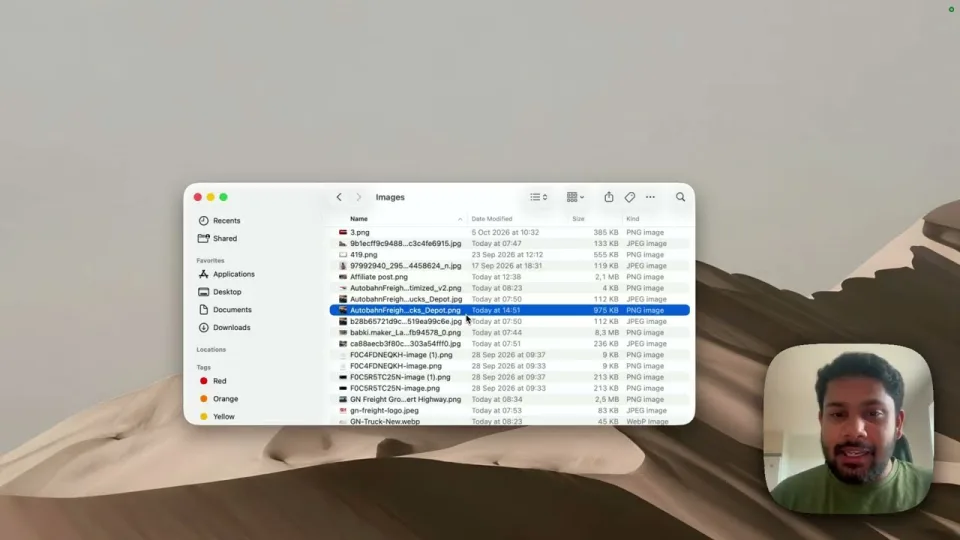
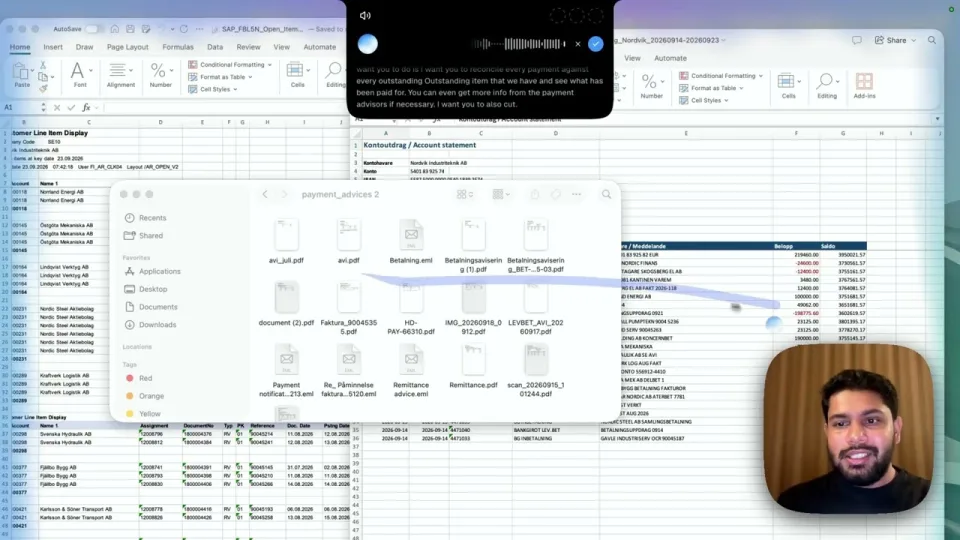
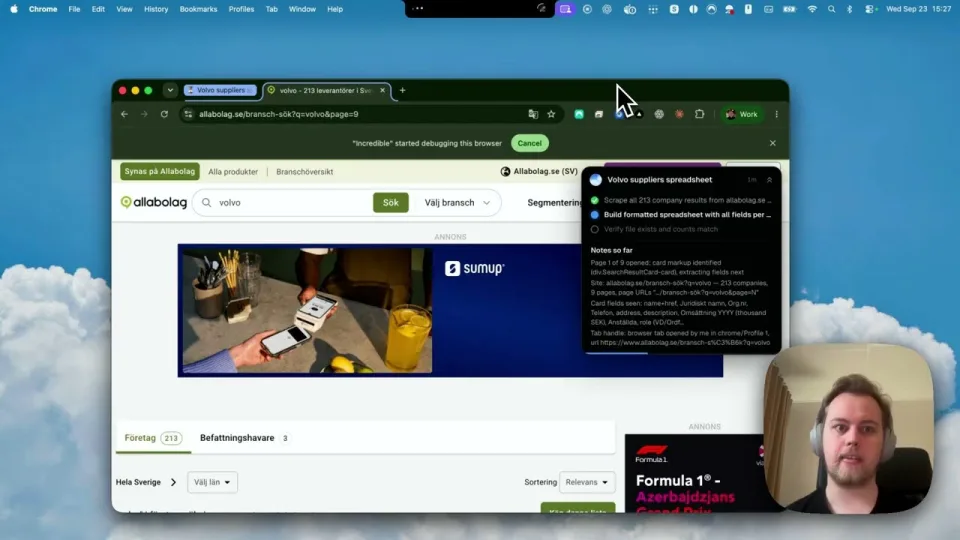
Describe it to Incredible the way you would to a colleague, and it finds it. The recording above shows it finding a file on a Mac, then a second one in SharePoint, and opening it.
Hold the fn key and describe what you remember, however vague:
"I made this brand guidelines presentation sometime last week. It's called Incredible brand guidelines, I think. It should be a PDF or a PPT. Could you find it in my folders and tell me where it is?"
In the recording it answers that both the PDF and the PowerPoint are in a folder called Incredible Agent, made on October 3. You did not need the exact name, the folder or the file type.
Files you saved to the cloud work too, once the app is connected (the connectors guide shows how):
"I uploaded a presentation on Incredible to my SharePoint sometime this week. Could you find it for me?"
In the recording, Incredible searched SharePoint, found a 12-page pitch deck in the OneDrive documents folder, and opened it in the browser.
Once you have it, keep going in the same breath: "attach this to the email to Anna" or "convert it to a PDF". Incredible works with the file where it is, with nothing to upload.
“It’s Copilot on steroids.”
Kyle Rademacher, Office Manager, ProGuard Security Services
Spotlight is built into every Mac. Apple's guide calls it the fastest way to find "your apps, files, emails, messages, and more". When you remember a word from the name, it is quicker than anything else. Apple's guide does not describe searching SharePoint or OneDrive from it.
 Copilot in OneDrive works on the files you keep with Microsoft. Microsoft's getting started page says it can work across several files and find details without opening each one, and needs a Microsoft 365 Copilot license; its FAQ adds Microsoft 365 Personal and Family. It reads only files you have permission to open, and it stays inside OneDrive and SharePoint.
| Incredible | Spotlight | Copilot in OneDrive | |
|---|---|---|---|
| You describe it in your own words | Yes, by voice | You type part of the name | Yes |
| Files on your Mac | Yes | Yes | No |
| SharePoint and OneDrive | Yes, once connected | Not described by Apple | Yes |
| Then does something with it | Opens, attaches, converts, edits | Opens | Answers questions about it |
Everything above about Spotlight and Copilot is from Apple's and Microsoft's own pages, read on 21 October 2026.
The search is easier when the folder is tidy. Ask Incredible to sort a messy folder, such as your Downloads, into folders by type, and to rename files by date and subject as it goes.
Try this now. Think of a file you made last month and can't place. Hold the key and describe it: "Find the spreadsheet I made about the marketing budget last month and tell me where it is." Incredible is free for 7 days with no card. Download it, or read the Quickstart first.
For more of what Incredible does on a Mac, see the best AI for Mac in 2026.
Yes. Hold Incredible’s key and describe the file the way you remember it, such as "the brand guidelines deck I made last week, a PDF or a PowerPoint." It searches your folders and tells you where the file is. In our recording it found both the PDF and the PowerPoint in one folder.
Describe what you do remember: roughly when you made it, what it was about, and what kind of file it might be. Incredible takes that description and searches for you. Spotlight works best when you remember a word from the name.
Yes. With SharePoint or OneDrive connected, Incredible searches there when you ask, and opens the file it finds in your browser. Microsoft’s Copilot in OneDrive can also find and answer questions about your files, with a Microsoft 365 Copilot license or a Microsoft 365 Personal or Family subscription.
Yes. Incredible runs on macOS 13 or later and searches the files on your Mac when you describe one. Spotlight, built into macOS, finds apps, files, emails and messages as you type.
It clicks and types in your browser, files and apps, exactly like you do.
Requires macOS 13 or Windows 10, or later.
 Download for Mac
 Download for Windows