Zapier connects apps you build automations between. An AI agent on your computer does the job in the apps themselves. Where each one wins.
People who use Zapier tend to say the same three things about it: the bill grows, Zaps break, and the app they need is not on the list. In the posts on r/zapier we read, the share about Zaps breaking went from about 4% in spring 2025 to about 19% since July 2026, and the share about price from 2% to 11%. It is a rough count, but the direction is clear.
"Posting this after the third time this quarter that a Zap silently failed and I found out from a customer instead of from Zapier." A Zapier user on r/zapier, May 2026
In those threads, people who leave mostly move to another builder, such as Make or n8n. That fixes the price, not the building. There is now a second kind of tool: an AI agent that does the job on your computer, in the apps themselves. This is how the two compare.
Zapier connects apps through their integrations. You build a Zap: a trigger ("a new row in this sheet"), then actions ("create a contact in this CRM"), with the fields mapped between them. Once it is built, it runs in Zapier's cloud whenever the trigger fires, with nobody watching.
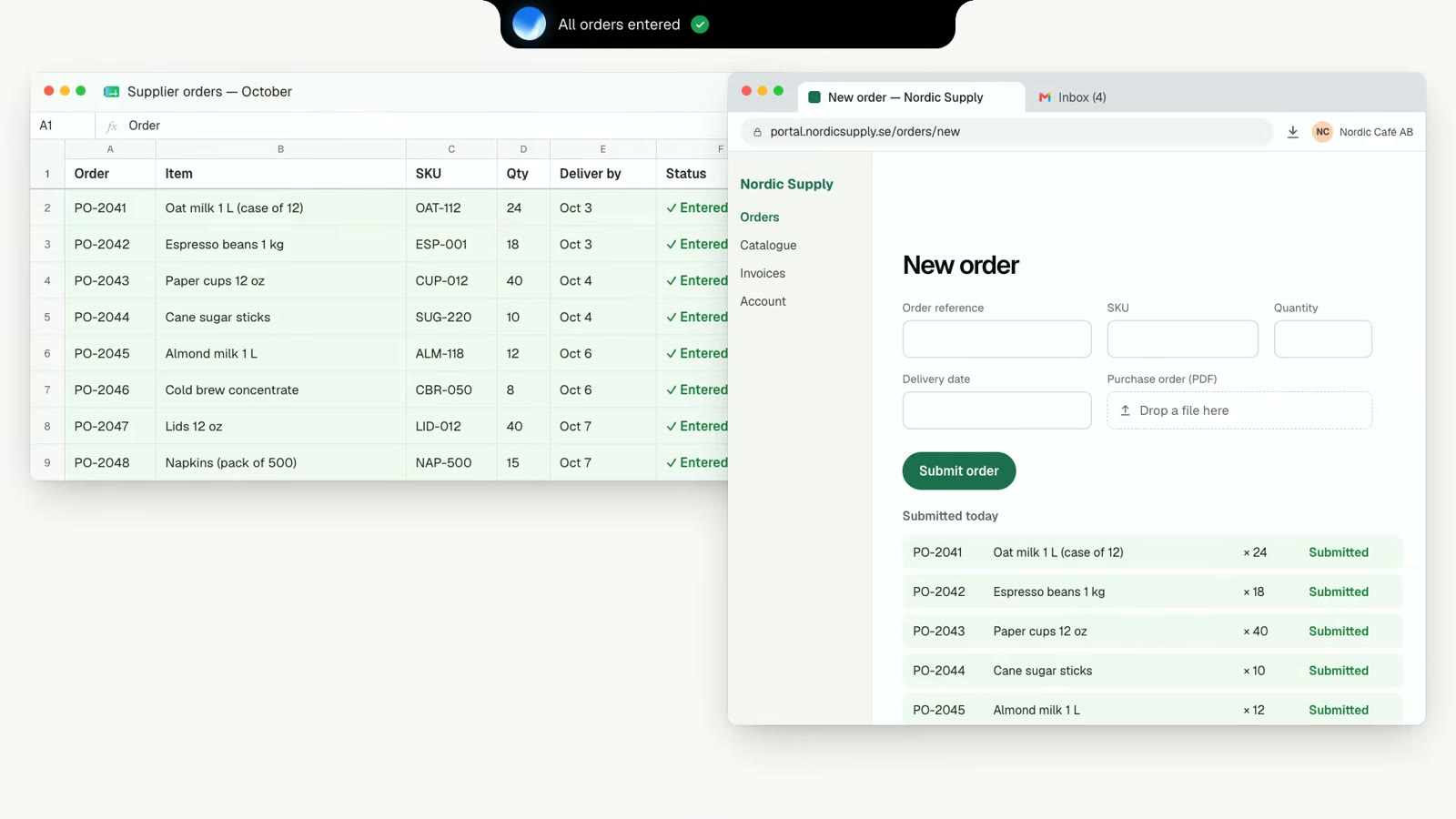
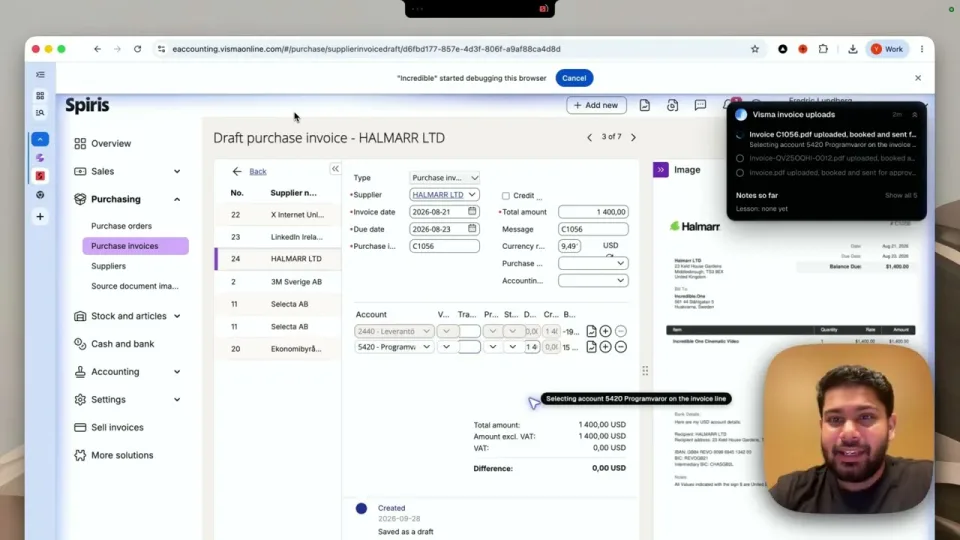
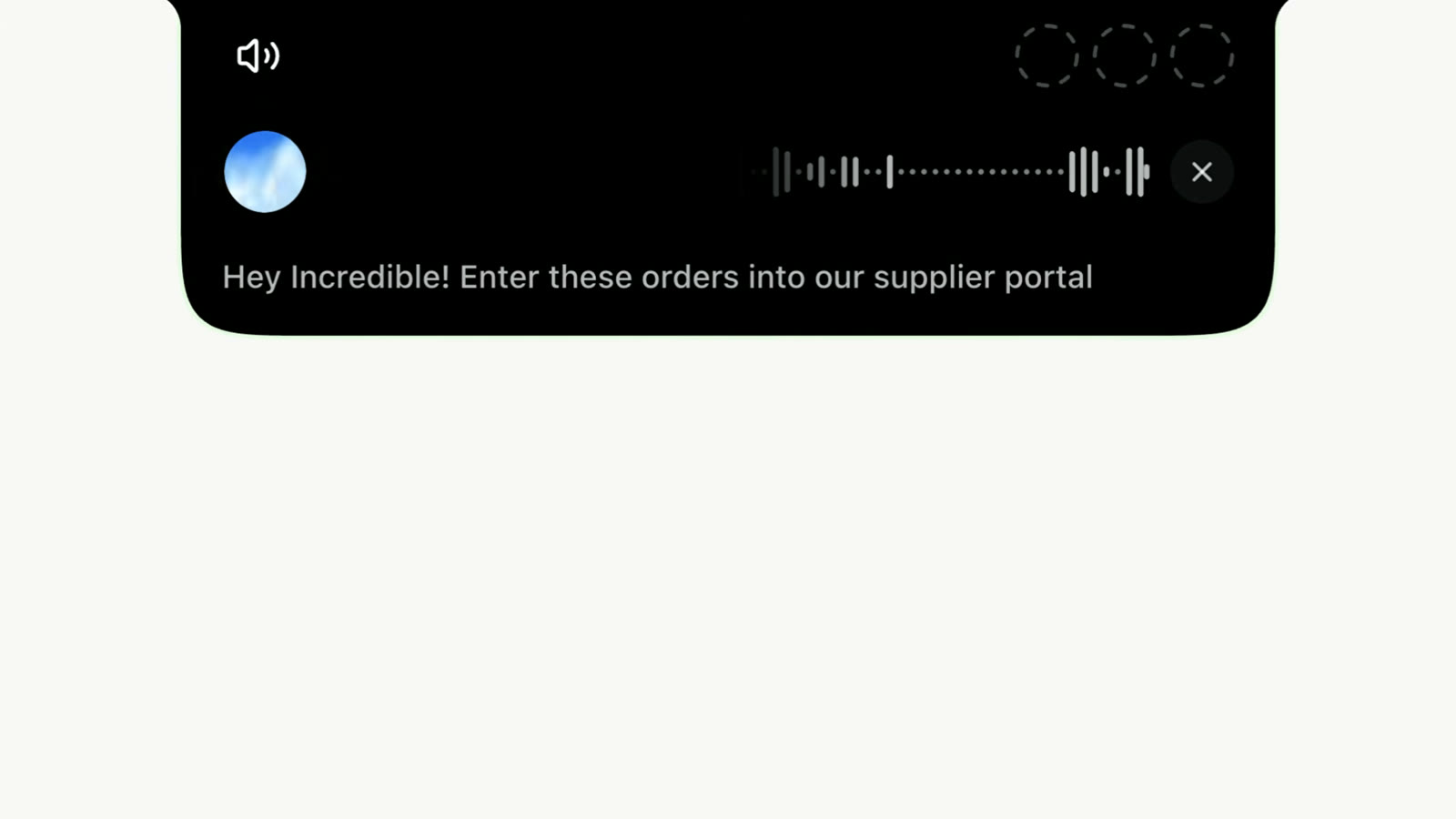
An AI agent that uses your computer works the way a person does: it opens the app, reads the screen, clicks and types. Incredible is one. You hold a key and say the job in your own words, and it does it in your browser, files and apps, on Mac and Windows. There is no trigger to set up and no fields to map.
If that describes your job, keep the Zap.
So can a task you have taught Incredible. Put it on a schedule ("every Friday at 9, run the weekly report") or on Autopilot, where it runs each time something happens in an app you have connected, such as an email with an invoice arriving. An autopilot asks you first or goes ahead, whichever you told it.
The difference is where it runs. Incredible is an app on your own Mac or PC, not a server in the cloud, and it is not built for thousands of runs a day. See the Scheduled and Autopilot guides.
Zapier charges per task, and every action in a Zap is a task. On its pricing page Professional starts at $29.99 a month, or $19.99 a month paid yearly, for 750 tasks, and since 15 June 2026 an AI step can use three or five tasks depending on the model. Going over the limit is billed per task.
Incredible is free for 7 days with no card, then $50 per seat per month. The price does not depend on how many tasks you run; each plan has a usage allowance, and the higher plans raise it. See pricing.
Many teams will keep Zapier for the pipelines between apps that have integrations, and use an agent for everything else: the systems with no integration and the jobs nobody wants to build a Zap for. The Zapier comparison goes through it feature by feature.
To try the agent side, pick a job you did by hand this week, open what it needs, and say it. Download Incredible, free for 7 days.
For some jobs. An AI agent that uses your computer does work in apps that have no Zapier integration, and nothing has to be built. Zapier is still the better tool for high-volume pipelines that run in the cloud, around the clock, between apps that both have an integration.
Zapier charges by tasks: every action a Zap runs uses one. Professional starts at $29.99 a month, or $19.99 a month paid yearly, for 750 tasks, and since June 2026 AI steps can use three or five tasks each depending on the model. Busy Zaps add up.
No. Incredible clicks and types in your own browser, signed in as you, so it works in websites and systems that have neither.
Yes, as an app on your own Mac or PC. A saved task can run on a schedule, such as every Friday at 9, or on Autopilot, where it runs each time something happens in an app you have connected, until you switch it off.
It clicks and types in your browser, files and apps, exactly like you do.
Requires macOS 13 or Windows 10, or later.
 Download for Mac
 Download for Windows