The short answer
Show Incredible once how you enter an invoice in your accounting system, then say "upload these three invoices to Visma." It opens the system in your own browser and fills in each invoice, account and cost center included, the way you taught it. Capture tools such as Dext do the same for the systems they integrate with.
Free for 7 days, no card needed. Mac and Windows.
Have an AI enter supplier invoices from PDFs into your accounting system, even one with no integration. Incredible, Dext and QuickBooks compared.
Forty supplier invoices a week, each one a PDF. Open it, open the accounting system, type the supplier, the amount, the date, pick the account, pick the cost center, attach the PDF, save, next. It is the most predictable hour of the week, and you still do it by hand.
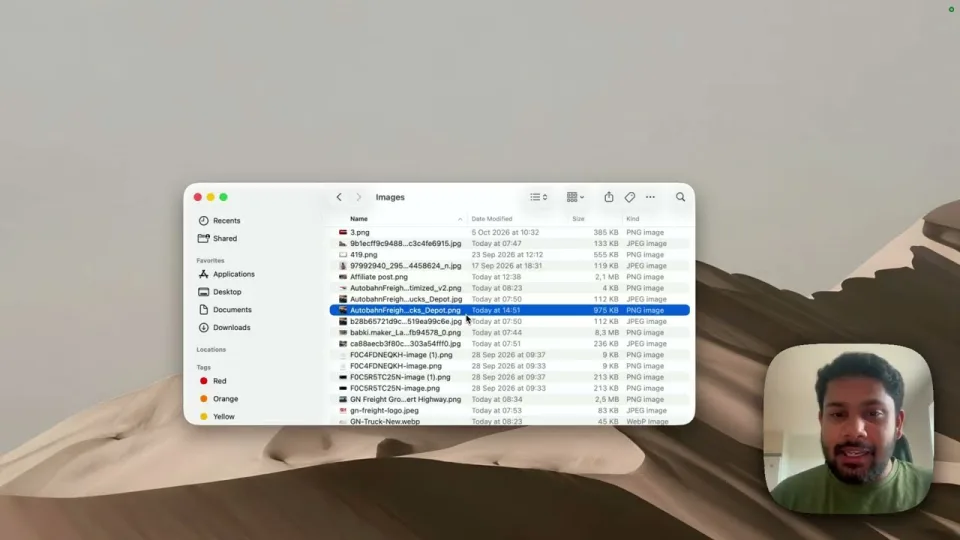
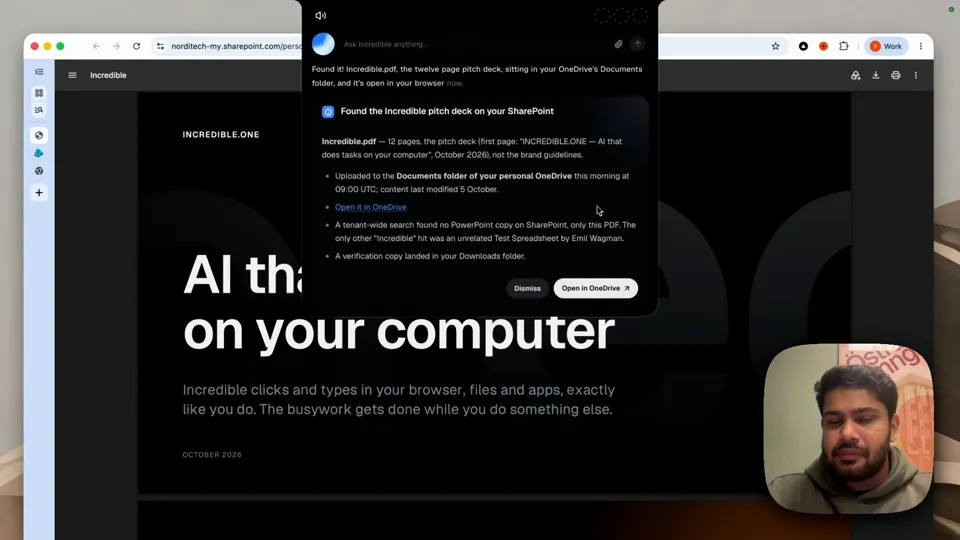
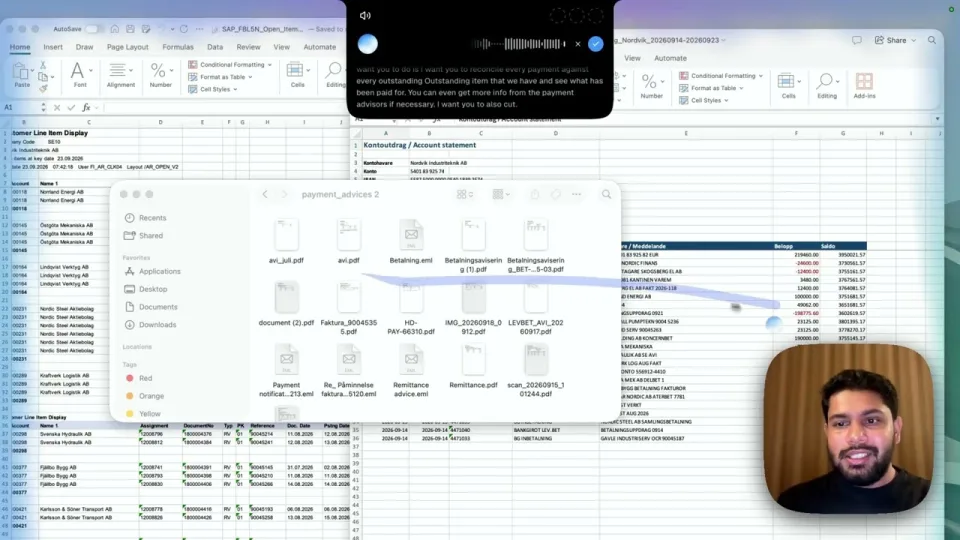
An AI can do that hour now. The recording above is from someone who uploads around 40 invoices to Visma every week. They showed Incredible once how they do it, and now they say "upload this invoice, this invoice and this invoice to Visma" and get on with something else.
Show it once. Enter one invoice yourself while you say what you are doing: which field the supplier goes in, how you choose the account, which cost center a delivery goes to. Incredible saves it as a routine. The Teach guide walks through it.
Then ask in one sentence. With the PDFs in a folder:
"Could you upload this invoice, this invoice and this invoice to Visma for me?"
Incredible answers with what it is about to do with the three PDFs "using the routine you taught me", and starts when you confirm. In the recording it takes over the browser and enters each invoice in turn, account and cost center included, with a small card showing which invoice it is on.
It asks before something new. When an invoice is unlike the ones it has handled, it asks you first. Choose "Always allow" and it does that kind on its own from then on.
You keep working. Minimize the window, use another tab, or do something else entirely. Incredible tells you when the invoices are done.
It works in the accounting system's own screens, in your own browser, signed in as you. So the system does not need an integration with anything, which covers the local and industry systems that capture tools do not reach.
“It’s Copilot on steroids.”
Kyle Rademacher, Office Manager, ProGuard Security Services
Dext reads invoices and receipts and publishes them to your accounting software. Its website says it pulls out "the supplier, the line items and the due date, at over 99% accuracy", categorises them by rules you set, and connects with "36+ accounting software platforms", naming QuickBooks Online, Xero, Sage and Zoho. If your system is on its list, it is built for volume.
QuickBooks Online has capture built in. Intuit's help article says it extracts the details from bills you upload, several at once, and creates a transaction for you to review. You can also forward bills by email to an address QuickBooks gives you.
| Incredible | Dext | QuickBooks capture | |
|---|---|---|---|
| Accounting systems | Any you can use in a browser | 36+ it integrates with | QuickBooks Online |
| Account and cost center | The way you showed it | Rules you set | You review each transaction |
| How you start it | Say it, or on a schedule | Upload, email or app | Upload or email |
| Also does | Any other task on your computer | Stores originals, expense capture | The rest of QuickBooks |
Everything above about Dext and QuickBooks is from their own pages, read on 21 October 2026.
If your accounting system is QuickBooks Online, Xero or another that Dext supports, and the invoices arrive by email, a capture tool is the natural fit. If your system has no integration, or the way you code invoices lives in your head rather than in rules, show Incredible once and hand it the folder.
For the general case, any data you type from one place into a web form, see how to automate data entry into a website with no API.
Try this now. Open your accounting system and one supplier invoice, hold the key and enter it while you talk Incredible through it. Next time, say "upload these invoices the way I showed you." Incredible is free for 7 days with no card. Download it, or read the Teach guide first.
To learn how teaching works in detail, see how to automate repetitive tasks on your computer.
Yes. Capture tools such as Dext read the invoice and publish it to accounting software they integrate with, such as QuickBooks Online, Xero, Sage and Zoho. Incredible enters it through the system’s own screens in your browser, so it also works in accounting systems with no integration, after you show it once how you do it.
You show it. With Incredible you enter one invoice yourself while you say what you are doing, including how you pick the account and the cost center. It saves that as a routine and follows it for the next invoices. Capture tools such as Dext categorise items by rules you set.
Incredible works in the system’s web screens the way you do, signed in as you, so the system does not need an integration. In our recording it uploads supplier invoices to Visma, filling in the account and cost center for each one.
Yes. Intuit says QuickBooks Online can extract the details from receipts and bills you upload or forward by email, and creates a transaction for you to review. You can upload several files at once.
It clicks and types in your browser, files and apps, exactly like you do.
Requires macOS 13 or Windows 10, or later.
 Download for Mac
 Download for Windows