The short answer
For dictation plus the task done, Incredible: hold one key and your words land where your cursor is, hold the other and say the task, and it clicks and types in your apps until it is done. For dictation alone on every device, phone included, Wispr Flow or Aqua Voice. For audio that never leaves your Mac, MacWhisper. For free, the dictation built into macOS and Windows.
Free for 7 days. Mac and Windows.
The best AI dictation software for Mac and Windows teams: Incredible, Wispr Flow, Aqua Voice, Superwhisper, MacWhisper and the free built-in options.
Last updated: October 28, 2026
Every app on this list types for you while you talk. The difference is what happens next. With pure dictation, the words land in the email and you still send it, or they land in the CRM note and you still fill in the other fields.
For people and small teams who want both, Incredible comes first: one key types what you say, the other does the task you describe, on Mac and Windows. If dictation is all you need, on your phone too, pick Wispr Flow or Aqua Voice. Superwhisper is for people who like to choose models and modes, MacWhisper keeps everything on your Mac, and the dictation built into macOS and Windows costs nothing.
Incredible is free for 7 days. Try it on your computer.
| # | App | Best for | Where |
|---|---|---|---|
| 1 |  Incredible Incredible |
Dictation, plus the task done in your apps | Mac, Windows |
| 2 | Wispr Flow | Dictation on every device, with a shared team dictionary | Mac, Windows, iPhone, Android |
| 3 | Aqua Voice | Small teams that need single sign-on and zero data retention | Mac, Windows, iPhone, Android |
| 4 | Superwhisper | Choosing your own models and modes, offline if you like | Mac, Windows, iPhone, Android |
| 5 | MacWhisper | Keeping every word on your Mac, with a one-time price | Mac |
| 6 | Apple Dictation | Free dictation that is already on your Mac | Mac |
| 7 | Windows voice typing | Free dictation that is already on your PC | Windows |
How we ranked them. Every app here types what you say into other apps. The order weighs how clean the text comes out, whether a team of 2 to 10 people can share names and pay in one place, where your audio goes, and what you can do with your voice besides typing. Claims about each app come only from its maker's own website, pricing page or support guide, read on October 28, 2026. Incredible is our product.
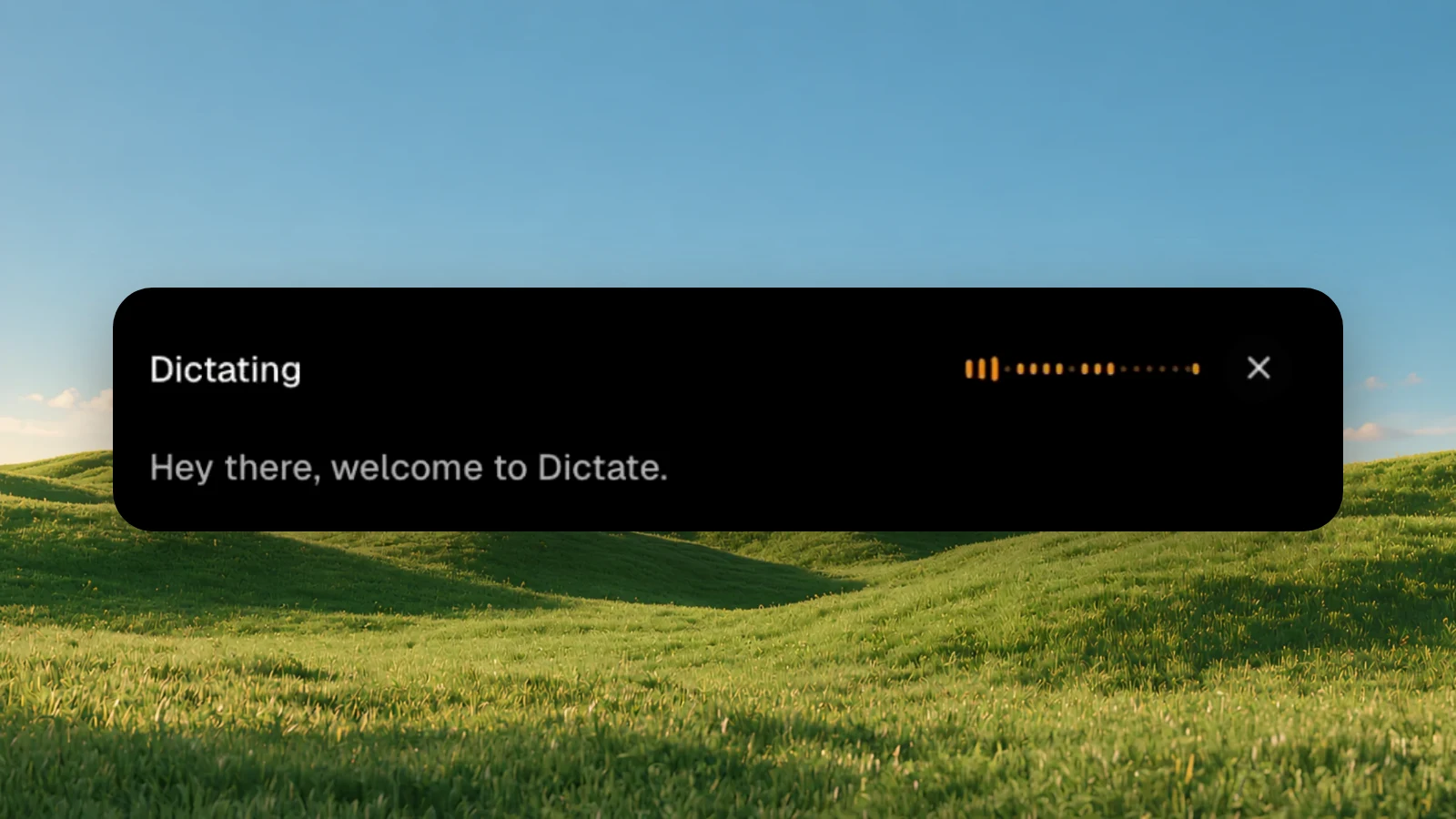
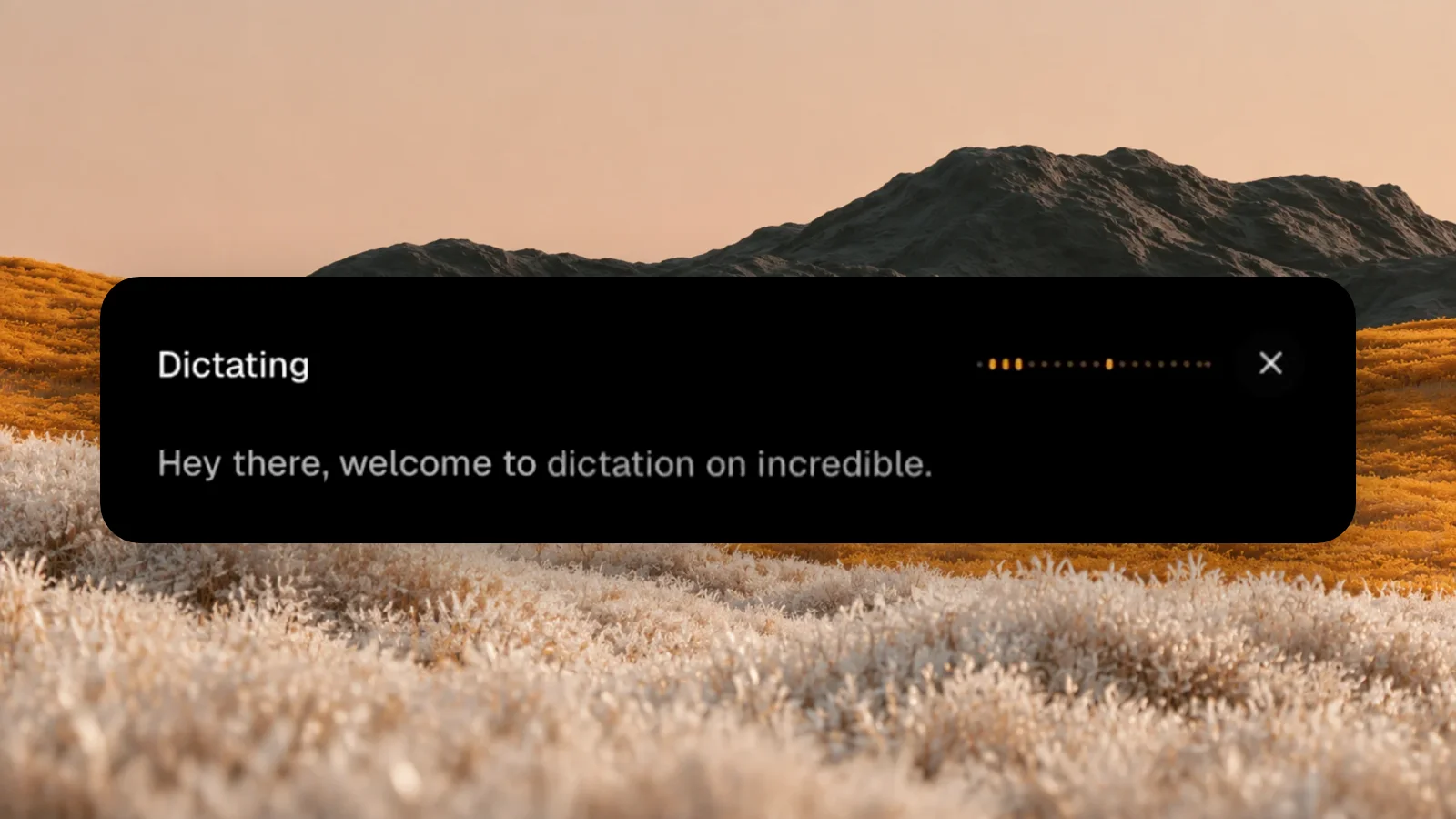
1. Incredible: best when you also want the task doneOn a Mac, hold Ctrl and Shift. On Windows, hold Alt and Space. Speak, release, and the words land where your cursor is, in any app: an email, a document, a chat box, a form field. For longer stretches, hands-free mode keeps listening until you press the shortcut again.
The Dictation guide has every setting.
Then the second key. Hold fn on a Mac, or Ctrl and Space on Windows, and Incredible does what you say instead of typing it:
"Reply to this and say Thursday works."
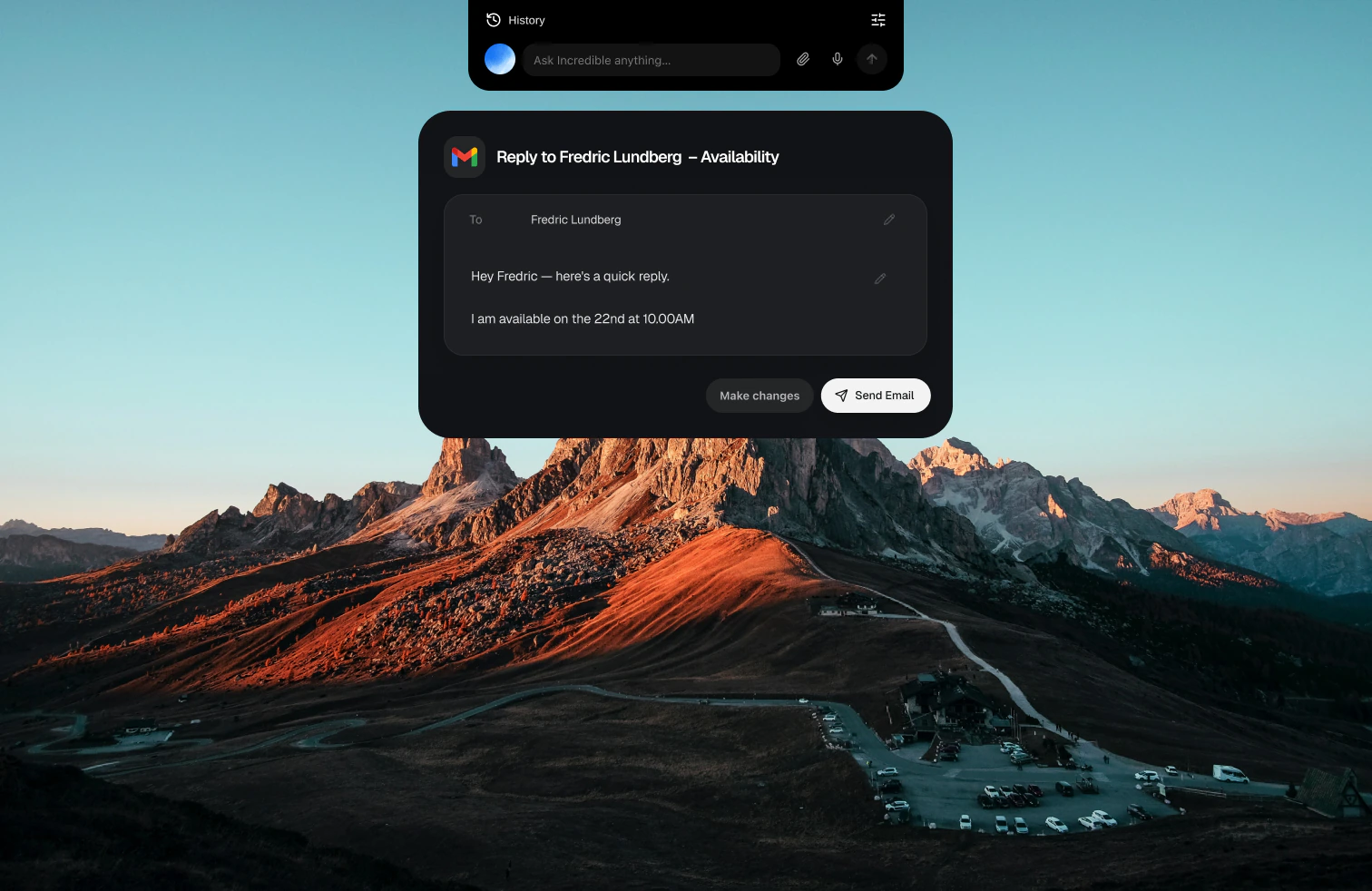
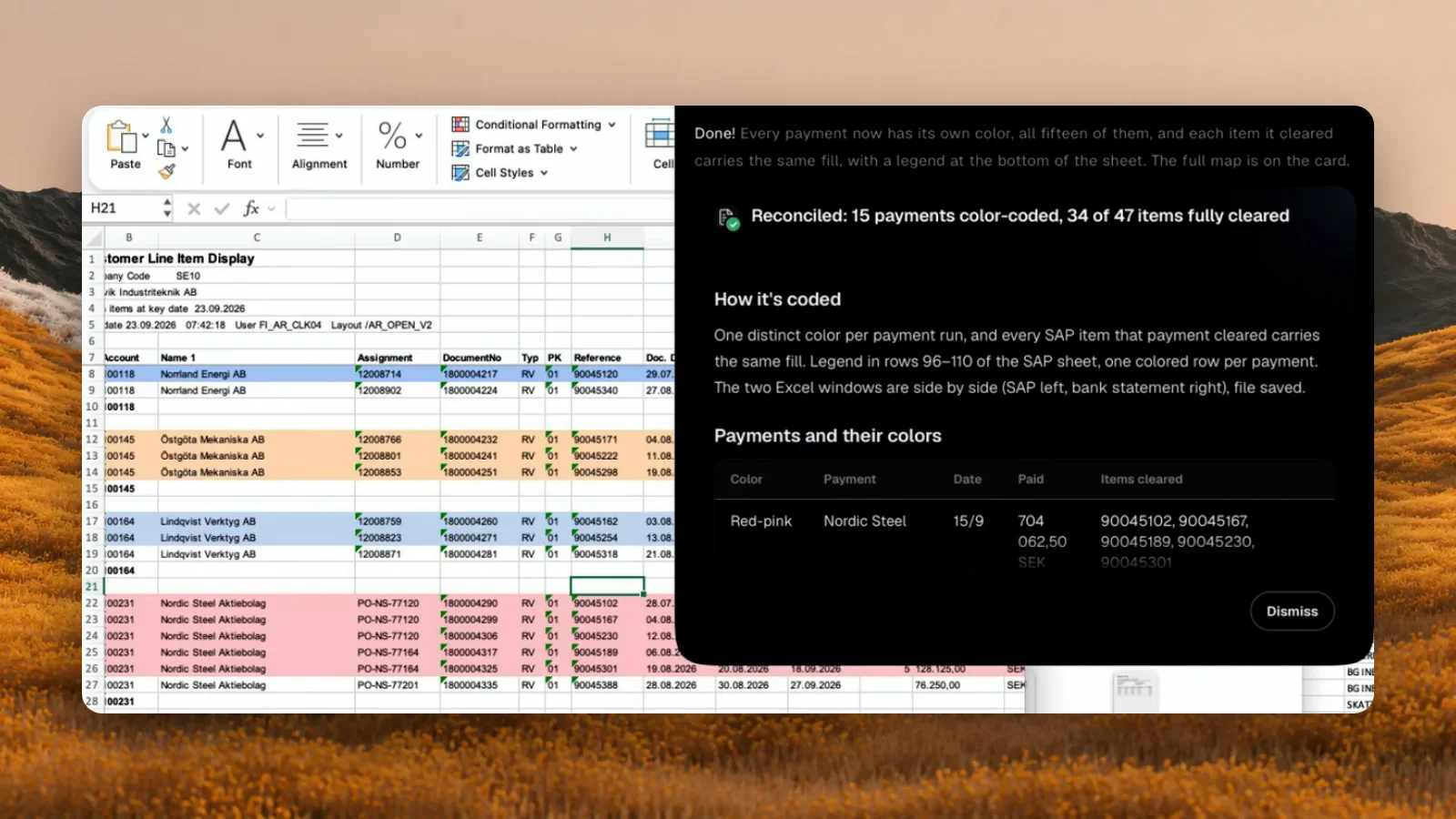
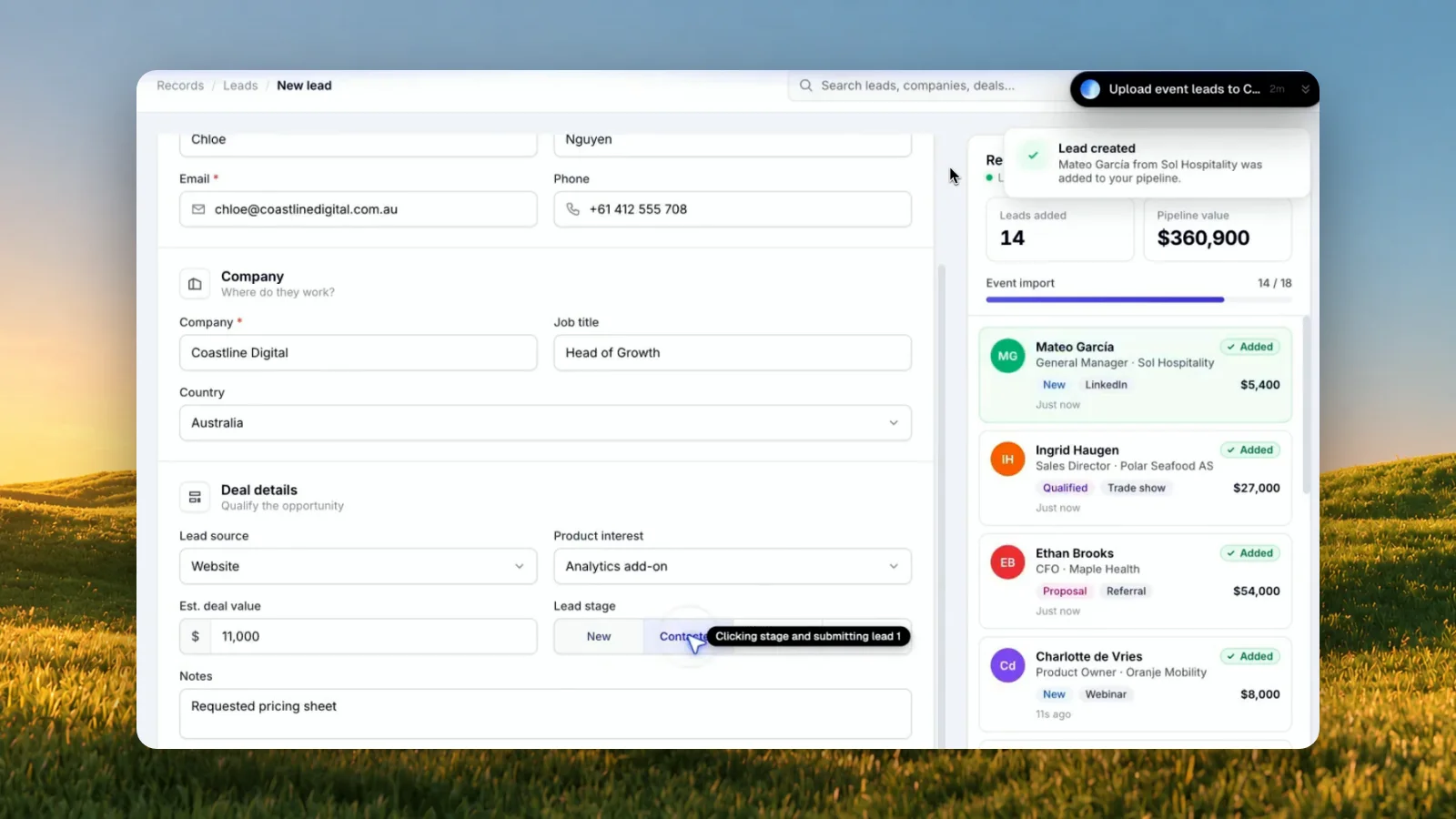
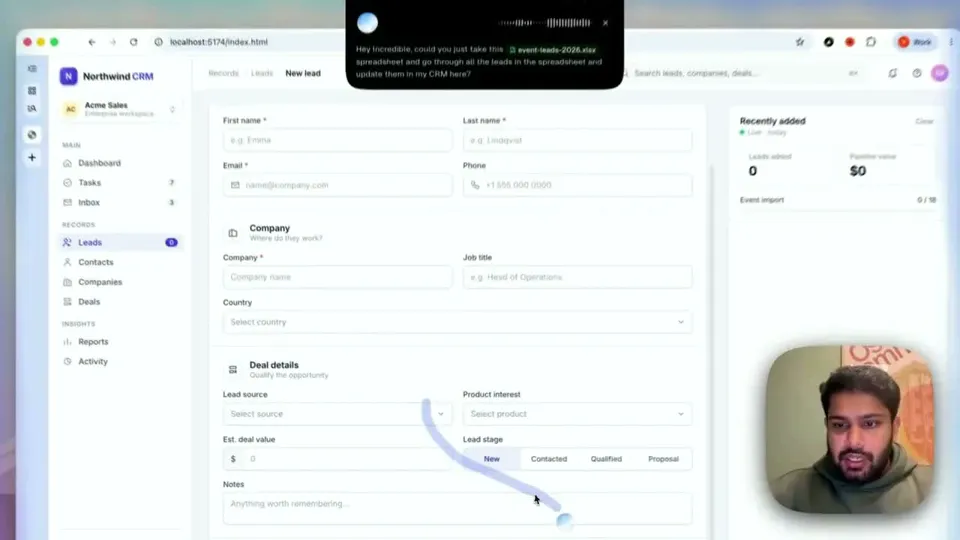
It sees the email in front of you, writes the reply and waits for you to press Send. The same key handles bigger jobs: in one recording it takes a spreadsheet of event leads and enters each one into a CRM in the browser.
For a small team, a word one person adds to Vocabulary can be shared, and from then on Incredible hears it right for everyone in the team. A team plan is paid per seat and can start with one (Teams guide). Incredible runs on macOS 13 or later and Windows 10 or later.
Best for: people and small teams who dictate at their desk and would rather say the next step than click through it. Download it.
Wispr's pricing page says Flow dictates in any app on Mac, Windows, iOS and Android, in more than 100 languages. The free plan includes 2,000 words a week on desktop. Pro is $15 per user a month, or $12 billed annually, with no word limit.
Pro is sold "for individuals and teams": a shared team workspace, a shared dictionary and snippets, and central billing, with no minimum number of seats. Wispr says it is SOC 2 Type II and ISO 27001 certified, and offers HIPAA-ready dictation with a signed BAA.
Best for: a team that wants the same dictation on laptops and phones, and nothing else. How Incredible compares with Wispr Flow
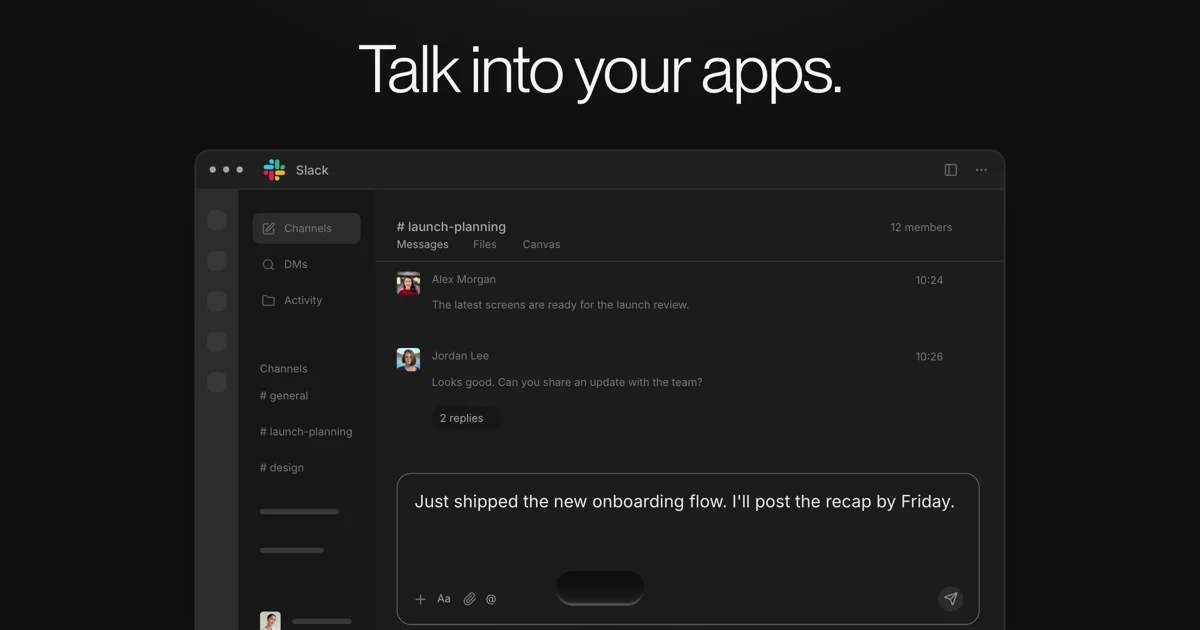
Aqua Voice transcribes you and pastes the text where your cursor is, on Mac, Windows, iOS and Android. It lists 49 languages, a custom dictionary and a writing style you set. With Privacy Mode on, Aqua says nothing is stored on its servers.
Its pricing page lists a free plan with 1,000 words, Pro at $12 a month (or $10 billed annually) and Max at $24 a month (or $19 billed annually). Business is $24 per seat a month, or $19 billed annually, with a minimum of 2 seats, and adds shared dictionaries, single sign-on, automatic member provisioning and zero data retention.
Best for: a team of a few people whose IT wants single sign-on and no stored audio from day one.
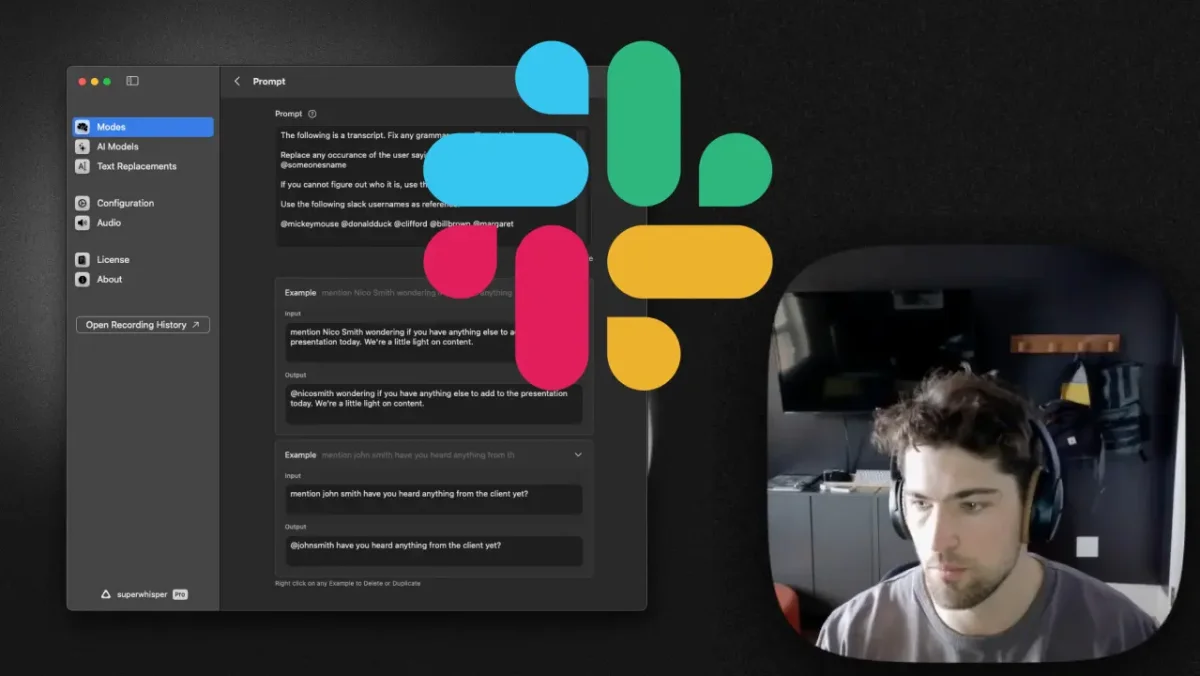
Superwhisper turns your voice into text in any app, on Mac, Windows, iOS and Android, in more than 100 languages. Modes such as Message, Email and Formal set the tone and format, and you can write your own. It works offline with local models, which Superwhisper says run best on Apple Silicon Macs.
The free tier includes Whisper models in any app. Pro adds cloud and local AI models, your own API keys and translation into English, billed monthly, yearly or once for life. Enterprise adds central billing and sign-in and is SOC 2 Type II certified.
Best for: people who like to tune their setup and want the option to dictate with no connection.
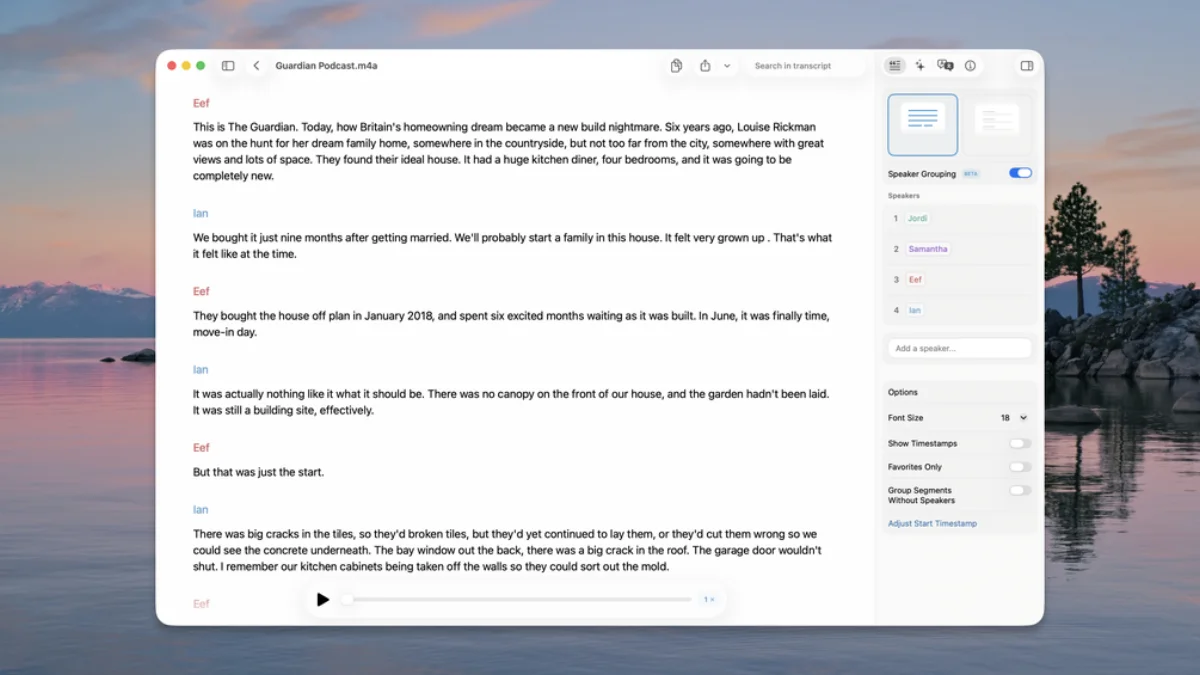
MacWhisper is a Mac app for transcribing recordings, with system-wide dictation that can replace Apple's own. Its page says all transcription is done on your device and no data leaves your machine. It removes ums and filler words and supports 100 languages.
There is a free version, and Pro is a one-time payment of €65 for a personal license, with no subscription. A team can buy 5 Pro licenses for €269 and deploy them through MDM tools such as Jamf. It runs on macOS 14 or later and is recommended for M-series Macs.
Best for: anyone dictating sensitive material, such as interviews or client notes, who wants nothing sent anywhere.
Dictation is built into macOS. Apple's Mac User Guide says you start it with the Dictation shortcut, the Microphone key or Edit, Start Dictation, and you can dictate text of any length without a timeout. Keyboard settings show whether your dictation is processed on the Mac and not sent to Apple's servers.
In macOS 27, Apple Intelligence adds an on-device model that improves spelling, punctuation and capitalization, in English, on Macs with M3 or later and at least 12 GB of memory.
Best for: trying dictation on a Mac today at no cost. More on controlling a Mac by voice
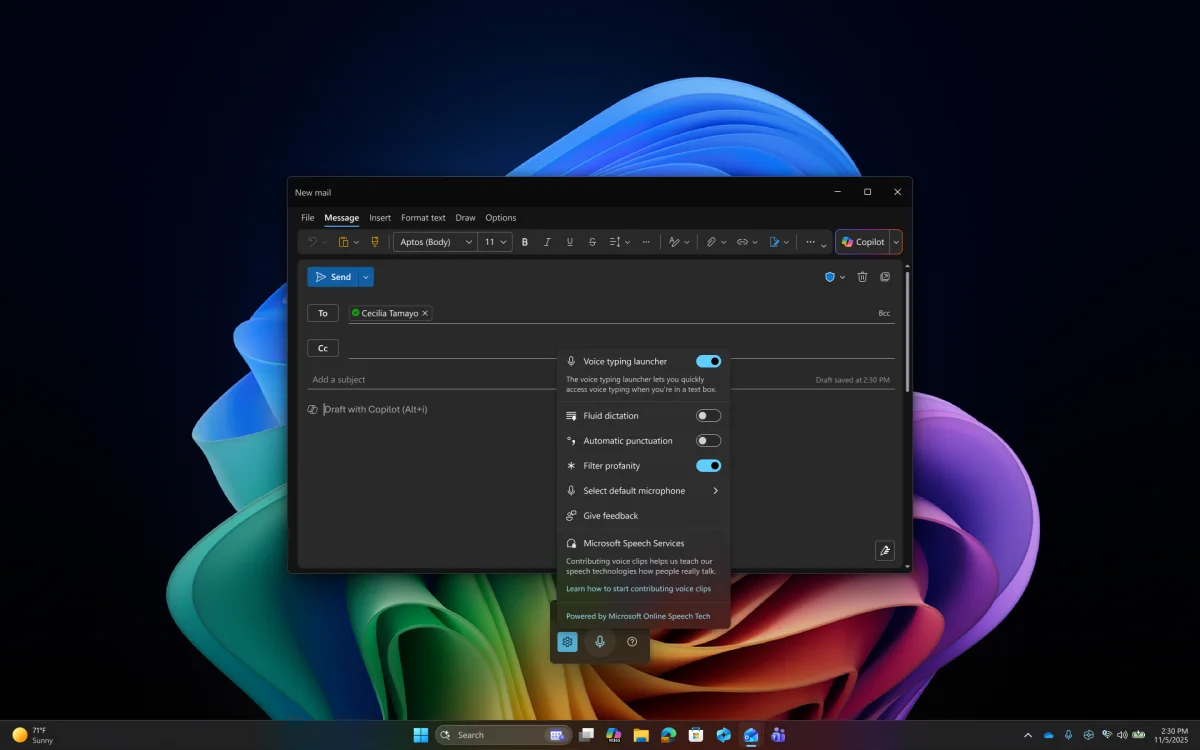
On Windows 11 and Windows 10, press the Windows key and H to start. Microsoft's support page says voice typing uses online speech recognition powered by Azure Speech services, so it needs an internet connection. Automatic punctuation is a setting you turn on.
On Copilot+ PCs, fluid dictation runs on small language models on the device, for fast and private processing, in English locales, and turns itself off in password and PIN fields. Dictation commands work only in US English.
Best for: trying dictation on a PC today at no cost.
For a team of 2 to 10, the deciding question is usually what people do after the words land. If it is mostly sending, filing and updating, a dictation app saves the typing and leaves the clicks. For voice tools beyond dictation, such as conversation and meeting notes, see the best voice AI tools for work.
Try this now. Put your cursor in an email, hold Ctrl and Shift and dictate a line. Then open the next email, hold fn and say: "Reply to this and say Thursday works." Incredible is free for 7 days. Download it, or read the Dictation guide first.
If the team wants the work done as well as the words typed, Incredible: it dictates into any app on Mac and Windows, a team can share its Vocabulary so names come out right for everyone, and a second key does the task you describe. For dictation alone, Wispr Flow Pro has a shared team workspace and dictionary with no minimum number of seats, and Aqua Voice Business adds shared dictionaries, single sign-on and zero data retention from two seats.
Incredible does both from the keyboard. Hold Ctrl and Shift and it types what you say. Hold fn and say a task, such as "reply to this and say Thursday works", and it writes the reply in your email and waits for your go before sending. Wispr Flow, Aqua Voice, Superwhisper, MacWhisper and Apple Dictation turn your speech into text.
Yes. macOS has Dictation built in, and Windows has voice typing, which you start with the Windows key and H. Wispr Flow is free for 2,000 words a week on desktop, Aqua Voice includes 1,000 free words, and Superwhisper and MacWhisper have free tiers. Incredible is free for 7 days.
MacWhisper says all transcription happens on your Mac and no data leaves it. Superwhisper works offline with local models, which run best on Apple Silicon. macOS Dictation shows in Keyboard settings whether your dictation is processed on the Mac instead of being sent to Apple. Windows voice typing uses online speech recognition from Azure.
Yes, in most of these apps. Incredible writes what you said in the language you said it and never translates. Wispr Flow and Superwhisper each list more than 100 languages, MacWhisper 100, and Aqua Voice 49.
It clicks and types in your browser, files and apps, exactly like you do.
Requires macOS 13 or Windows 10, or later.
 Download for Mac
 Download for Windows