The best voice AI tools in 2026 range from dictation apps to phone agents and computer control. These 11 best voice AI tools each excel at a different job.
Voice AI used to mean asking a smart speaker for the weather.
In 2026, it can mean something much bigger.
You can talk to an AI that works across your computer, dictate into almost any app, turn meetings into searchable knowledge, automate thousands of customer calls, or build an entirely new voice product.
So which voice AI tools are actually worth knowing?
We researched the leading options and picked 11 tools that stand out for different jobs. This is not a ranking. The best choice depends on what you want to accomplish with your voice.
| Tool | Best for |
|---|---|
| Incredible | Getting work done across your computer by voice |
| ChatGPT Voice | Talking, thinking, researching, and coordinating AI work |
| Gemini Live | Voice productivity inside the Google ecosystem |
| Wispr Flow | Dictating into almost any app |
| Otter.ai | Turning meetings into useful company knowledge |
| ElevenLabs | Creating realistic AI voices and voice experiences |
| Hume AI | Emotionally expressive voice AI |
| Retell AI | Production AI phone agents |
| Synthflow | Building phone agents without much code |
| Vapi | Developer-first voice agent development |
| Deepgram | Voice AI infrastructure and APIs |
If you want to control your computer with your voice, look at Incredible.
If you want to have a conversation with a general-purpose AI, ChatGPT Voice and Gemini Live are strong choices.
If you want to stop typing, Wispr Flow is built specifically for that. If your voice data lives in meetings, look at Otter.
And if you are building voice into a product or phone operation, start with ElevenLabs, Hume, Retell, Synthflow, Vapi, or Deepgram depending on how technical you want to get.
Editorial note: Incredible is our product. We included it because it represents a distinct type of voice AI: an assistant designed to take action across the computer and the apps you already use. The rest of this list was selected based on current product capabilities and distinct use cases.
Best for: People who want to tell their computer what to do instead of clicking through every step.
A lot of voice AI can answer you. Incredible can act on what you say.
Hold the activation key, speak naturally, and Incredible can use the context on your screen, files, browser, and connected apps to carry out the task. It runs on Mac and Windows.
For example, you can ask it to:
Incredible connects directly with more than 3,000 apps, while browser interaction and workflow recordings extend it to work beyond those integrations.
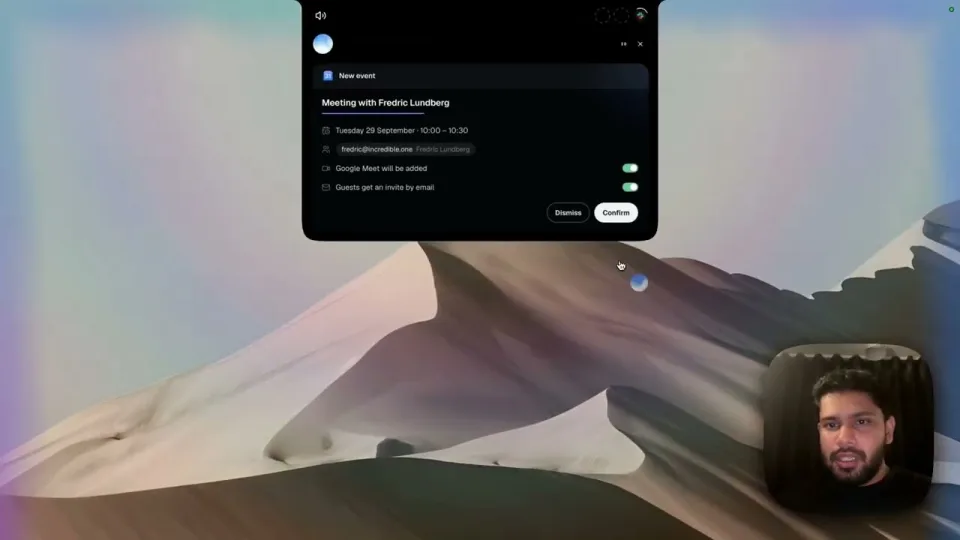
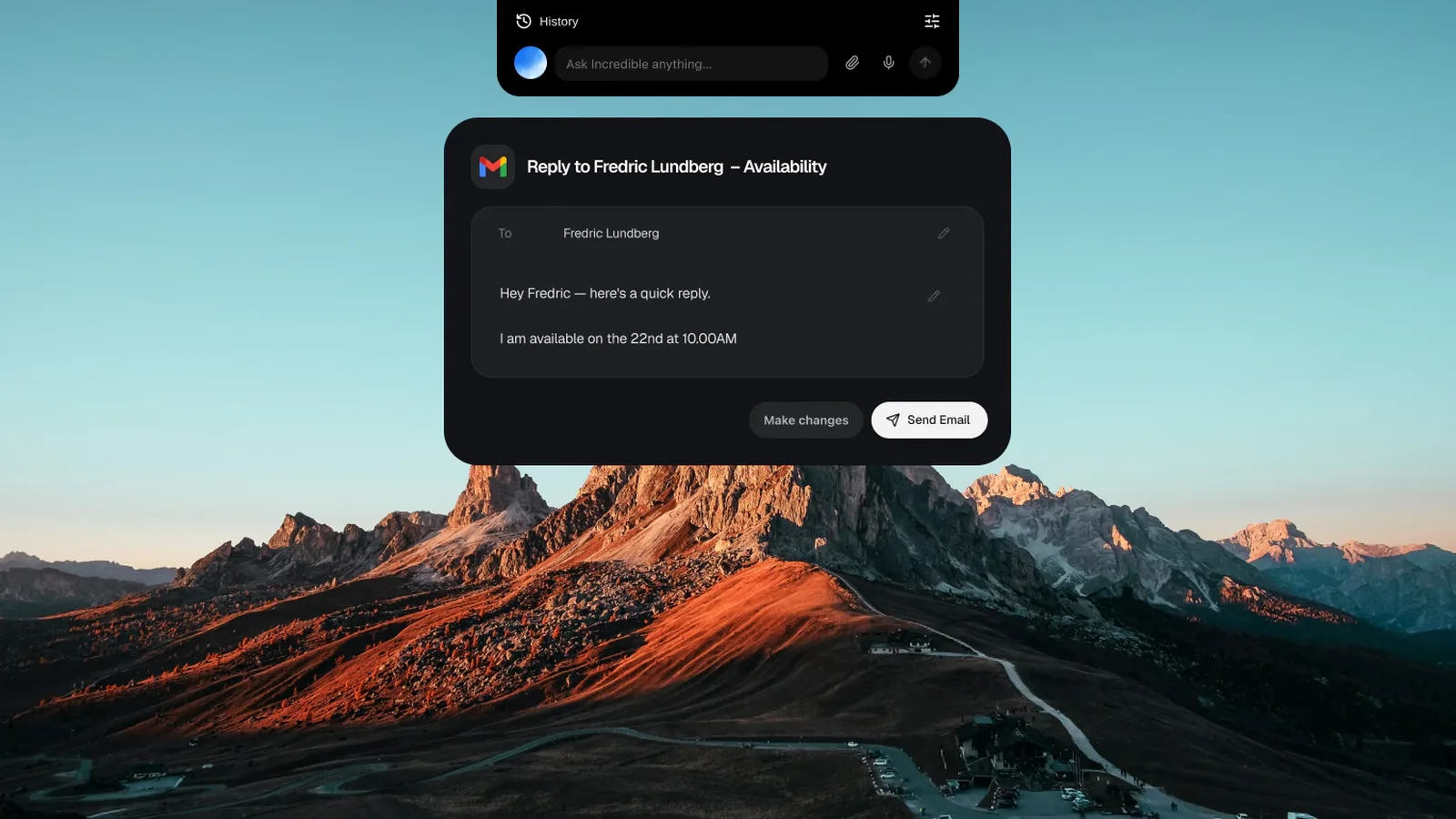
The control model is also important. Before consequential actions such as sending, changing, moving, or deleting something, Incredible shows what it intends to do and waits for approval.
It can handle both ordinary reminders and event-based alerts. You can tell it to remind you Friday morning, for example, or ask it to tell you when an invoice arrives.
Choose it if your problem is not getting an AI answer. Your problem is the work that comes after the answer.
That is where Incredible is different.
Best for: Brainstorming, asking questions, researching, learning, and coordinating broader AI tasks.
ChatGPT Voice is one of the easiest ways to turn a general-purpose AI into something you can simply talk to.
In July 2026, OpenAI introduced GPT-Live, a new generation of voice models that now powers ChatGPT Voice. GPT-Live uses a full-duplex architecture, which means it can listen and speak at the same time. That improves interruption handling and fast back-and-forth conversation.
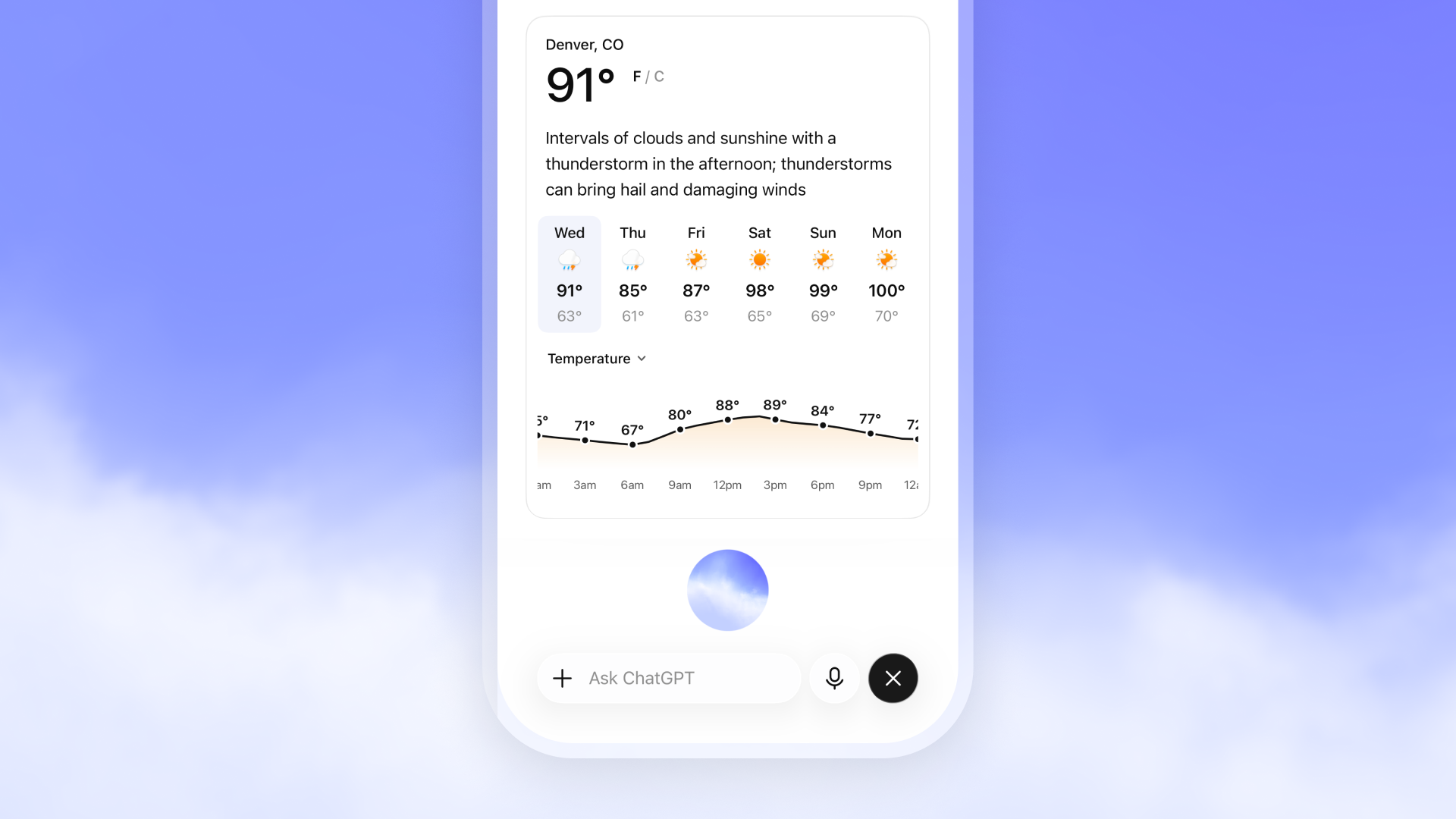
Current ChatGPT Voice can also use capabilities including web search and memory, show supported visual results, and work alongside text and images when those features are available.
That makes it useful for things like:
Voice also extends into ChatGPT's more agentic desktop experiences. On eligible accounts, Voice can work with Work or Codex to start tasks, redirect work, check progress, and coordinate agents from the desktop app.
Choose it when you want a broad AI brain you can talk to naturally rather than a tool designed around one narrow workflow.
Best for: People who already live in Gmail, Docs, Drive, Sheets, and Android.
Gemini Live is becoming much more than spoken Google search.
Google says 63% of Gemini users now talk directly to Gemini, which helps explain why voice has become such a major part of the product.
In August 2026, Google expanded Gemini Live with new productivity capabilities designed to turn spoken requests into actions.
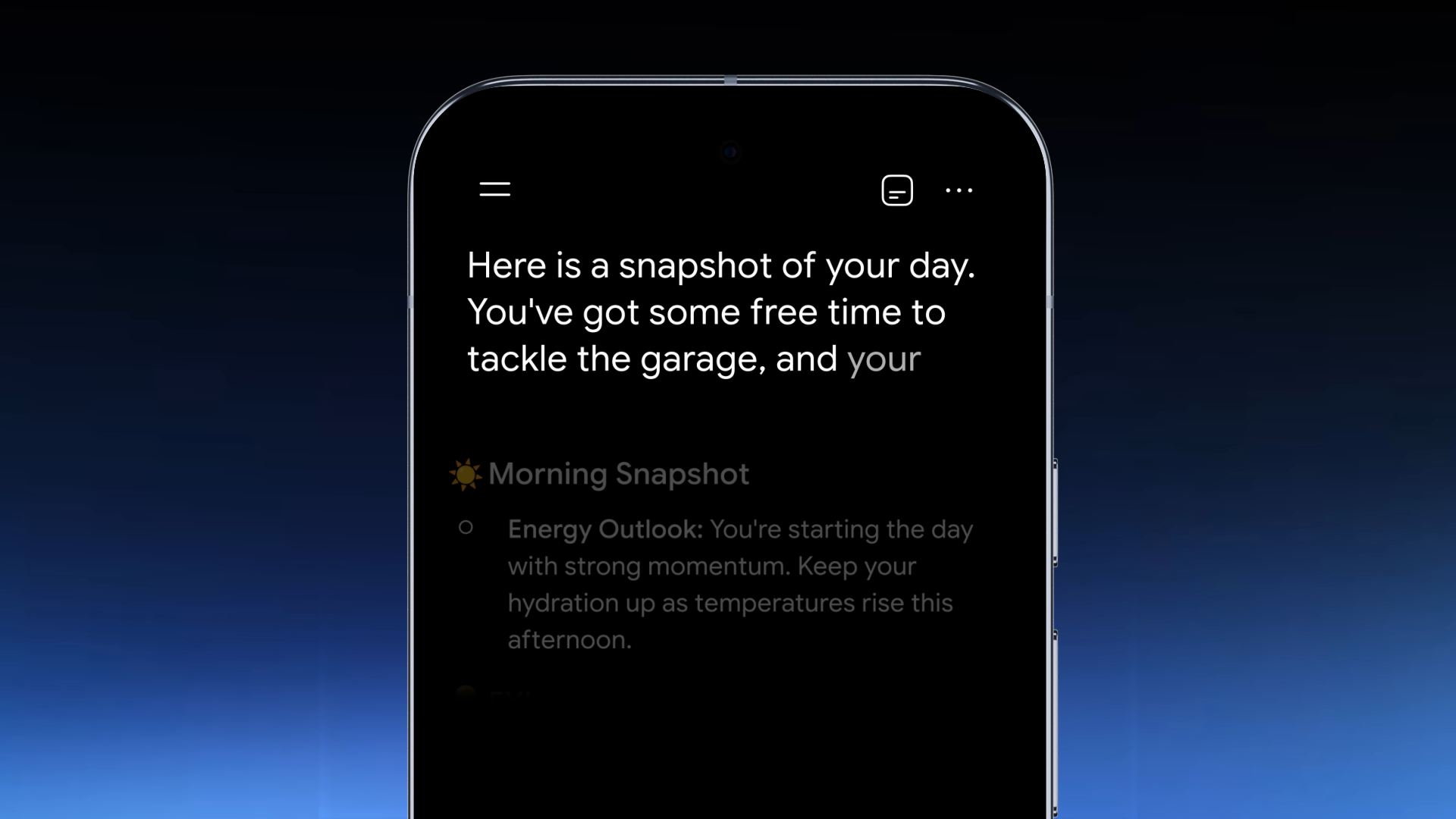
You can use voice to work with your inbox, organize spoken ideas into documents, get daily briefings, and start more complex tasks. Gemini Live is also integrating with Spark for longer-running work across Google Docs, Sheets, Drive, and the web.
That gives Google an obvious advantage: it already sits on top of a lot of the context people use every day.
Choose it if your email, files, calendar, documents, and phone are already heavily connected to the Google ecosystem.
For those users, voice can become another way to operate tools they already use.
Best for: People who spend a large part of the day writing.
Wispr Flow has a much narrower goal than ChatGPT or Gemini. It wants to make your voice a better keyboard.
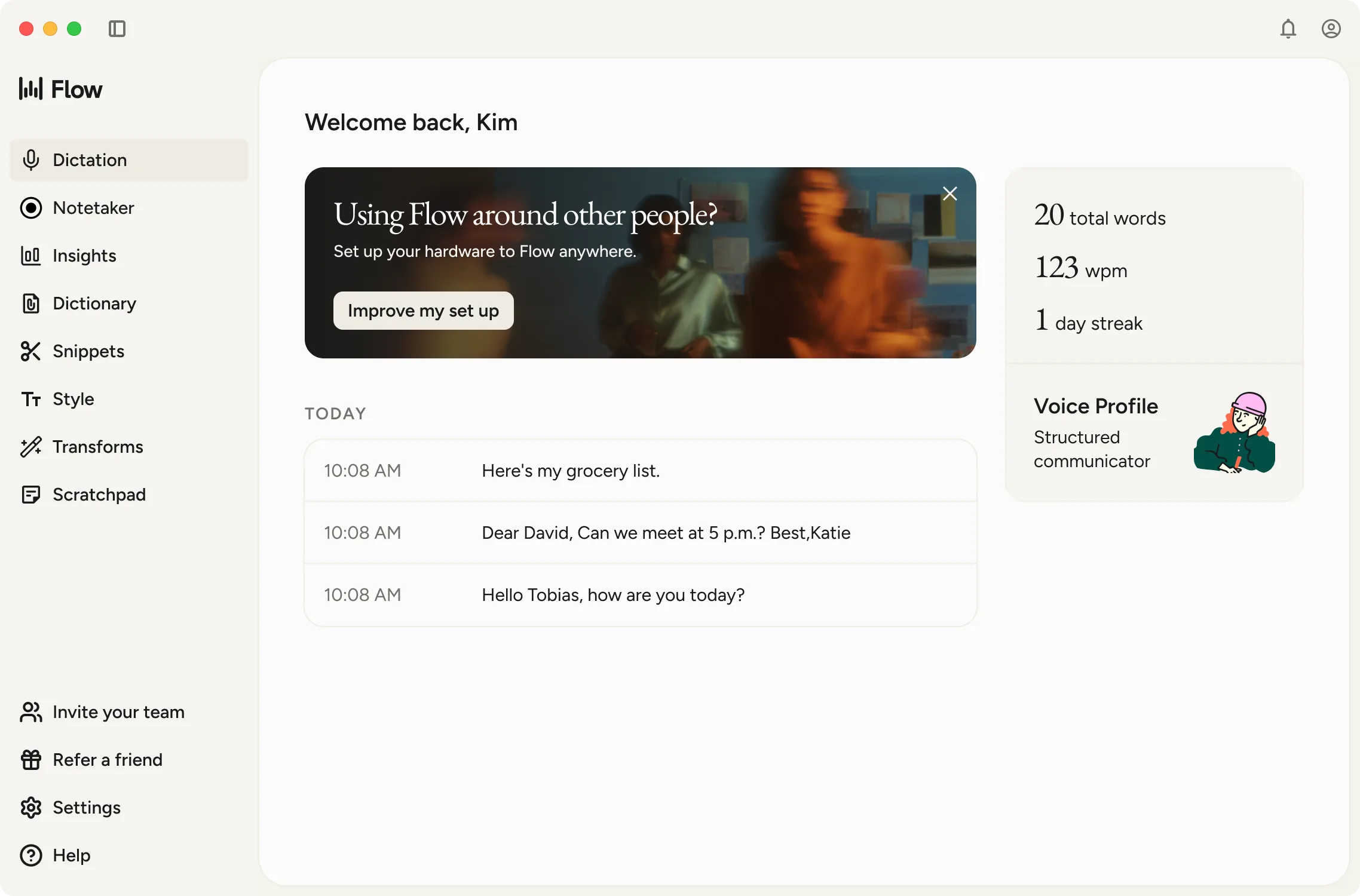
Flow lets you dictate into apps including Gmail, Notion, Google Docs, WhatsApp, Cursor, and other places with a text field. It is available on Mac, Windows, iPhone, and Android.
But it does more than literal speech-to-text. Flow can:
Its context awareness can use nearby text and information from the active app to improve proper-name recognition, style, and formatting, with capabilities varying by platform.
Choose it if you already know what you want to say. You just want to get those words onto the screen faster.
Best for: Teams that create valuable information in meetings and calls.
Otter started as an AI meeting transcription tool. It has become something broader.
In 2026, Otter introduced what it calls a Conversational Knowledge Engine, designed to turn conversations across a company into structured, searchable knowledge.
Instead of letting the useful parts of a meeting disappear into a recording, teams can use Otter to capture and reuse what was discussed. Its MCP server can also make meeting knowledge available to supported AI tools and business systems.
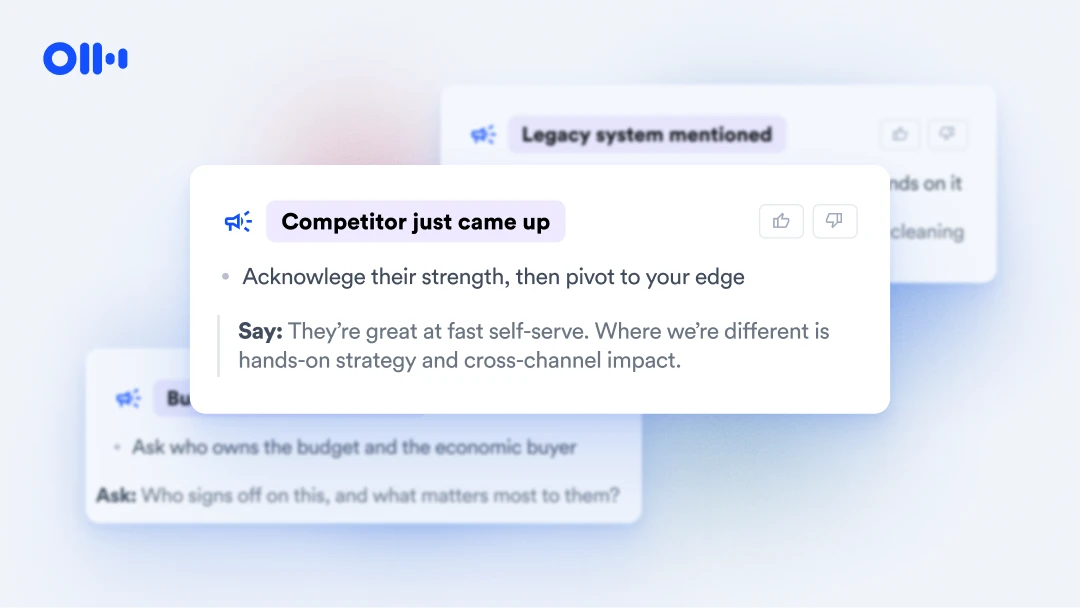
Otter is becoming useful during calls, not just after them. Its Live Assist feature can provide private, real-time coaching grounded in company playbooks, previous meetings, SOPs, and other organizational context.
Choose it if important company knowledge is constantly being said before it is written down.
Otter helps make those conversations useful later.
Best for: Creators, businesses, and developers where the actual sound of the AI matters.
ElevenLabs remains one of the biggest names in AI-generated speech. But in 2026, it is much more than a text-to-speech tool.
The platform now includes:
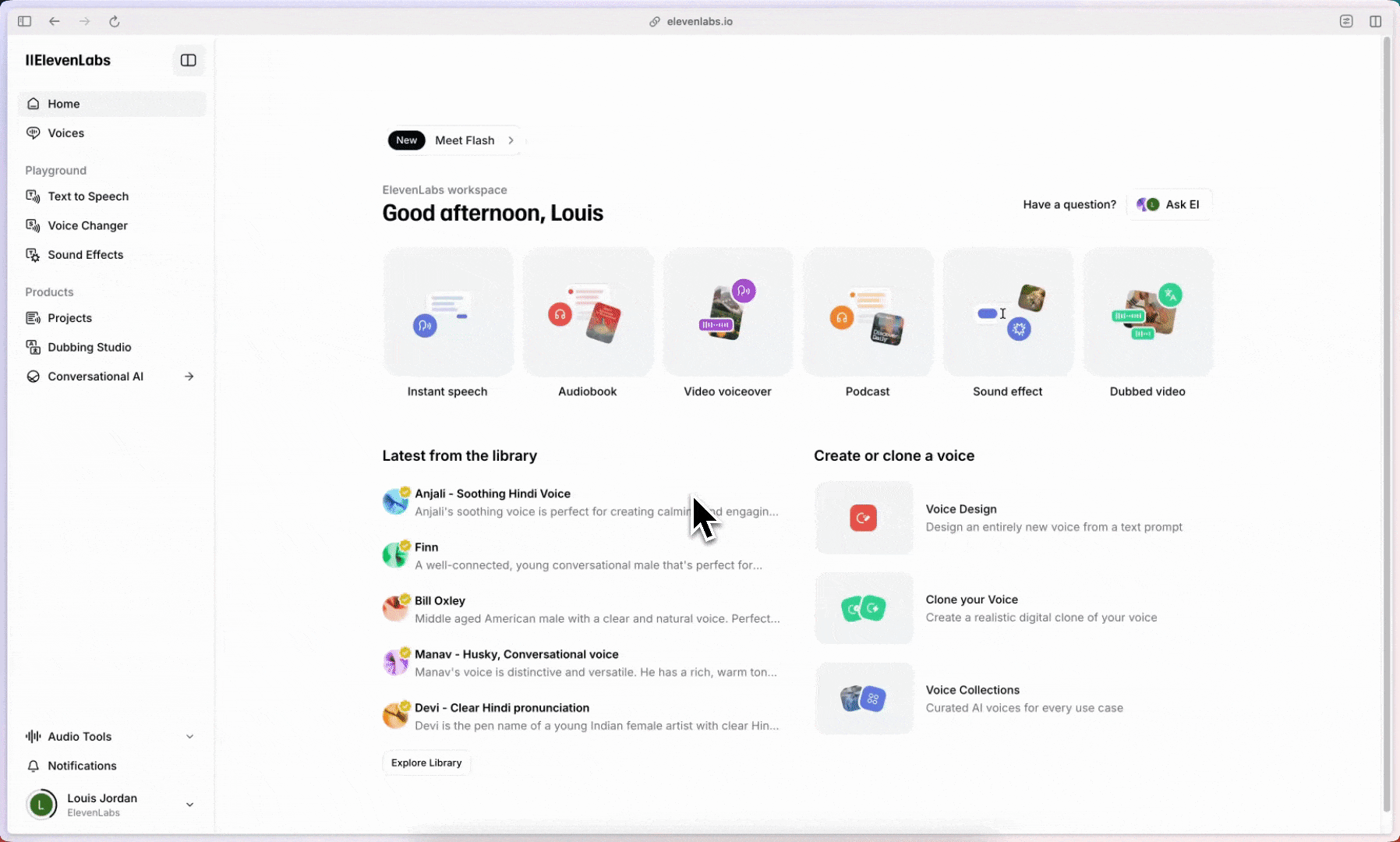
ElevenLabs documents a library of more than 10,000 voices, alongside generated and cloned voices.
For conversational products, ElevenAgents combines speech recognition, language models, text-to-speech, turn-taking, interruption handling, knowledge bases, tools, testing, and analytics.
Choose it when voice quality is part of the product experience.
It is particularly compelling for narration, media, localized content, characters, phone experiences, and branded AI voices.
Best for: Voice experiences where tone and emotion matter.
Words are only part of human conversation. The same sentence can sound excited, irritated, uncertain, bored, or sympathetic depending on how someone says it.
That is the territory Hume AI focuses on.
Its Empathic Voice Interface, or EVI, processes characteristics such as the tune, rhythm, and timbre of speech. Hume uses those signals to influence when its AI responds and how the response sounds.
EVI is designed to:
Hume's EVI 4-mini also supports English, Japanese, Korean, Spanish, French, Portuguese, Italian, German, Russian, Hindi, and Arabic.
Choose it if the experience needs to feel expressive, not just accurate.
That can matter in assistants, games, tutoring, customer experiences, accessibility products, and interactive characters.
Best for: Businesses that need AI to make or answer real customer phone calls.
A voice agent working in a demo is one thing. A voice agent handling actual customers is another.
Retell focuses on the lifecycle of AI phone agents, including building, testing, deployment, and monitoring. It supports incoming and outgoing calls as well as custom telephony integrations.
Testing is one of the strongest reasons to consider it. Retell supports interactive and automated simulation testing designed to validate agent behavior before deployment.
After calls, teams can extract structured information such as summaries, categories, numbers, and Boolean outcomes. Retell also supports A/B testing, so teams can compare prompts, voices, scripts, or conversation flows using live traffic.
Choose it when your voice agent needs to operate like production software, not just a clever prototype.
Best for: Operations teams that want to automate phone workflows visually.
Synthflow makes AI phone agents accessible to teams that do not want to construct the full technical stack themselves.
You can create:
The interesting part is how conversations are designed. For simpler use cases, Prompt Builder lets one main prompt control the agent.
For structured processes, Flow Designer provides a visual, node-based system where teams can create explicit conversation steps, decisions, and branches.
That makes it especially useful for workflows such as appointment scheduling, qualification, routing, customer support, and other repeatable call processes.
Choose it when the people who understand the workflow are closer to operations than engineering.
Best for: Developers who want more control over how a voice agent is assembled.
Vapi takes a more modular approach.
Developers can build assistants for inbound and outbound phone calls, web experiences, and other voice applications while configuring the underlying models and connecting agents to external tools and APIs.
For more complicated workflows, Vapi's Squads let several specialized assistants handle different parts of the same conversation.
For example, one agent might qualify a lead and then hand the conversation to another agent responsible for booking the appointment. Context can carry across the handoff.
Vapi has also continued investing in testing. Its simulation suites let teams run reusable scenarios against assistants or squads and evaluate whether the interaction achieved the intended result.
Choose it if your engineering team wants flexibility without building telephony, orchestration, testing, and voice infrastructure from scratch.
Best for: Engineering teams that need speech infrastructure with more deployment control.
Deepgram sits deeper in the voice stack than most tools on this list.
Its Voice Agent API combines speech-to-text, language-model orchestration, and text-to-speech into a single real-time WebSocket API. It includes turn-taking, barge-in, and function calling.
That lets developers build conversational systems without manually wiring every speech component together. At the same time, Deepgram leaves room for infrastructure choices.
Organizations can use other language-model or text-to-speech providers while retaining Deepgram's orchestration. Deepgram also documents self-hosted deployment of its Voice Agent API using Kubernetes, with the speech and language-model pipeline exposed through a WebSocket interface.
Choose it if voice AI is becoming part of your product infrastructure, not simply another SaaS tool your team uses.
The easiest way to choose is to ask one question: What should happen after I speak?
If the answer is “I want my computer to do the task,” look at Incredible.
If it is “I want to think or talk with an AI,” look at ChatGPT Voice or Gemini Live.
If it is “I want my words turned into polished text,” look at Wispr Flow.
If it is “I want meetings captured and made useful,” look at Otter.
If it is “I want to generate or design voices,” look at ElevenLabs or Hume.
If it is “I want AI handling customer calls,” start with Retell or Synthflow.
And if it is “I want to build my own voice product,” Vapi and Deepgram are strong places to start.
That distinction matters because voice AI is no longer one product category. It is becoming an interface for software itself.
When comparing tools, look beyond whether the demo sounds human.
Some tools return information. Others can use tools, APIs, apps, or your computer to take the next step.
The difference between answering and acting is becoming one of the most important distinctions in AI.
Useful context could include your screen, files, inbox, active application, previous conversations, meetings, CRM, or company knowledge.
The less you have to explain manually, the more useful voice becomes.
Natural conversation is not perfectly turn-based. People pause, change direction, correct themselves, and interrupt.
Modern voice systems increasingly account for those behaviors rather than forcing users into rigid speak-stop-wait interactions.
Once an AI can send messages, change records, make calls, update files, or trigger workflows, control becomes more important.
Look for approval mechanisms, permissions, auditability, testing, and monitoring where the use case requires them.
Voice saves less time if adopting it means rebuilding your workflow.
The strongest tools often work as a layer over software and processes you already use.
The most interesting thing about voice AI in 2026 is not that computers sound more human. It is that speaking can now cause useful things to happen.
You can say an idea and get a document. Say what needs updating and change a business system. Have a conversation and turn it into searchable knowledge. Answer a phone call without a human operator. Or tell your computer what outcome you want and let an AI work across the applications needed to get there.
That is a much bigger shift than better dictation.
For decades, using a computer meant translating what you wanted into buttons, menus, forms, commands, and clicks. Voice AI is beginning to reverse that relationship.
You describe the outcome. The software figures out the steps.
And that is exactly the direction we are building toward with Incredible.
We looked for voice AI products that were active in 2026 and where voice plays a meaningful role in the product rather than existing as a minor add-on.
We also deliberately chose tools from different categories. The goal was not to create a list of 11 nearly identical phone bots or transcription tools.
It was to show where voice AI is actually going: from dictation and conversation to meetings, software control, customer operations, and developer infrastructure.
Features change quickly, so always check current product documentation when security, pricing, availability, or deployment requirements matter.
A voice AI tool uses speech as a core input, output, or interface. That includes conversational assistants, dictation software, meeting tools, synthetic voice platforms, phone agents, and assistants that carry out actions from spoken instructions.
Speech-to-text converts audio into written words. Voice AI can also interpret meaning, generate a response, use tools, make decisions, or take actions in software.
There is no single best tool for every use case. Incredible is designed for computer control and cross-app actions; ChatGPT Voice and Gemini Live suit general AI conversation; Wispr Flow specializes in dictation; and Retell, Synthflow, Vapi, and Deepgram address different phone-agent and infrastructure needs.
Yes. Some current voice products can use applications, APIs, or computer controls to complete work. Incredible, for example, can interpret a spoken instruction and work across your browser, local files, screen context, and connected applications, while pausing for approval before consequential actions.
Not always. Some systems combine speech recognition, a language model, and speech generation. Others use models designed specifically for real-time audio interaction, turn-taking, or vocal expression.