The short answer
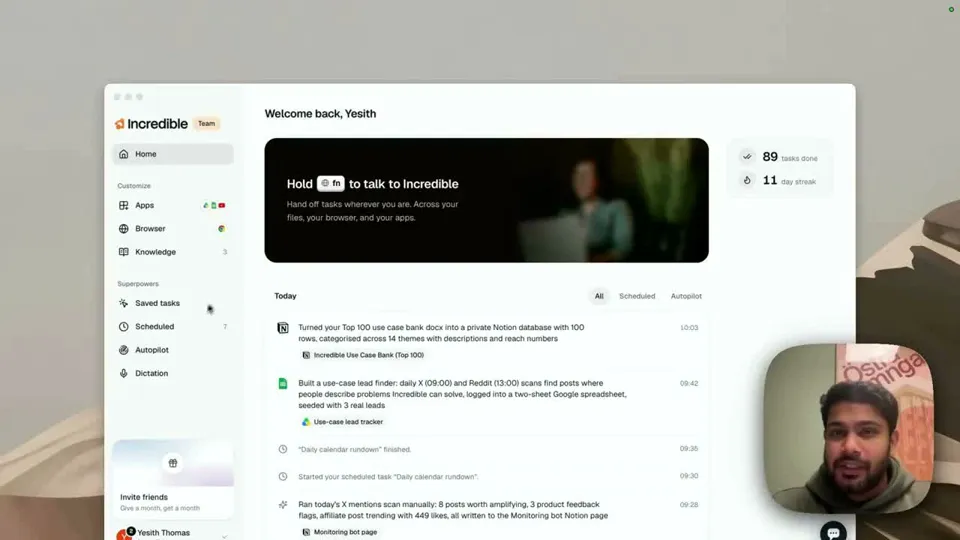
Incredible. It dictates into any app on Mac and Windows, tidies the ums away, and can import your Wispr Flow dictionary in one click. The difference is the other key: hold fn and say a task, such as "reply to this and say Thursday works", and Incredible clicks and types until it is done instead of typing your words.
Free for 7 days. Mac and Windows.

Incredible dictates into any app like Wispr Flow, imports your Wispr Flow dictionary, and when you hold a different key, does the task itself.
You already talk to your computer all day. With Wispr Flow, the words land in the email, then you send it. Land in the CRM note, then you fill in the other six fields. Your voice does the writing and your hands still do the rest.
Incredible gives you the same dictation, and then a second key for the rest. Hold one key and your words are typed where your cursor is. Hold the other and say what needs doing, and Incredible does it.
On a Mac, hold Ctrl and Shift. On Windows, hold Alt and Space. Put your cursor where the words should go, speak, and release. It works in any app: an email, a document, a chat box, a form field.
Ctrl, Shift and Space on a Mac, Alt, Space and M on Windows, and it keeps listening until you press it again.The Dictation guide has the details.
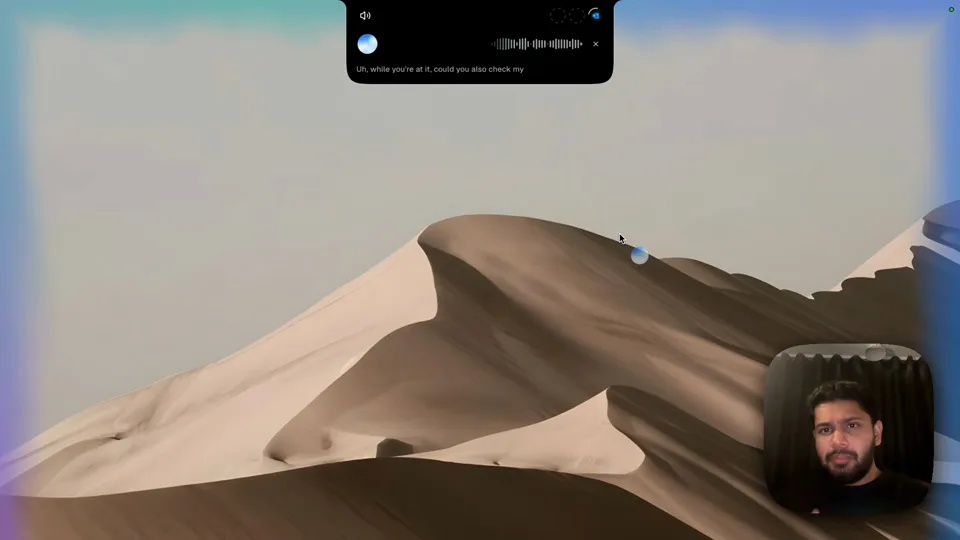
Dictation types what you say. Hold fn on a Mac, or Ctrl and Space on Windows, and Incredible does what you say instead:
"Reply to this and say Thursday works."
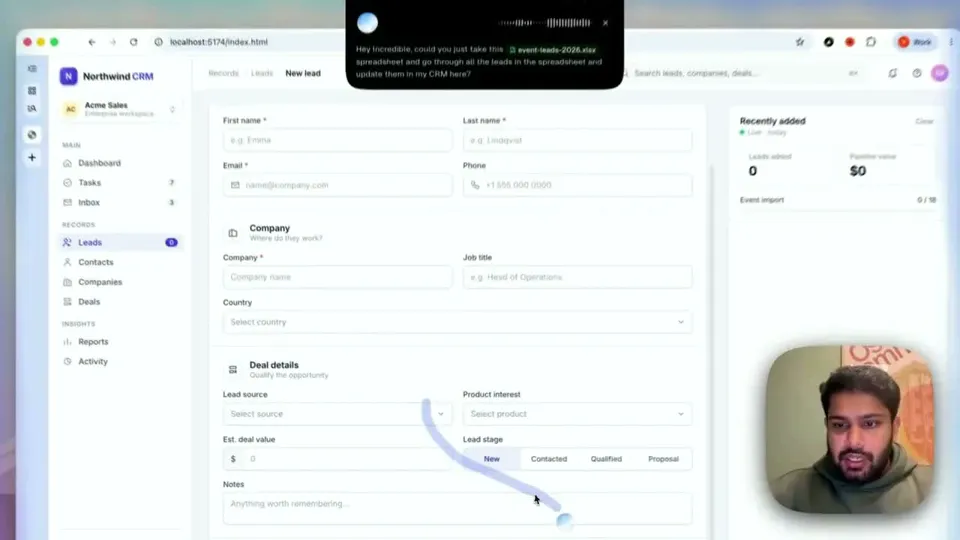
It sees the email in front of you, writes the reply, and shows it for your go before it is sent. The same key handles bigger jobs. In one recording it takes a spreadsheet of event leads and enters each one into a CRM in the browser. In another it books a meeting and sends a Slack message from one spoken request, and answers out loud as it goes.
That is the part dictation can't do. "Update the deal to proposal and set a follow-up for Friday" is a sentence you would otherwise turn into clicks in the CRM yourself, field by field. Say it to Incredible and it does the clicking, the way it enters leads in the recording.
“It’s Copilot on steroids.”
Kyle Rademacher, Office Manager, ProGuard Security Services
From Wispr's own site and pricing page, read on 21 October 2026: Flow is voice-to-text that turns speech into polished writing in every app, on Mac, Windows, iPhone and Android. It detects which of more than 100 languages you are speaking. The free plan includes 2,000 words a week on desktop, and Pro is $15 per user a month for unlimited dictation.
| Incredible | Wispr Flow | |
|---|---|---|
| Dictate into any app | Yes | Yes |
| Cleanup | Four levels, three tones | Polished writing |
| Your dictionary | Vocabulary, imports from Wispr Flow | Dictionary |
| Does the task you describe | Yes, in your apps and browser | It writes the text you say |
| Where | Mac and Windows | Mac, Windows, iPhone, Android |
If dictation is all you want, everywhere including your phone, Wispr Flow is made for that. If you dictate at your desk because you would rather talk than type, you will probably want the next step done too. Incredible covers both from the same keyboard, and your Wispr Flow words come with you.
Try this now. Import your Wispr Flow dictionary, dictate one email the usual way, then open the next one, hold fn and say: "Reply to this and say Thursday works." Incredible is free for 7 days. Download it, or read the Dictation guide first.
For more ways to use your voice at work, see the best voice AI tools for work and productivity.
If you want dictation and an assistant that does the work, Incredible. It dictates into any app on Mac and Windows with the same kind of cleanup, and with another key it does the task you describe in your apps and browser. If you only want dictation, on your phone too, Wispr Flow is built for exactly that.
Yes, to Incredible. On its Dictation page, open Vocabulary and choose Import from Wispr Flow, and your words come over. The names in your Contacts are added automatically.
Yes. Incredible dictates on Windows 10 or later: hold Alt and Space, talk, and the words land where your cursor is. Hold Ctrl and Space instead to have it do a task.
Yes. Speak in whichever language you like and it writes what you said in that language, without translating. The language is detected as you speak, or you can set it under Settings, General, Dictation language.
It clicks and types in your browser, files and apps, exactly like you do.
Requires macOS 13 or Windows 10, or later.
 Download for Mac
 Download for Windows