Download for Mac
 Download for Windows
Introducing Incredible Agents
Incredible now builds agents that keep working after you stop talking: one for your inbox, one for invoices, each on its own schedule.
 Emil WagmanCTO

From one answer to work that keeps going
Until now, you talked to Incredible and it helped you in the moment. You asked, it clicked and typed in your apps, and that was the end of it.
Now Incredible can build agents. An agent looks after one area of your work, like your inbox, invoices or hiring. It has its own name, its own face and its own chat that keeps going, so it remembers what you have done together. It keeps working after you are done talking.
Say what you need
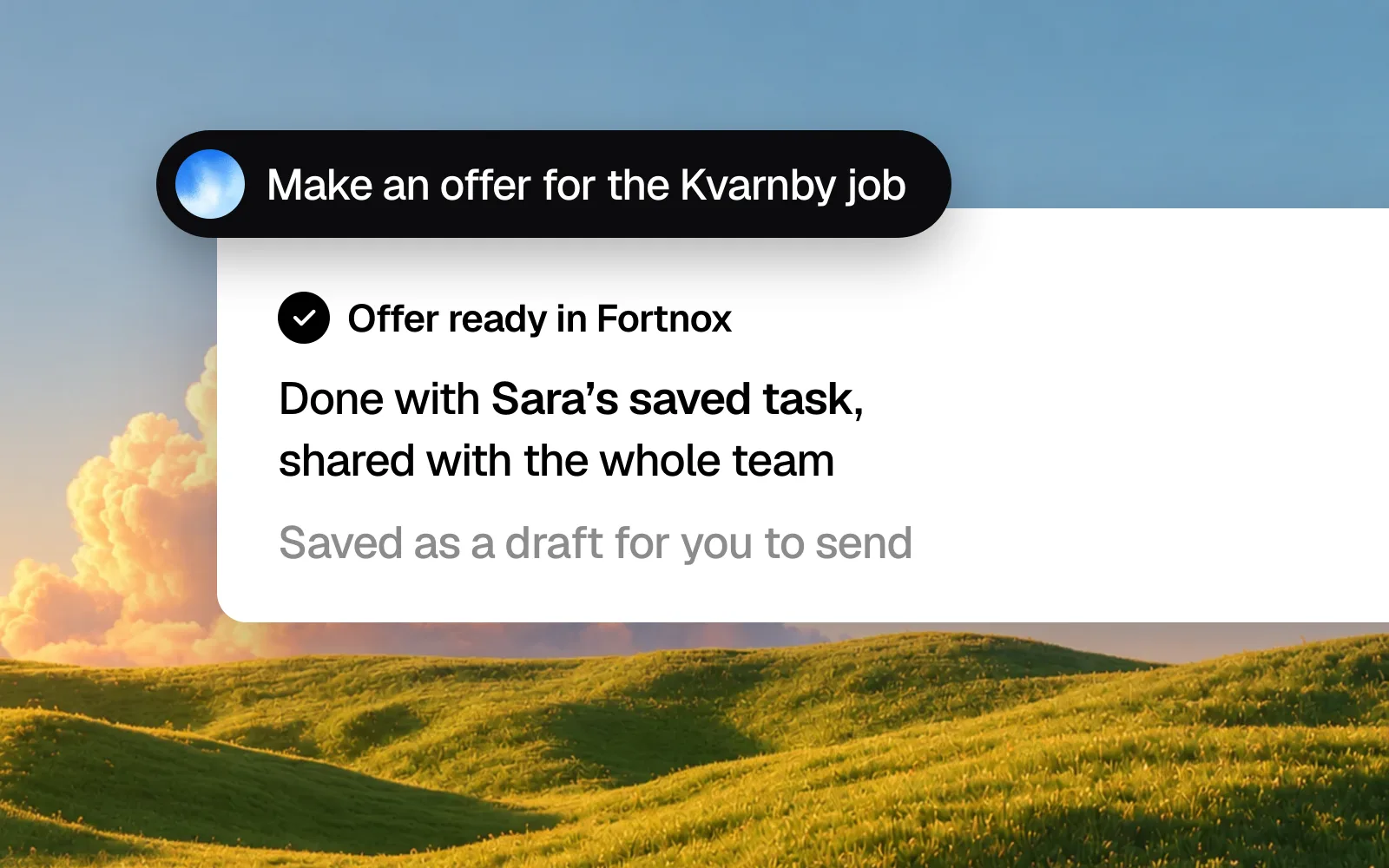
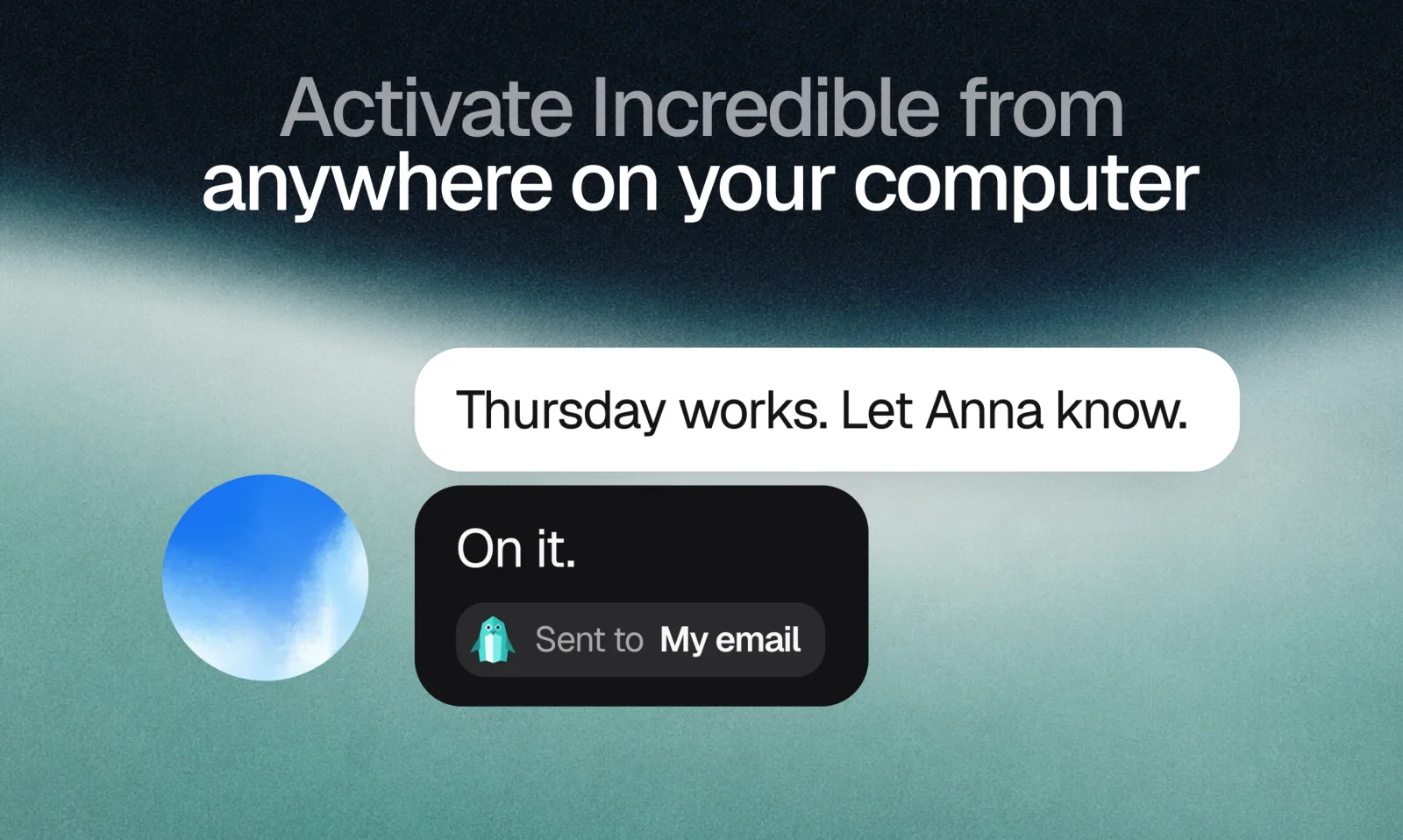
Hold the talk key (fn on a Mac, Ctrl+Space on Windows) and say it the way you would tell a colleague. Incredible does quick things itself. Work that goes on, it hands to an agent: a new one, or the one that already does that job. Under its reply you see where the work went.
You can also open an agent from the sidebar and type to it directly, or make a new one with the + next to Agents.
It asks before anything goes out
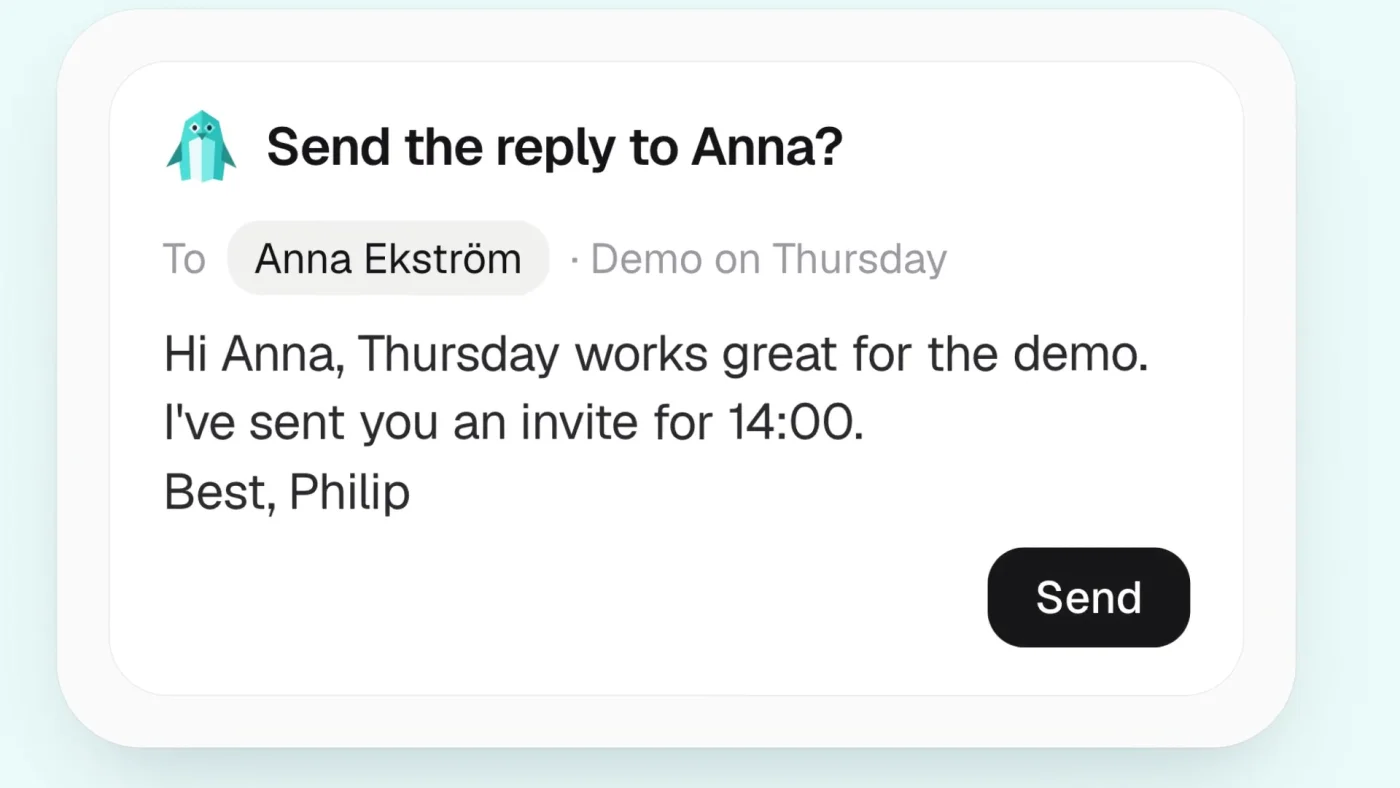
An agent asks before it sends, changes or deletes anything. A reply to a customer comes back as a draft with a Send button, and you can edit it first. Questions, drafts and apps it needs you to connect wait in its Needs you list until you answer.
Work that runs on its own schedule
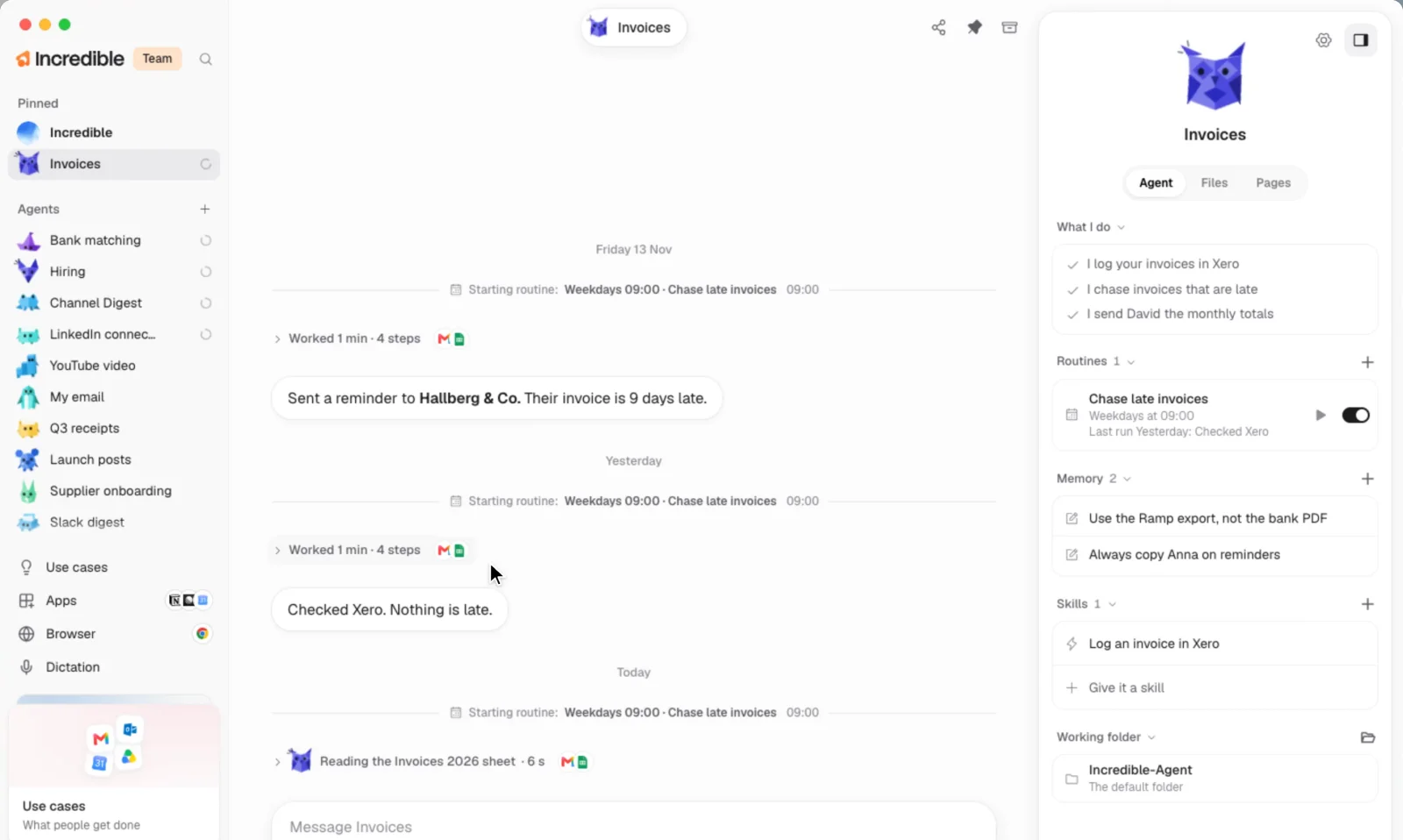
Ask an agent to do something every weekday at 9, and it sets up a routine. A routine can also wait for something to happen, like a new invoice arriving, and only do the work once it has.
Every agent has a panel with what it does, its routines, its rules and its skills. Each run shows in its chat, so you can always see what it did and when.
Incredible knows what every agent is doing
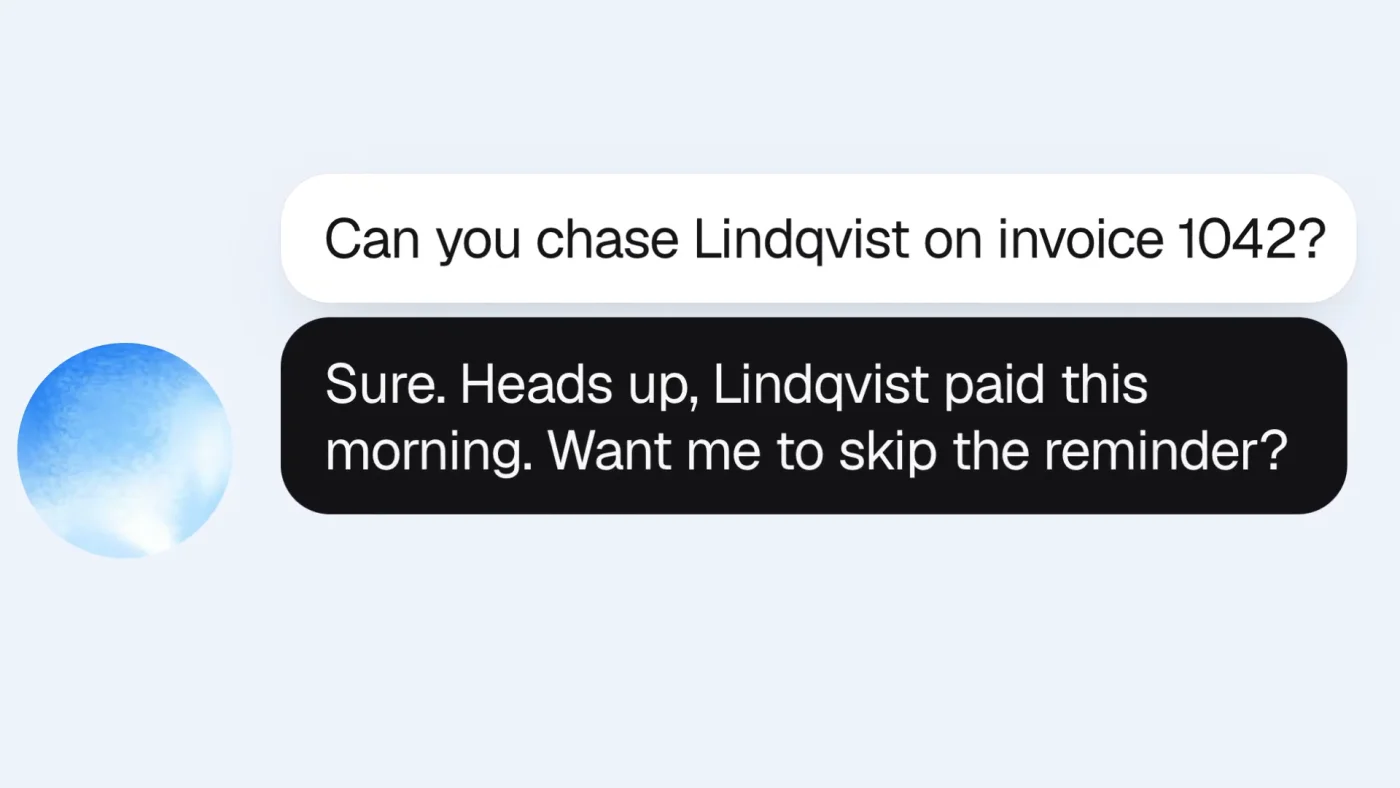
You keep talking to Incredible, and it keeps track of all your agents. Ask it to chase a customer about an invoice, and it can tell you the invoice was paid this morning before anything goes out.
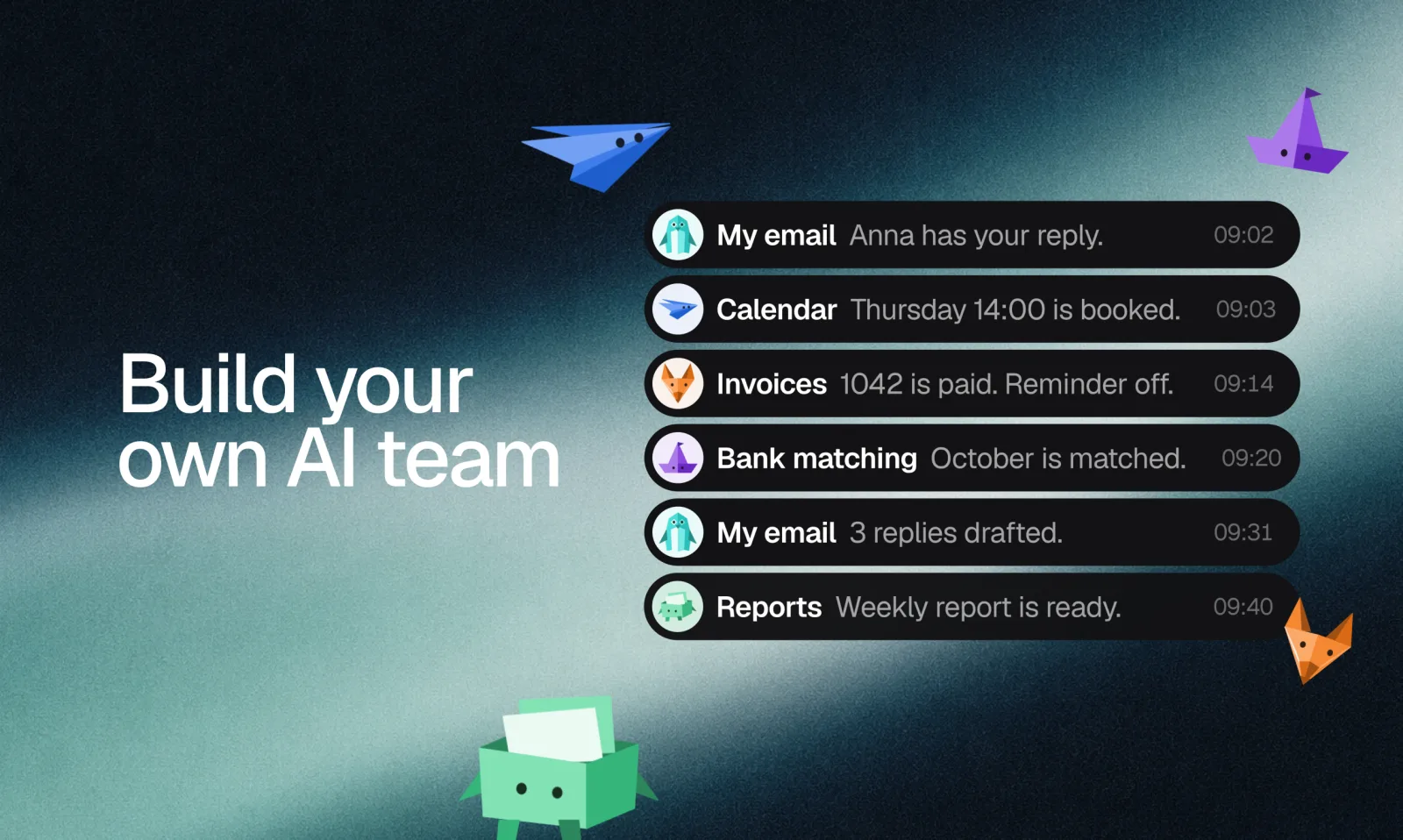
When an agent finishes something, you get a short note. You don't need to watch it work.
Pages and dashboards you can share
An agent can put its work on the web as a page: a report, a dashboard, a comparison or a sign-up form. It gets its own link, and the agent can keep it up to date from a routine. Only you can see a page until you choose otherwise. Then you can share it with people you pick, behind a password, or with anyone who has the link.
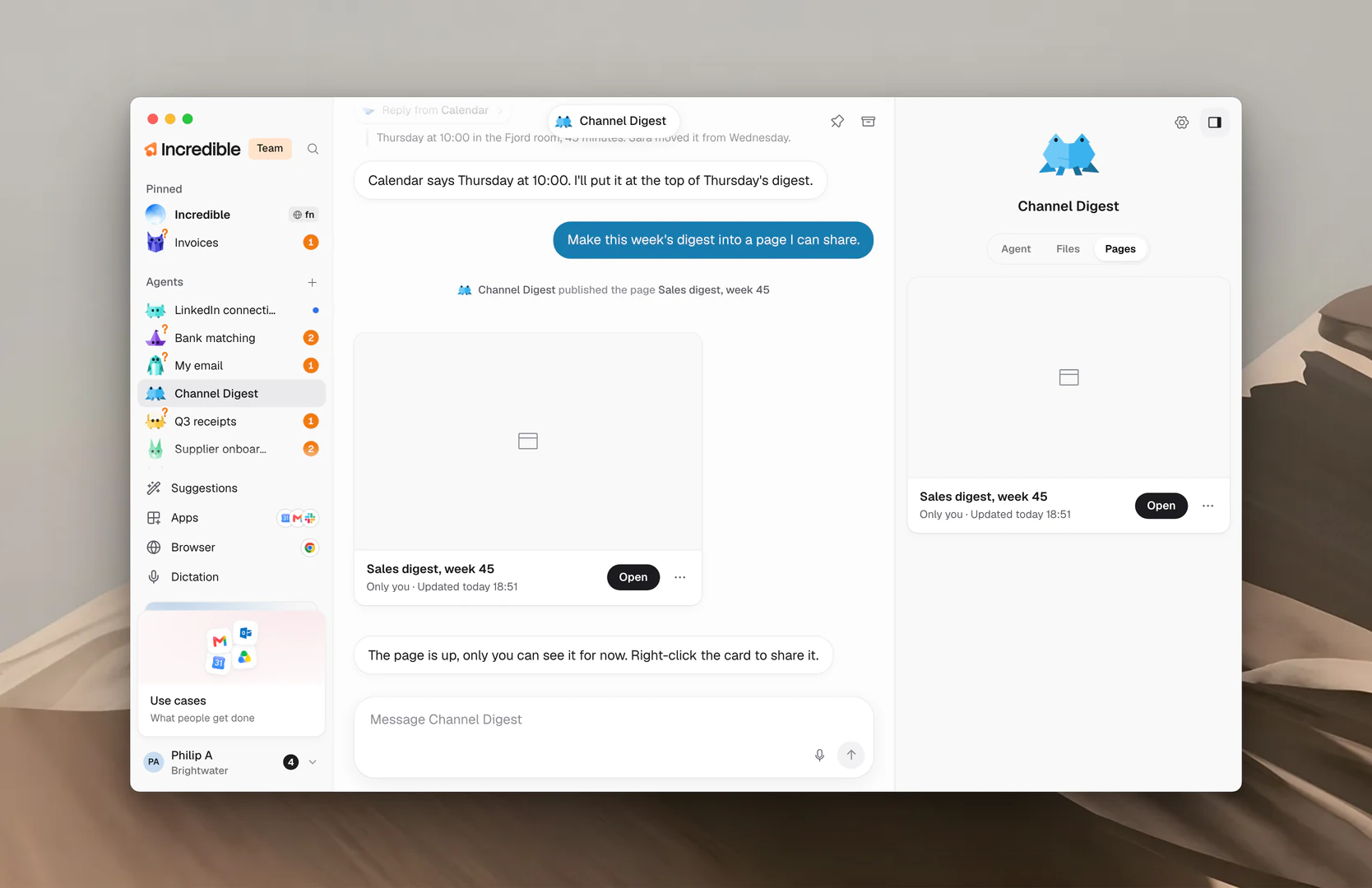
Pages in the Learning center has the details.
Try it
Incredible is free for 7 days on Mac and Windows. Download it, hold the talk key, and say what you want your first agent to do. The Learning center shows the rest.