Download for Mac
 Download for Windows





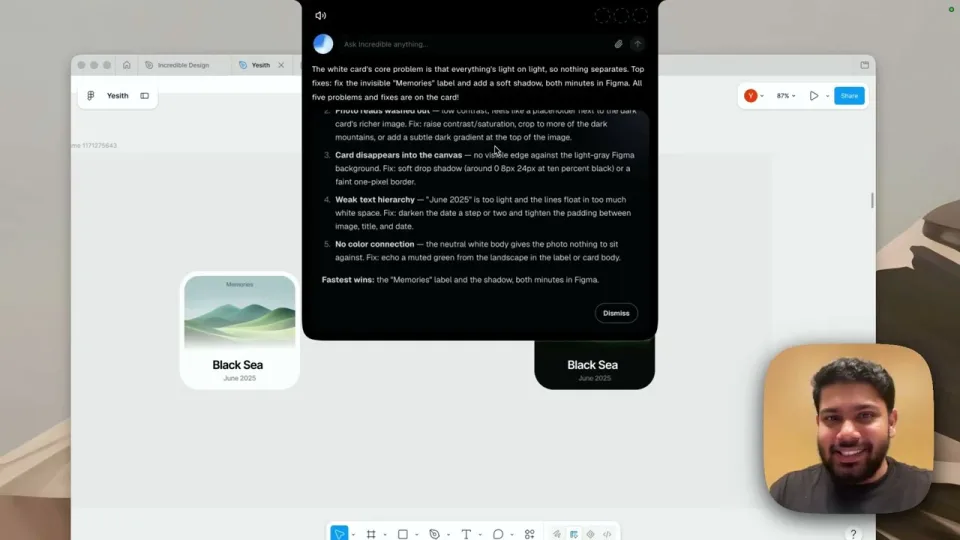
Working with the things on your screen
Ask about what is on your screen, like an email or a form, and Incredible works with it.
Tell Incredible what you need, and it does the work for you in your apps, your browser and your files.
Incredible works in Microsoft Excel, Gmail, Slack, Microsoft PowerPoint, LinkedIn, Outlook, Notion, Microsoft Word, Google Calendar, Salesforce, Microsoft Teams, PDF, Google Drive, Google Sheets, Jira, Your browser, Google Docs, Zoom, SAP, Trello, WhatsApp, QuickBooks, Dropbox, Xero, Zendesk, OneDrive, SharePoint, Confluence, Stripe, GitHub, Linear, Airtable, Shopify, Google Meet, Discord, Telegram and more.
Your files, your browser and 3,000+ apps.


 + your own systems
 + your own systems
 + your own systems

 + your own systems
 + your own systems
 + your own systems
It clicks and types in your browser, files and apps, exactly like you do.
Requires macOS 13 or Windows 10, or later.
Ask about what is on your screen, like an email or a form, and Incredible works with it.

Say what you need, and Incredible does it in Gmail, Outlook, Slack and your other apps.

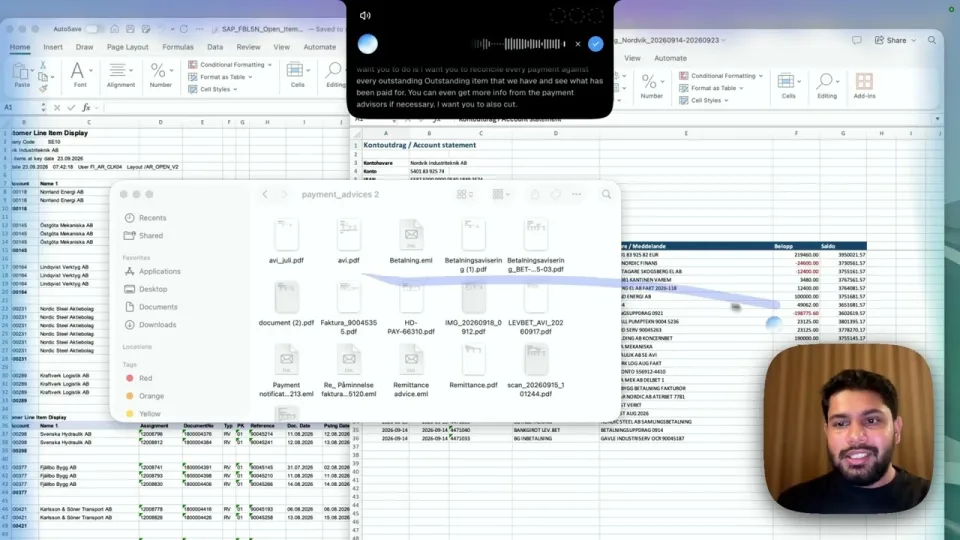
Combine, match and check data across several large sheets, without copying it by hand.
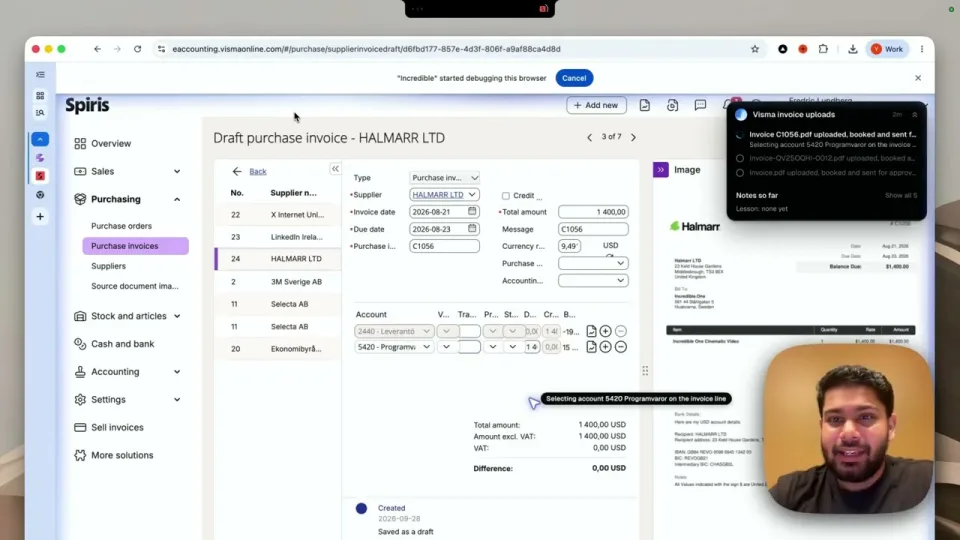

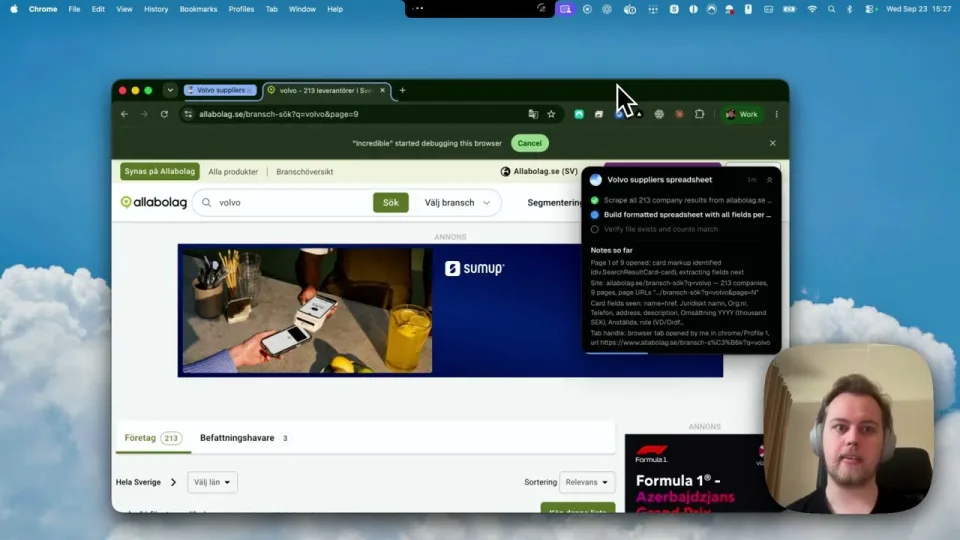
The one-off jobs that come up during the day, handed off in one sentence while you work.
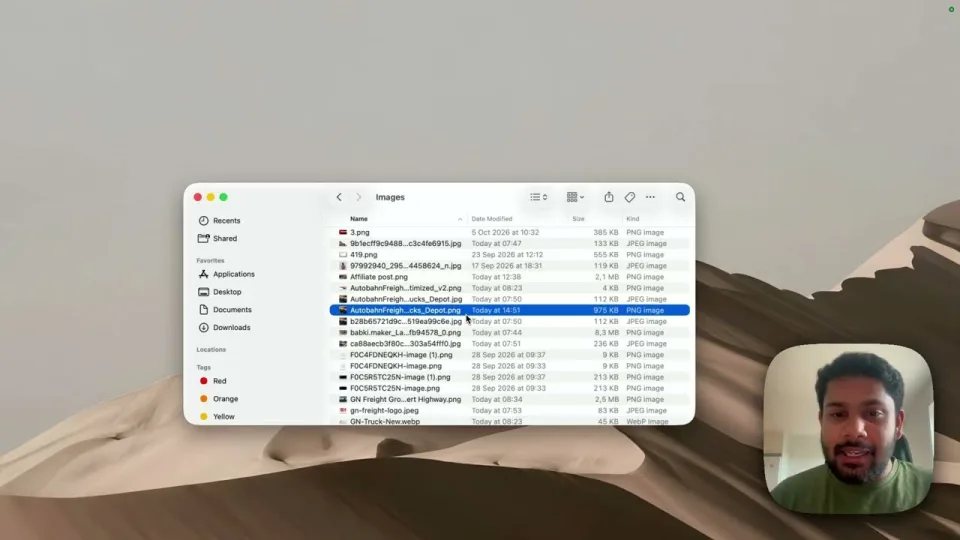
Ask Incredible to sort a messy folder, and it moves your files into the right folders for you.

Hand it a spreadsheet of leads, and Incredible enters each one into your CRM for you.

Say what to remember and when, and the reminder comes back with the reason attached.
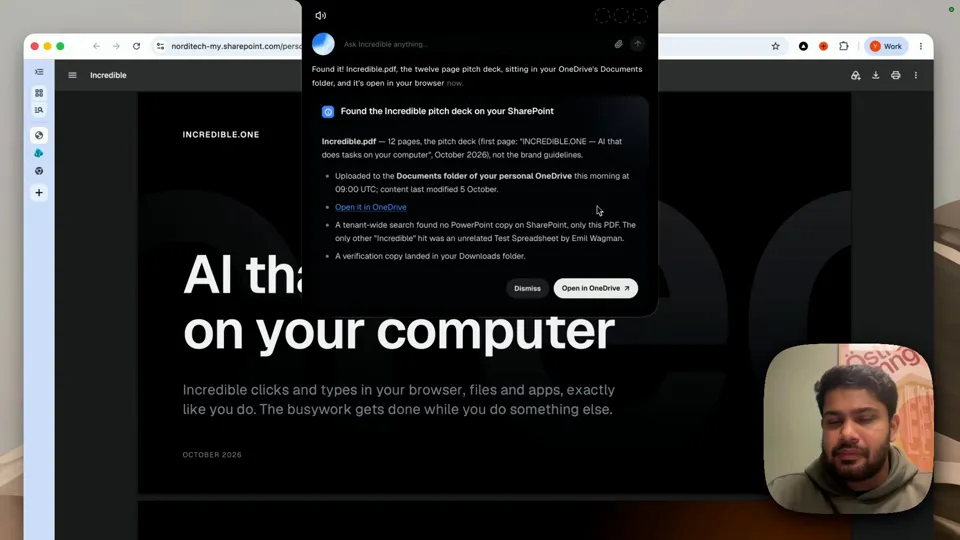
Describe the file you need, and Incredible finds it on your Mac or in SharePoint and opens it.