 Download for Mac
 Download for Windows
Settings
Account
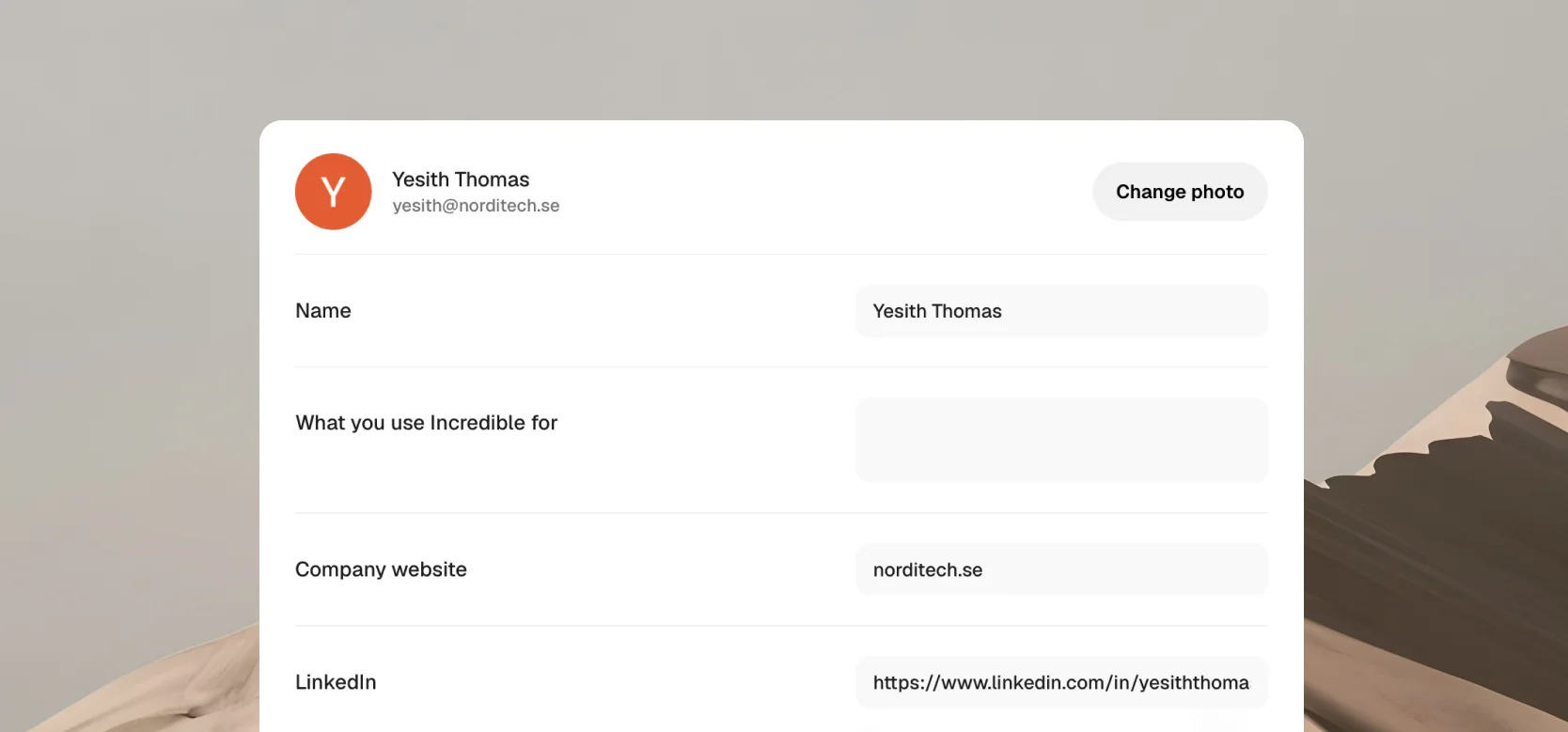
Manage your profile, sign-in details, and account in Incredible. Open your profile menu at the bottom of the sidebar, click Settings, then Account.
Update your profile
Open Settings, then Account. Here you can change your profile photo and update your name, what you use Incredible for, your company website, and your LinkedIn profile. Your changes save automatically as you type.
Reset your password
If you use an email and password, click Forgot password? on the sign-in screen and follow the instructions. If you signed up with Google, there is no password to reset. Click Continue with Google to sign in.
Sign out
Open Settings, then Account, scroll down, and click Sign out. You can sign back in at any time.
Delete your account
Open Settings, then Account, and scroll to Delete account. Deleting your account erases your account and its contents.
Need help?
If you can't sign in or need help with your account, contact us.
Related guides
- Billing and usage: your plan, and how much of it you've used
- Quickstart: signing in and installing the app