 Get started on Windows

Draft replies to your five oldest unanswered emails
Get drafts for your five oldest unanswered Gmail and Outlook emails
 Get started with MacWorks on Mac and Windows
Falling behind on your oldest unanswered emails?
What this workflow does
Get drafts for your five oldest unanswered Gmail and Outlook emails. The workflow reads each selected thread, writes a reply in your tone, and leaves five unsent drafts ready for review.
The problem
Executives, founders, and operations managers often spend time finding old unanswered emails and rereading each conversation before replying. As the inbox grows, these messages can remain unanswered even longer.
The solution
The workflow handles inbox and email follow-up by finding your five oldest unanswered messages in Gmail and Outlook. It reads each thread, drafts a reply in your tone, and leaves the completed replies unsent for you to review.
This is what you give
This is what you get
How it works, step by step
- 1
Find the oldest unanswered emails. Gmail and Outlook are checked to identify the five oldest messages that still need your reply.
- 2
Open the selected threads. Each selected email thread is opened so the existing conversation can be read.
- 3
Draft replies in your tone. A reply is written for each selected email using the tone taught to the workflow.
- 4
Leave the replies as drafts. The five replies remain as drafts for your review and are not sent.
Trusted by teams at


















More workflows like this
Other ready-made workflows that work in the same apps.

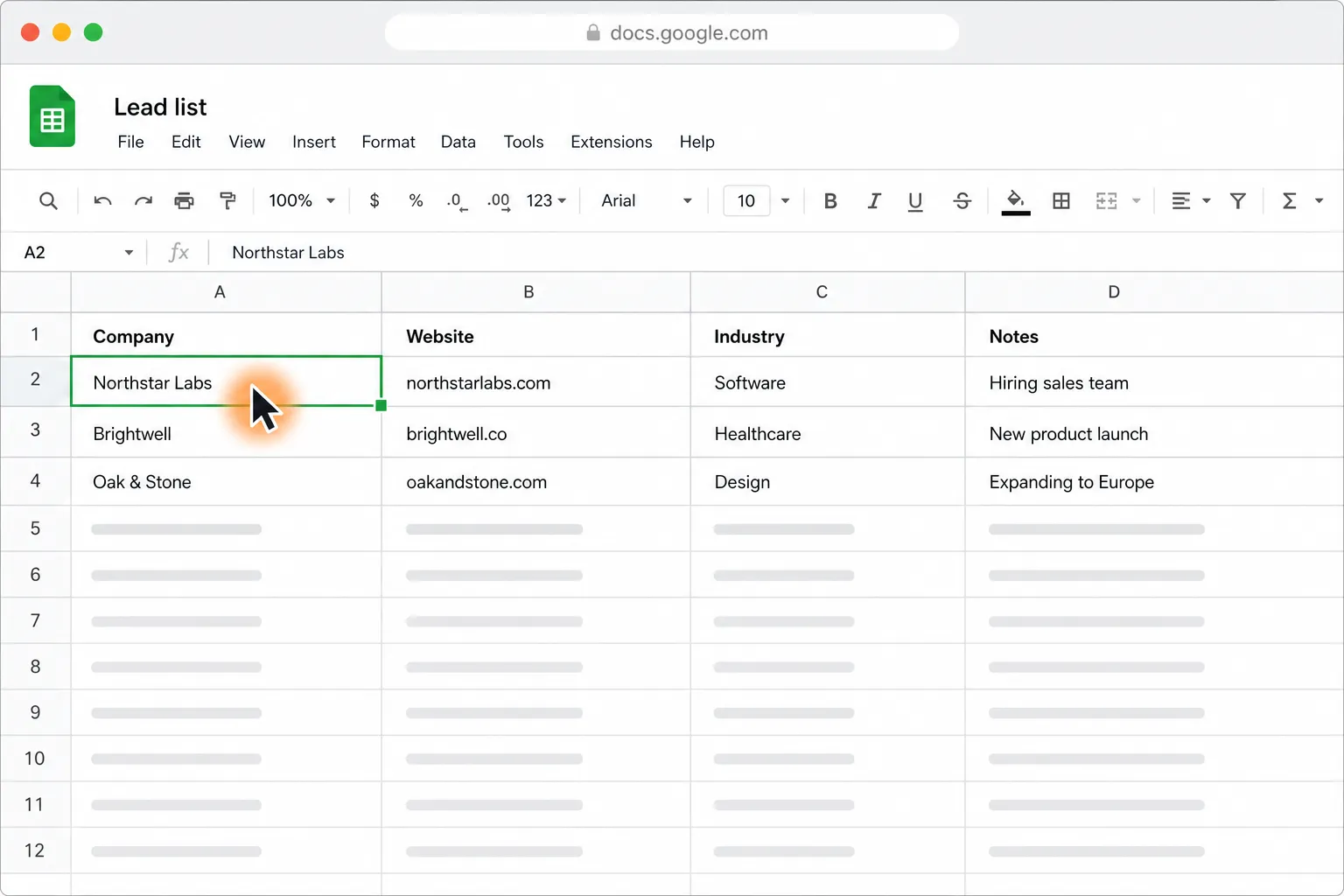
Personalize cold emails from Google Sheets and send them with your approval

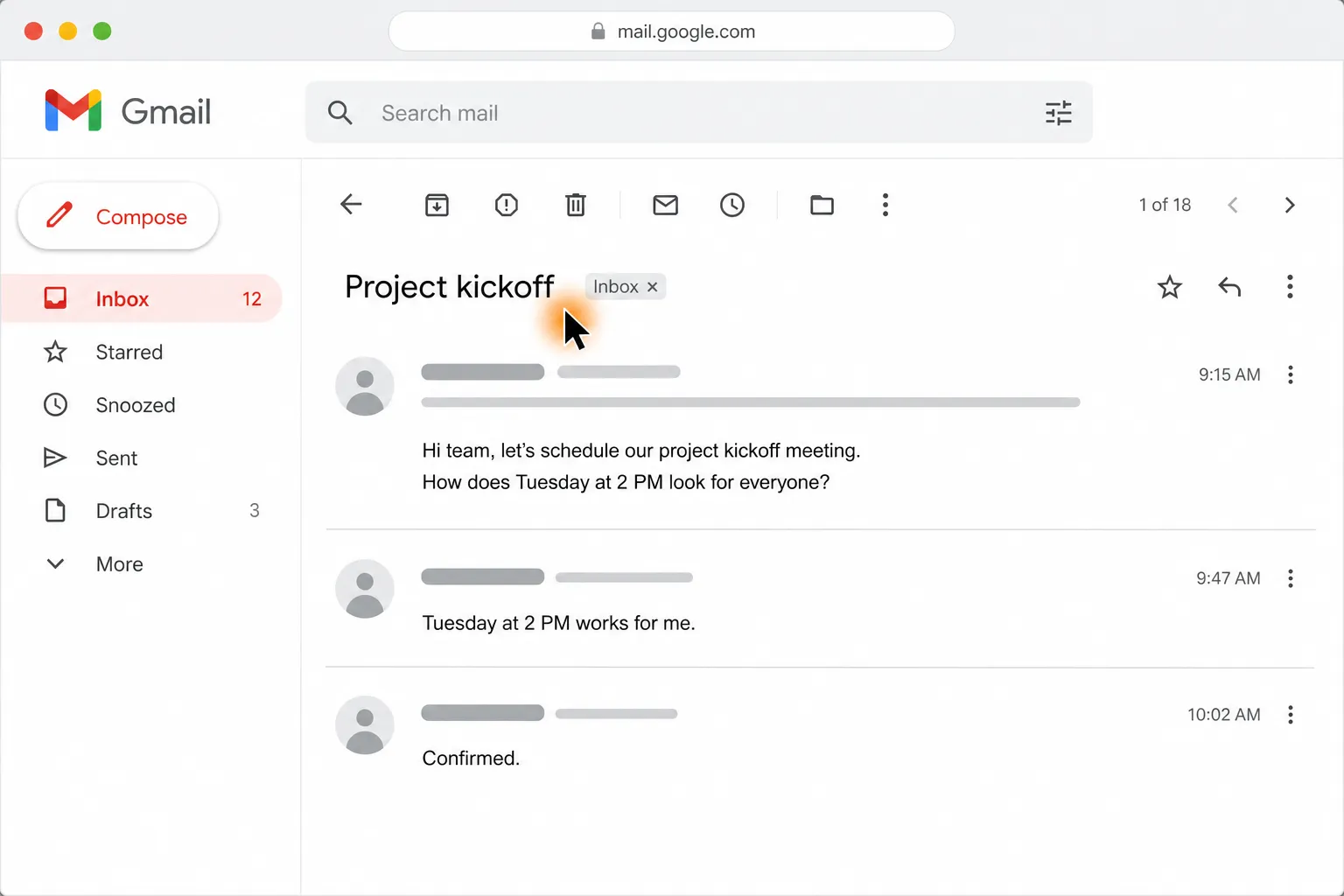
Create a Google Calendar event from Gmail or Outlook with the agreed time and attendees

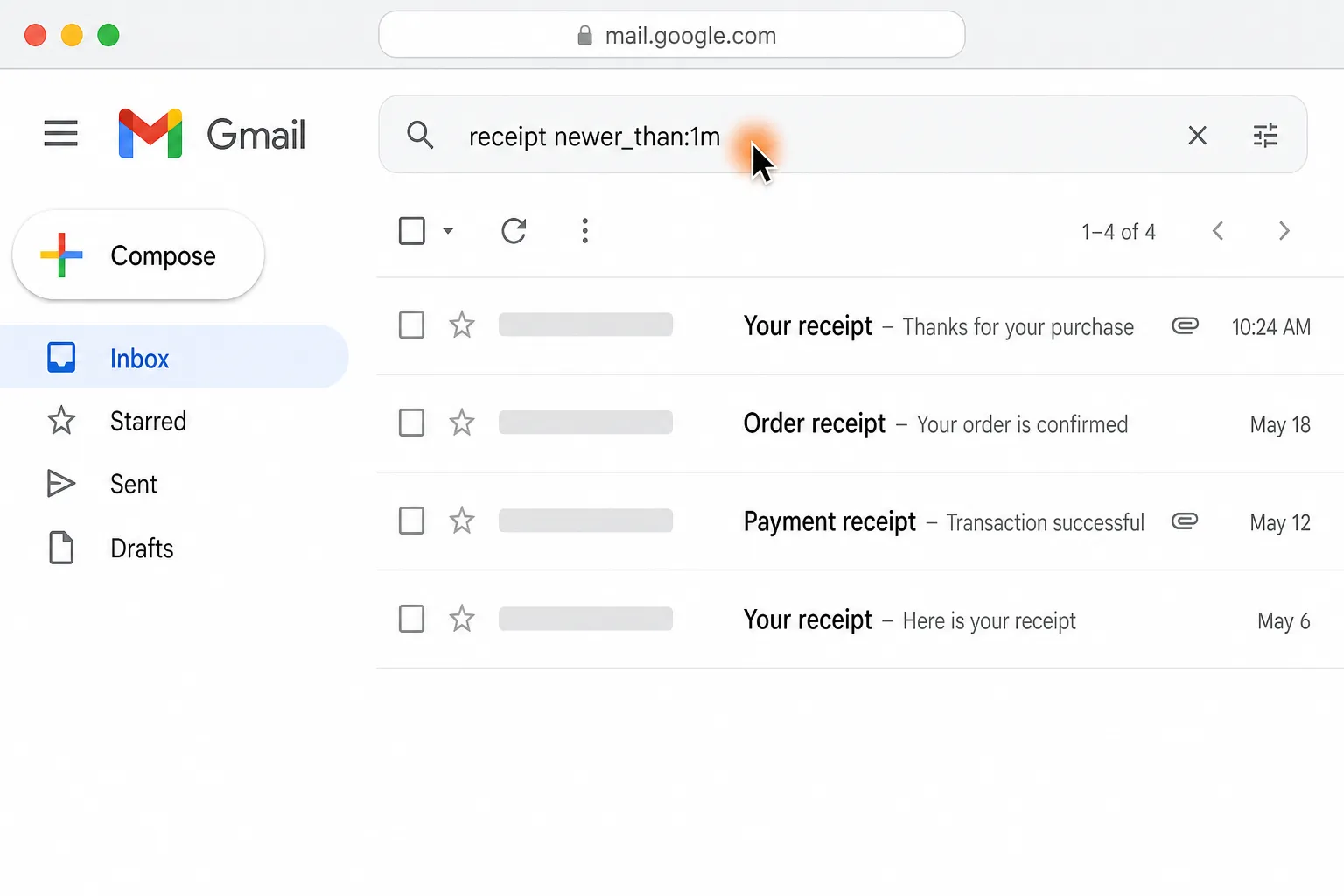
Find last month’s receipts in Gmail and Outlook and file them in Google Drive

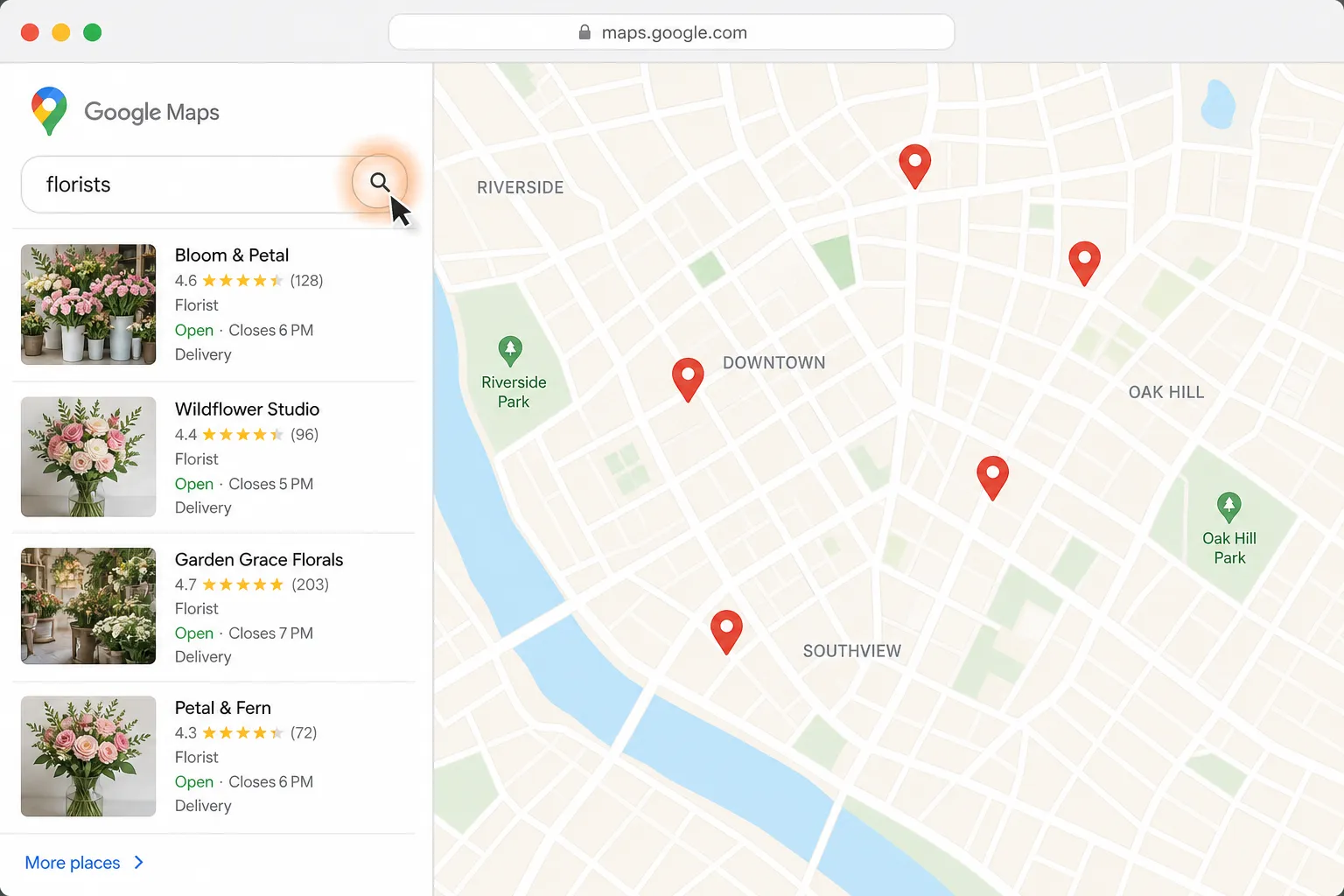
Find a florist for Thursday delivery and prepare the flower order in Gmail

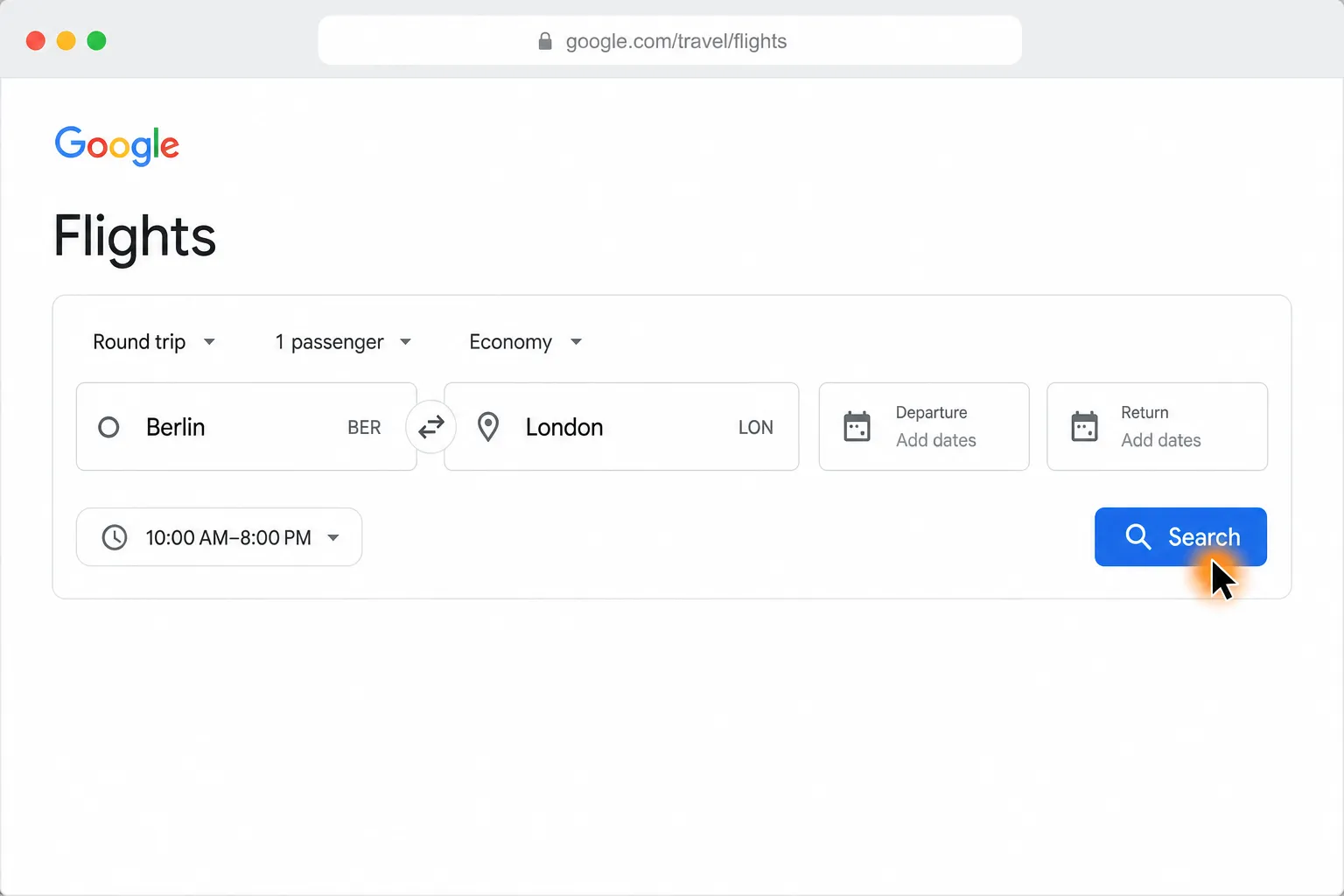
Compare Berlin to London round-trip flights and find the cheapest in your time window
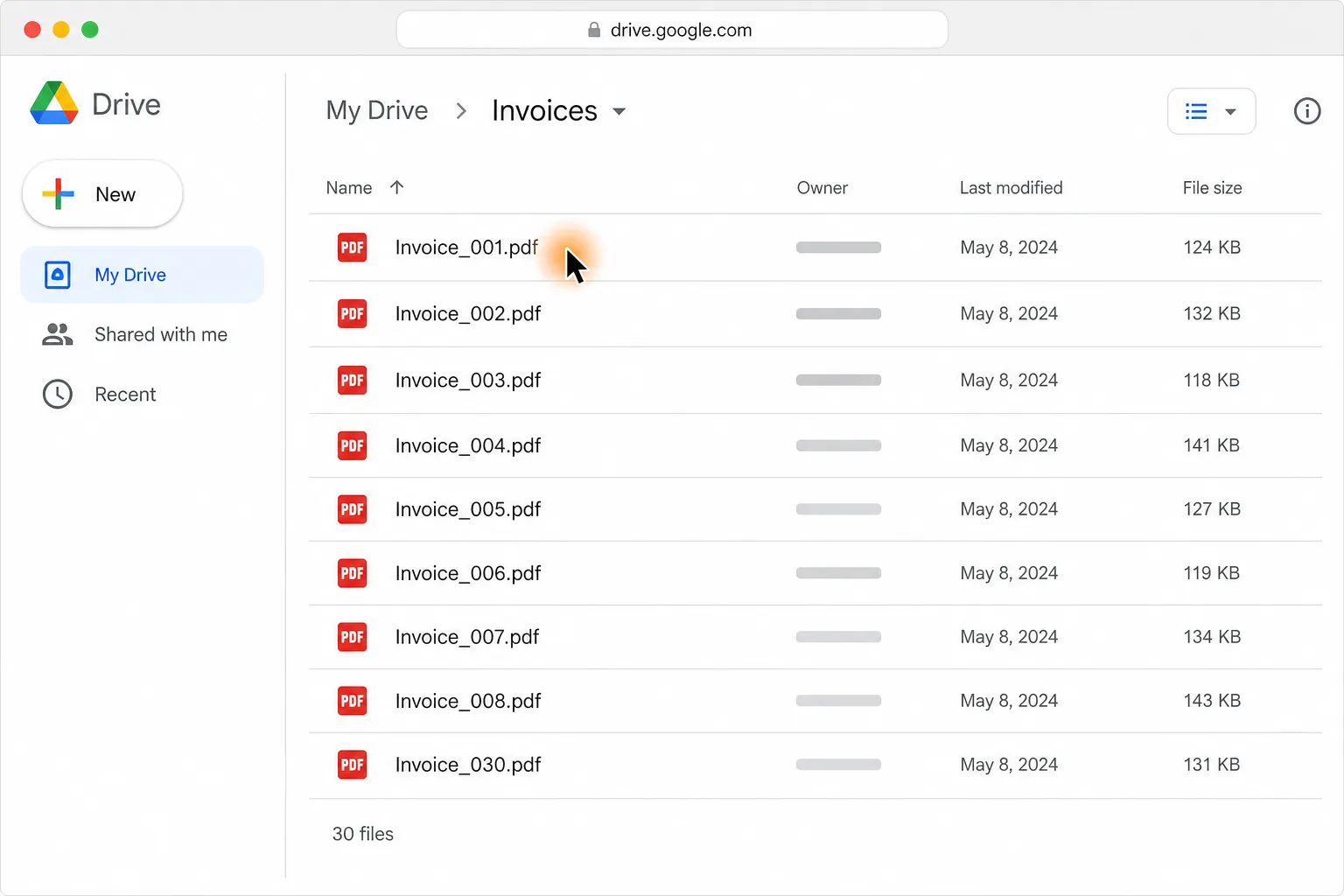
Turn 30 PDF invoices into one clean table in Google Sheets or Excel
Loved by the very best
“It’s not about taking the work away from me—it’s about boosting me. We are seeing higher accuracy and better results across the board”
 Håkan EnhagerVP Global IT and Digital, CellMark
“Using Incredible is a real game-changer”
 Alexander AronssonCEO, Vätternkök
“It has been really great to see how both the team and the company have developed. David and Philip have had a clear goal for the company all along.”
 Peter SchönHead of Business Development
Frequently asked questions
How can I automatically draft replies to my oldest unanswered emails?
Run this workflow on demand to find your five oldest unanswered emails and prepare replies in your tone. The replies remain as drafts for you to review, and nothing is sent without you.
Does this workflow work with Gmail and Outlook?
Yes. The workflow uses your own signed-in access to Gmail and Outlook in the browser you already use. Incredible opens the relevant email threads and writes the replies as drafts.
Does the workflow send email replies automatically?
No. It creates five drafts and leaves them waiting for your review. You decide whether to edit or send each reply.
Can the email drafts match my tone?
Yes. The workflow is taught to draft replies in your tone and repeats that routine each time it runs. You can review and edit every draft before sending it.
Can I draft Gmail and Outlook replies without code or APIs?
Yes. Incredible is a desktop app for Mac and Windows that works in the browser you already use. You do not need to write code or connect APIs.
Is my email data used to train Incredible?
No. Customer data is not used to train Incredible.
Published Aug 21, 2026 · Updated Aug 24, 2026