 Get started on Windows
Find LinkedIn posts about a topic and comment in your own tone
Find 10 relevant LinkedIn posts and comment in your own tone
 Get started with MacWorks on Mac and Windows
About this workflow
Updated Aug 21, 2026
What this workflow does
This workflow finds 10 relevant LinkedIn posts about a topic and writes comments in your tone of voice. Founders, sales teams, and marketers often do this by hand to stay visible and join useful conversations.
Each run searches LinkedIn, identifies 10 relevant posts, and prepares a comment for each one. Incredible asks for your approval before posting, so you can review what will appear from your LinkedIn account.
How it works, step by step
You provide a topic and start the workflow in Incredible. It uses your signed-in browser and follows the same sequence each run, with an approval step before comments are posted.
- 1Search LinkedIn for the topic. The workflow searches LinkedIn for posts related to the topic you provided.
- 2Select 10 relevant posts. It reviews the search results and chooses 10 posts that match the topic.
- 3Write comments in your tone. It prepares one comment in your tone of voice for each selected LinkedIn post.
- 4Ask for your approval. Incredible pauses so you can review the comments before anything is posted.
- 5Post the approved comments. The workflow publishes the approved comments on the selected LinkedIn posts.
Every run follows these steps in order. If a step cannot be completed, the run stops and tells you what happened instead of guessing.
What you need to run it
You need the Incredible desktop app on a Mac or Windows computer and access to your own LinkedIn account in the browser you already use. There is no code to write and no LinkedIn API to connect.
Why teams run this with Incredible
Incredible repeats the same LinkedIn search and commenting steps in the same order every run. It asks before posting comments or making another important change, and your customer data is never used to train Incredible. If it cannot complete a step, it stops and reports what happened instead of guessing.
Trusted by teams at


















Run it on your own computer
Incredible works in your own browser, doing the steps the way a person would. Getting there takes three steps.
Featured in



Frequently asked questions
How can I automatically find LinkedIn posts about a topic and comment on them?
This workflow searches LinkedIn for a topic, selects 10 relevant posts, and writes a comment for each in your tone of voice. Incredible uses your existing browser session and asks for approval before posting the comments.
Does this workflow post LinkedIn comments without approval?
No. Incredible asks before it posts the LinkedIn comments, so you can review them before they appear from your account. Only approved comments are published.
Can it write LinkedIn comments in my own tone of voice?
Yes. The workflow is designed to write each LinkedIn comment in the tone it was taught to use. It follows that approach consistently across the 10 selected posts.
What do I need to run this LinkedIn commenting workflow?
You need the Incredible desktop app for Mac or Windows and access to your LinkedIn account in your usual browser. You should already be signed in to LinkedIn before starting the run.
Do I need code or LinkedIn API access?
No. Incredible works through the LinkedIn website in the browser you already use. There is no code to write and no API to connect.
Is my LinkedIn data used to train Incredible?
No. Customer data from this LinkedIn workflow is not used to train Incredible.
More workflows like this
Other ready-made workflows that work in the same apps.

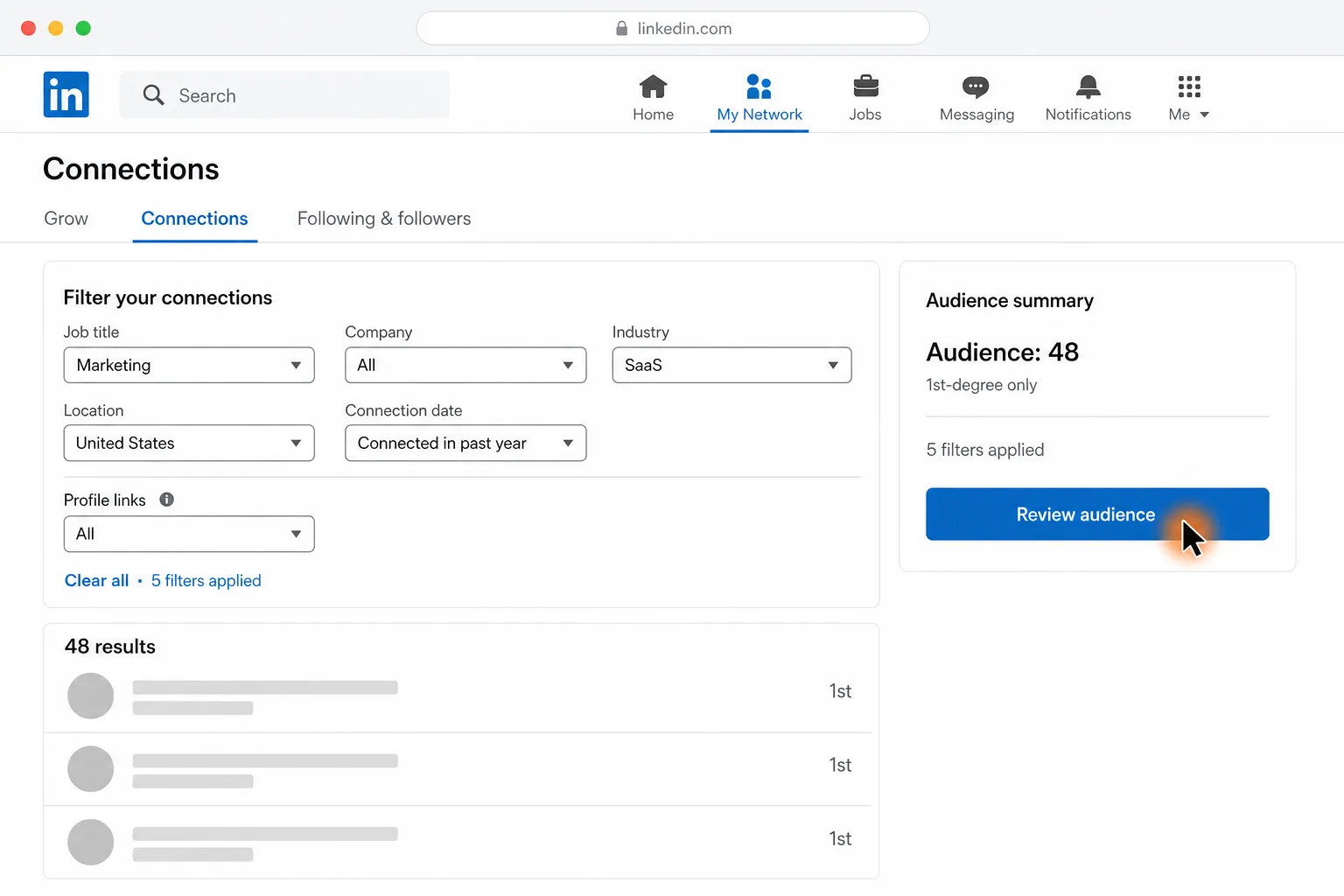
Send personalized LinkedIn messages to the 1st-degree connections you choose

Find and answer the latest simple unread LinkedIn message



Find 10 relevant shows and draft a startup pitch for each podcast host
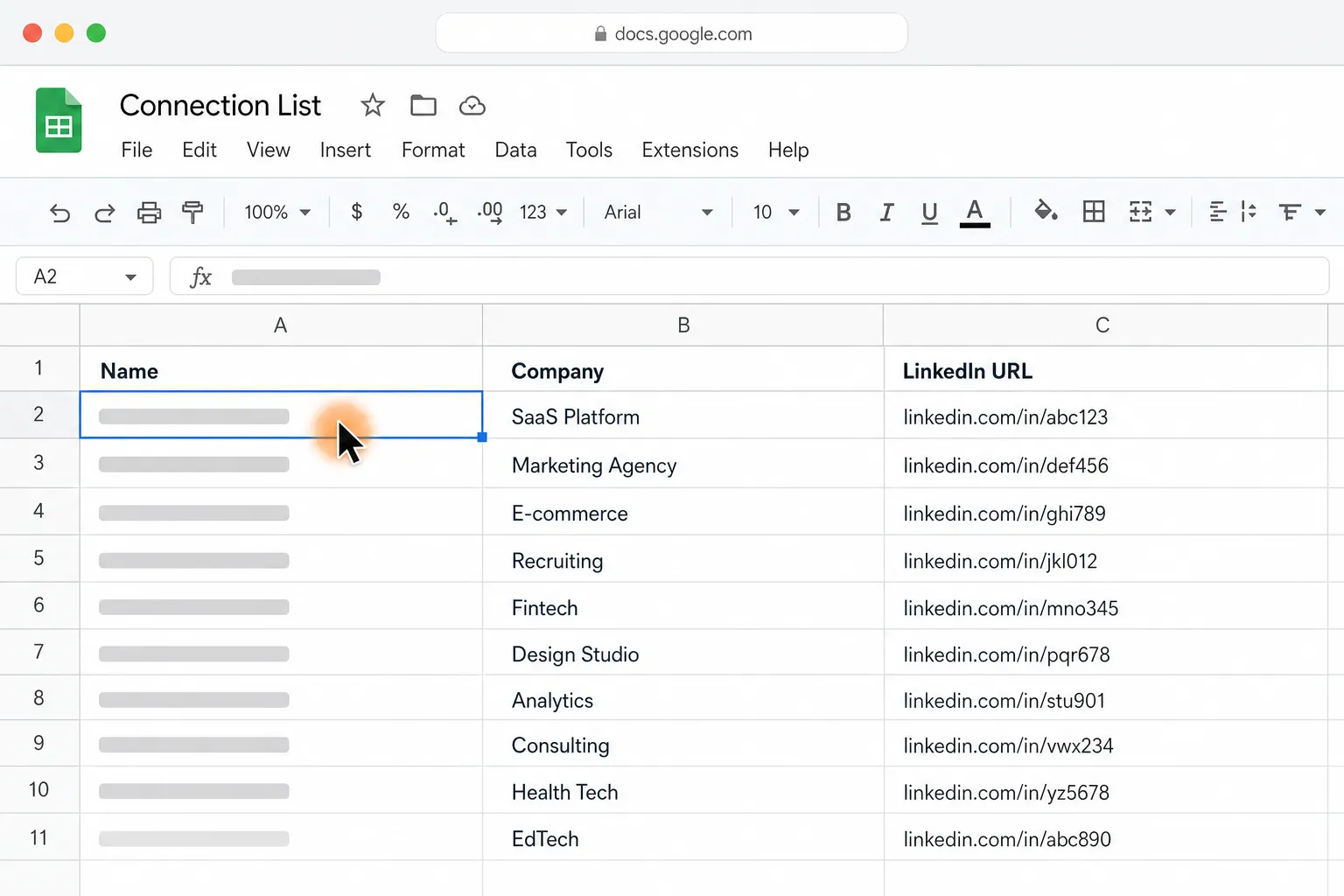
Invite every person in a Google Sheet to connect on LinkedIn
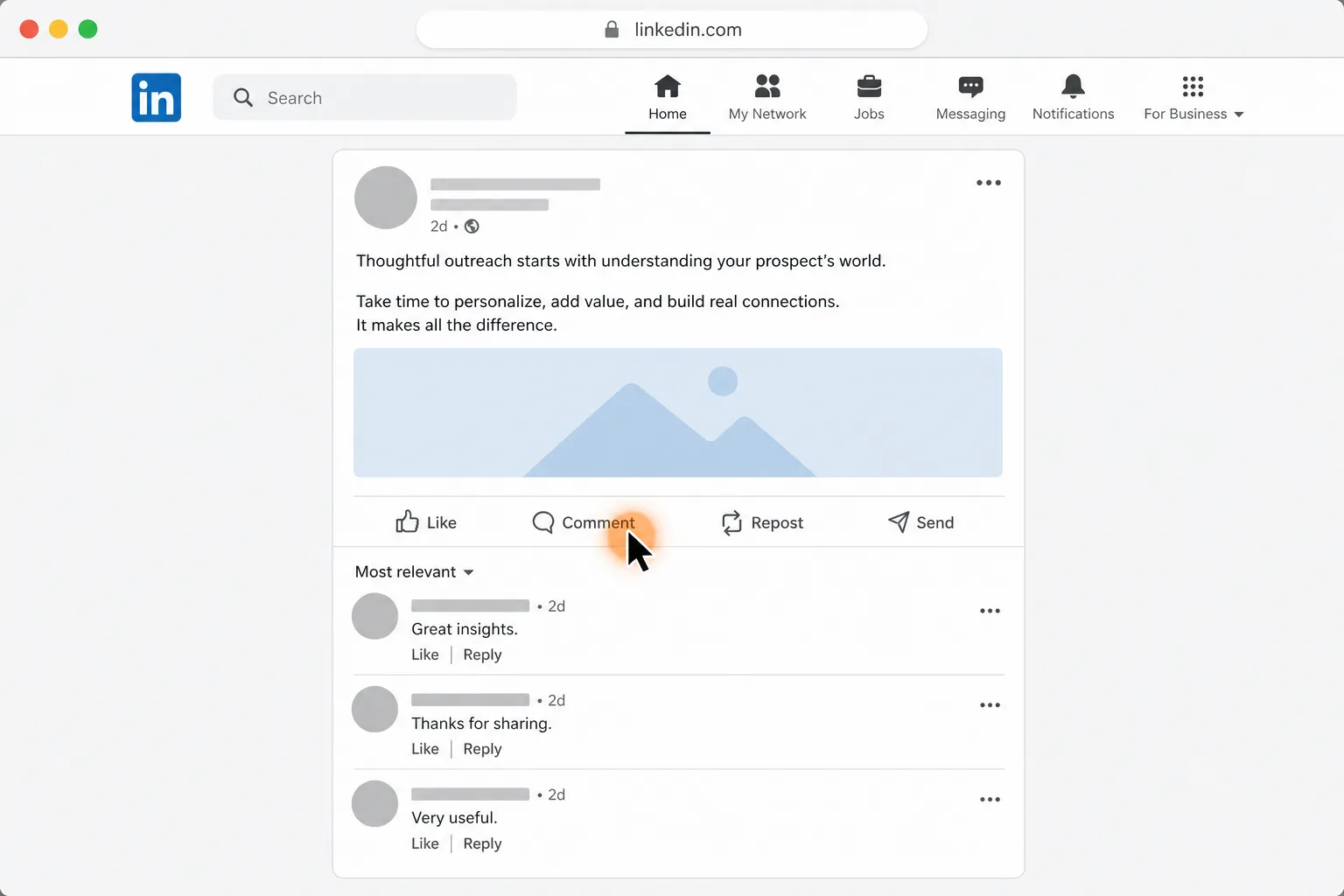
Export LinkedIn post commenters and profile links to Google Sheets


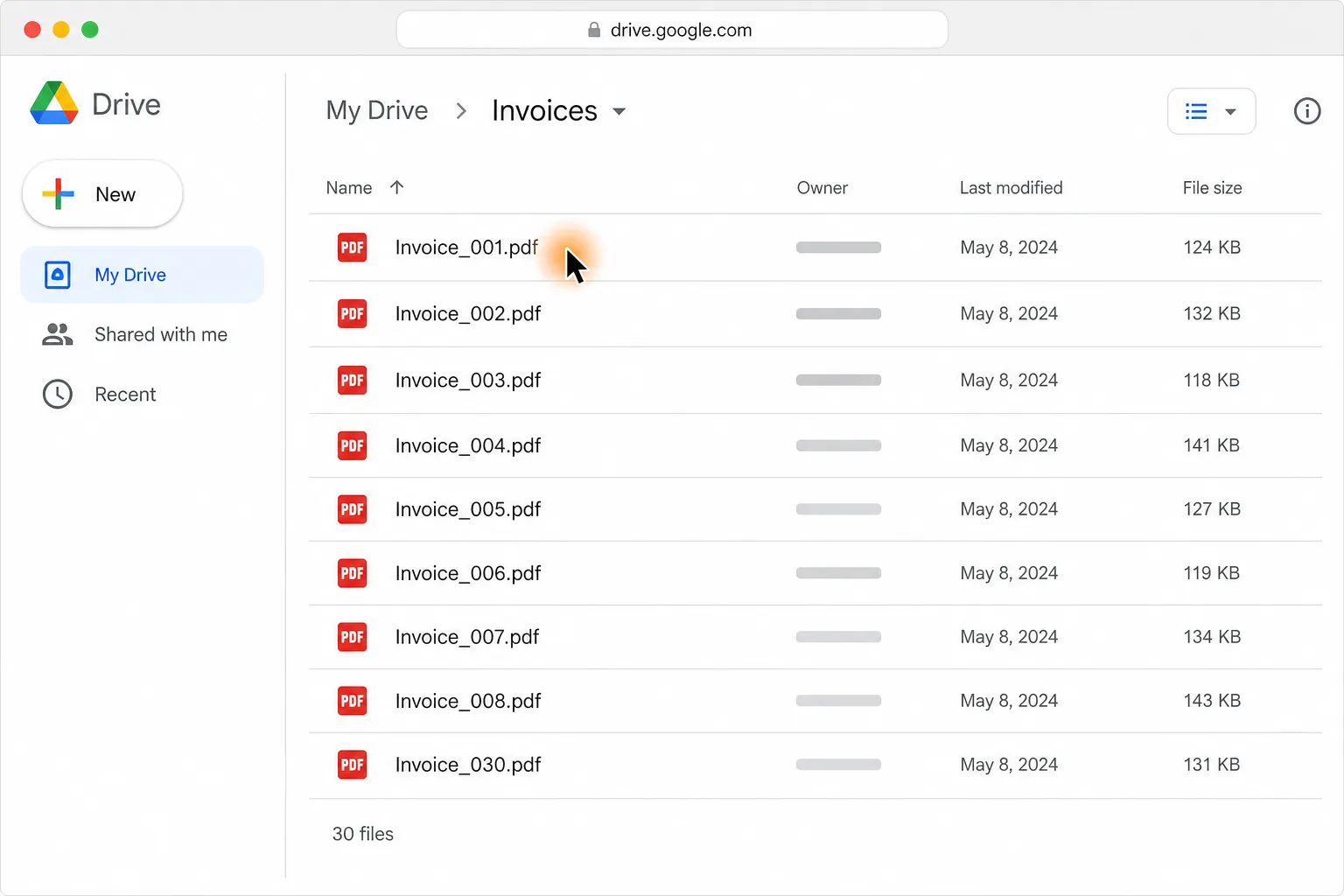
Turn 30 PDF invoices into one clean table in Google Sheets or Excel