 Get started on Windows


Download Product Hunt Streaks as CSV
Export the loaded Product Hunt longest-streak leaderboard to CSV in Downloads
 Get started with MacWorks on Mac and Windows
Still copying Product Hunt streaks by hand?
What this workflow does
This workflow collects the currently loaded Product Hunt longest-streak leaderboard and saves it as a structured CSV. The finished file contains each person’s rank, name, and streak in days, in leaderboard order.
The problem
Marketers and founders doing Product Hunt research otherwise have to copy each leaderboard entry into a file by hand. That makes gathering consistent, structured streak data repetitive and easy to get wrong.
The solution
The workflow loads the Product Hunt longest-streak leaderboard, extracts every complete ranked entry available, and checks the data. It saves the result in Downloads as a CSV with Rank, Name, and Streak (Days) columns.
This is what you give
This is what you get
How it works, step by step
- 1
Load the streak leaderboard. Opens Product Hunt’s longest-streak leaderboard and loads at least 100 ranked people, including any extra complete entries that appear in the same loaded page.
- 2
Create the CSV file. Writes all loaded leaderboard entries into a clean three-column CSV and replaces the previous file in Downloads.
- 3
Check the finished CSV. Checks that the downloaded CSV opens correctly, has the required columns, and contains the same complete leaderboard rows that were collected.
Trusted by teams at


















More workflows like this
Other ready-made workflows that work in the same apps.

Turn 100 competitor G2 reviews into a summary of recurring complaints


Find receipt PDFs in Gmail and attach them to the right Pleo expenses



See four hotels side by side by price, location, and reviews
Find a florist for Thursday delivery and prepare the flower order in Gmail
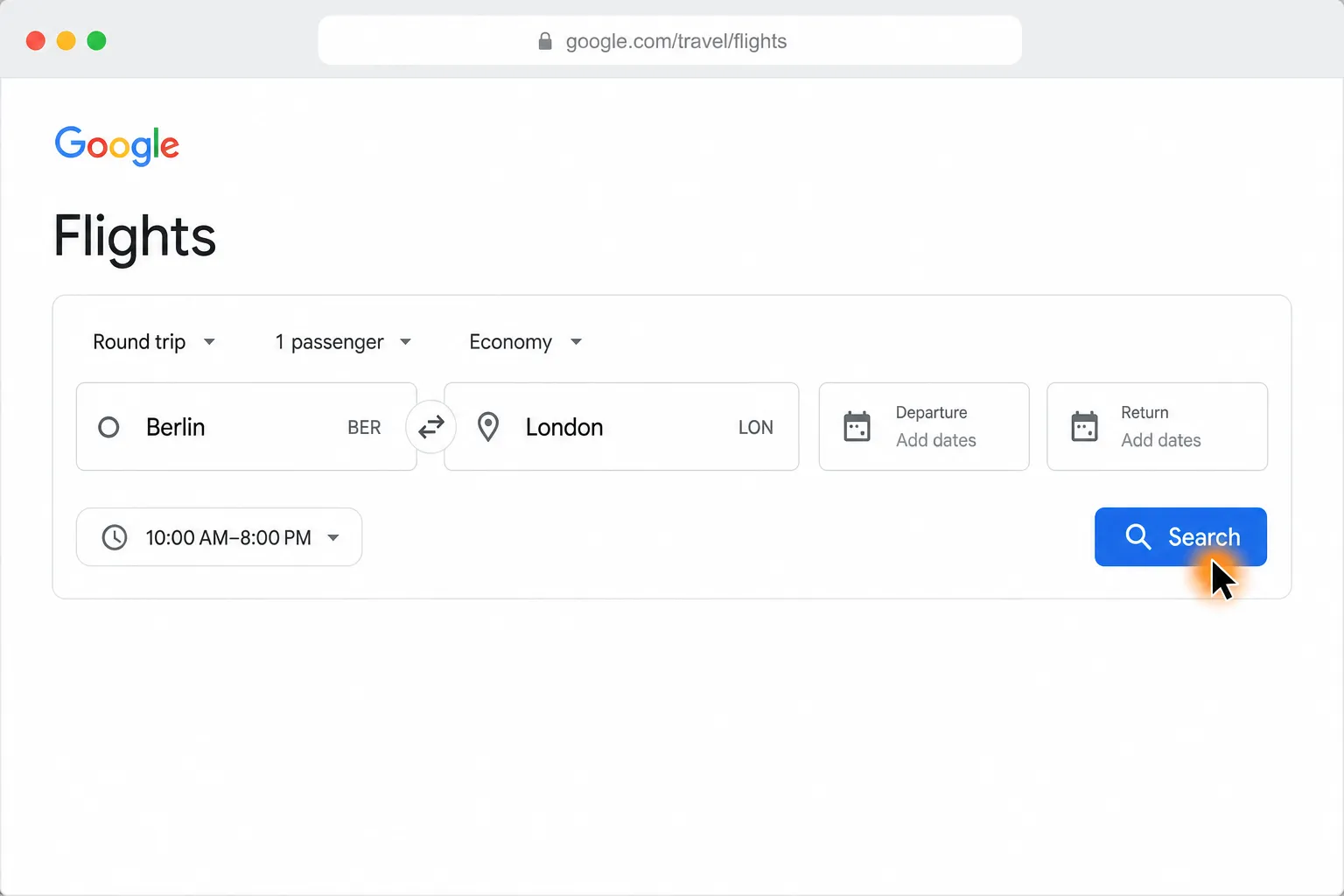
Compare Berlin to London round-trip flights and find the cheapest in your time window
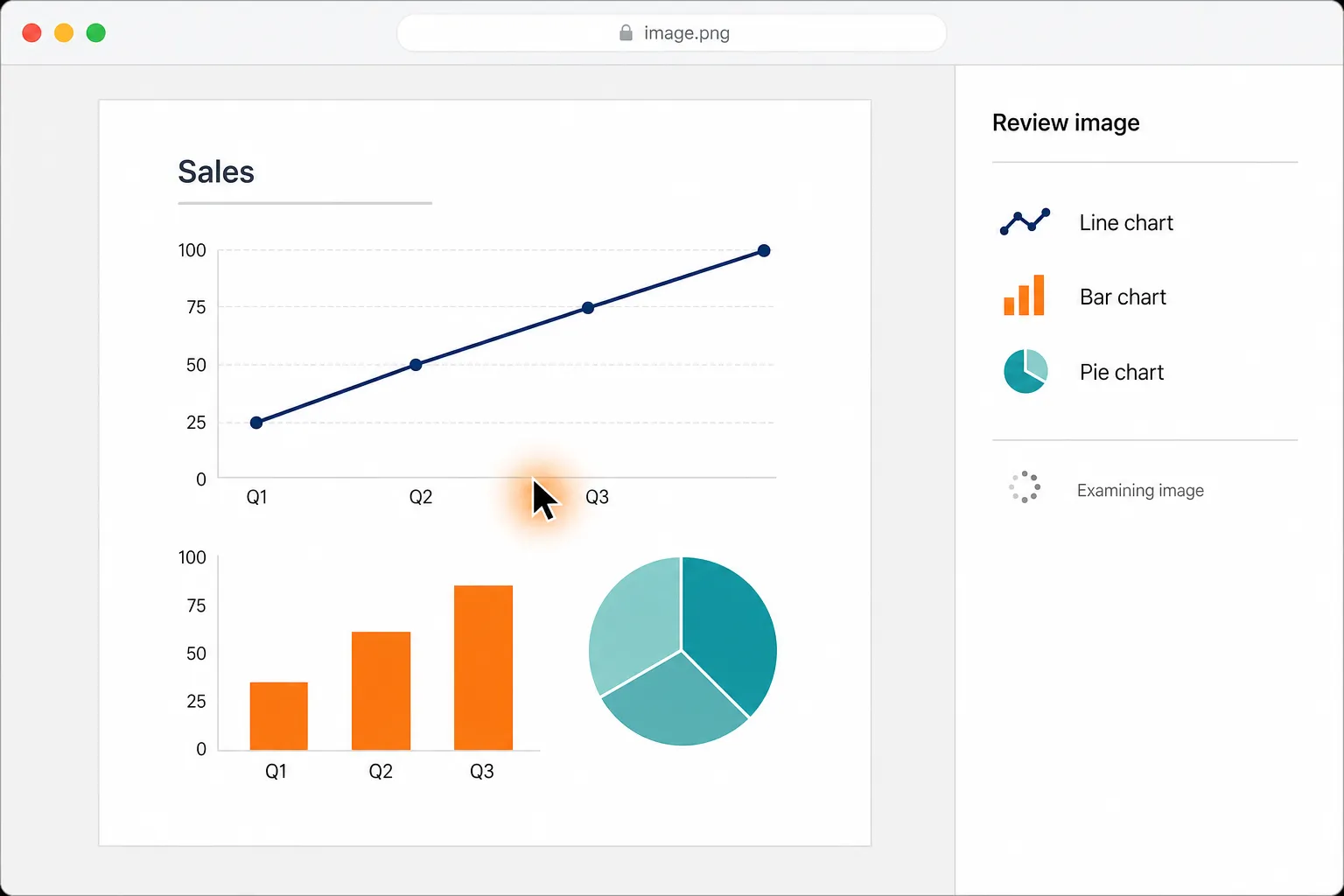
Turn the image you have open into a clean, shareable infographic
Loved by the very best
“It’s not about taking the work away from me—it’s about boosting me. We are seeing higher accuracy and better results across the board”
 Håkan EnhagerVP Global IT and Digital, CellMark
“Using Incredible is a real game-changer”
 Alexander AronssonCEO, Vätternkök
“It has been really great to see how both the team and the company have developed. David and Philip have had a clear goal for the company all along.”
 Peter SchönHead of Business Development
Frequently asked questions
How do I download the Product Hunt longest-streak leaderboard as CSV?
This workflow automatically loads the Product Hunt longest-streak leaderboard and creates ProductHunt_Longest_Streaks.csv in your Downloads folder. Incredible performs the browser and file steps on demand, then verifies the finished CSV.
What data is included in the Product Hunt streak CSV?
The CSV contains exactly three columns: Rank, Name, and Streak (Days). Each complete loaded leaderboard entry becomes one row, with names preserved as displayed and ranks kept in leaderboard order.
Does the Product Hunt CSV export include at least 100 people?
The workflow scrolls until an entry with rank 100 or higher appears, then includes every complete entry currently loaded. If Product Hunt stops loading before rank 100, it saves all complete entries that were available without inventing missing rows.
Can I export Product Hunt streak data without code or an API?
Yes. Incredible uses the browser you already use and creates the CSV directly in Downloads, with no code to write and no APIs to connect.
What do I need to run the Product Hunt streak CSV export?
You need the Incredible desktop app on a Mac or Windows computer and your own access to Product Hunt, Google, and Google Docs. Incredible works through the browser you already use, signed in as you.
Is data from the Product Hunt CSV export used to train Incredible?
Customer data is not used to train Incredible. Data handled while creating the Product Hunt CSV is not used for training.
Published Aug 19, 2026 · Updated Aug 24, 2026