 Get started on Windows
Build an infographic from this image
Turn the image you have open into a clean, shareable infographic
 Get started with MacWorks on Mac and Windows
Still turning images into infographics by hand?
What this workflow does
Turn the image you have open into a clean, shareable infographic. The workflow reviews the image, selects the key content, and arranges it in a clear visual format, giving you a finished infographic to review and share.
The problem
Marketing teams often have to review an image, decide what matters, and lay out the content by hand. That turns a straightforward content task into several separate steps.
The solution
The workflow creates content from the open image by identifying what it shows, selecting the key information, and arranging it into a clean visual format. It presents the completed infographic for you to review and share.
This is what you give
This is what you get
How it works, step by step
- 1
Review the open image. Incredible examines the image you already have open and identifies what it shows.
- 2
Select the key content. It pulls out the information that should appear in the infographic.
- 3
Build the infographic. It arranges the selected content into a clean visual format.
- 4
Present the finished result. It shows the completed infographic for you to review and share.
Trusted by teams at


















More workflows like this
Other ready-made workflows that work in the same apps.




See four hotels side by side by price, location, and reviews


Find a florist for Thursday delivery and prepare the flower order in Gmail

Compare Berlin to London round-trip flights and find the cheapest in your time window


Shortlist five pet-friendly Paris Airbnbs under $120 a night, with links

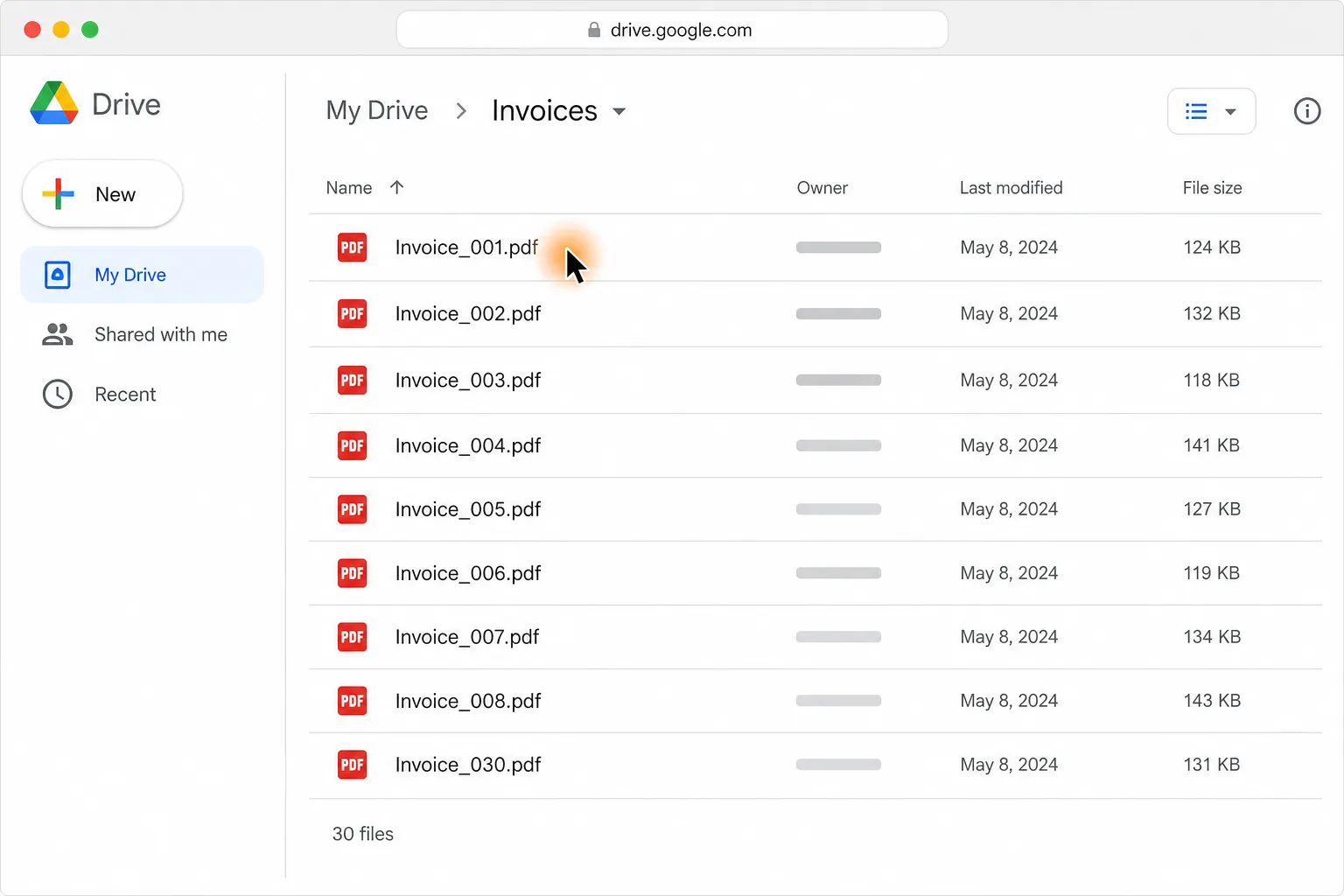
Turn 30 PDF invoices into one clean table in Google Sheets or Excel




Put Netflix, Disney+, Apple TV and Prime Video prices in one table
Loved by the very best
“It’s not about taking the work away from me—it’s about boosting me. We are seeing higher accuracy and better results across the board”
 Håkan EnhagerVP Global IT and Digital, CellMark
“Using Incredible is a real game-changer”
 Alexander AronssonCEO, Vätternkök
“It has been really great to see how both the team and the company have developed. David and Philip have had a clear goal for the company all along.”
 Peter SchönHead of Business Development
Frequently asked questions
How do I turn an image into an infographic?
Open the source image on your computer and start this workflow. Incredible reviews what the image shows and turns the key content into a clean infographic that you can review and share.
Can I automatically create an infographic from an image without code?
Yes. Once started, this workflow turns the open image into an infographic without code or API connections. Incredible follows the same taught sequence each time.
What do I need to build an infographic from an image?
You need the Incredible desktop app on a Mac or Windows computer and the source image open on your computer. No specific third-party app is required by this workflow.
Does this workflow publish or send the infographic automatically?
No. This workflow creates a shareable infographic, but it does not include a publishing or sending step. Incredible asks before it sends or changes anything important.
Is my image data used to train Incredible?
No. Customer data, including the image being processed, is not used to train Incredible.
Published Aug 21, 2026 · Updated Aug 24, 2026