 Get started on Windows


Draft and send a personalized cold email to every lead in a spreadsheet
Personalize cold emails from Google Sheets and send them with your approval
 Get started with MacWorks on Mac and Windows
About this workflow
Updated Aug 21, 2026
What this workflow does
This workflow drafts a personalized cold email for every lead in a Google Sheets spreadsheet. Instead of a founder, sales rep, or business development team writing each message by hand, it creates one email around each lead’s company.
The prepared emails are handled through Gmail and Outlook using your own signed-in access. You review and approve the emails before anything sends, giving you one personal message per lead with a clear approval point.
How it works, step by step
Incredible follows the same taught process for each lead in your spreadsheet. The steps below show what you will see during a run, from reading the lead list to sending the approved emails.
- 1Open the lead list. Incredible opens Google Sheets and reads each lead and the available company details.
- 2Draft each cold email. It writes one cold email per lead in Gmail or Outlook, personalizing the message around the lead’s company.
- 3Pause for approval. It presents the prepared emails and waits for you to approve them before anything sends.
- 4Send the approved emails. After you approve, it sends the emails using your signed-in Gmail or Outlook access.
Every run follows these steps in order. If a step cannot be completed, the run stops and tells you what happened instead of guessing.
What you need to run it
You need the Incredible desktop app on a Mac or Windows computer, plus your own signed-in access to Google Sheets, Gmail, and Outlook. Incredible works in the browser you already use, with no code or API connections required.
Why teams run this with Incredible
Incredible repeats the same cold email steps in the same order every run. It asks for your approval before sending the emails and stops rather than guessing if it cannot complete a step. Your customer data is not used to train Incredible.
Trusted by teams at


















Run it on your own computer
Incredible works in your own browser, doing the steps the way a person would. Getting there takes three steps.
Featured in



Frequently asked questions
How can I send personalized cold emails from a Google Sheets lead list?
Incredible reads the leads in Google Sheets and drafts one cold email around each lead’s company. You approve the prepared emails before it sends them using your signed-in email access.
Does this workflow send cold emails without approval?
No. The workflow prepares one personalized email per lead and waits for your approval before anything sends.
What does the workflow personalize in each cold email?
Each cold email is written around the lead’s company. The workflow uses the information available in the Google Sheets lead list rather than promising additional research or enrichment.
Can this workflow send cold emails with Gmail and Outlook?
Yes. This workflow uses Gmail and Outlook for drafting and sending through your own signed-in email access. It sends only after you approve the prepared emails.
Do I need code or API connections to automate these cold emails?
No. You teach Incredible by doing the real task while it records the steps, then it repeats those steps on demand. There is no code to write and no API to connect.
Is my lead and email data used to train Incredible?
Customer data is not used to train Incredible. This includes the lead and email data handled by the workflow.
More workflows like this
Other ready-made workflows that work in the same apps.

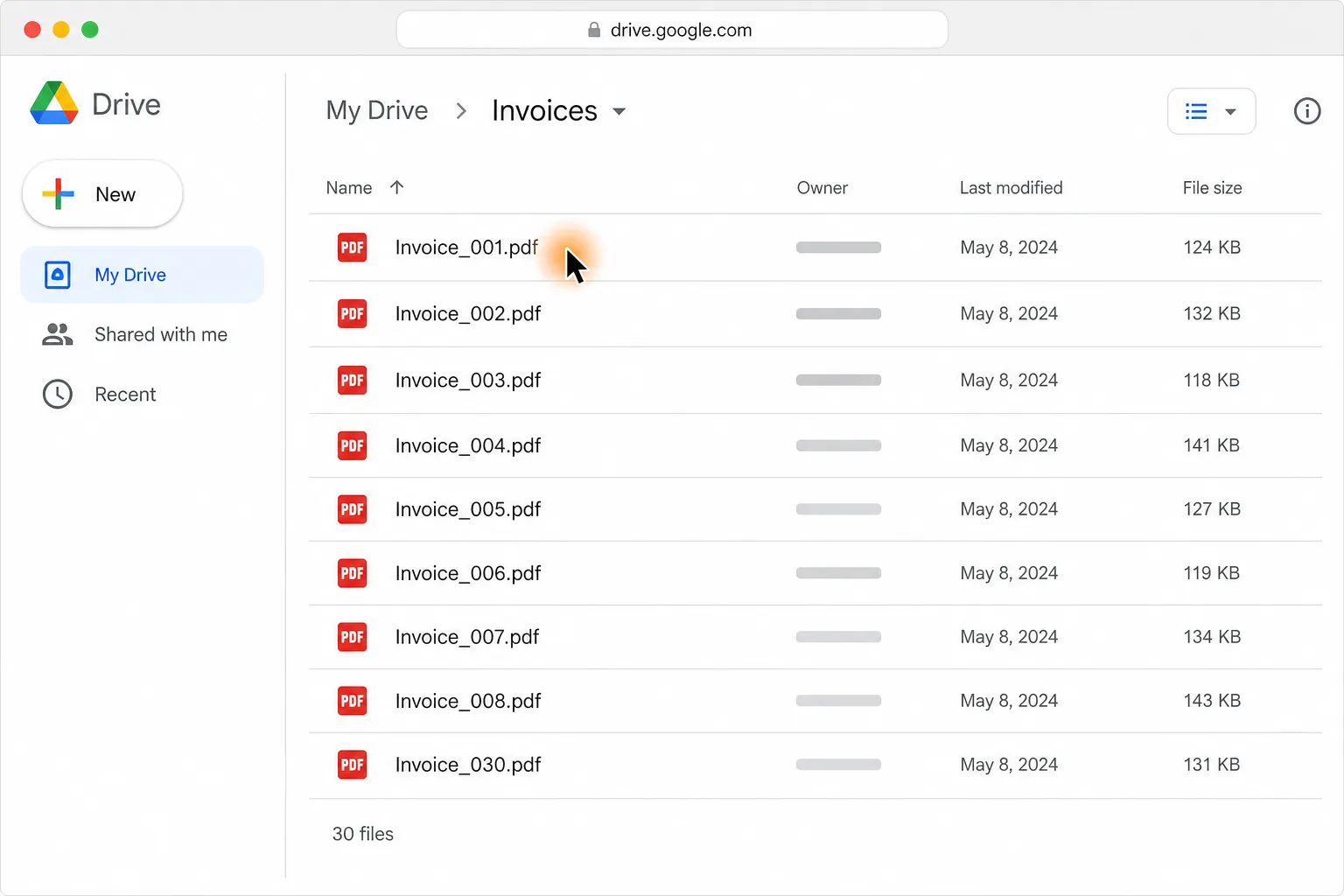
Turn 30 PDF invoices into one clean table in Google Sheets or Excel

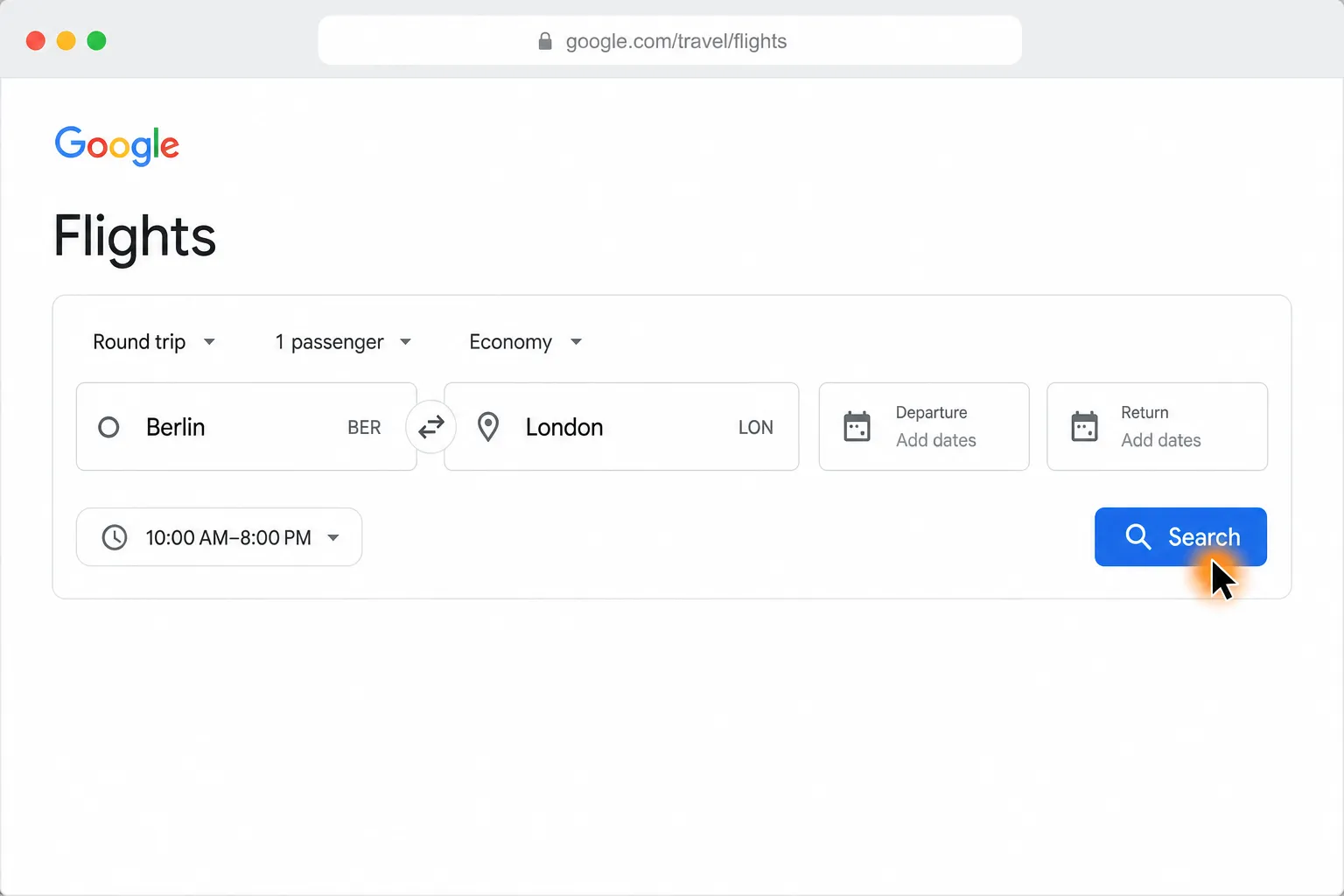
Compare Berlin to London round-trip flights and find the cheapest in your time window

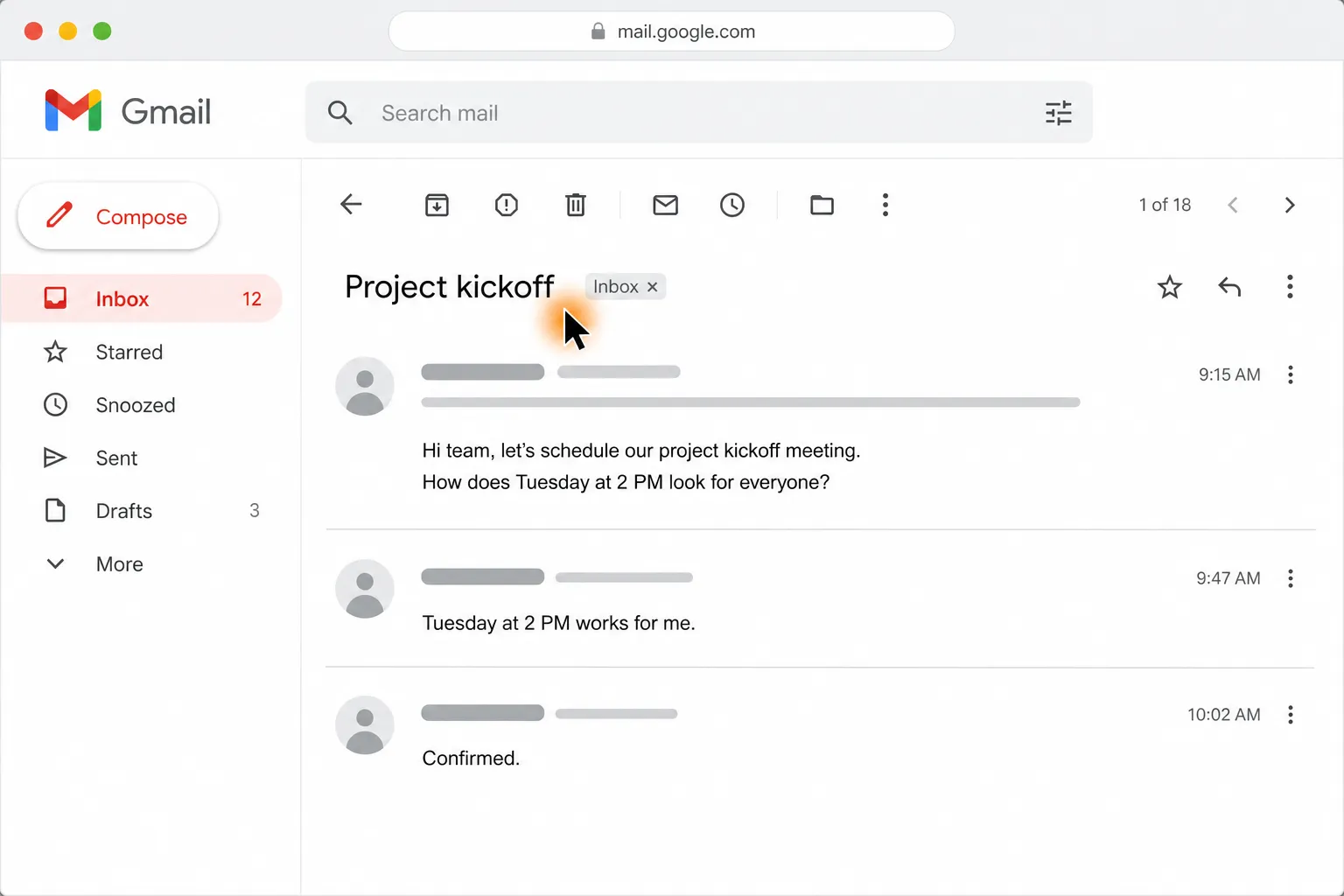
Create a Google Calendar event from Gmail or Outlook with the agreed time and attendees
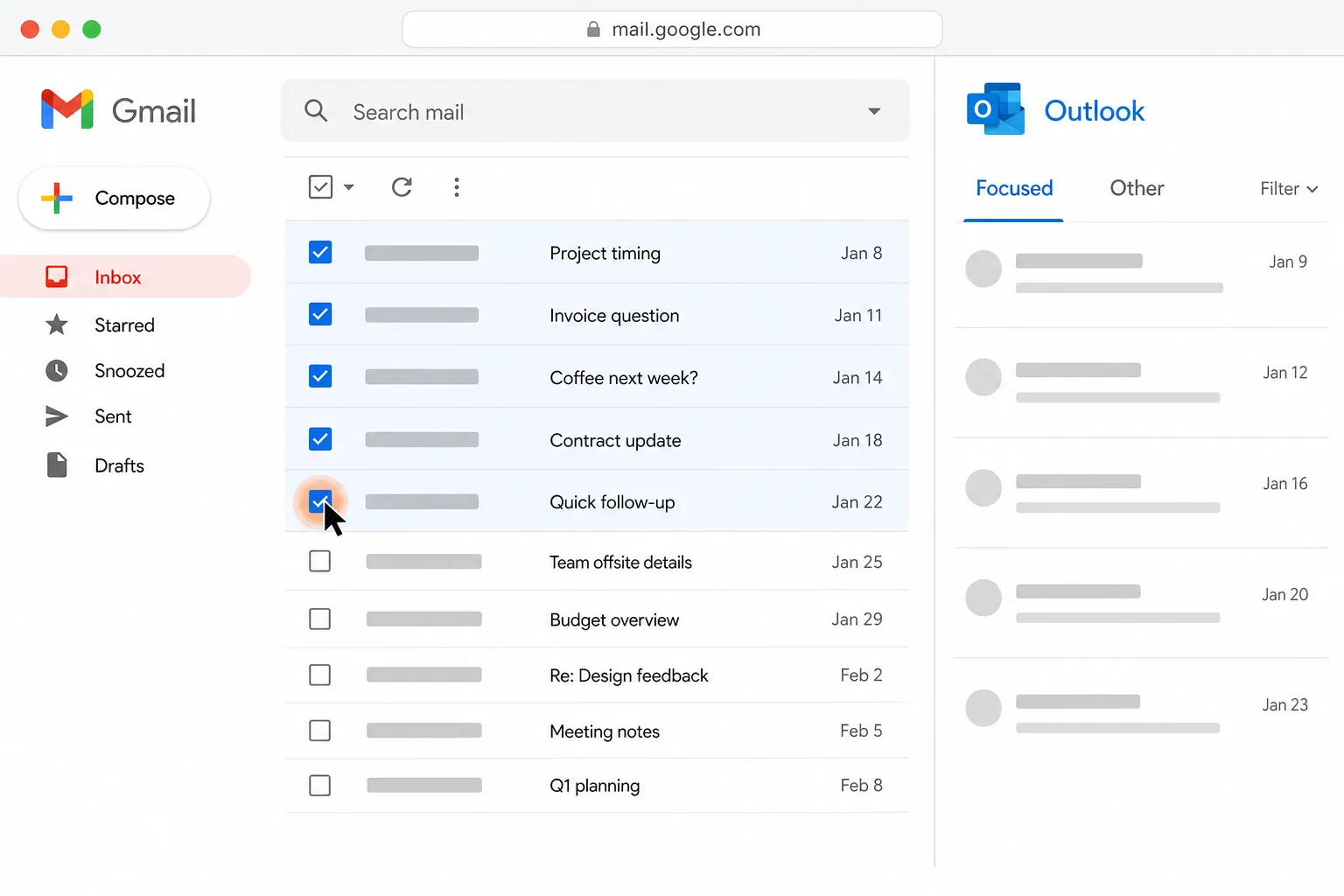
Get drafts for your five oldest unanswered Gmail and Outlook emails
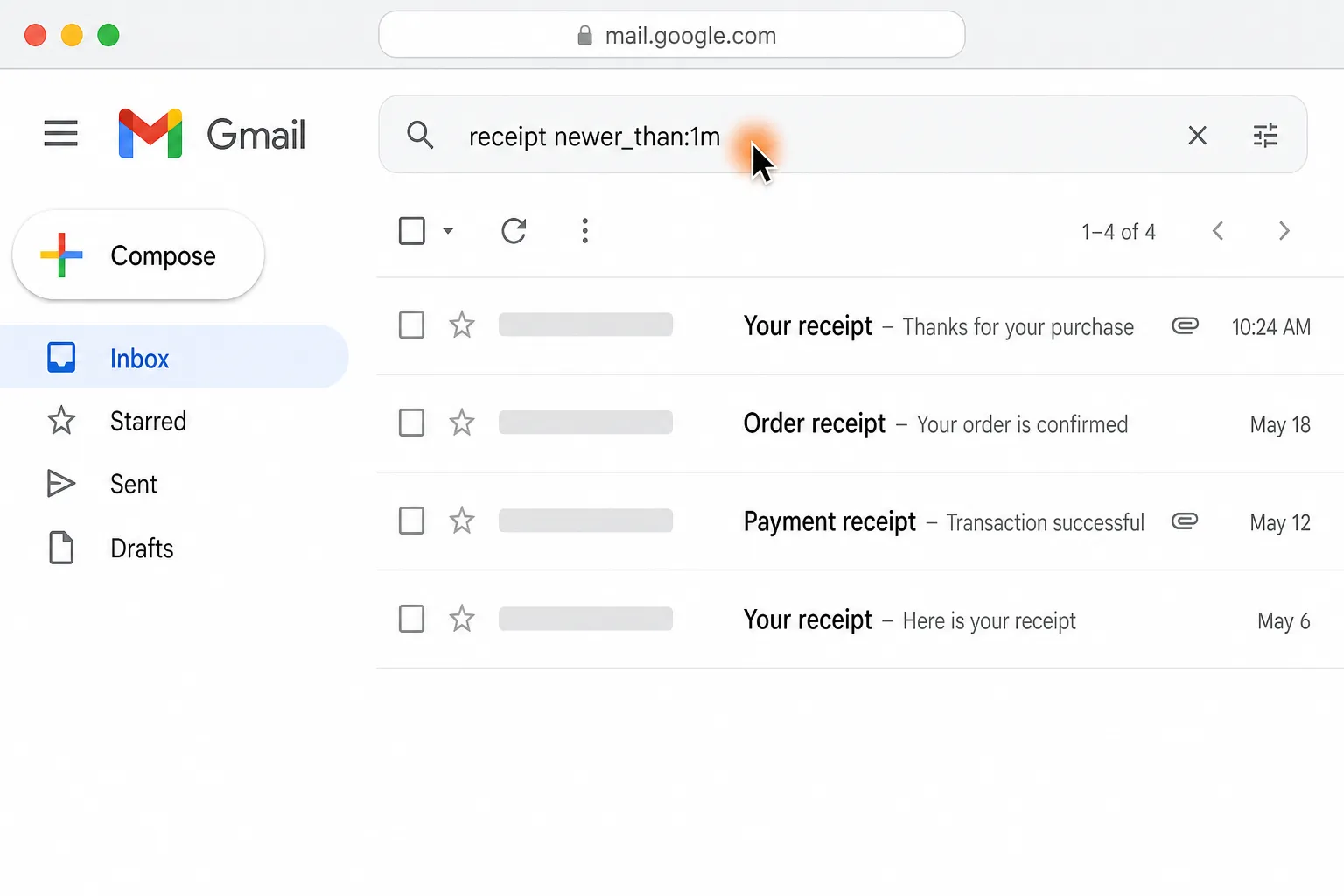
Find last month’s receipts in Gmail and Outlook and file them in Google Drive

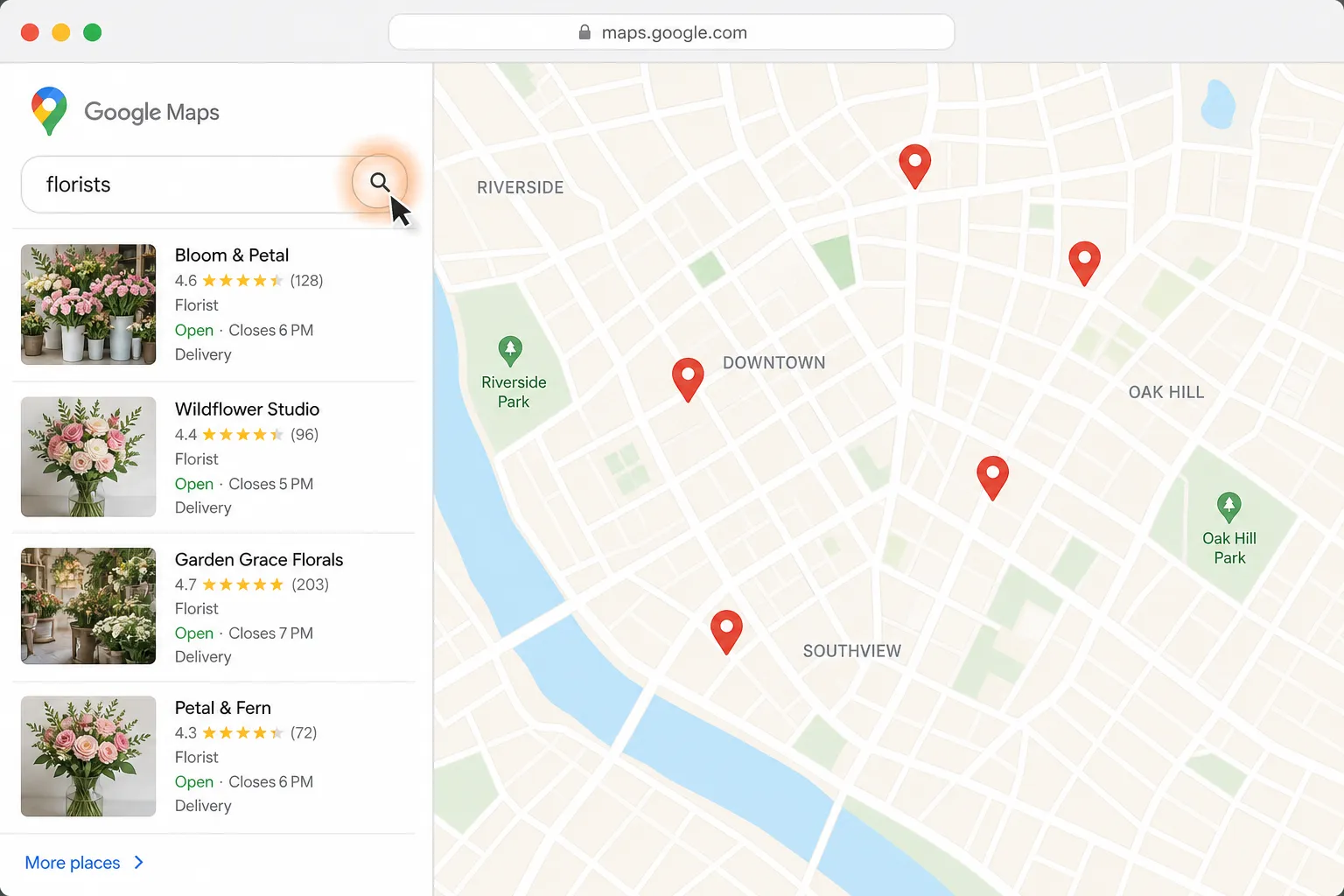
Find a florist for Thursday delivery and prepare the flower order in Gmail