 Get started on Windows
Fill in the form open on your screen
Fill the open Google Form using information already visible on your screen
 Get started with MacWorks on Mac and Windows
About this workflow
Updated Aug 21, 2026
What this workflow does
This workflow fills in the Google Form open on your screen using information already visible on your screen. Instead of manually copying details into each field, you let Incredible read the form and type the responses for you.
The result is a filled-in Google Form that remains open for your review. Incredible does not submit the form. You check the entries and hit Submit yourself.
How it works, step by step
The workflow follows a short, consistent form-filling process in your existing browser. Incredible handles the typing, then leaves the final review and submission to you.
- 1Read the open form. Incredible reviews the fields in the Google Form open on your screen.
- 2Match the visible information. Incredible matches information already visible on your screen to the relevant form fields.
- 3Fill in the fields. Incredible types the matched information into the Google Form.
- 4Leave the form for review. The filled form remains open so you can check it and hit Submit.
Every run follows these steps in order. If a step cannot be completed, the run stops and tells you what happened instead of guessing.
What you need to run it
You need the Incredible desktop app on a Mac or Windows computer and your own access to Google Forms. Open the form and make sure the information needed to complete it is already visible on your screen. No code or API connection is required.
Why teams run this with Incredible
Once taught, Incredible repeats the same form-filling steps in the same order every run. It asks before making important changes, and this workflow leaves submission to you. Customer data is not used to train Incredible.
Trusted by teams at


















Run it on your own computer
Incredible works in your own browser, doing the steps the way a person would. Getting there takes three steps.
Featured in



Frequently asked questions
How do I automatically fill a Google Form from information on my screen?
Open the Google Form and the information needed to complete it, then run this workflow. Incredible reads the open form and types the visible information into its fields without code or an API connection.
What does this Google Forms workflow do?
This workflow fills in the Google Form currently open on your screen. It uses information already visible on your screen and leaves the completed form open for you to review and submit.
Can Incredible submit the Google Form for me?
No. This workflow fills the fields but does not submit the Google Form. You review the completed form and hit Submit yourself.
What do I need to run this Google Forms workflow?
You need the Incredible desktop app on a Mac or Windows computer and access to Google Forms in your usual browser. The form and the information needed to fill it should already be visible on your screen.
Is my Google Forms data used to train Incredible?
No. Customer data is not used to train Incredible.
More workflows like this
Other ready-made workflows that work in the same apps.


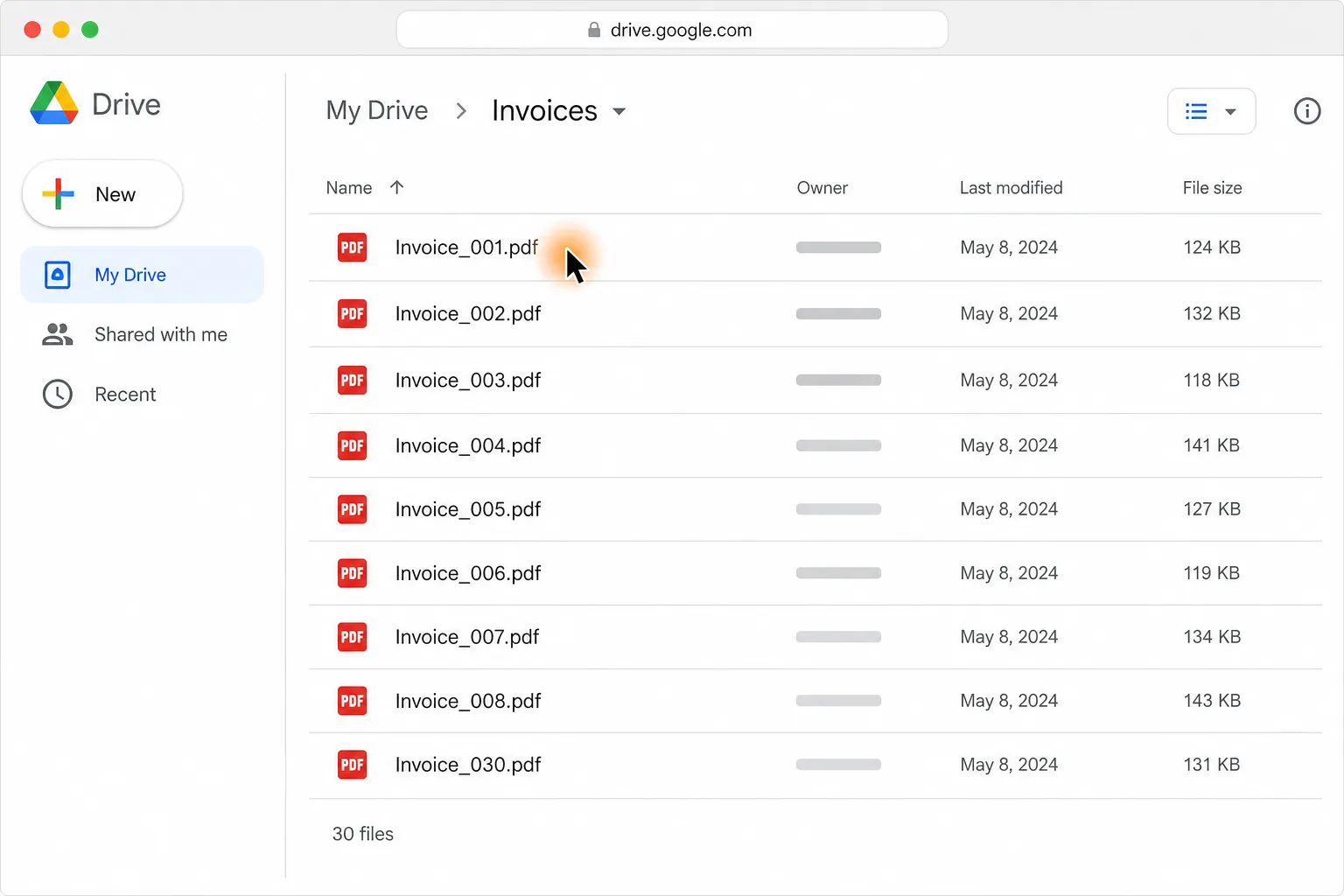
Turn 30 PDF invoices into one clean table in Google Sheets or Excel

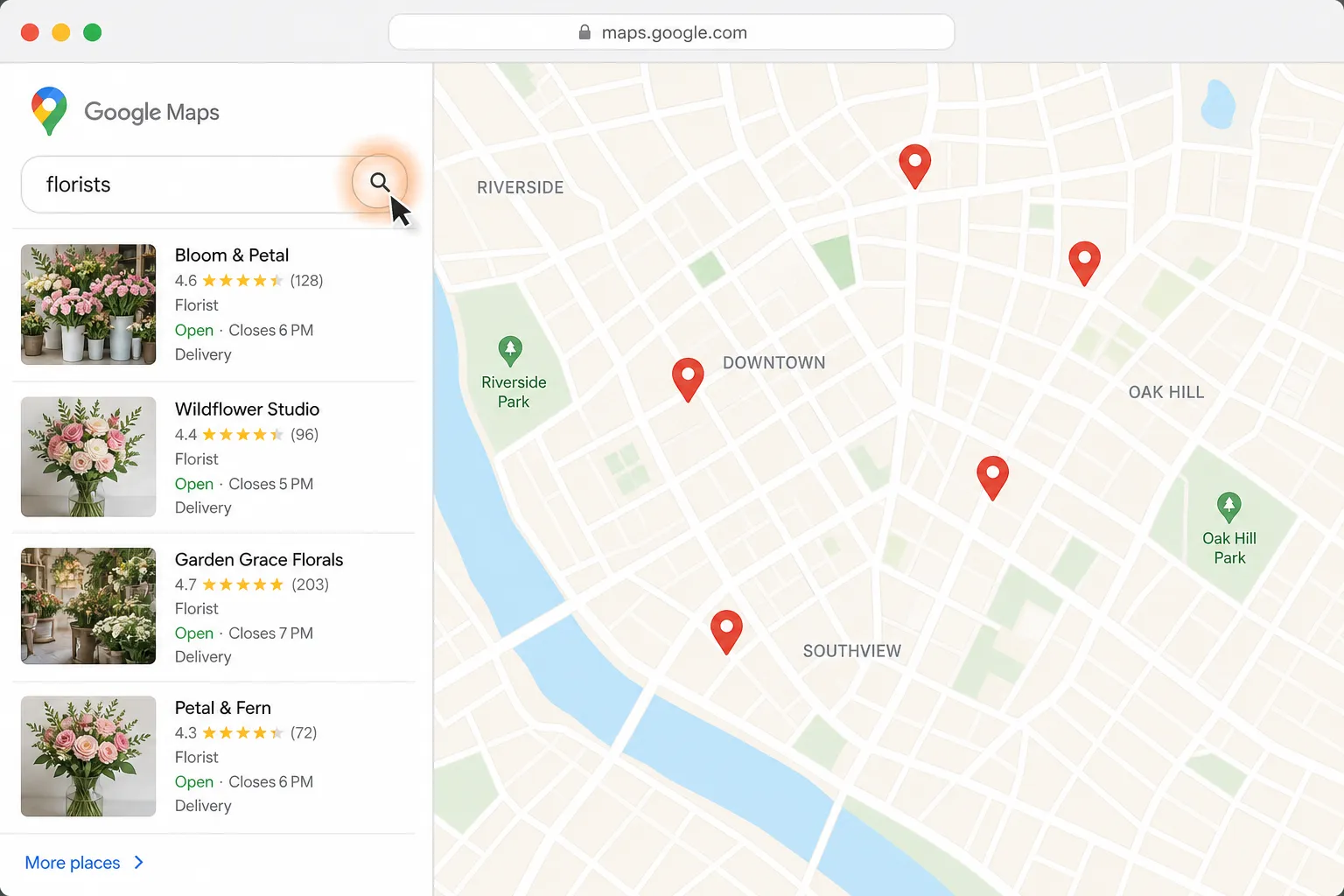
Find a florist for Thursday delivery and prepare the flower order in Gmail


Compare Berlin to London round-trip flights and find the cheapest in your time window

See four hotels side by side by price, location, and reviews


Shortlist five pet-friendly Paris Airbnbs under $120 a night, with links

Turn the image you have open into a clean, shareable infographic