 Get started on Windows


Find a pet-friendly Airbnb in Paris under $120/night and shortlist 5
Shortlist five pet-friendly Paris Airbnbs under $120 a night, with links
 Get started with MacWorks on Mac and Windows
About this workflow
Updated Aug 21, 2026
What this workflow does
This workflow finds five real, pet-friendly Airbnb options in Paris under $120 per night. Instead of checking listings by hand, it searches Airbnb, reviews qualifying options, and uses Google Maps to check their shown locations.
The finished shortlist is added to Google Sheets. You get five options that meet the search filters, with a link to each Airbnb listing.
How it works, step by step
The workflow follows the same search and shortlisting sequence each time. It moves through Airbnb, Google Maps, and Google Sheets using the trip details you provide.
- 1Search Airbnb for Paris stays. The workflow searches Airbnb for stays in Paris using your trip details.
- 2Apply the required filters. It applies the pet-friendly filter and limits the nightly price to under $120.
- 3Review qualifying listings. It opens Airbnb results and checks that each option meets the search criteria.
- 4Check locations in Google Maps. It uses Google Maps to check each option's shown location against Paris.
- 5Add five options to Google Sheets. It adds five qualifying Airbnb options and their listing links to Google Sheets.
Every run follows these steps in order. If a step cannot be completed, the run stops and tells you what happened instead of guessing.
What you need to run it
You need the Incredible desktop app on a Mac or Windows computer and your own access to Airbnb, Google Maps, and Google Sheets. You also need the dates and guest details required for Airbnb to show relevant availability and nightly prices. There is nothing to code and no APIs to connect.
Why teams run this with Incredible
Incredible repeats the same Airbnb search, location check, and Google Sheets shortlisting steps every run. It asks before changing anything important, including adding the shortlist to your sheet. Customer data is not used to train Incredible.
Trusted by teams at


















Run it on your own computer
Incredible works in your own browser, doing the steps the way a person would. Getting there takes three steps.
Featured in



Frequently asked questions
How can I find pet-friendly Airbnbs in Paris under $120 per night?
This workflow searches Airbnb for pet-friendly stays in Paris under $120 per night. It checks qualifying options and adds five listing links to Google Sheets.
What does the Airbnb shortlist include?
The shortlist includes five real Airbnb options that pass the Paris, pet-friendly, and nightly price filters. A link to each listing is included in Google Sheets.
Can the workflow use my travel dates and guest count?
The Airbnb search uses the trip details you provide, including the dates and guest information needed to check prices and availability. Incredible then follows the taught search steps in the same order.
Does this workflow book the Airbnb stay?
No. This workflow finds and shortlists five qualifying Airbnb options, but it does not book a stay.
What apps do I need to shortlist Paris Airbnbs?
You need access to Airbnb, Google Maps, and Google Sheets in the browser you already use. You also need the Incredible desktop app for Mac or Windows.
Is my Airbnb and Google Sheets data used to train Incredible?
Customer data is not used to train Incredible. Your Airbnb, Google Maps, and Google Sheets data is not used for training.
More workflows like this
Other ready-made workflows that work in the same apps.

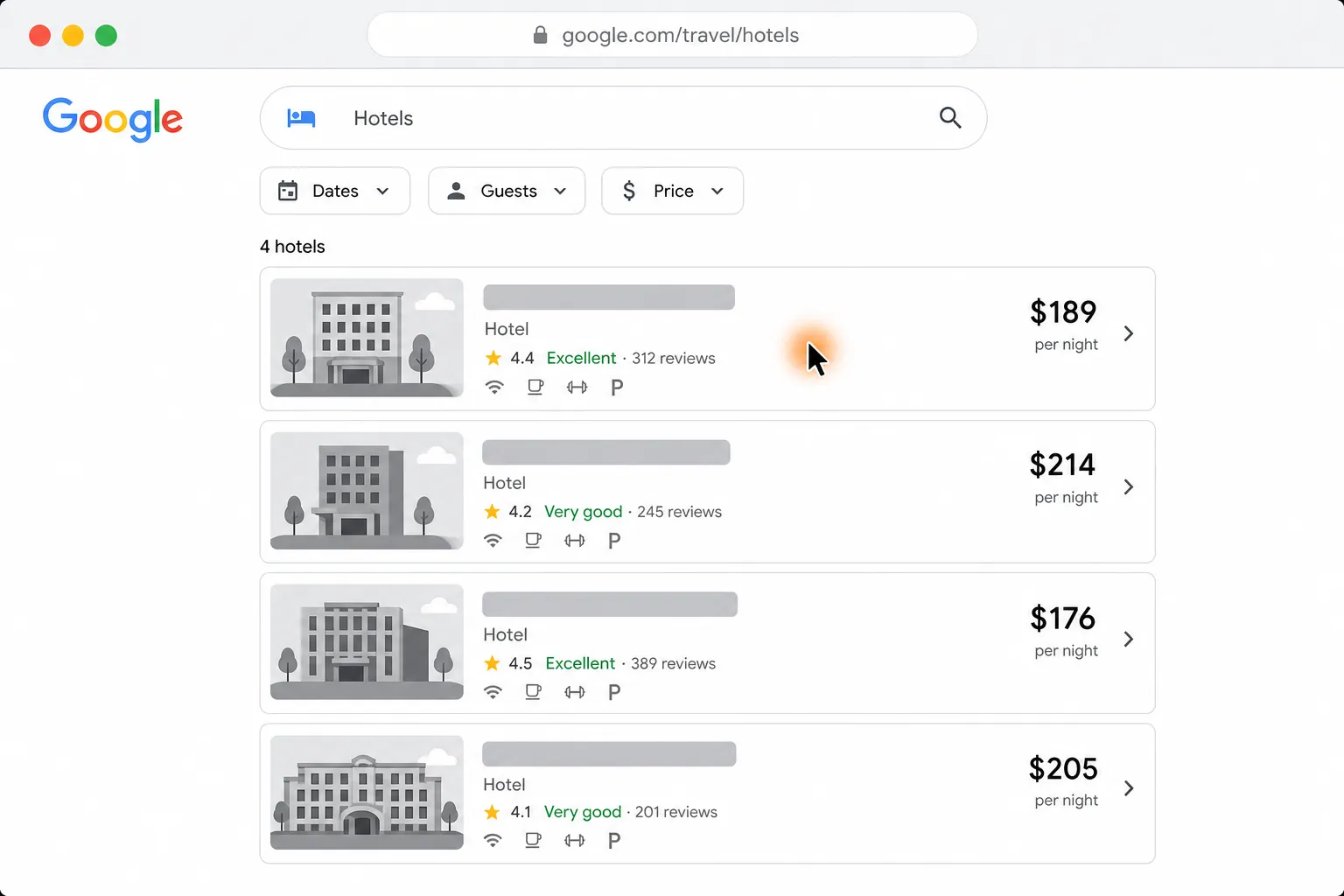
See four hotels side by side by price, location, and reviews
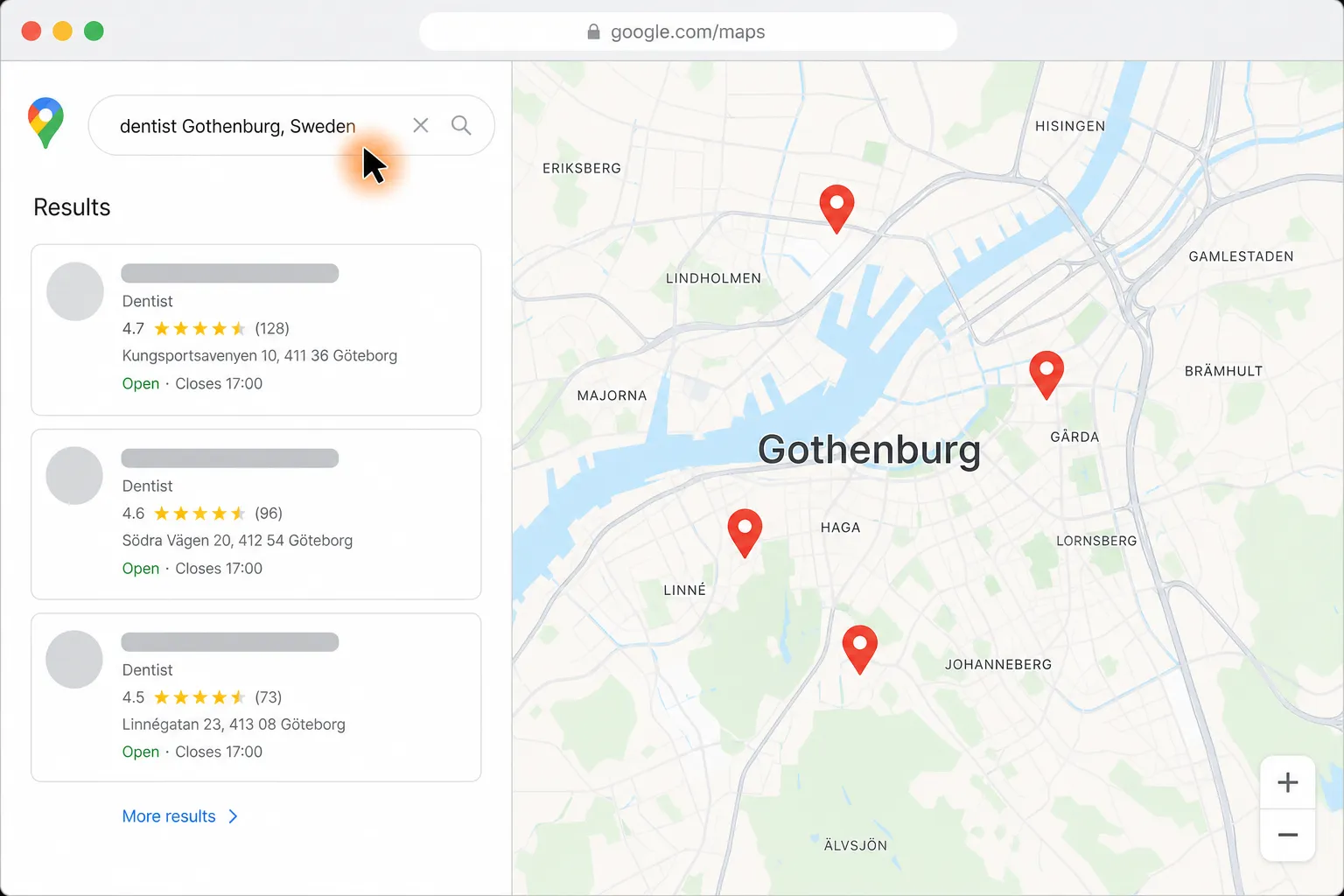
Turn Google Maps company listings into a checked CSV for Google Sheets


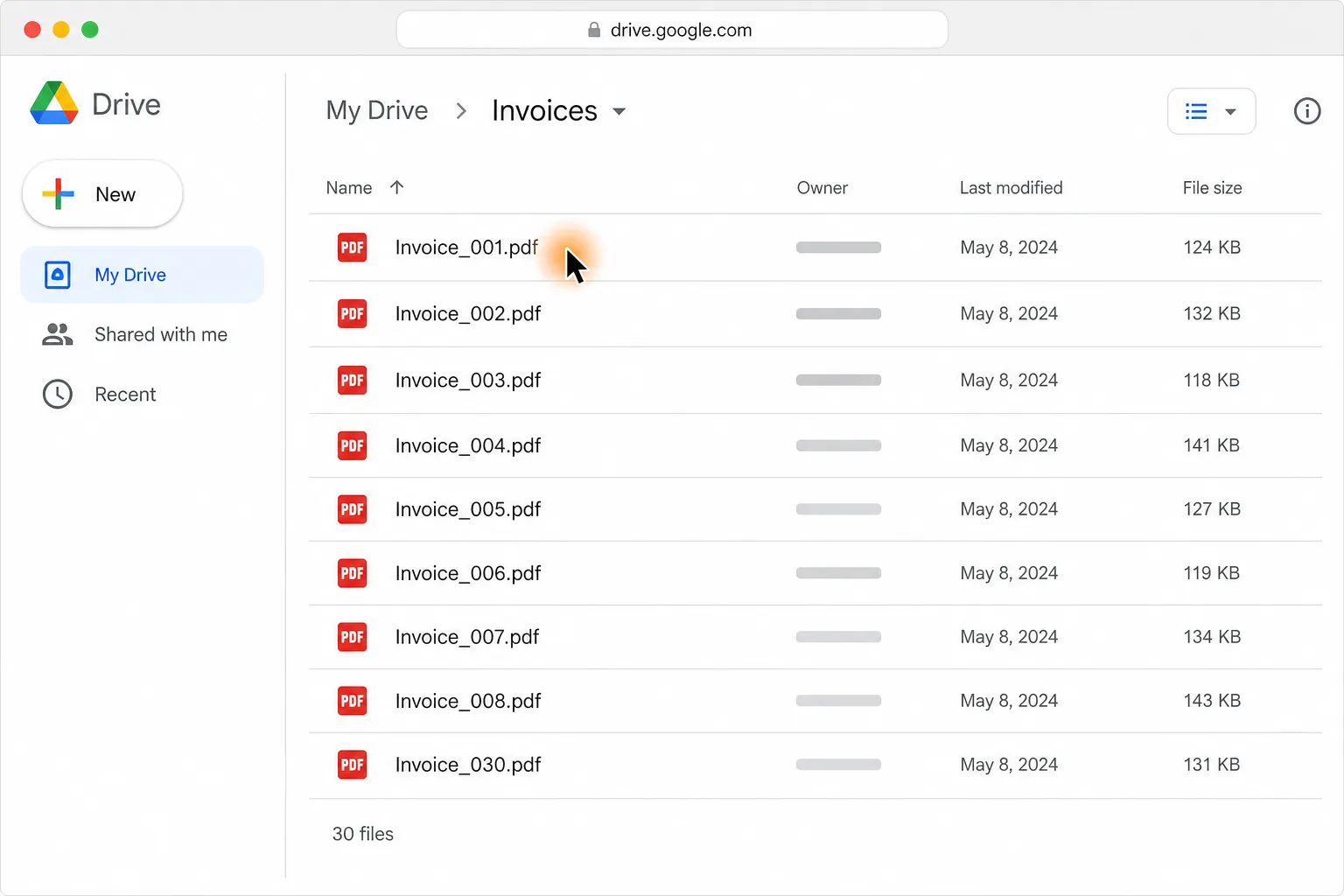
Turn 30 PDF invoices into one clean table in Google Sheets or Excel
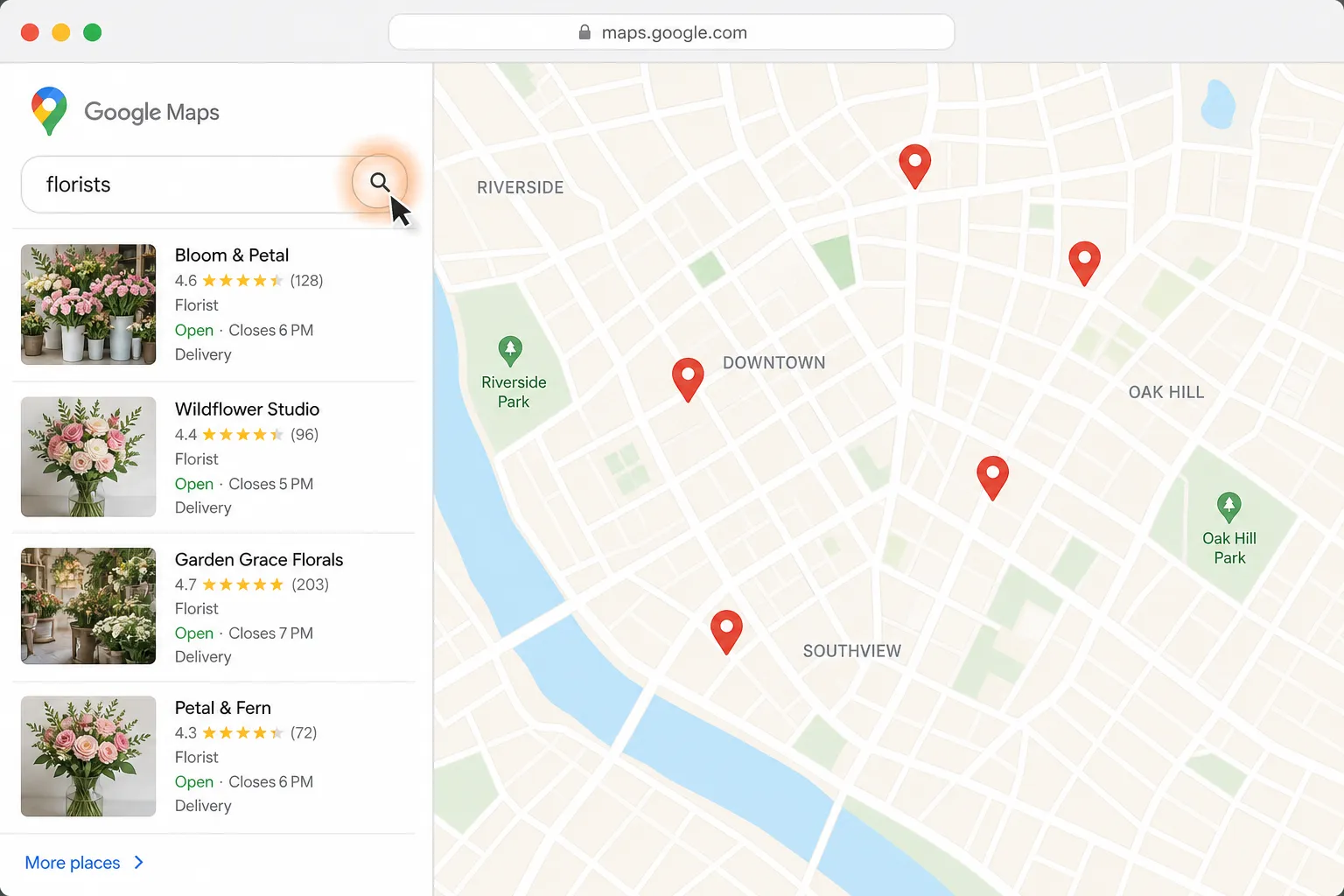
Find a florist for Thursday delivery and prepare the flower order in Gmail
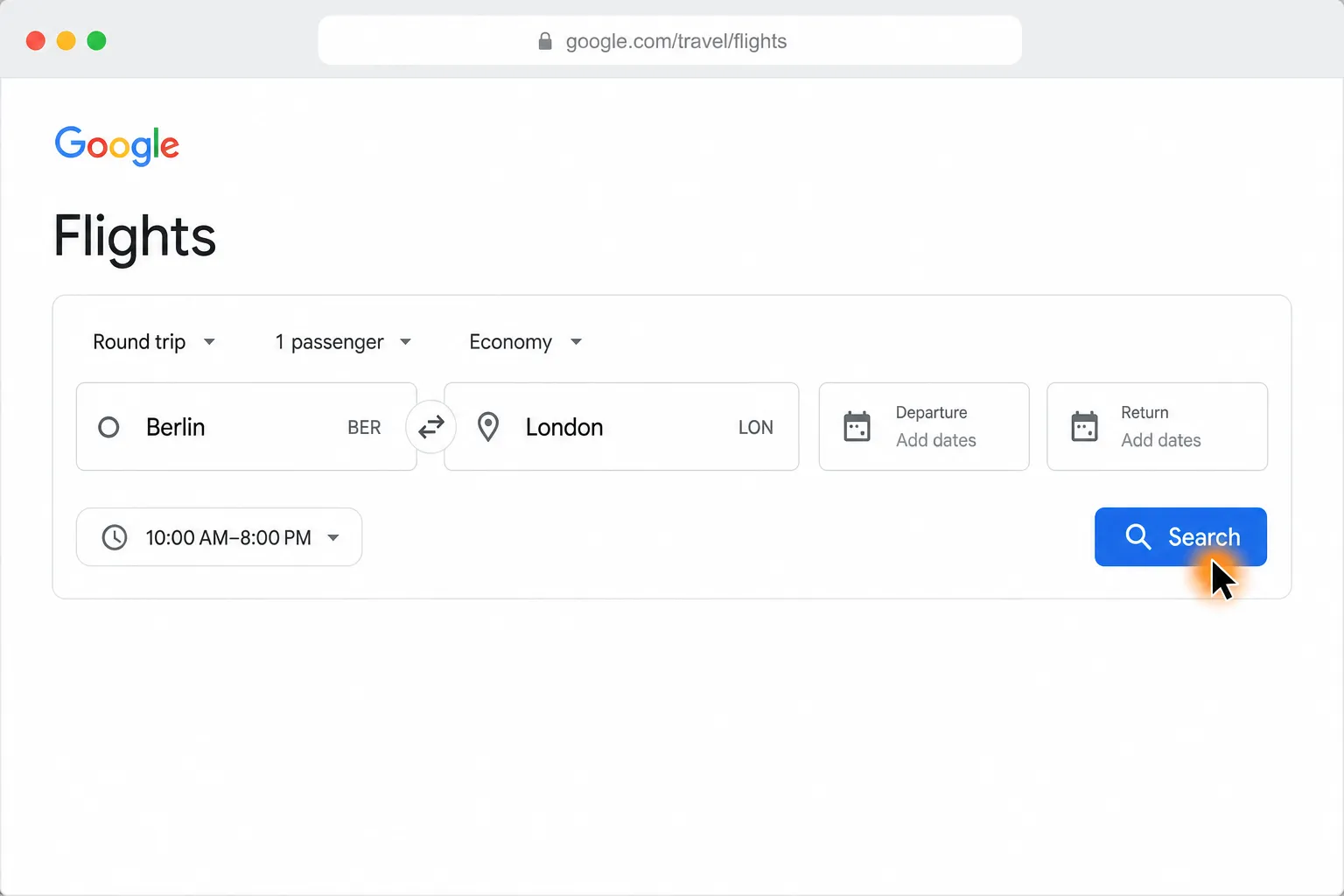
Compare Berlin to London round-trip flights and find the cheapest in your time window

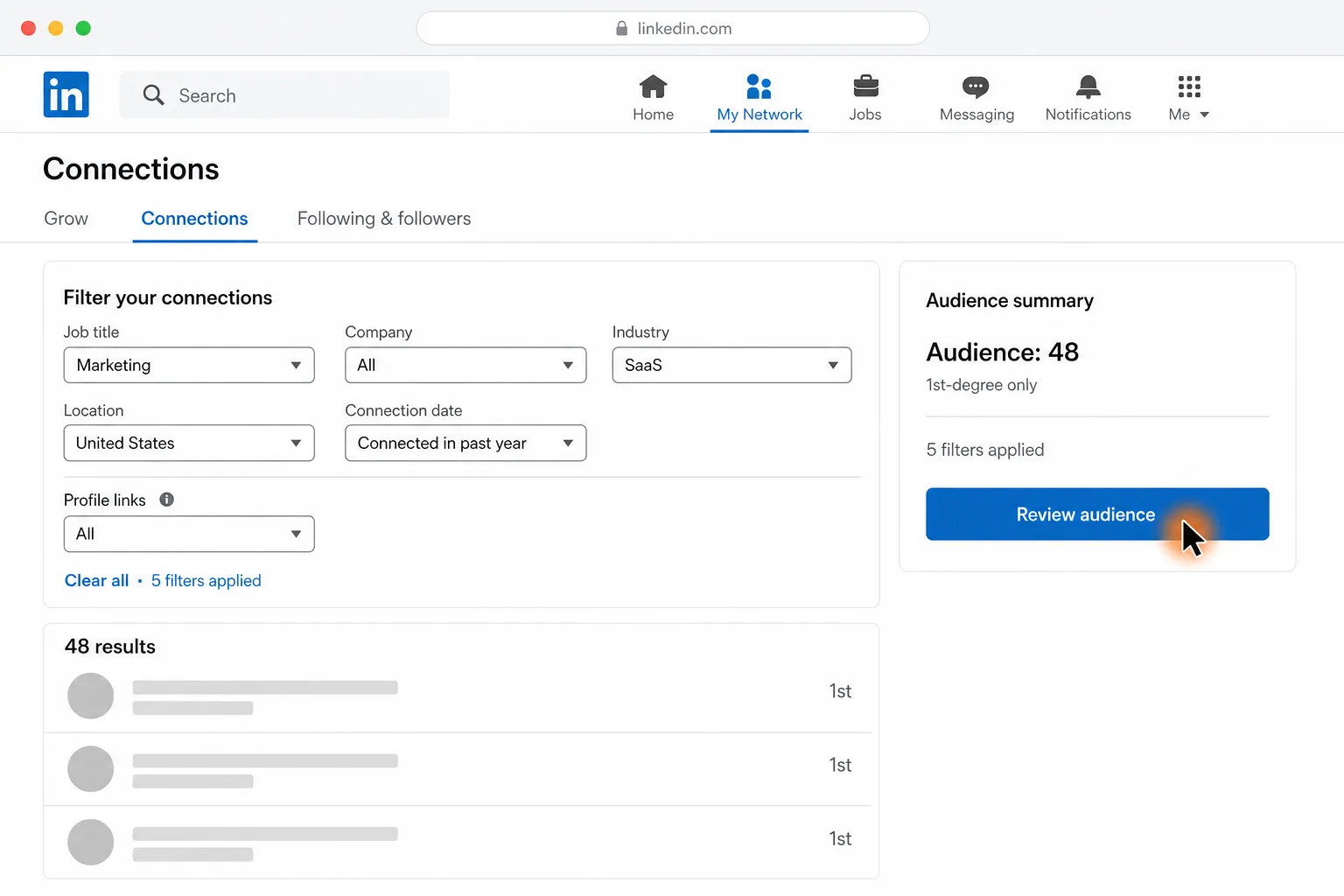
Send personalized LinkedIn messages to the 1st-degree connections you choose