 Get started on Windows
Build an infographic from this image
Turn the image you have open into a clean, shareable infographic
 Get started with MacWorks on Mac and Windows
About this workflow
Updated Aug 21, 2026
What this workflow does
This workflow takes the image you have open and turns what it shows into a clean, shareable infographic. Marketers and content creators would otherwise inspect the image, identify the key content, and rebuild it in a visual format by hand.
Incredible reads the open image, pulls out the information to feature, and arranges it into an infographic. The result is a finished visual that you can review and share.
How it works, step by step
Start with the source image open on your computer, then run the workflow. Incredible follows the steps below in the same order each time to create the infographic without code or APIs.
- 1Review the open image. Incredible examines the image you already have open and identifies what it shows.
- 2Select the key content. It pulls out the information that should appear in the infographic.
- 3Build the infographic. It arranges the selected content into a clean visual format.
- 4Present the finished result. It shows the completed infographic for you to review and share.
Every run follows these steps in order. If a step cannot be completed, the run stops and tells you what happened instead of guessing.
What you need to run it
You need the Incredible desktop app on a Mac or Windows computer and the source image open on your computer. This workflow does not require a specific third-party app, code, or API connection.
Why teams run this with Incredible
Incredible follows the same infographic creation steps every run, so you do not have to repeat the work by hand. It asks before sending or changing anything important, and your customer data is never used to train Incredible.
Trusted by teams at


















Run it on your own computer
Incredible works in your own browser, doing the steps the way a person would. Getting there takes three steps.
Featured in



Frequently asked questions
How do I turn an image into an infographic?
Open the source image on your computer and start this workflow. Incredible reviews what the image shows and turns the key content into a clean infographic that you can review and share.
Can I automatically create an infographic from an image without code?
Yes. Once started, this workflow turns the open image into an infographic without code or API connections. Incredible follows the same taught sequence each time.
What do I need to build an infographic from an image?
You need the Incredible desktop app on a Mac or Windows computer and the source image open on your computer. No specific third-party app is required by this workflow.
Does this workflow publish or send the infographic automatically?
No. This workflow creates a shareable infographic, but it does not include a publishing or sending step. Incredible asks before it sends or changes anything important.
Is my image data used to train Incredible?
No. Customer data, including the image being processed, is not used to train Incredible.
More workflows like this
Other ready-made workflows that work in the same apps.


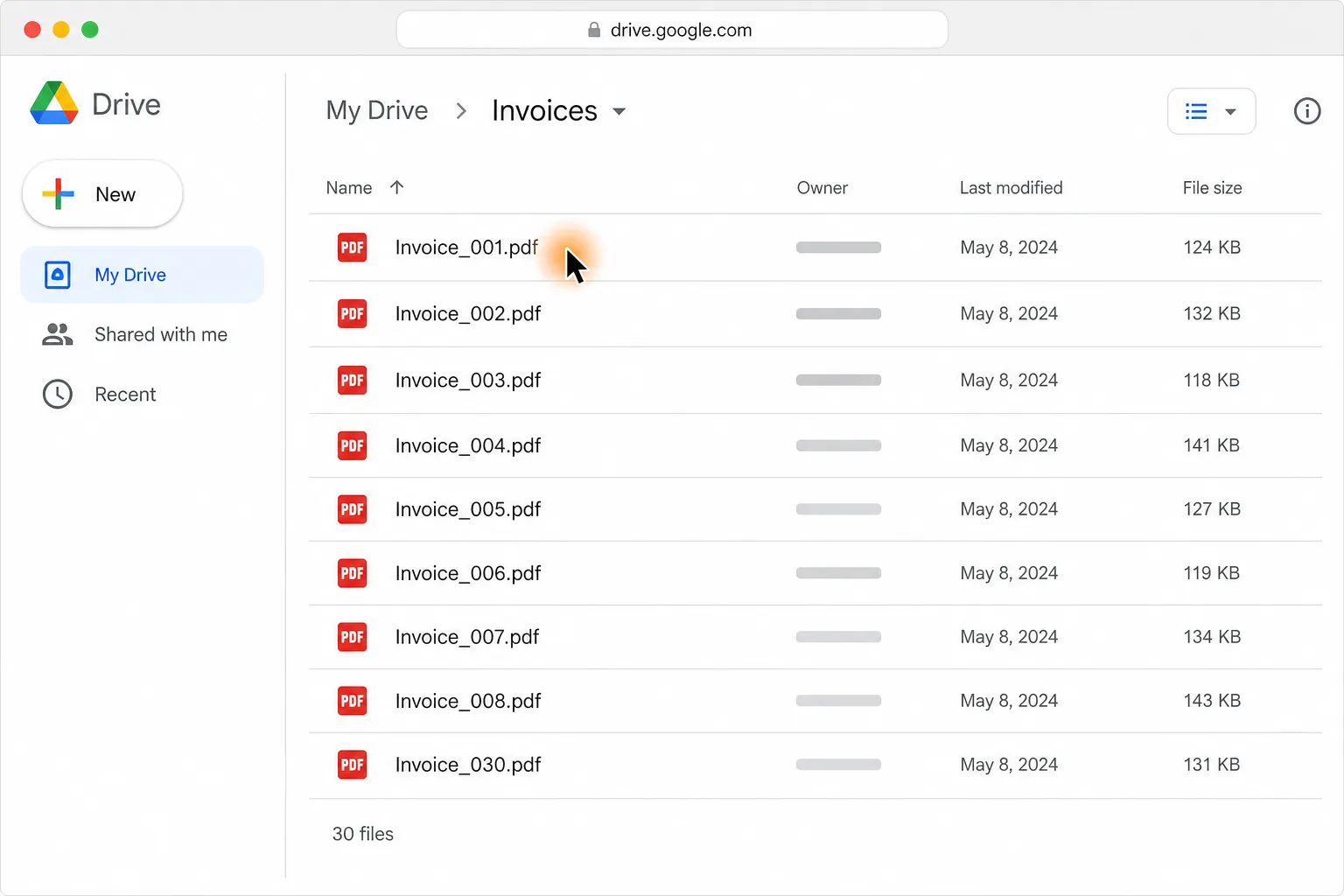
Turn 30 PDF invoices into one clean table in Google Sheets or Excel


Find a florist for Thursday delivery and prepare the flower order in Gmail


Compare Berlin to London round-trip flights and find the cheapest in your time window

See four hotels side by side by price, location, and reviews


Shortlist five pet-friendly Paris Airbnbs under $120 a night, with links




Export the loaded Product Hunt longest-streak leaderboard to CSV in Downloads