 Get started on Windows


Find the cheapest coffee across Amazon, Costco and Walmart
Compare coffee prices at Amazon, Costco and Walmart with shipping included
 Get started with MacWorks on Mac and Windows
Tired of checking coffee prices store by store?
What this workflow does
This workflow compares coffee prices at Amazon, Costco and Walmart with shipping included. It records the results in Google Sheets and gives you the lowest-priced coffee option found.
The problem
People handling personal shopping often check each store by hand and copy prices and shipping details into a sheet. That takes time and makes it harder to compare the true totals.
The solution
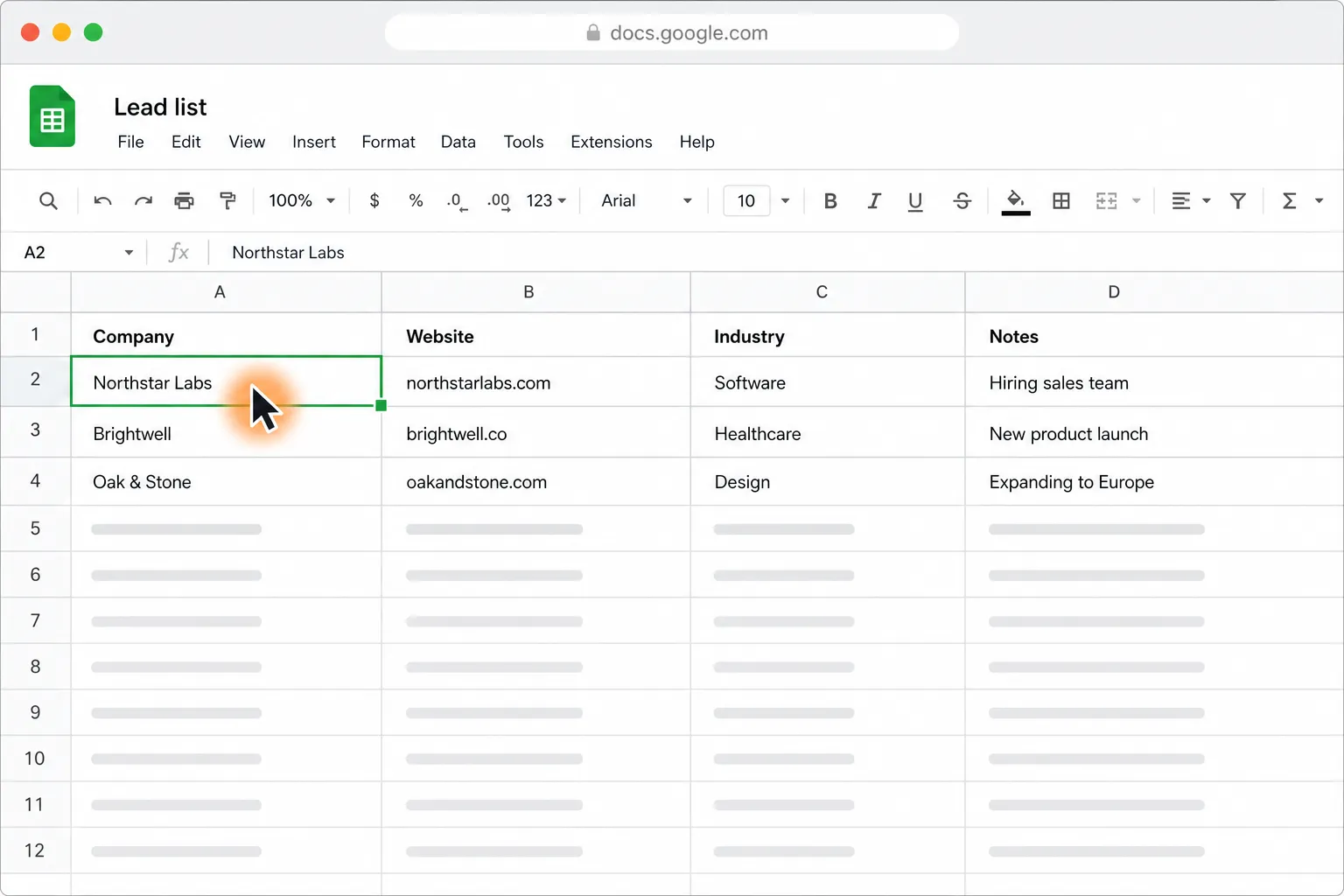
The workflow shops across Amazon, Costco and Walmart by searching for coffee, collecting the relevant price and shipping details, and entering them into Google Sheets. It compares the listed totals and presents the cheapest option found.
This is what you give
This is what you get
How it works, step by step
- 1
Open the stores in Chrome. Chrome opens Amazon, Costco and Walmart for the coffee price check.
- 2
Search Amazon. Amazon is searched for coffee and the relevant price and shipping details are collected.
- 3
Search Costco. Costco is searched for coffee and the relevant price and shipping details are collected.
- 4
Search Walmart. Walmart is searched for coffee and the relevant price and shipping details are collected.
- 5
Record the results. The prices and shipping details from all three stores are entered into Google Sheets.
- 6
Identify the cheapest option. The listed totals are compared and the lowest-priced coffee option found is presented.
Trusted by teams at


















More workflows like this
Other ready-made workflows that work in the same apps.



See four hotels side by side by price, location, and reviews

Compare Berlin to London round-trip flights and find the cheapest in your time window



Put Netflix, Disney+, Apple TV and Prime Video prices in one table


Shortlist five pet-friendly Paris Airbnbs under $120 a night, with links

Turn 30 PDF invoices into one clean table in Google Sheets or Excel

Personalize cold emails from Google Sheets and send them with your approval
Loved by the very best
“It’s not about taking the work away from me—it’s about boosting me. We are seeing higher accuracy and better results across the board”
 Håkan EnhagerVP Global IT and Digital, CellMark
“Using Incredible is a real game-changer”
 Alexander AronssonCEO, Vätternkök
“It has been really great to see how both the team and the company have developed. David and Philip have had a clear goal for the company all along.”
 Peter SchönHead of Business Development
Frequently asked questions
How can I compare coffee prices across Amazon, Costco and Walmart?
This workflow searches Amazon, Costco and Walmart for coffee, includes shipping in the comparison, and records the results in Google Sheets. It then identifies the cheapest option found across the three stores.
Does the coffee price comparison include shipping?
Yes. The workflow includes shipping when comparing coffee prices from Amazon, Costco and Walmart, so the answer reflects the combined price and shipping shown during the run.
What do I need to run this coffee price comparison?
You need the Incredible desktop app on a Mac or Windows computer, Chrome, and access to Amazon, Costco, Walmart and Google Sheets. The workflow uses your existing browser and accounts without requiring code or API connections.
Does this workflow buy the coffee for me?
No. This workflow compares coffee prices and identifies the cheapest option found, but it does not place an order.
Can I use this workflow without code or APIs?
Yes. Incredible performs the task through Chrome and Google Sheets in the same way a person would, so there is nothing to code and no APIs to connect.
Published Aug 20, 2026 · Updated Aug 24, 2026