 Get started on Windows

Analyze G2 reviews and summarize the top complaints
Turn 100 competitor G2 reviews into a summary of recurring complaints
 Get started with MacWorks on Mac and Windows
About this workflow
Updated Aug 21, 2026
What this workflow does
This workflow analyzes 100 reviews on a competitor's G2 page and summarizes the top complaints. Product teams, founders, and marketers often do this by opening reviews one by one, noting negative feedback, and looking for patterns.
Instead, Incredible reads the reviews, groups recurring complaints, and writes a summary in Google Docs. Each run leaves you with a document of the main complaint themes from unhappy customers for use in roadmap planning and competitor research.
How it works, step by step
After the workflow is taught once, Incredible carries out the review analysis in your browser and Google Docs using the same sequence each time. The steps below show what you would watch during a run.
- 1Open the competitor's G2 reviews. G2 is opened to the review pages for the competitor being analyzed.
- 2Read 100 reviews. The workflow reads 100 G2 reviews and pulls out complaints from unhappy customers.
- 3Group recurring complaints. Similar complaints are clustered into themes so the leading issues stand out.
- 4Write the Google Docs summary. The grouped complaints are summarized in Google Docs for roadmap planning and competitor research.
Every run follows these steps in order. If a step cannot be completed, the run stops and tells you what happened instead of guessing.
What you need to run it
You need the Incredible desktop app on a Mac or Windows computer, access to G2 in the browser you already use, and your own access to Google Docs. You also need the competitor's G2 reviews you want the workflow to analyze.
Why teams run this with Incredible
Incredible repeats the same G2 and Google Docs steps in the same order every run, so the review analysis follows the process it was taught. It asks before it sends or changes anything important, and if a step cannot be completed, it stops and reports what happened instead of guessing. Customer data is not used to train Incredible.
Trusted by teams at


















Run it on your own computer
Incredible works in your own browser, doing the steps the way a person would. Getting there takes three steps.
Featured in



Frequently asked questions
How can I summarize top complaints from competitor reviews on G2?
The workflow reads 100 G2 reviews for a competitor, identifies recurring complaints from unhappy customers, and groups them into themes. It then writes the summary in Google Docs.
What does the G2 competitor review analysis produce?
It produces a Google Docs summary of recurring complaints found across 100 competitor reviews. The complaints are grouped into themes for competitor research and roadmap discussions.
Can I automatically analyze 100 G2 reviews without code?
Yes. Incredible is a Mac and Windows desktop app that performs the taught steps in the browser you already use and in Google Docs, with no code or APIs to connect. It repeats the same process on demand.
Do I need access to G2 and Google Docs?
You need access to the competitor's reviews on G2 and your own access to Google Docs. You also need the Incredible desktop app on a Mac or Windows computer.
Is customer data used to train Incredible?
No. Customer data is not used to train Incredible.
More workflows like this
Other ready-made workflows that work in the same apps.


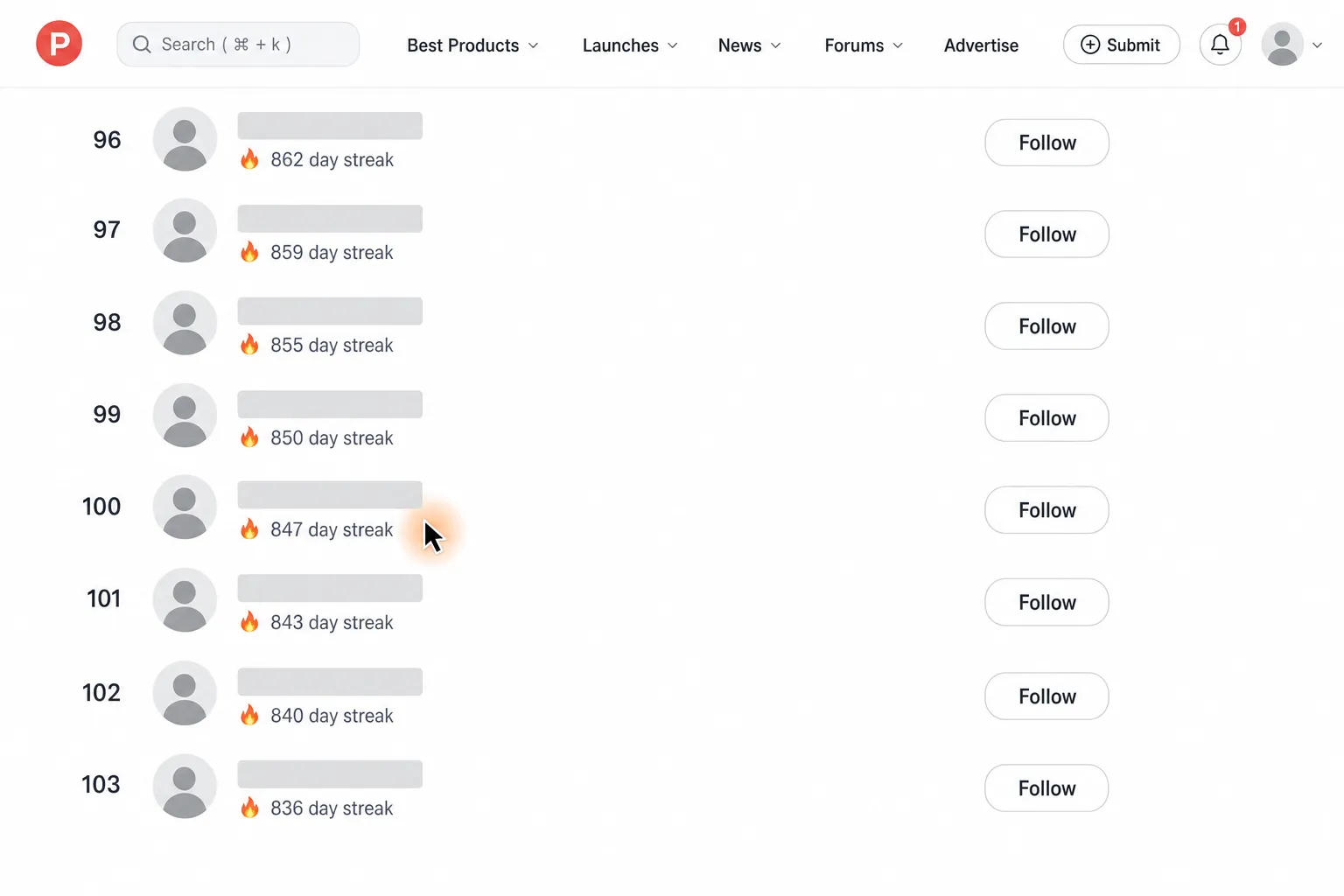
Export the loaded Product Hunt longest-streak leaderboard to CSV in Downloads


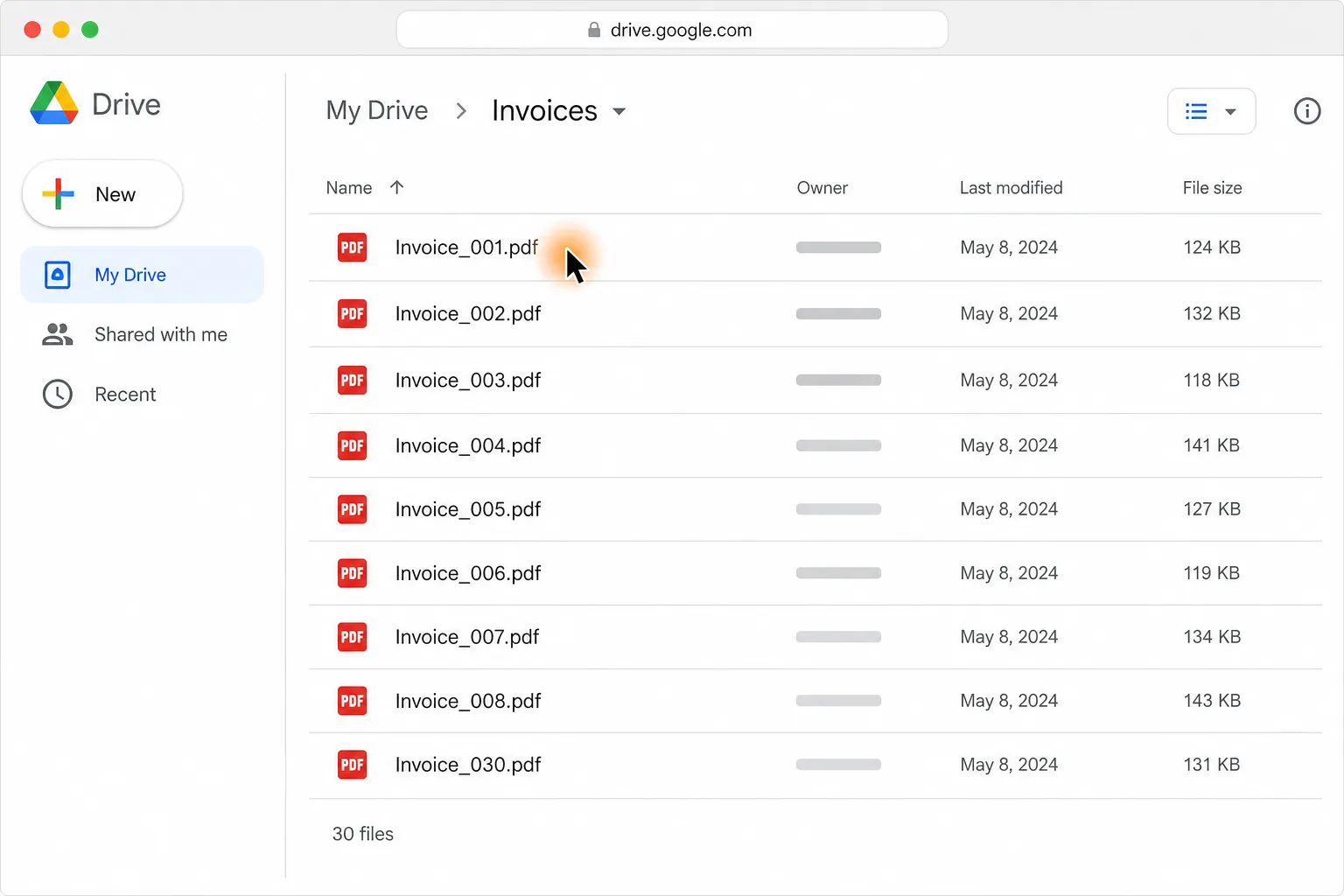
Turn 30 PDF invoices into one clean table in Google Sheets or Excel

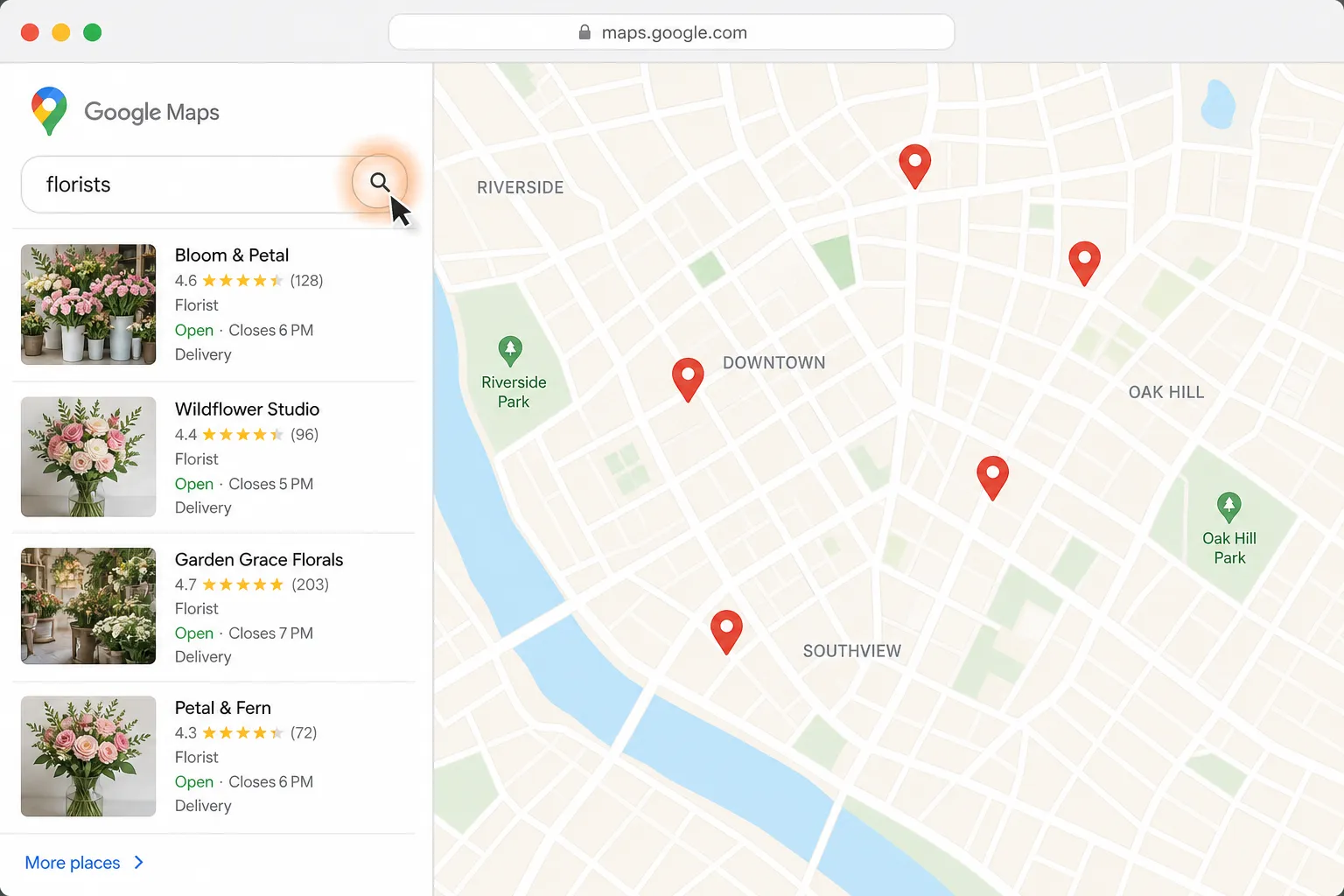
Find a florist for Thursday delivery and prepare the flower order in Gmail

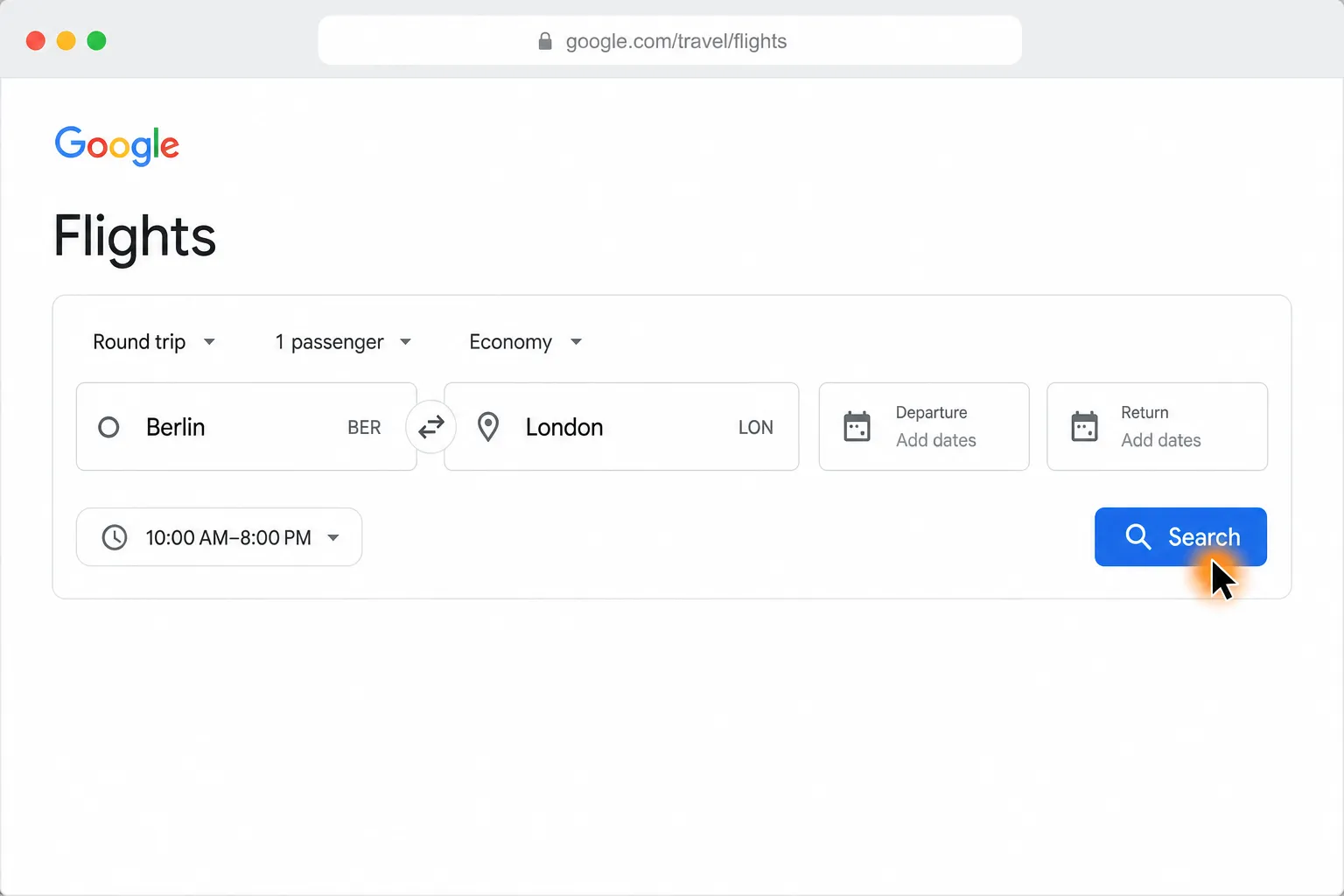
Compare Berlin to London round-trip flights and find the cheapest in your time window
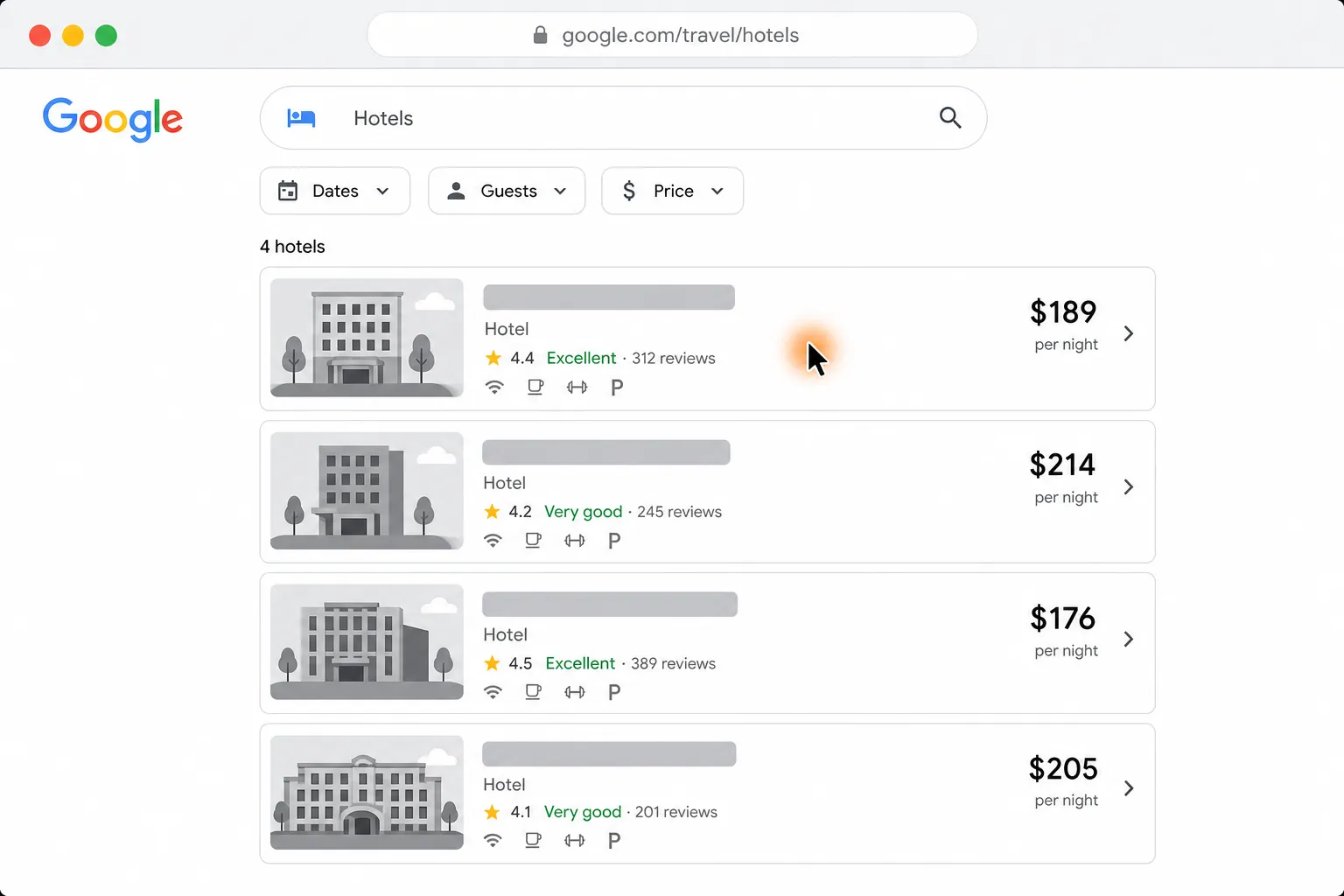
See four hotels side by side by price, location, and reviews


Shortlist five pet-friendly Paris Airbnbs under $120 a night, with links