What is a computer-use agent?
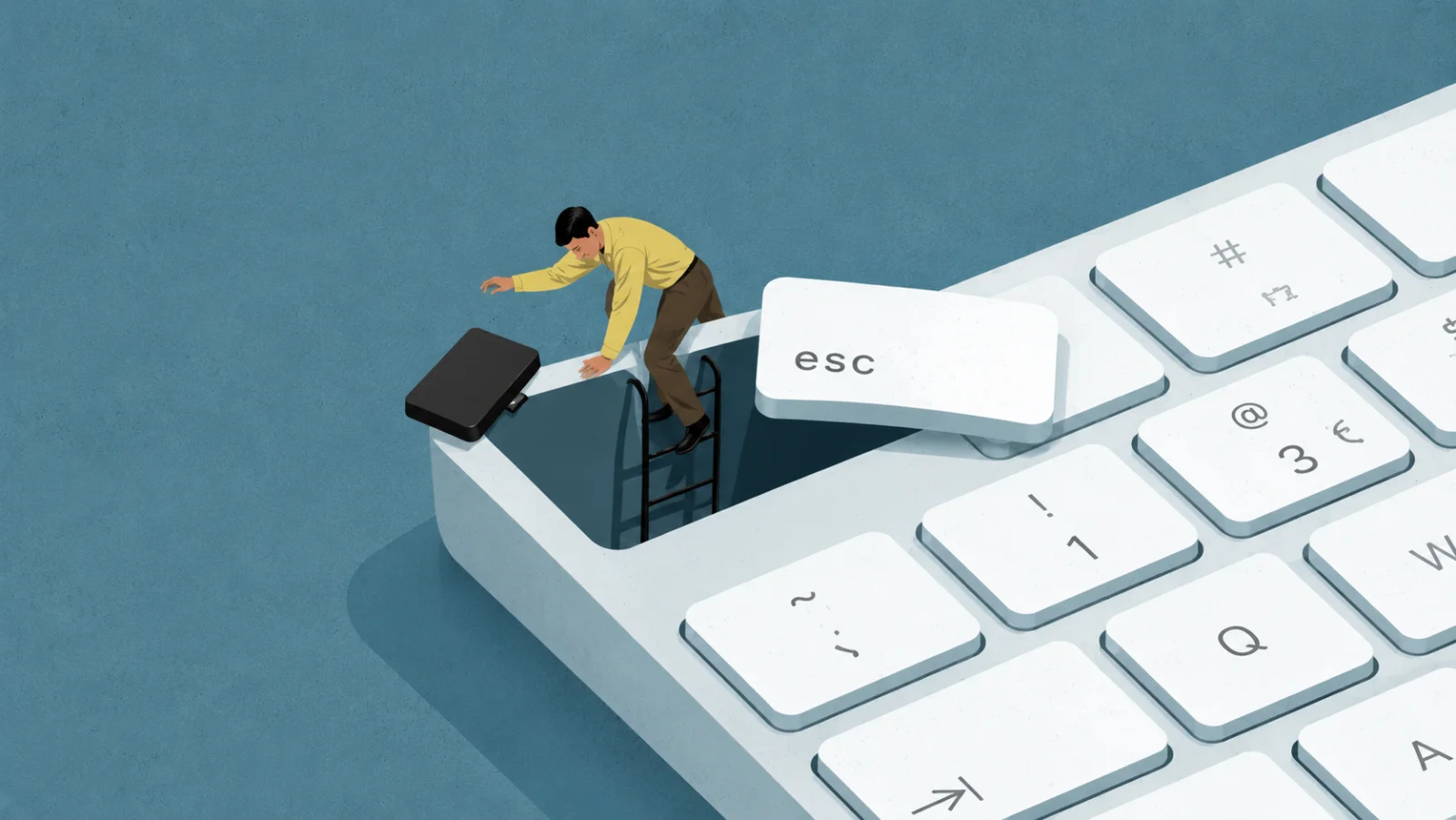
A computer-use agent is an AI that operates a computer the way a person does: it looks at the screen and controls the mouse and keyboard to carry out tasks. It perceives what is on screen, decides the next step, and acts, in a loop.
Last updated July 2026
In short
- It uses a computer like a human would, by seeing the screen and clicking and typing.
- It works in a loop: look at the screen, decide the next step, act, then look again.
- It is capable but not perfect, so human approval on important steps matters.
- Incredible uses secure app connections first and computer control as a fallback, always with your approval.
How does a computer-use agent work?
It runs a simple loop: it looks at the screen, reasons about the next step, then acts with the mouse and keyboard. After each action it looks again to see what changed, and repeats until the task is done.
This is the same approach behind the computer-use tools from companies like Anthropic and OpenAI. It lets an agent work in almost any program, because it drives the screen rather than needing a special connection to each app.
How reliable are computer-use agents?
They are improving quickly but are not perfect, which is why oversight matters. On a standard test of real desktop tasks, the best agents in 2026 have reached roughly the level of a person, but they still make mistakes: misreading the screen, moving slowly, or getting tripped up over several steps.
The makers of these tools say plainly that they should not be used for tasks needing perfect precision without a human watching. That is why the safe way to use computer control is with approvals on the steps that matter.
Is computer use the only way an AI can act?
No, and it is usually not the best one. Driving the screen is flexible, because it works in any app, but it is slower and less reliable than a direct connection. When an app offers a secure connection, an agent that uses it will be faster and make fewer mistakes.
The most capable agents combine both: they use direct app connections where they exist, and fall back to controlling the screen only when there is no other way.
| Screen control | Direct connection | |
|---|---|---|
| Works in | Almost any app | Apps that offer a connection |
| Speed | Slower | Faster |
| Reliability | Lower, it can misread the screen | Higher, it is structured |
How is Incredible an example?
Incredible can use your computer directly, and it chooses the safer path first. Where an app offers a secure connection, and 3,000+ apps do, Incredible uses that, because it is faster and more reliable than clicking around the screen. When a task has no such connection, it can read the screen and use the keyboard and mouse.
Because computer control is not perfect, Incredible asks before it sends, changes, or deletes anything, and keeps an audit trail of what it did. That approval step is the answer to the reliability limits every computer-use agent shares.
Questions, answered
Is a computer-use agent safe?
It is safe when it is used with oversight. Computer-use agents are not perfect and can misread the screen, so the makers of these tools recommend human approval for anything important. Incredible asks before consequential actions and keeps an audit trail.
Do I need coding skills to use one?
No. You describe what you want in plain words. With Incredible you say it out loud, and it handles the steps.
Is a computer-use agent the same as screen scraping or RPA?
No. Older automation replays fixed, scripted clicks and breaks when the screen changes. A computer-use agent reasons about what is on screen and adapts. Incredible goes further by preferring secure app connections and using screen control only as a fallback.
What happens if it makes a mistake?
That is what the approval step is for. Incredible pauses for your okay before it sends, changes, or deletes anything, so you can catch a wrong step before it happens, and the audit trail records what it did.
How good are computer-use agents in 2026?
On a standard test of real desktop tasks, the best agents in 2026 have reached roughly the level of a person, a big jump from a year earlier. They are genuinely useful, but still make mistakes, which is why human approval on important steps matters.
Can a computer-use agent work in any app?
Because it drives the screen, it can work in almost any app, even ones with no special connection. The trade-off is that screen control is slower and less reliable than a direct connection, so Incredible uses connections first and screen control as a fallback.
See it work across your apps.
Download Incredible for Mac or Windows, or see what it can do.