Baixar para Mac
 Baixar para Windows
Moving Beyond Dictation: The Future of Work Through AI Voice Agents
Every dictation tool makes the same pitch: voice is faster than typing, and it's the most natural way humans communicate. They're right on both counts. So why is voice only allowed to touch the words?
 Yesith ThomasLíder de Marca e Web
Why dictation is fundamentally limited

Speech in, text out. That's the whole job.
And it does that job well. Stanford and University of Washington researchers measured speech input at 161.2 words per minute against 53.46 for typing. Three times faster, exactly as advertised.
Which means dictation only exists at one moment in your work: the second after you've decided what to do, found the right app, opened the right thread, put your cursor in the right field, and worked out the exact words that belong there. It arrives at the end of the thinking and leaves before the doing starts.
One point in a flow with a lot of points.
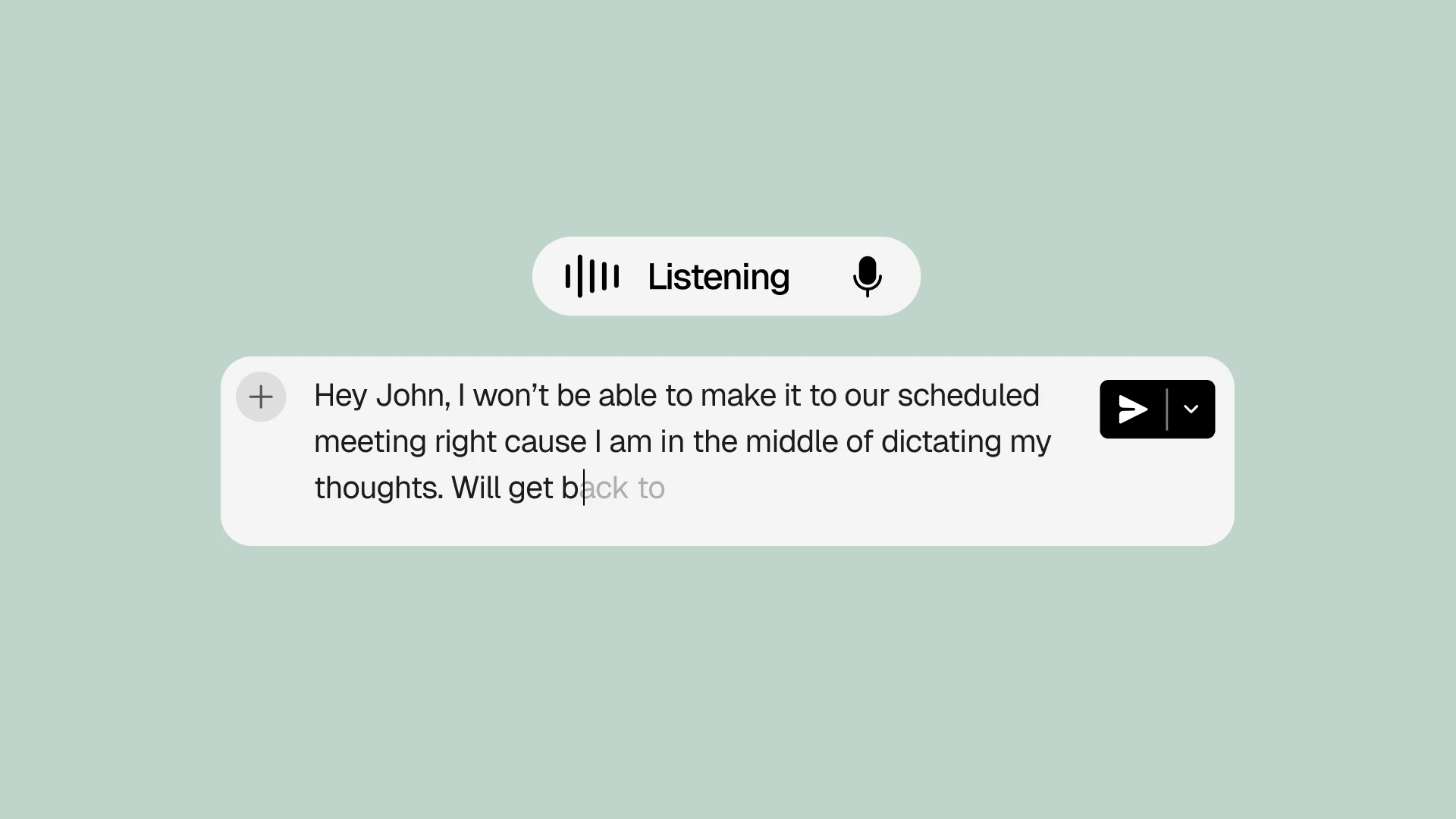
Say you want to push a meeting with Sarah to Thursday. You open her thread, dictate "Thursday works better for me," send it, open the calendar, find the event, move it, update the invite. Seven moves. Dictation was present for one of them, and it was the one that was already easy.
Better models won't change the shape of that. A transcription engine can't see what's on your screen, doesn't know who Sarah is, and has no concept of a calendar. Perfect accuracy still leaves you every other point in the flow.
Voice AI agents cover the whole flow
A voice AI agent doesn't wait for you to arrive at a text field. You say what you want done, and it handles the points in between: finds the thread, moves the meeting, updates the invite, drafts the reply for your approval.
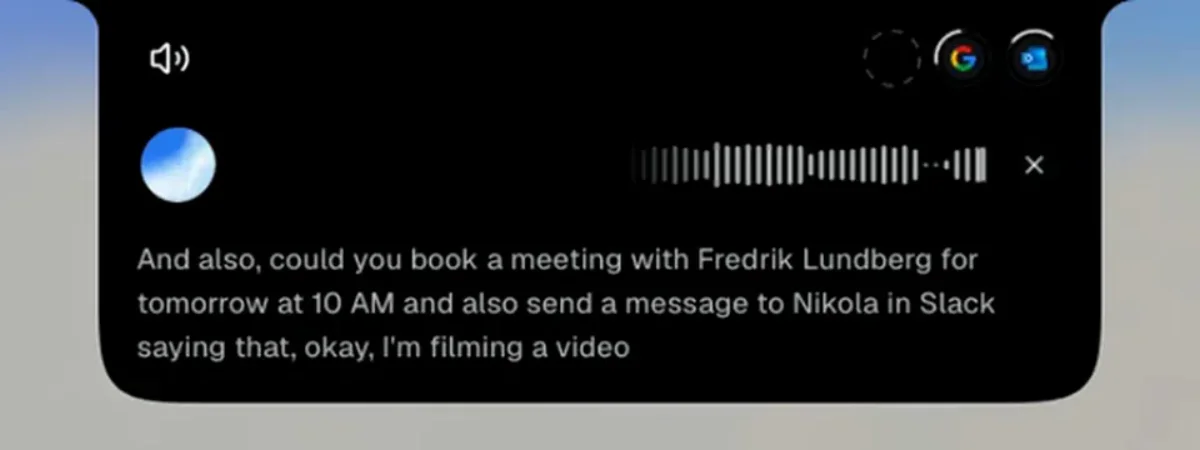
The Sarah task again. Seven moves with dictation. With an agent, one sentence:
"Tell Sarah Thursday works better and move the meeting."
That matters because the moves between apps are where your day goes. Harvard Business Review tracked employees switching between apps and websites around 1,200 times a day, losing just under four hours a week to reorienting after the switches. Microsoft's workplace data shows the same pattern: interruptions roughly every two minutes during core hours. Dictation never touched that cost.
And speech turns out to be the right way to hand work over, because it's how you already do it. You don't give a colleague click-by-click instructions. You give a goal, some context, an exception to watch for, and what done looks like, all in one breath:
"Go through this spreadsheet, drop the duplicate companies, clean up the job titles, and give me the 50 accounts most relevant for enterprise sales."
Nine seconds of speaking. Try writing that as a typed prompt and you'll spend ten minutes tidying it. That kind of instruction was useless to a computer until now. Not because microphones were bad, but because nothing on the other end understood. Now something does.
So the same sentence that used to be gibberish to a transcription engine becomes a completed task. You stay in the document you were writing. The work leaves your head without your attention following it.
What this looks like in practice
This isn't a future-tense argument. At CellMark, a global trading company rolling out personal AI across Sweden, France and the United States, Charlotta Antebro of the company's AI Taskforce runs exactly this kind of task by voice: she asks Incredible to merge two reports, flag everyone with overdue training, and draft the reminder emails. "It drafts it, I approve it, and then it sends," she says, and while it works, she does other things.
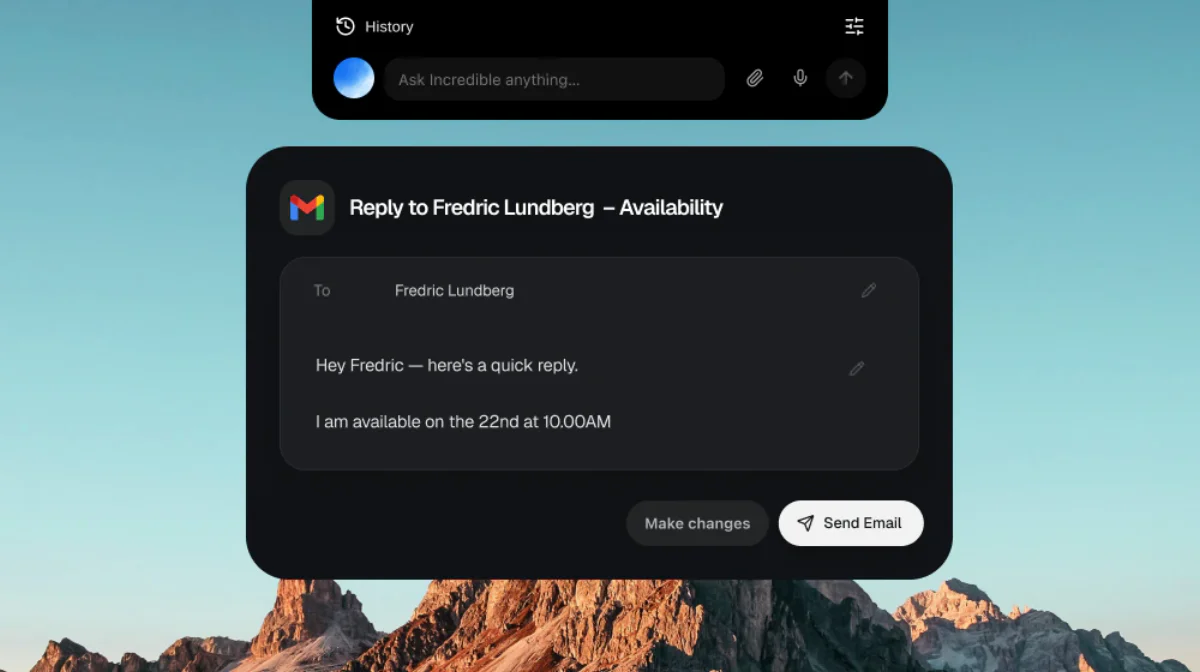
Notice the shape of that. One spoken request, three apps' worth of work, and a human approval before anything goes out. The task ran without her attention following it, which is the whole argument of this article happening at a desk in production, not in a demo.
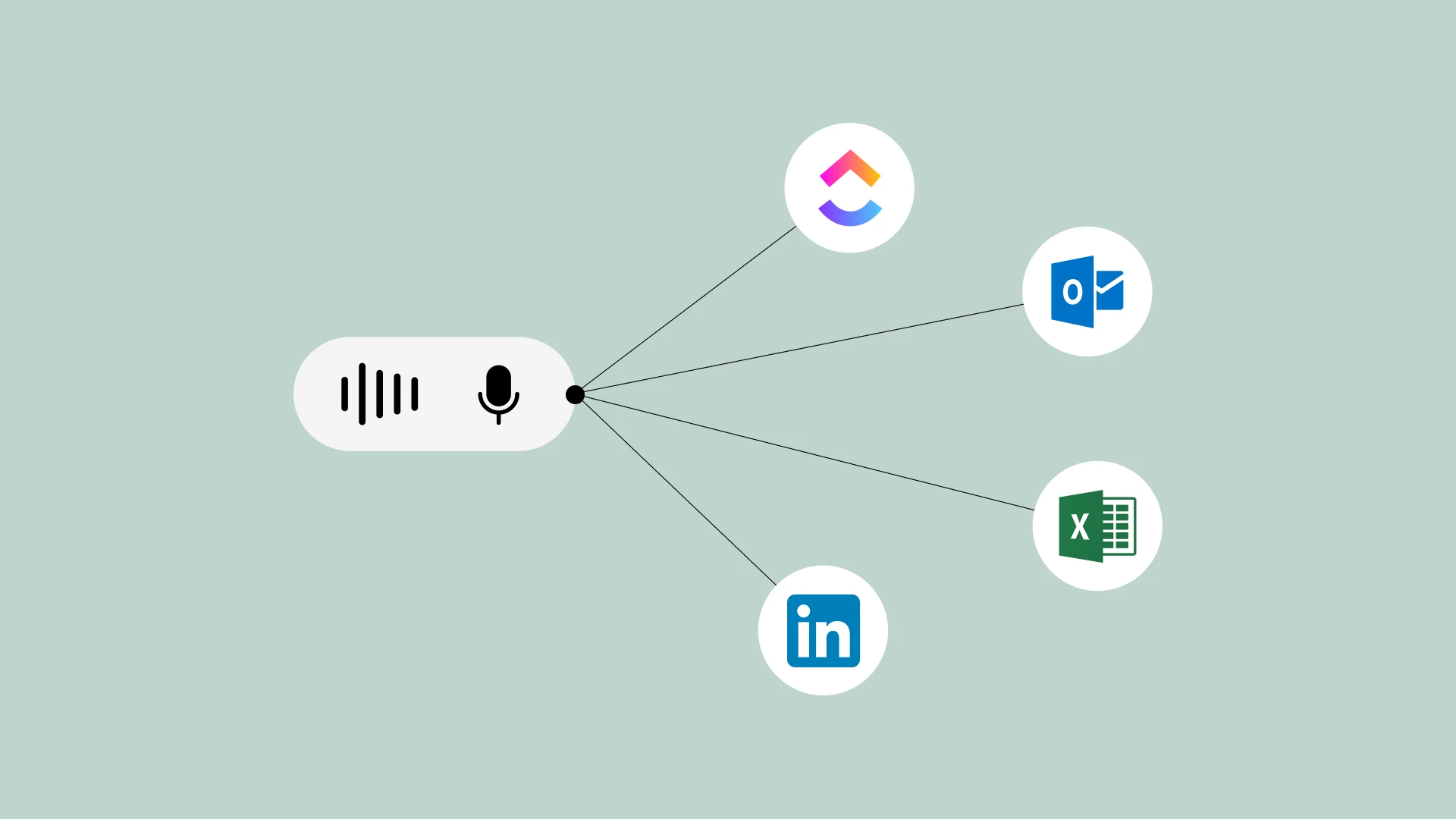
CellMark's team goes a step further with repetitive workflows like order entry: an employee records themselves doing a task once, talking through it, and Incredible learns it well enough to run it on its own afterwards. The people who do the work are the ones teaching it, with no IT backlog in between.
The real unlock is staying with the work
Run the math on what that removes. Four hours a week of reorienting is a working month a year, and the cost isn't only time: interrupted work makes people compensate by working faster, and they pay for it in stress and frustration. None of that gets fixed by better input. It gets fixed by not leaving.
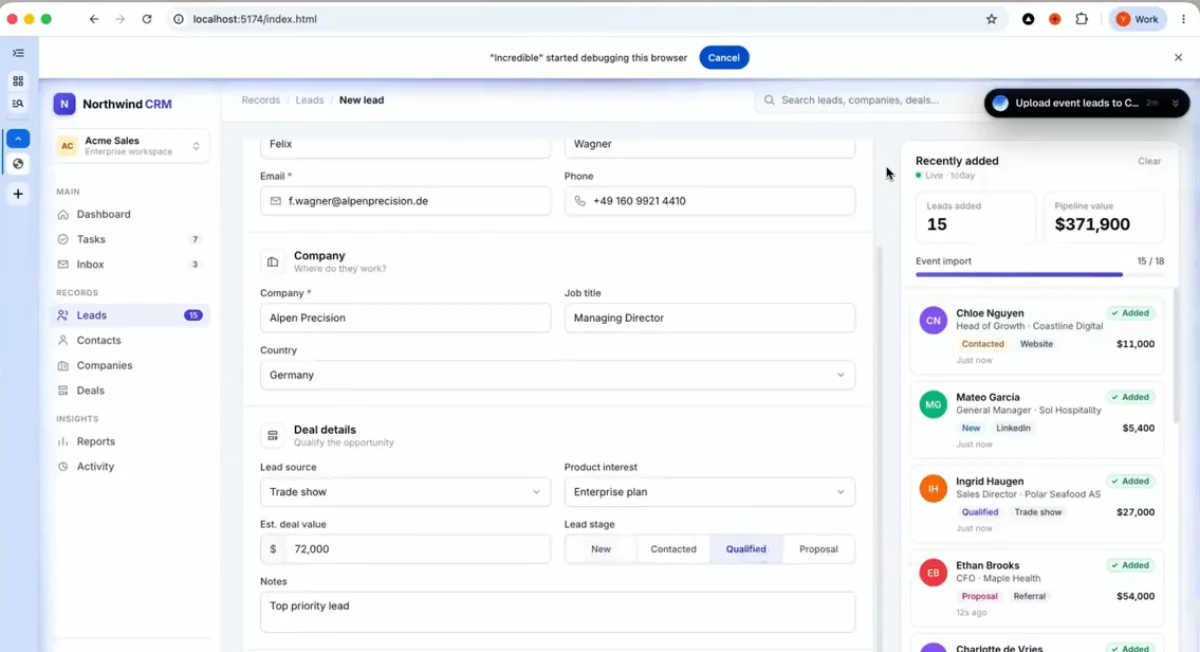
Notice speed has nothing to do with it. An agent could be slower than you at every individual step and you'd still come out ahead, because the expensive part was never the steps. It was the leaving and coming back.
This also changes what being good with a computer means. For forty years it meant operating software well: knowing where the function hides, which filter to set, how to move data between two tools that don't talk to each other. When an agent handles that layer, what's left is the part that was always worth more. Deciding what needs doing. Giving the right context. Checking the result. Instead of "open the CRM, filter these accounts, export, compare against this sheet," you start at "tell me which of our big customers have gone quiet, and what changed."
The name for this is vibe computing: describing the outcome you want and letting AI handle the execution. The old chain was speech to text. The new one is speech, understanding, task, action.
Incredible brings vibe computing to life
Incredible is a context-aware voice AI for Mac and Windows built on the new chain. It sees what's on your screen, works across your files and browser, and reaches into the apps you already use.
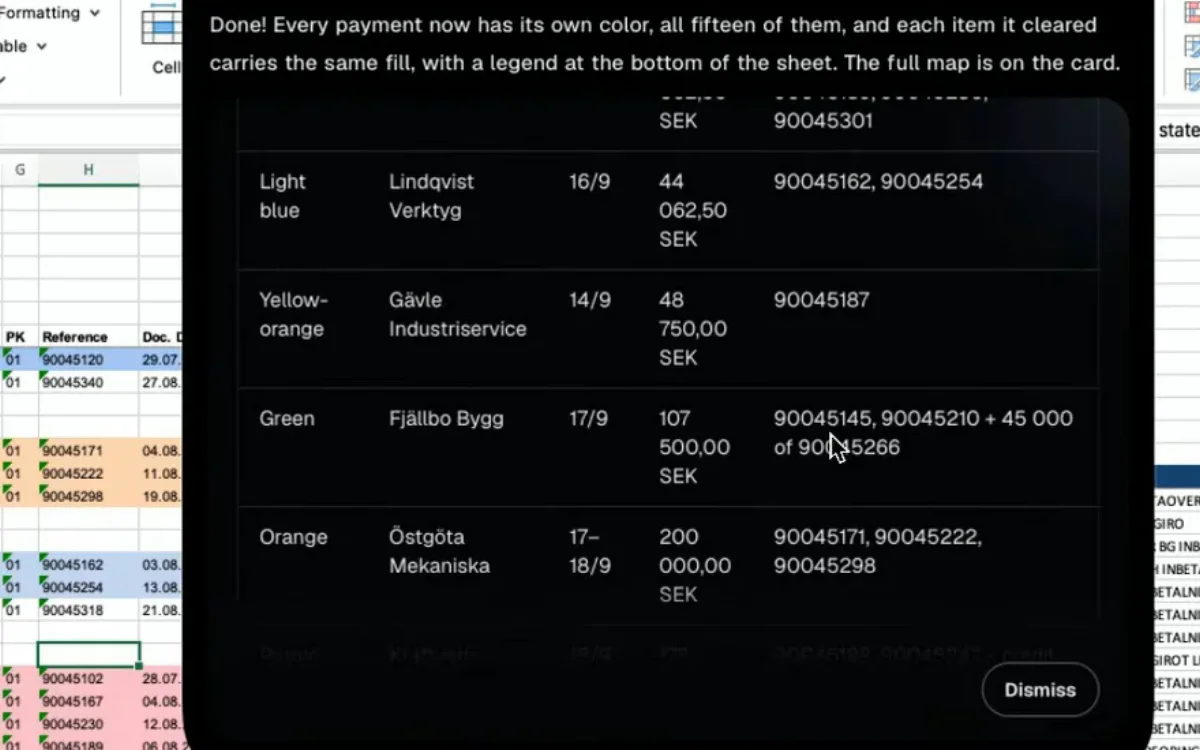
In practice that looks like the examples above. Reschedule the meeting and tell Sarah, in one sentence, without leaving your document. Clean the spreadsheet and pull the 50 accounts, briefed the way you'd brief a colleague. Ask which customers went quiet and get an answer instead of an afternoon of filters and exports.
You talk, it does, and you stay in the loop on anything consequential. Nothing gets sent, changed or deleted without you seeing it first.
Not a voice assistant. Task AI you can talk to.
Voice typing made it easier to put words into a computer. Incredible makes it possible to give a computer work.
Try Incredible on Mac or Windows
Sources
[1] Sherry Ruan, Jacob O. Wobbrock, Kenny Liou, Andrew Ng & James Landay. Speech Is 3x Faster than Typing for English and Mandarin Text Entry on Mobile Devices. Stanford University / University of Washington, 2016. hci.stanford.edu/research/speech/paper/speech_paper.pdf
[2] Rohan Narayana Murty, Sandeep Dadlani & Rajath B. Das. How Much Time and Energy Do We Waste Toggling Between Applications? Harvard Business Review, August 29, 2022. hbr.org/2022/08/how-much-time-and-energy-do-we-waste-toggling-between-applications
[3] Microsoft. Breaking Down the Infinite Workday. Microsoft WorkLab, June 17, 2025. microsoft.com/en-us/worklab/work-trend-index/breaking-down-infinite-workday
[4] Gloria Mark, Daniela Gudith & Ulrich Klocke. The Cost of Interrupted Work: More Speed and Stress. CHI, ACM, 2008. DOI: 10.1145/1357054.1357072. doi.org/10.1145/1357054.1357072
Perguntas frequentes
What is a voice AI agent?
A voice AI agent is an AI system that understands a spoken request, uses the context around it, and takes action to complete the task. It produces a finished outcome, not a transcript. The term is also used for phone-based agents that handle customer calls, which is a separate category.
What's the difference between a voice AI agent and dictation?
Dictation converts speech to text and leaves every other step of the task to you. A voice AI agent works from what you want done and handles the steps across your apps, with your approval on anything consequential.
Why speak instead of typing the request into an AI chat?
A chat window is another app to switch to, which is the cost you were trying to avoid. A screen-aware agent also understands words like "this" and "these" without you describing the context, and speech makes it cheap to add the caveats you would spend minutes editing into a typed prompt.
What is vibe computing?
Vibe computing means describing the outcome you want and letting AI handle the execution, instead of operating software step by step. Voice AI agents are the most natural way to do it, because speaking is how people already delegate work.
What can't voice AI agents do well?
Short precise actions you already have a shortcut for, edits inside a single app, and anything you'd rather not say out loud in a shared space. Irreversible actions should always route through human approval.