Mac için indir
 Windows için indir
Incredible for teams: set it up once, and everyone has it
Share a saved task, a file or the words your company uses once, and Incredible uses it for everyone on your team, including the people who join later.
 Emil WagmanCTO
Share it once
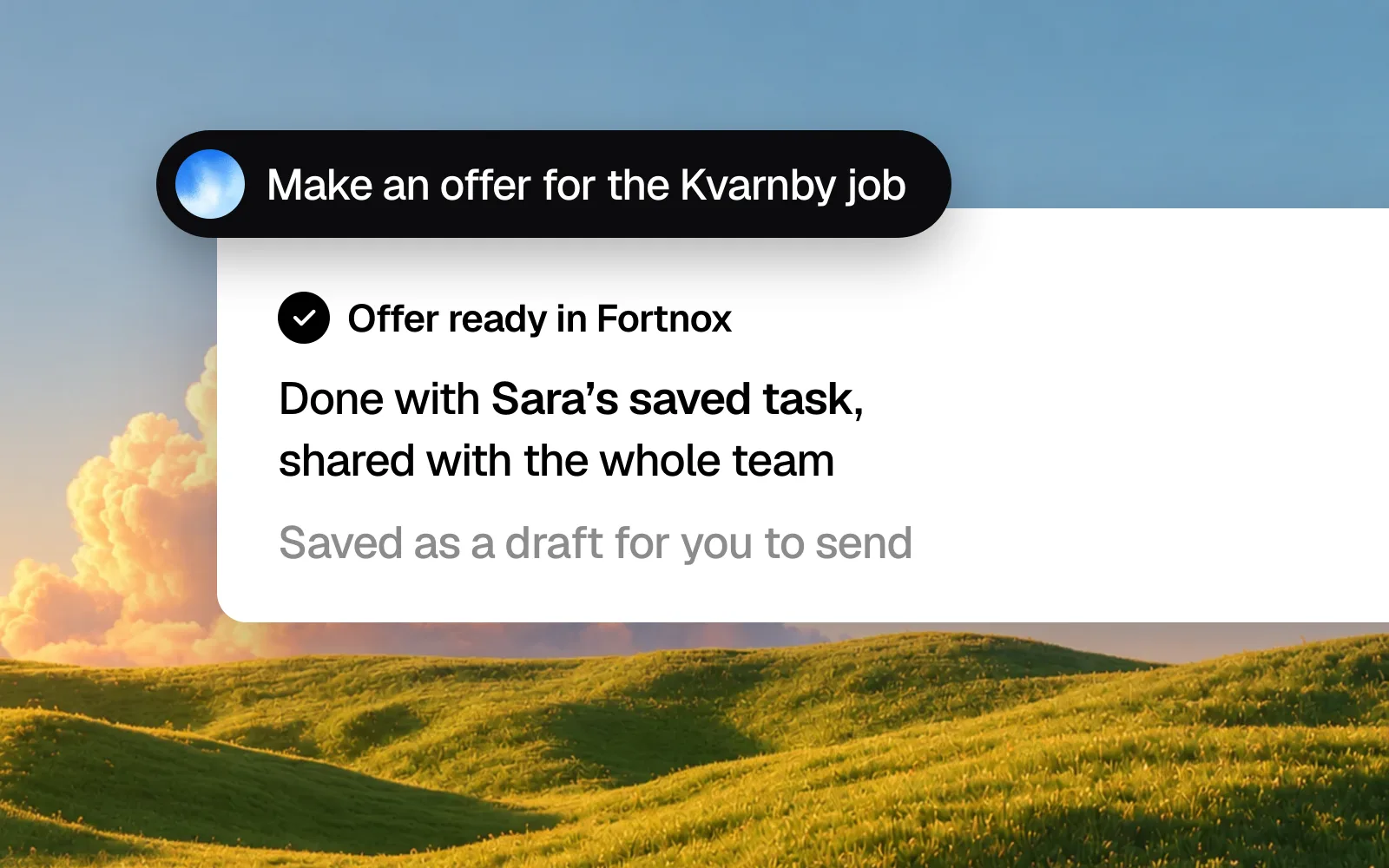
The person on your team who knows how a job is done teaches Incredible once. Creating an offer in Fortnox, booking a service visit, logging a sales call in HubSpot. The same goes for what Incredible should know: the price list, the offer template, how you write to clients. And for the words your company uses, so product and customer names come out right when anyone dictates.
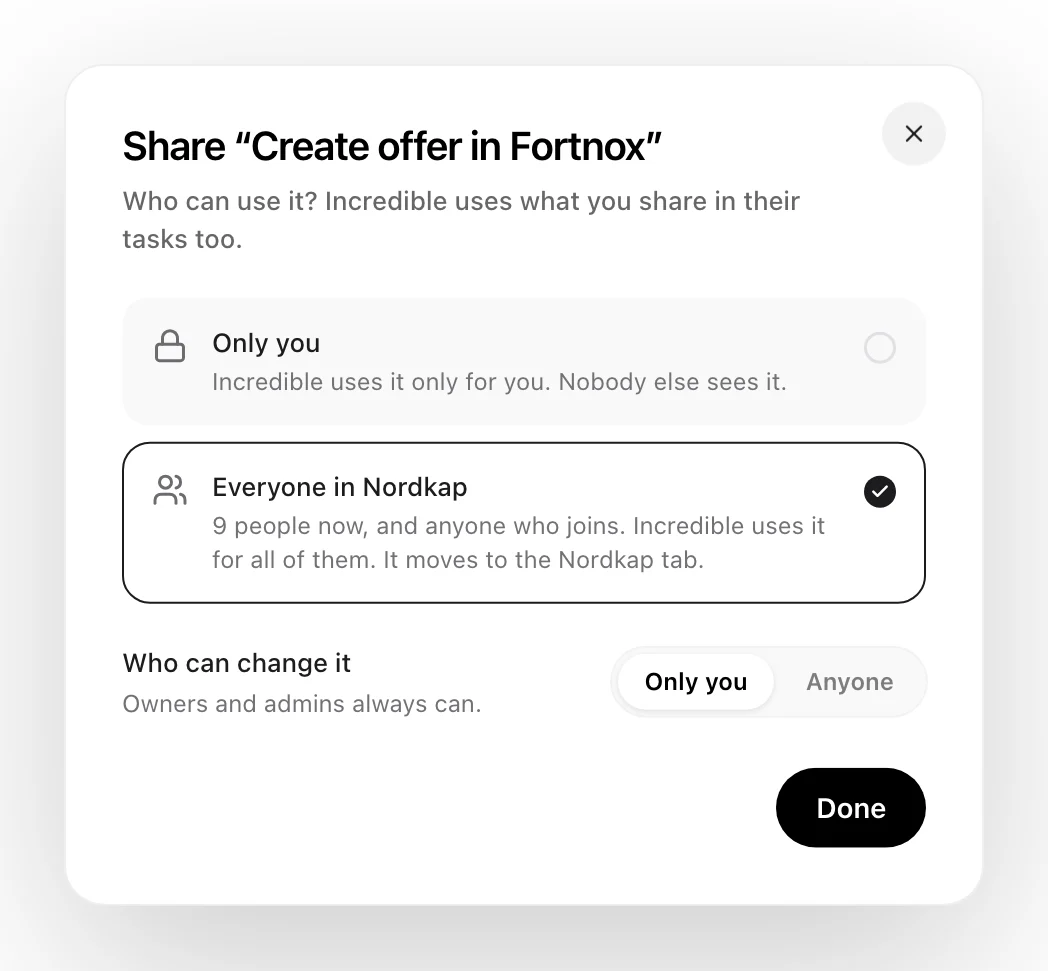
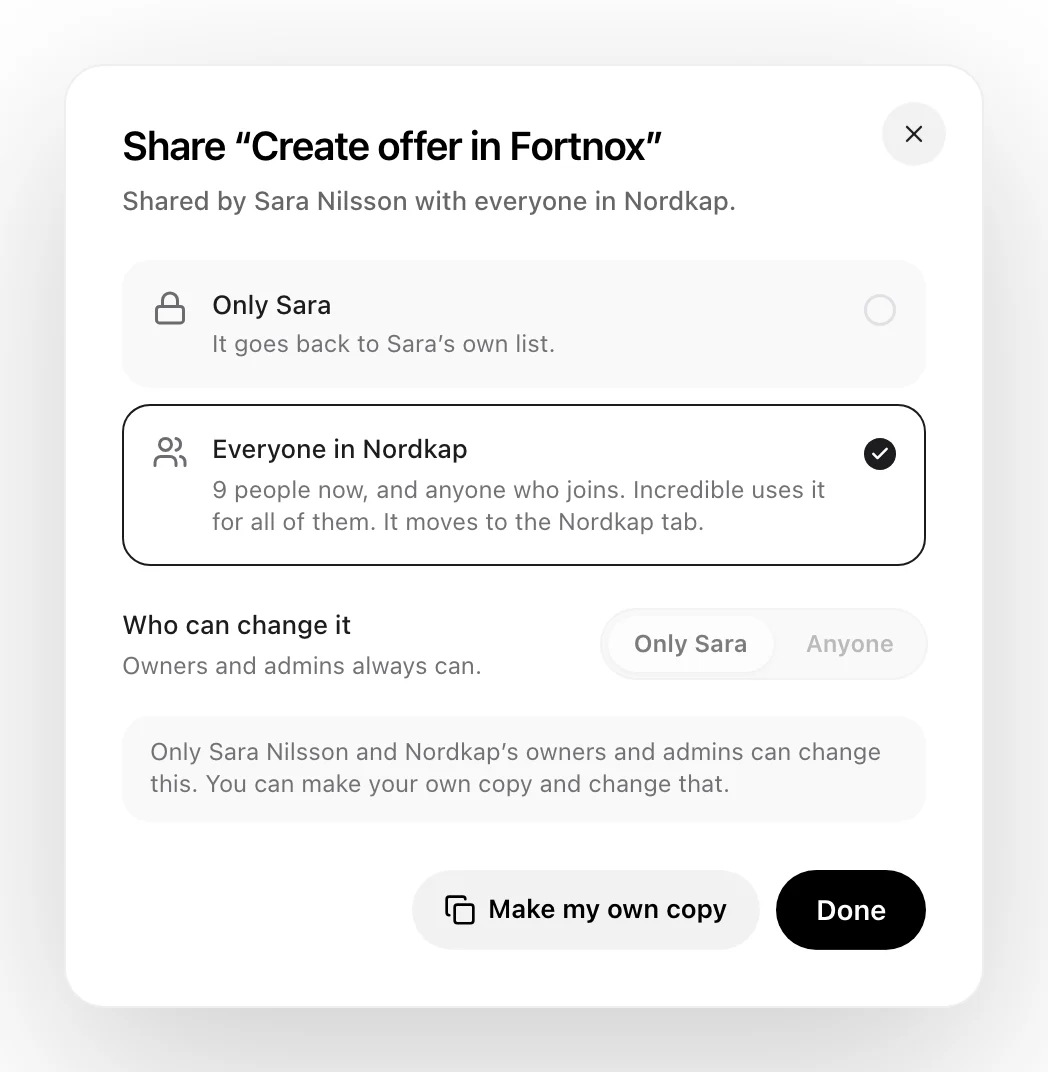
Open Share on any saved task or file and pick Everyone in your team. Incredible uses it for all of them from that moment, and for anyone who joins later.
Everyone has it the same day
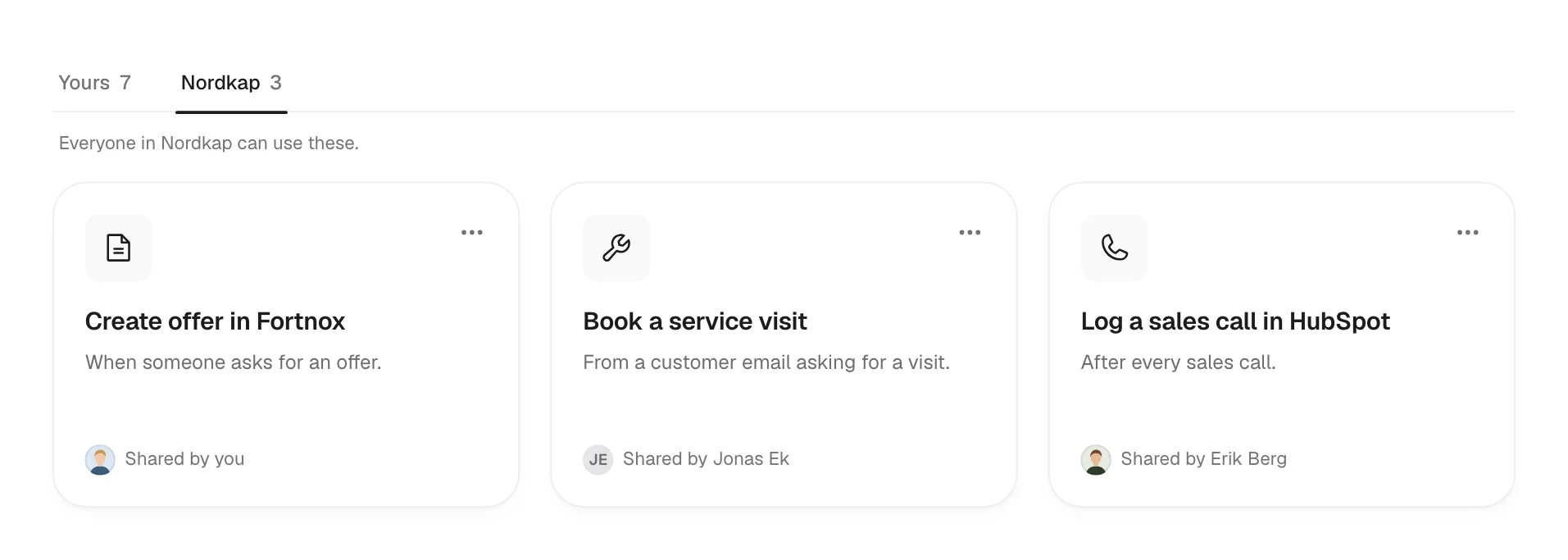
Your colleagues find it on the team tab next to their own, with the name of the person who shared it. Nobody has to set anything up. They ask for an offer, and Incredible does it the way your team does it.
By default, only the person who shared something, and your team's owners and admins, can change it. Switch Who can change it to Anyone when the whole team should keep it up to date. Everyone else can make their own copy and change that.
The apps and the schedule come along
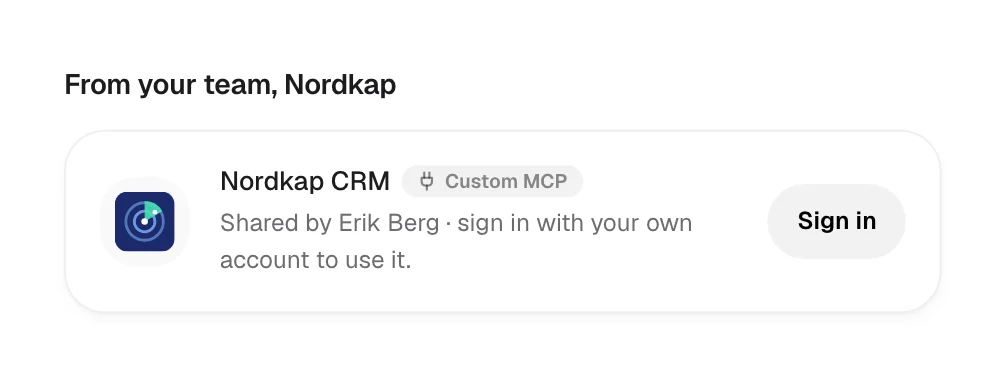
Connect a tool your company built, like your own CRM, and share it. It shows up for everyone under From your team. Each person signs in with their own account, so Incredible works as them, with their own access.
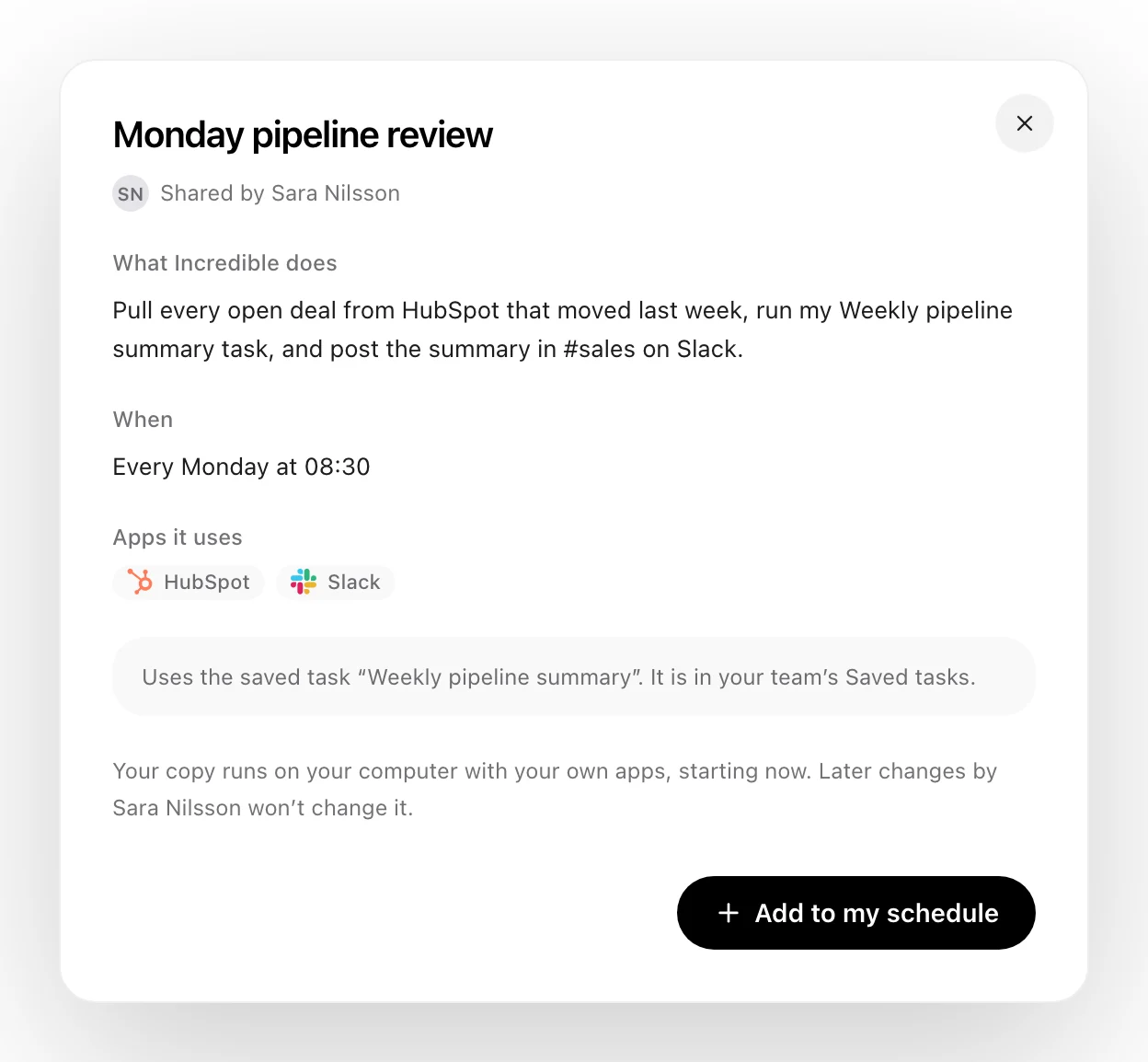
Share a scheduled task, like a pipeline review every Monday at 08:30, and each colleague adds it to their own schedule with one click.
Bring your team in
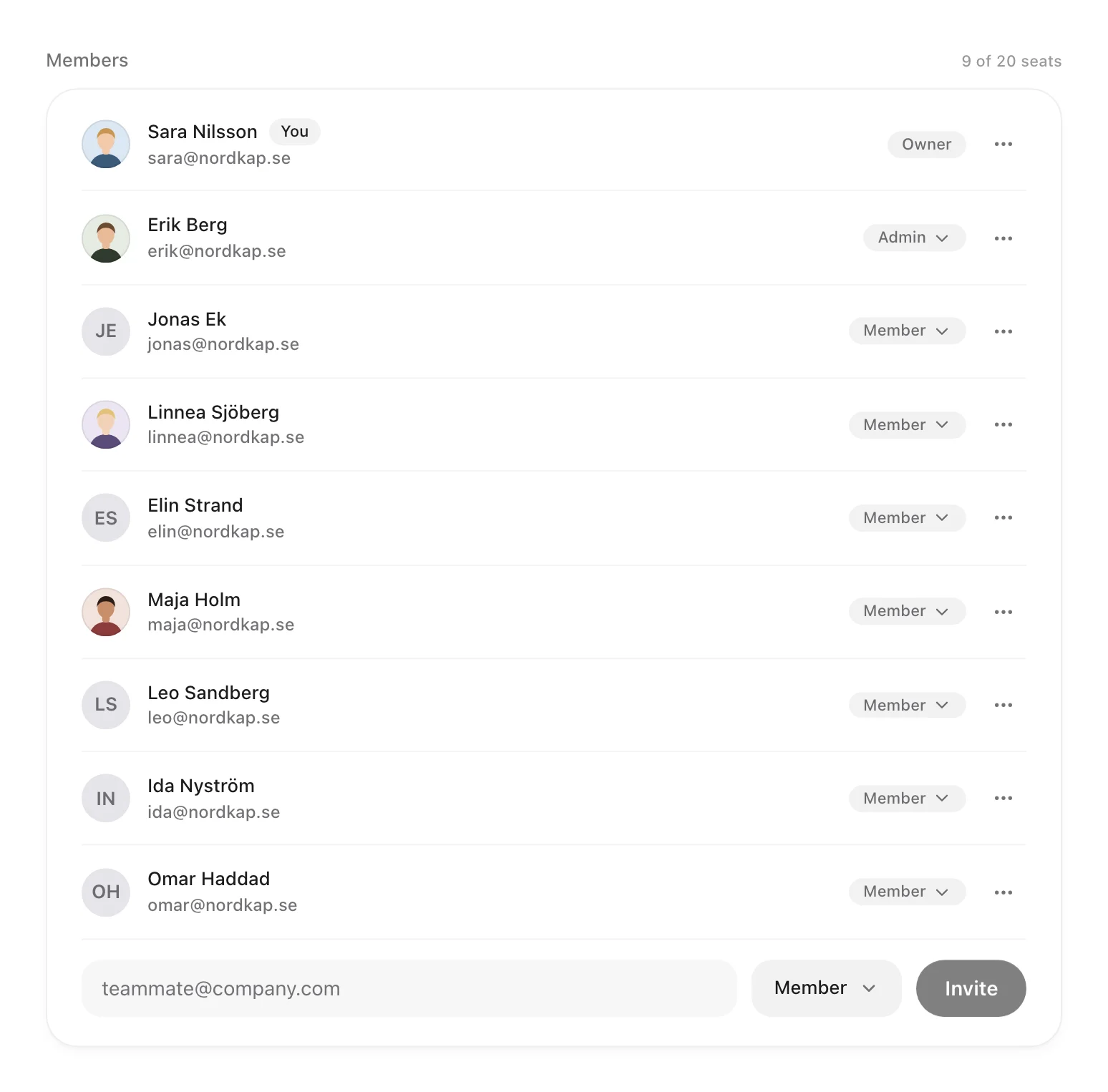
Invite colleagues by email as members or admins. You can also claim your company's email domain and decide how people join: by invitation only, by asking to join, or openly. Nobody is ever added to a team without knowing.
See what it does for the team
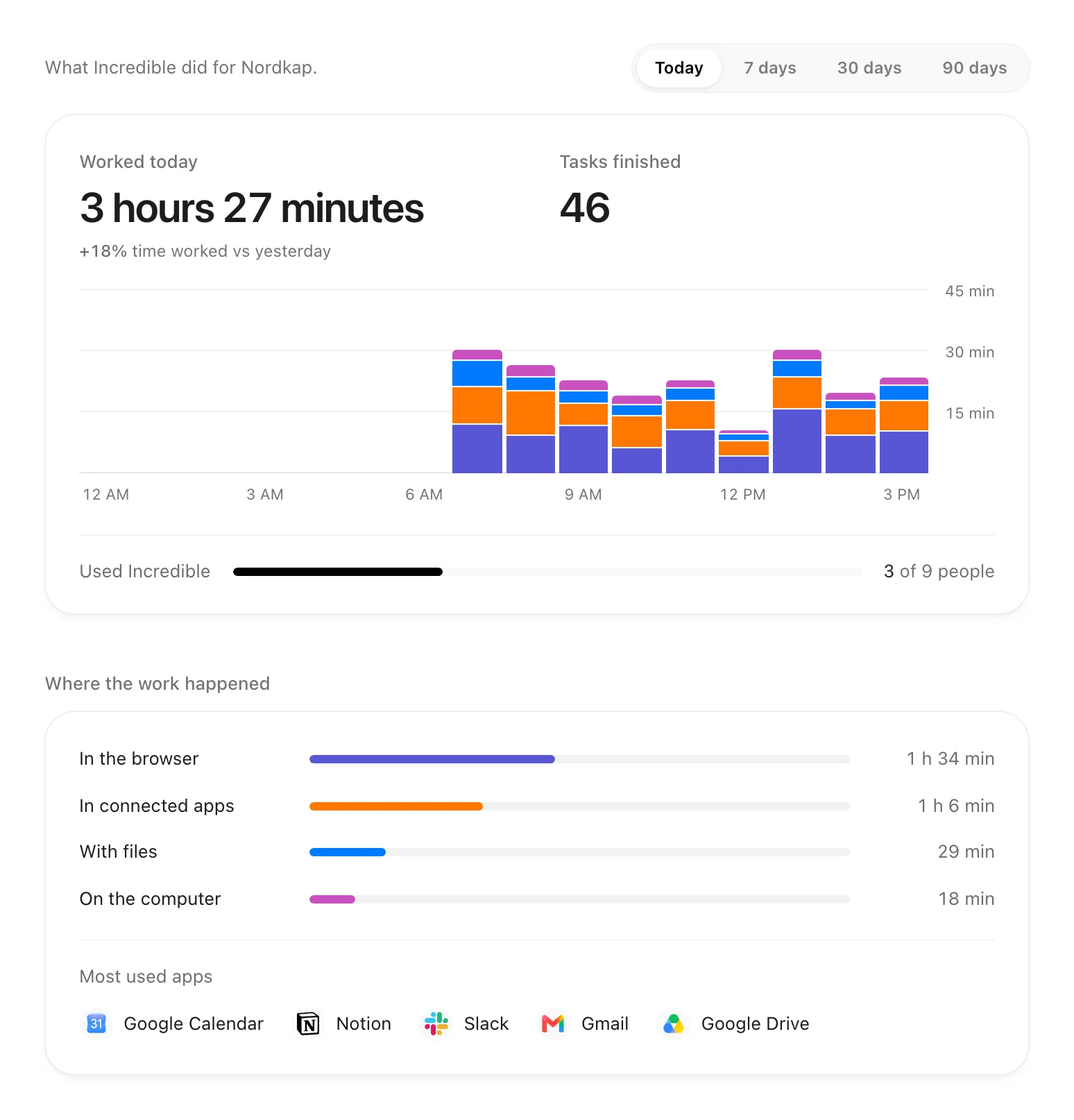
The Usage tab shows how many hours Incredible worked for your team, how many tasks it finished, where the work happened and how many people used it, for today or the last 7, 30 or 90 days.
Start a team
Open Settings in Incredible, choose Team, and create one. If you already pay for Incredible, your plan becomes the team's plan. Then share the first thing you want everyone to have.